0
balessi75 created
ABP Commercial 7.4.2 / Blazor Server / EF / Non tiered / Separate Host and Tenant DBs / Lepton Theme
Hi,
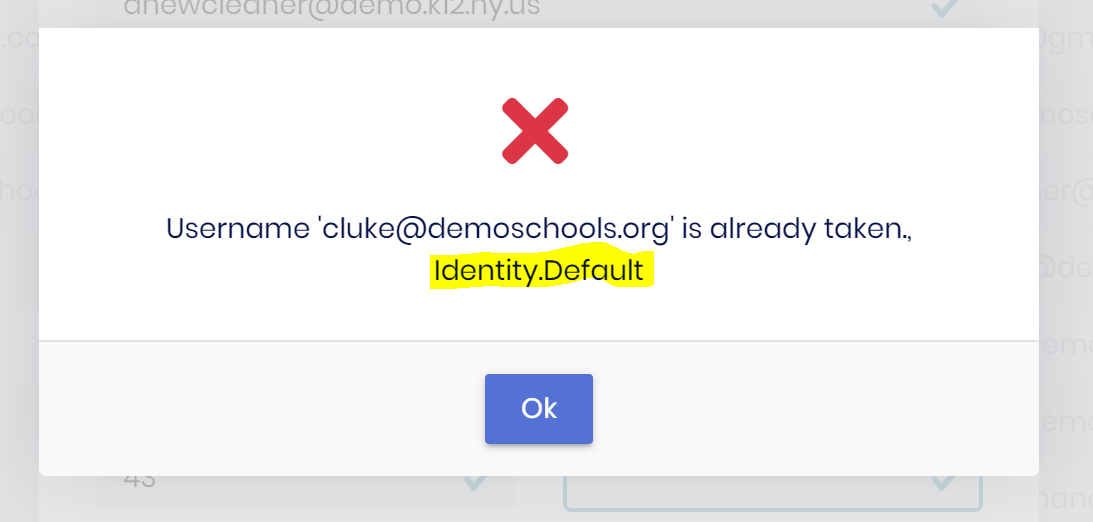
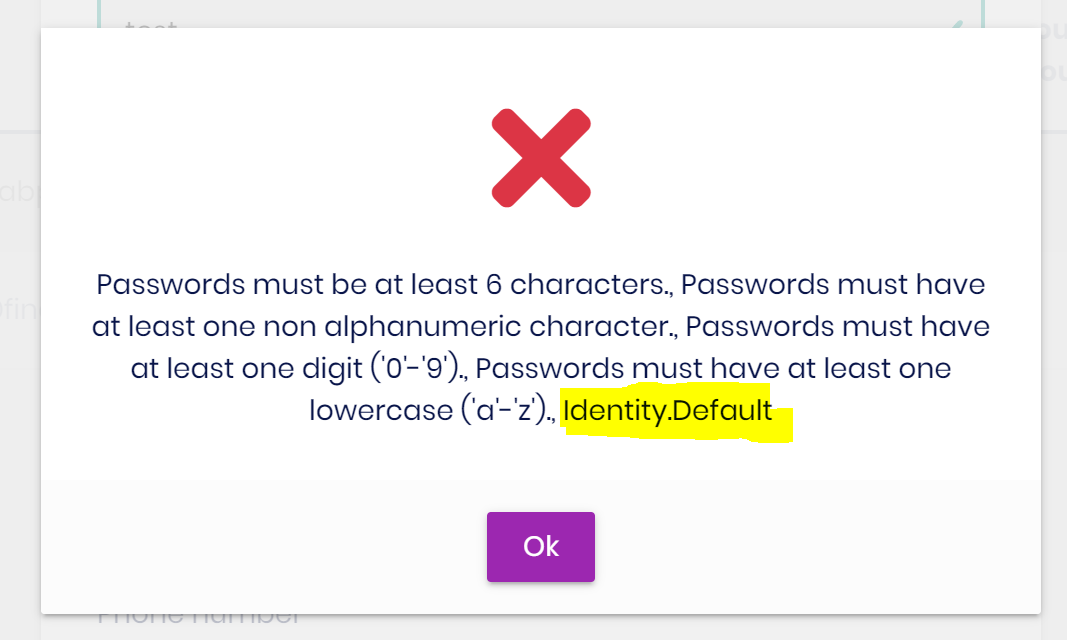
The password complexity validation message can sometimes have the text Identity.Default appended to the end of it.
Steps to reproduce:
- Change the required number of unique password characters from 1 to 5
- Attempt to add a user with a password containing 1 character
Markdown supported.
Copy, paste, or drag & drop images and files (max 100 MB per file, 100 MB total per post)
6 Answer(s)
-
0
Hi,
Thanks, I can reproduce this.
I will fix it and provide a temporary solution
Markdown supported.Copy, paste, or drag & drop images and files (max 100 MB per file, 100 MB total per post) -
0
Hi,
Because localized text is missing, You can add this in the localization file:
"Volo.Abp.Identity:PasswordRequiresUniqueChars": "Passwords must use at least {0} different characters."Configure<AbpLocalizationOptions>(options => { options.Resources.Get<IdentityResource>().AddVirtualJson("/Localization/...."); });Markdown supported.Copy, paste, or drag & drop images and files (max 100 MB per file, 100 MB total per post) -
0
https://github.com/abpframework/abp/pull/18390
Markdown supported.Copy, paste, or drag & drop images and files (max 100 MB per file, 100 MB total per post) -
0
Hi,
I will check all the missing localized text.
Markdown supported.Copy, paste, or drag & drop images and files (max 100 MB per file, 100 MB total per post) -
0
Hi,
We found another area when adding a user...
Can you share the error logs?
Markdown supported.Copy, paste, or drag & drop images and files (max 100 MB per file, 100 MB total per post)