






Hi,
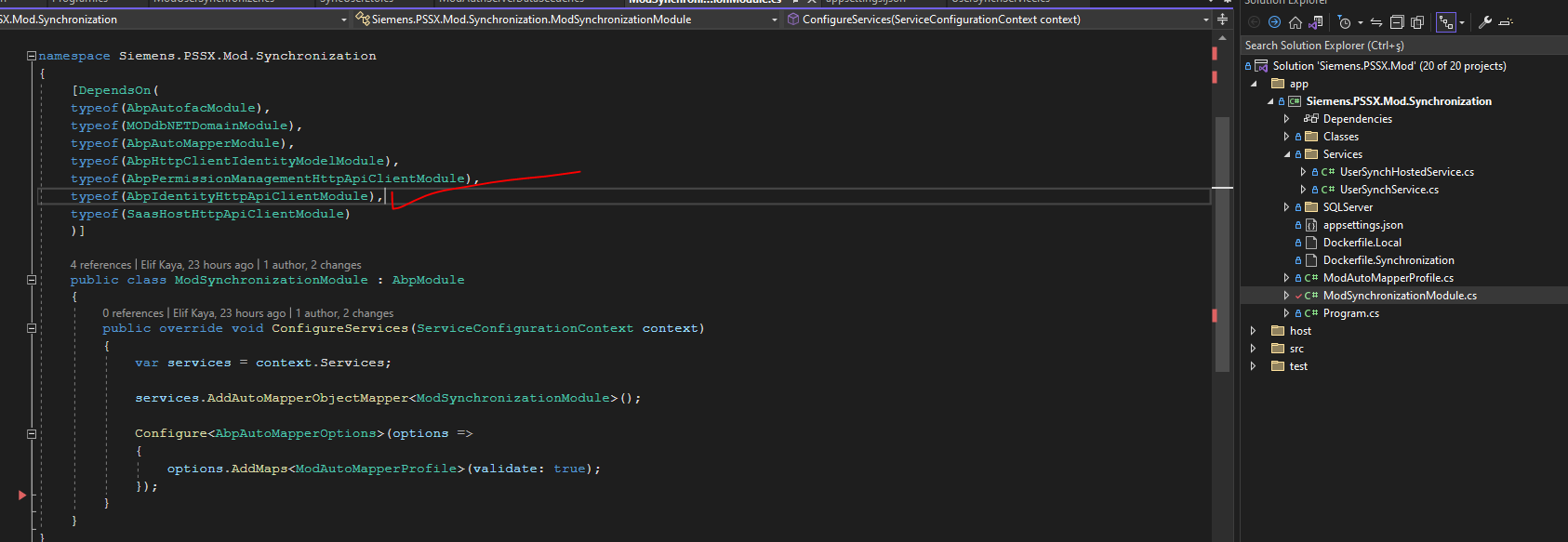
I used IIdentityRoleAppService in my console application. I used AbpIdentityHttpApiClientModule in my application module. Also I defined IdentityClients values in appsettings.json.
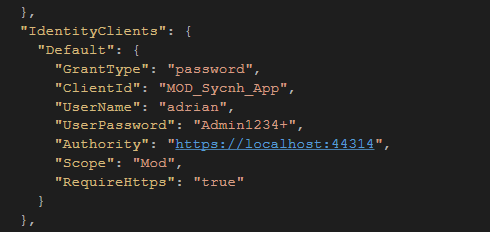
Then, I seed application information to [OpenIddictApplications] table as below.
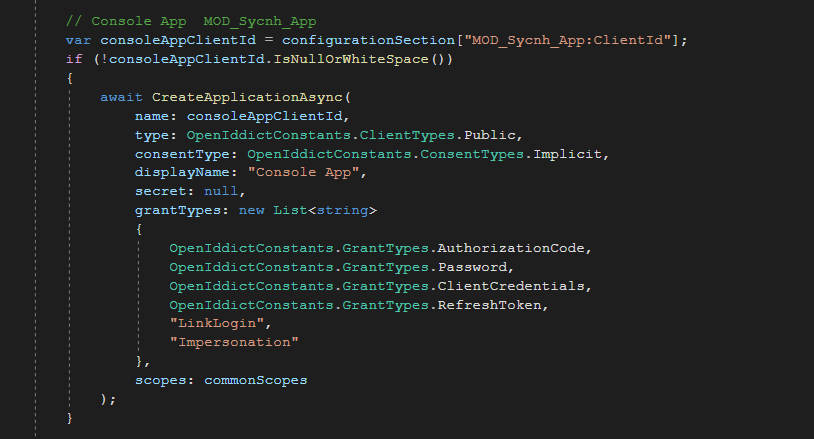
I used this application successfully in the same solution. But I want to use authserver endpoints from the another solution. But this client information just worked on the host, not tenant. I want to pass tenant name as a parameters like e userName or Password.
Can you help about it?
Thanks
Check the docs before asking a question: https://docs.abp.io/en/commercial/latest/ Check the samples to see the basic tasks: https://docs.abp.io/en/commercial/latest/samples/index The exact solution to your question may have been answered before, and please first use the search on the homepage. Provide us with the following info:
ABP Framework version: v7.3.1
UI Type: / MVC /
Database System: SQL Server,
Tiered (for MVC) or Auth Server Separated (for Angular): yes
Exception message and full stack trace:
Steps to reproduce the issue:
1 Answer(s)
-
0
Hi,
It will add the current tenant to the request header. https://github.com/abpframework/abp/blob/dev/framework/src/Volo.Abp.IdentityModel/Volo/Abp/IdentityModel/IdentityModelAuthenticationService.cs#L303
You can try:
using(currentTenant.Change(tenantId))
{
    identityRoleAppService.....
}
Markdown supported.Copy, paste, or drag & drop images and files (max 100 MB per file, 100 MB total per post)


