- ABP Framework version: v8.0.0
- UI Type: Blazor WASM
- Database System: EF Core (SQL Server)
- Tiered (for MVC) or Auth Server Separated (for Angular): yes
We are facing multiple issues with the Microservice templates. We have reviewed many articles but didn’t get proper documentation for the same. We found that multiple users already faced those issues. These are given below.
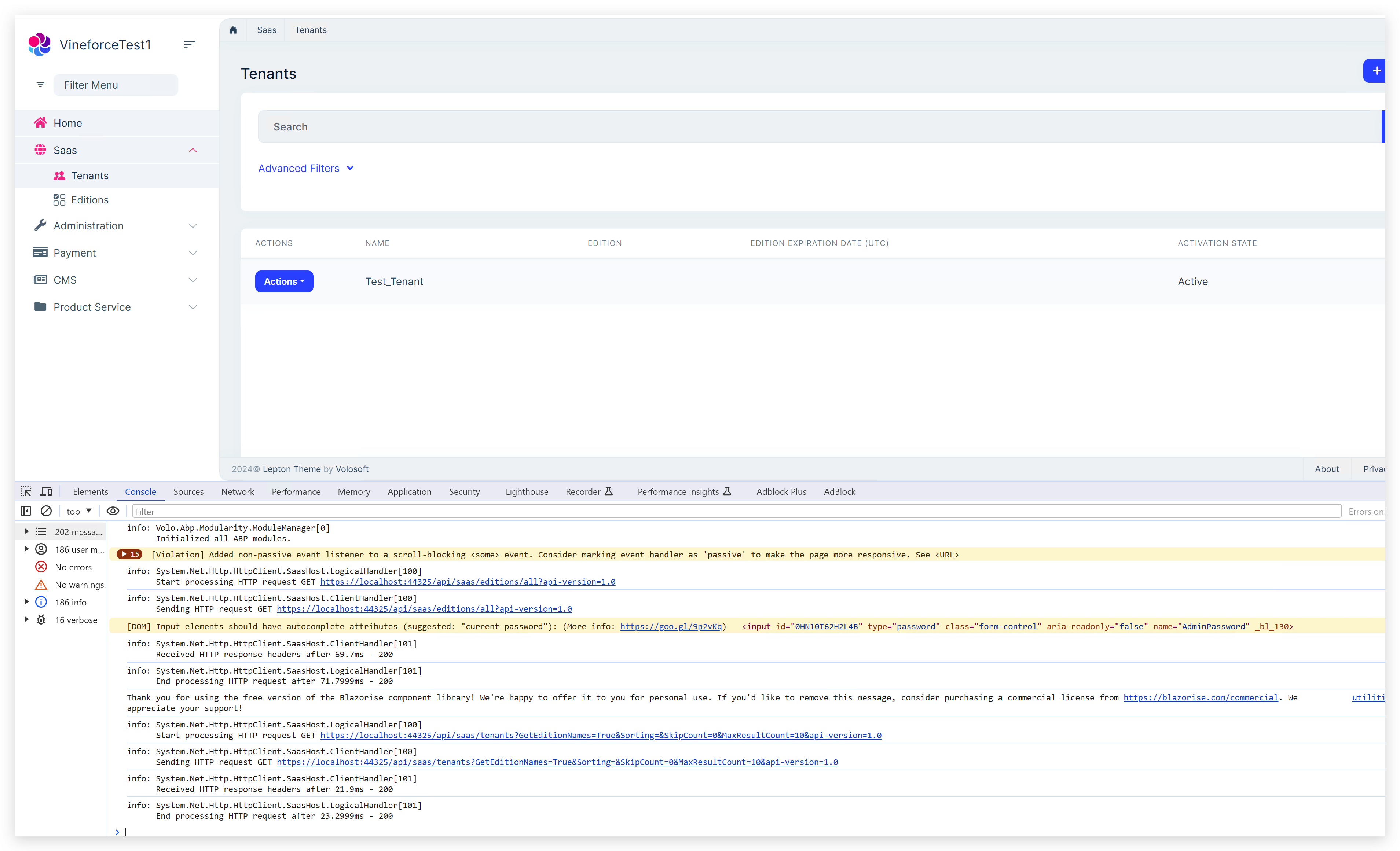
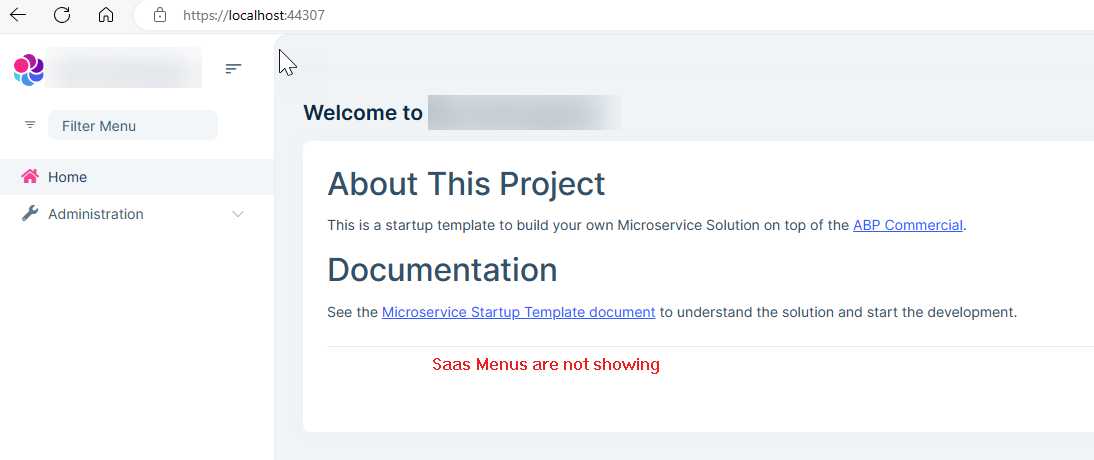
- Saas Menus are not loading properly: Whenever we are creating a new database then Saas Menus are not showing. We deleted and created the new database multiple times, even cleaned the cache, and removed all containers from the docker desktop. Once we were able to see the Saas menus. We keep a copy of the same database. We found that there are some migration issues, but we are not able to find the fix. As of now with the same application, a new database has the same issue. We follow the below article too. https://support.abp.io/QA/Questions/5199/microservices-template-not-loading-administration-menu-after-login#answer-3a0bac8f-4f64-541e-4e01-e66348761c4f
In the above article, you mention adding SaasApplicationContracts manually to the Admin service. Could you please guide me on how to add this?
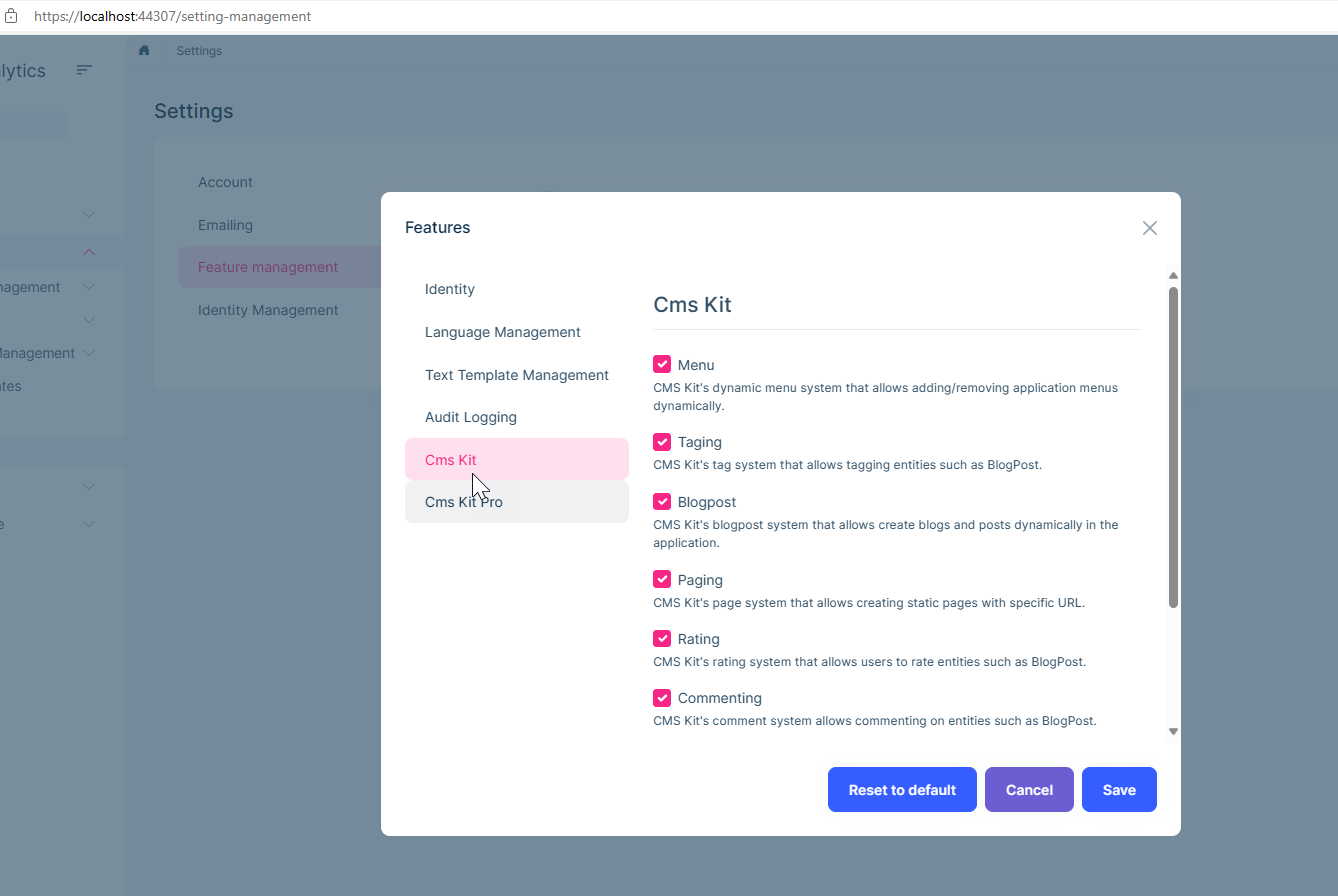
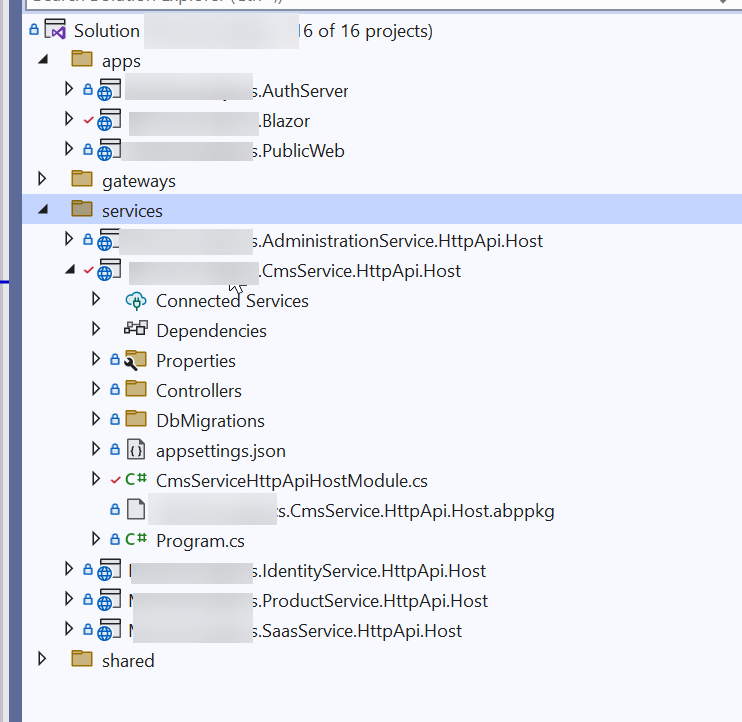
- We added a new service with the name CmsService and we are trying to add CMSkitPro to this. We added this successfully, but we are not able to view the menus. We can view the features, permission, and everything else.
I have followed this article. https://support.abp.io/QA/Questions/5930/MicroService-Pro-add-CmsKit-Pro-Menu-is-missing
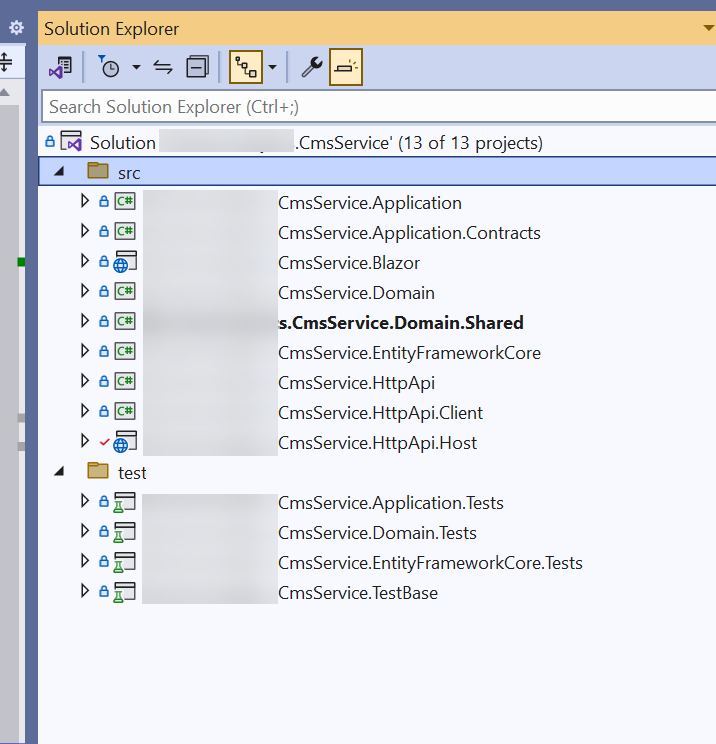
44 Answer(s)
-
0
Hi Maliming,
Today, I found the issue is with the migration. Here are the steps.
Step 1. Create a new fresh Blazor webAssembaly solution Step 2. Update database connections to a single database. Step 3. run the solution using
.\run-tye.ps1Step 4. It creates a new database and runs the application using localhost:44307. It works fine and we can view all menus . Step 5. AddCMSkit proto the Product service. Run the solution using.\run-tye.ps1Step 6. I can view the CMS kit menu after following all the steps mentioned here (https://support.abp.io/QA/Questions/5930/MicroService-Pro-add-CmsKit-Pro-Menu-is-missing)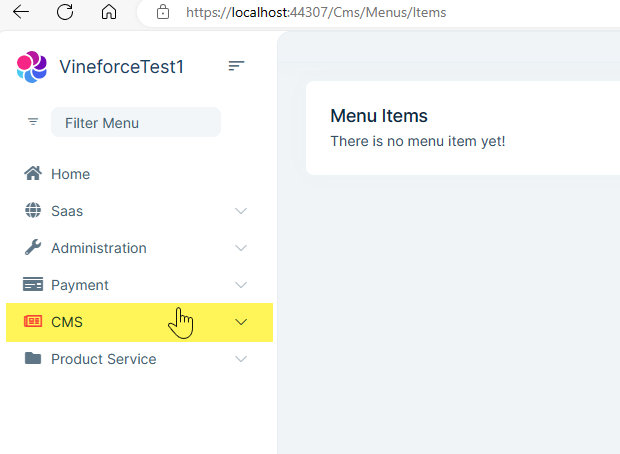
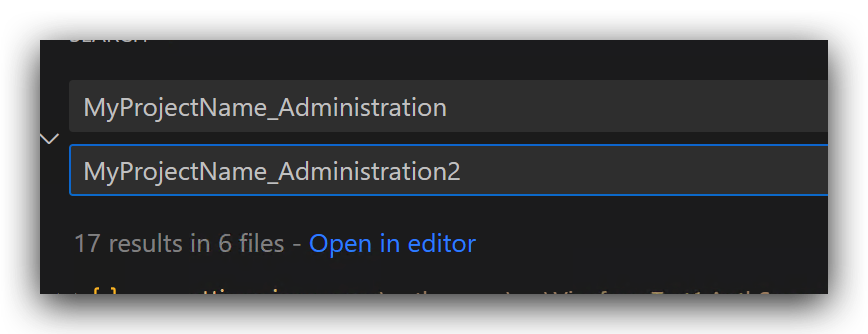
Step 7. Update the database connection string to create a new database. 1. e.g change VineforceDb1 to VineforceDb2. So it will create a new database.
Step 8. Build the solution
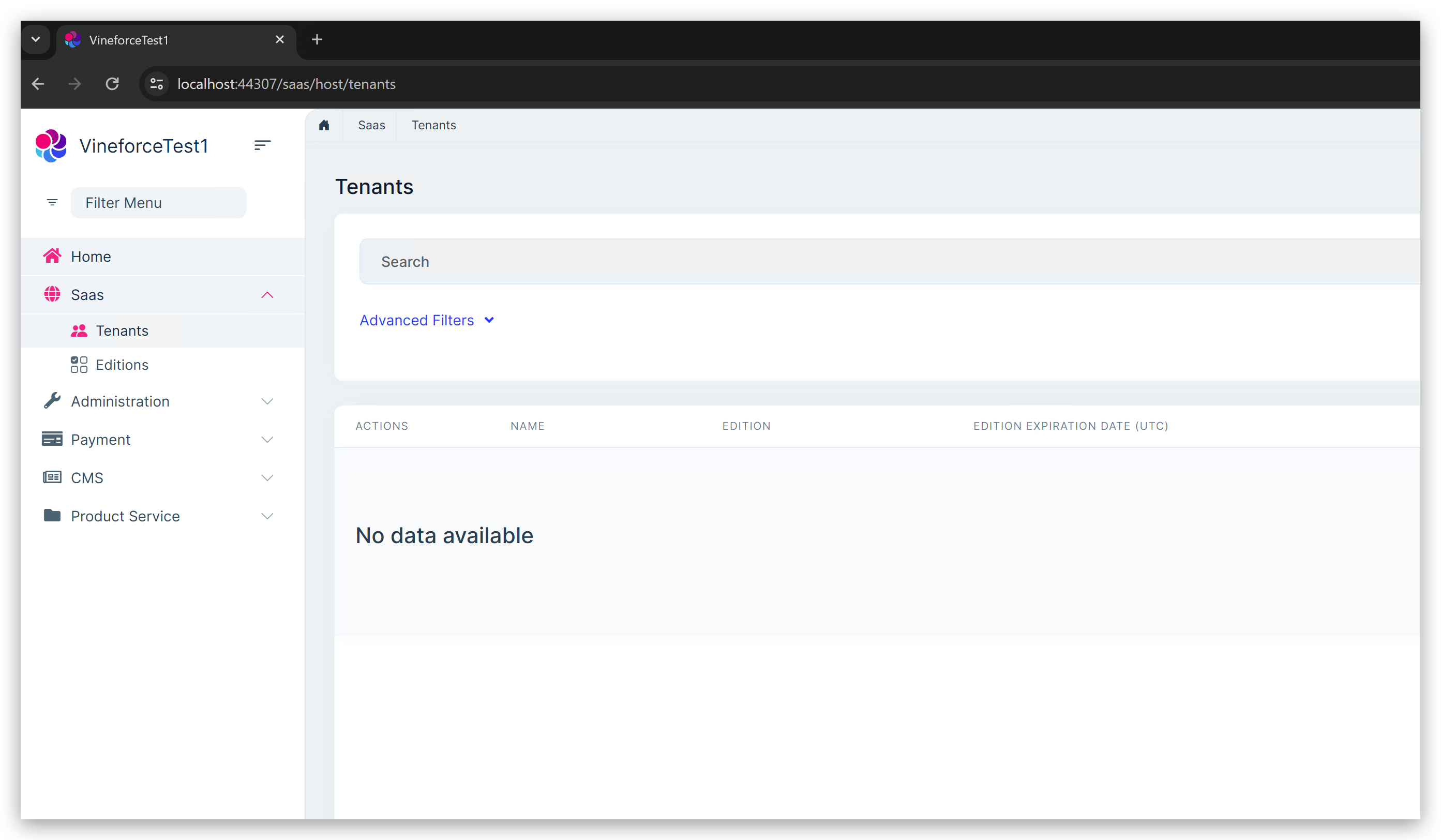
dotnet buildand then run the solution using.\run-tye.ps1Step 9. It creates a new database but this time I can't view the Saas as well as CMS kit menus.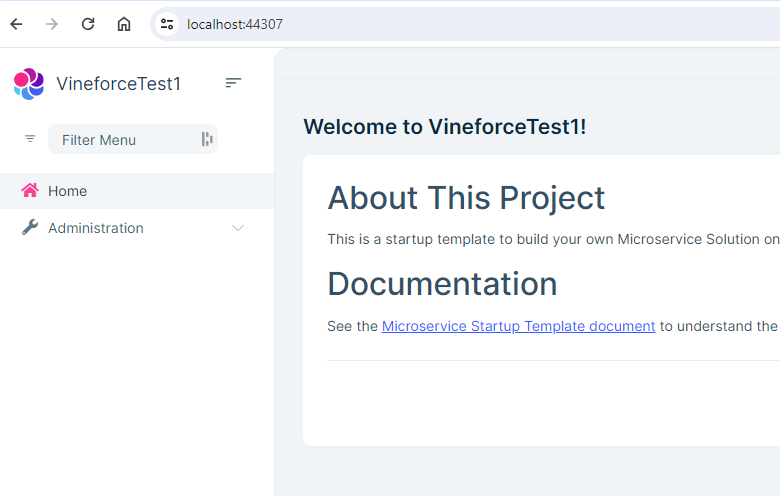
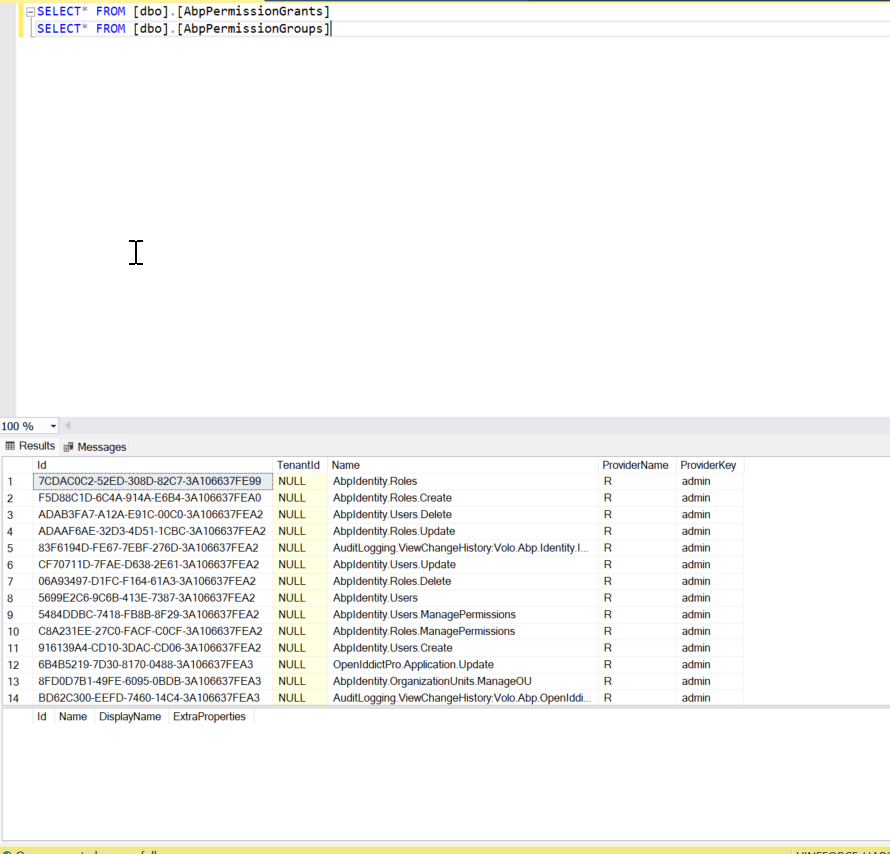
Step 10. Here is the database query for
AbpPermissionGrants, AbpPermissionGroups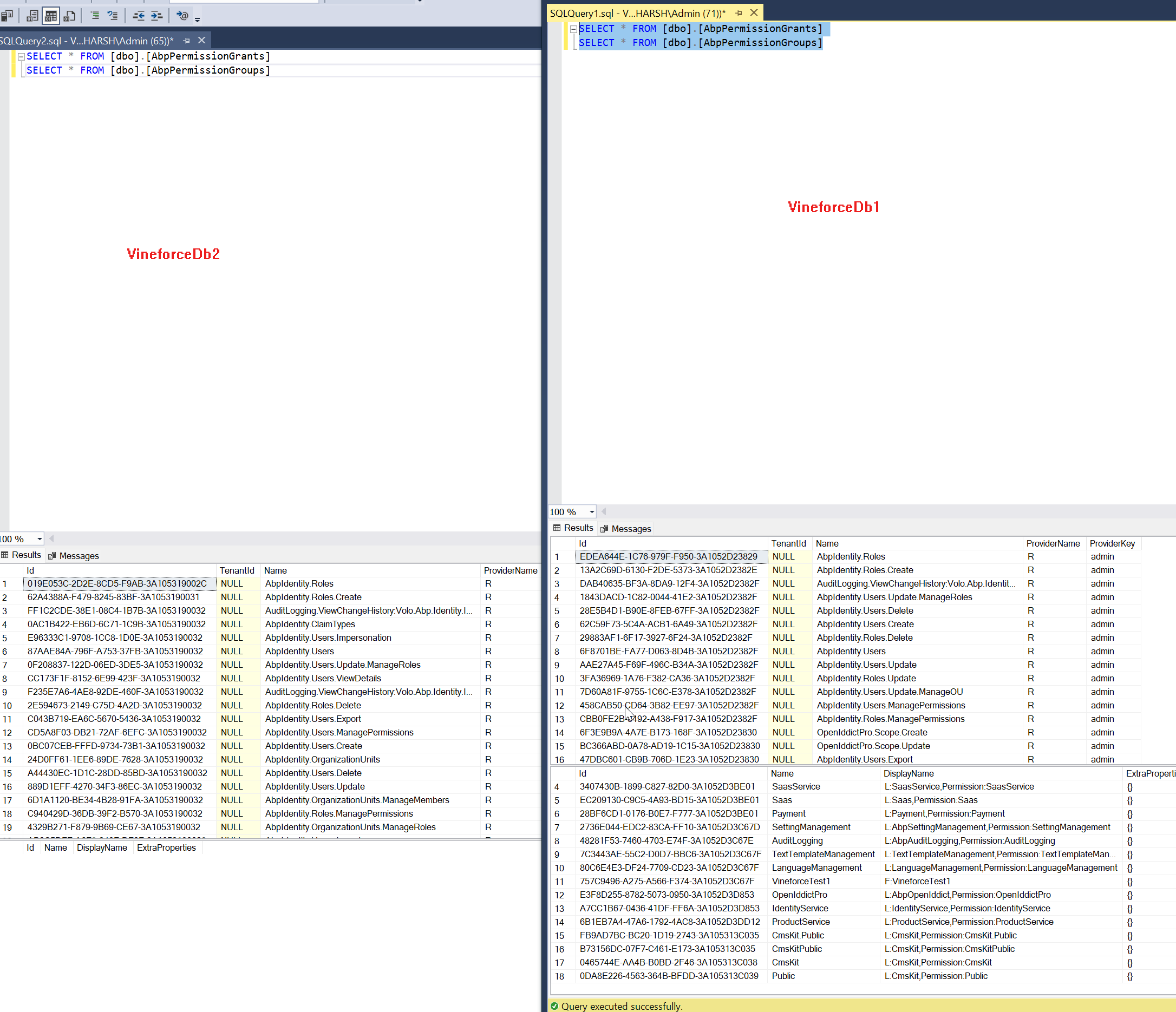
PS: Whenever I try to open any
CMSKIt promenu then I am getting a Not Found error.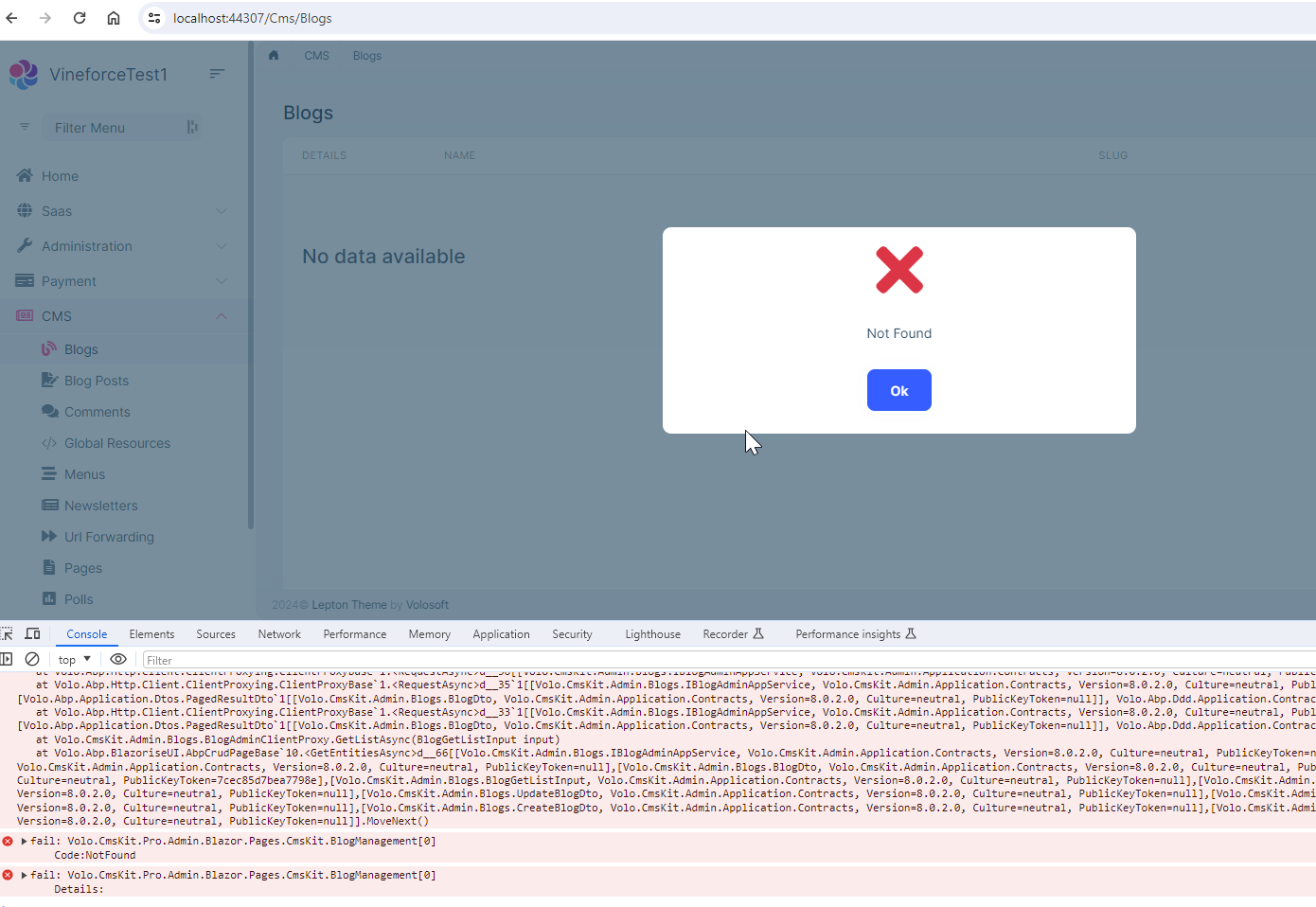 Markdown supported.Copy, paste, or drag & drop images and files (max 100 MB per file, 100 MB total per post)
 -
0
hi
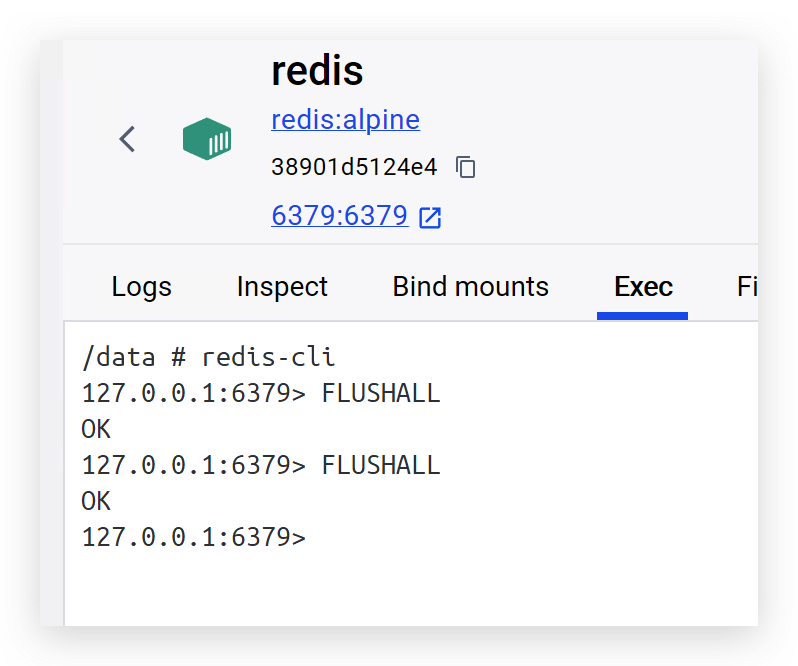
Can you try to clear the
Rediscache after changing the connection strings?If it still doesn't work, Please share your test ms project to liming.ma@volosoft.com
Thanks.
Markdown supported.Copy, paste, or drag & drop images and files (max 100 MB per file, 100 MB total per post) -
0
Hi Maliming,
I shared the code with you by Git Hub. Please check and let me know if you get access.
Thanks
Markdown supported.Copy, paste, or drag & drop images and files (max 100 MB per file, 100 MB total per post) -
0
sorry, what kind of steps.
Just run the solution using
.\run-tye.ps1Markdown supported.Copy, paste, or drag & drop images and files (max 100 MB per file, 100 MB total per post) -
0
Could you please try to create a new database now? If possible can we schedule a small meeting?
Markdown supported.Copy, paste, or drag & drop images and files (max 100 MB per file, 100 MB total per post) -
0
sure
Markdown supported.Copy, paste, or drag & drop images and files (max 100 MB per file, 100 MB total per post) -
0
Here are the steps:
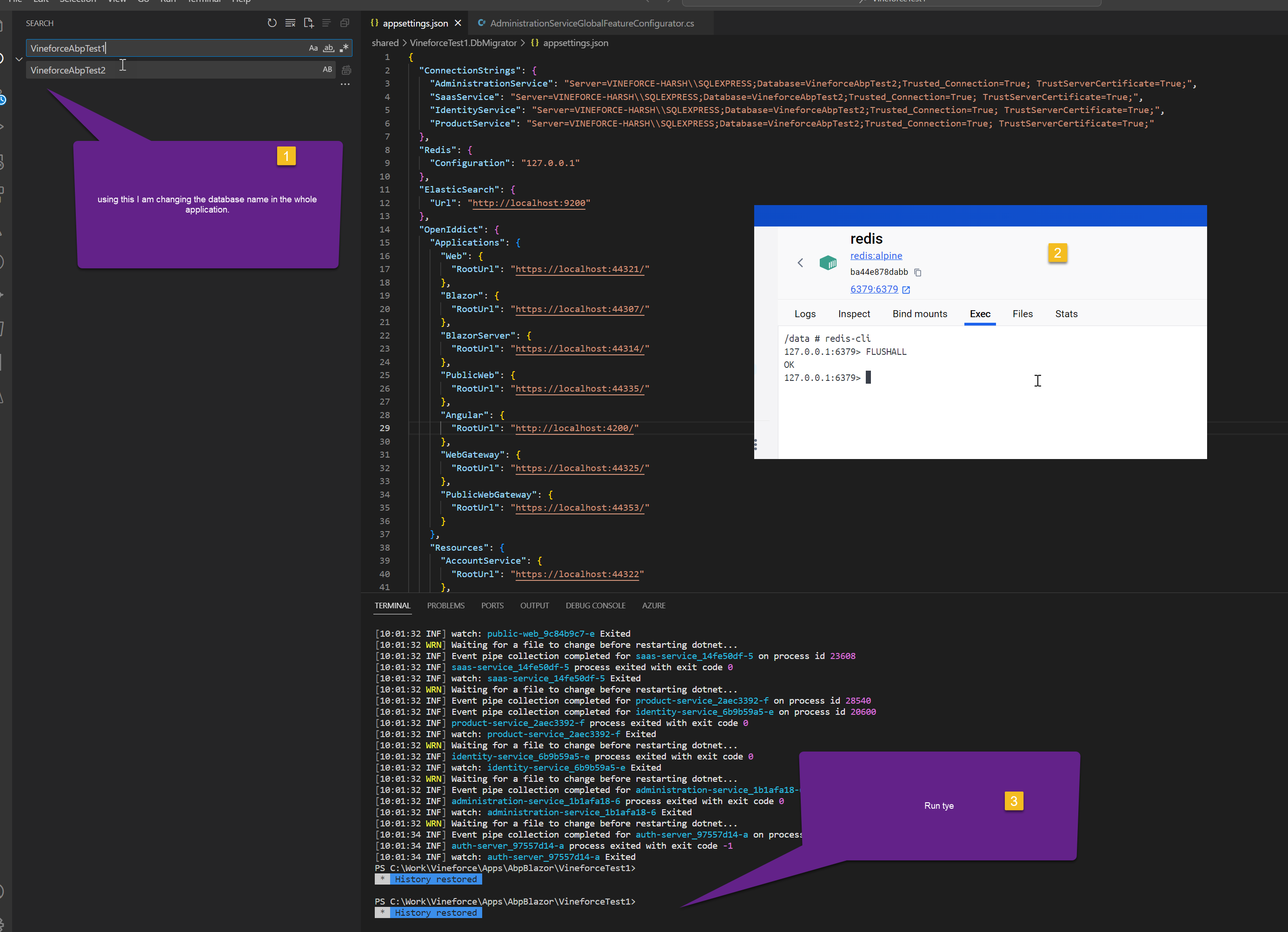 Markdown supported.Copy, paste, or drag & drop images and files (max 100 MB per file, 100 MB total per post)
 -
0
It is successfully creating a new database. but not able to view all menus
Markdown supported.Copy, paste, or drag & drop images and files (max 100 MB per file, 100 MB total per post) -
0
I did the same steps but no luck.
Markdown supported.Copy, paste, or drag & drop images and files (max 100 MB per file, 100 MB total per post) -
0
let me try again on my side, after that I think we can review together if you think it will help us
Markdown supported.Copy, paste, or drag & drop images and files (max 100 MB per file, 100 MB total per post) -
0
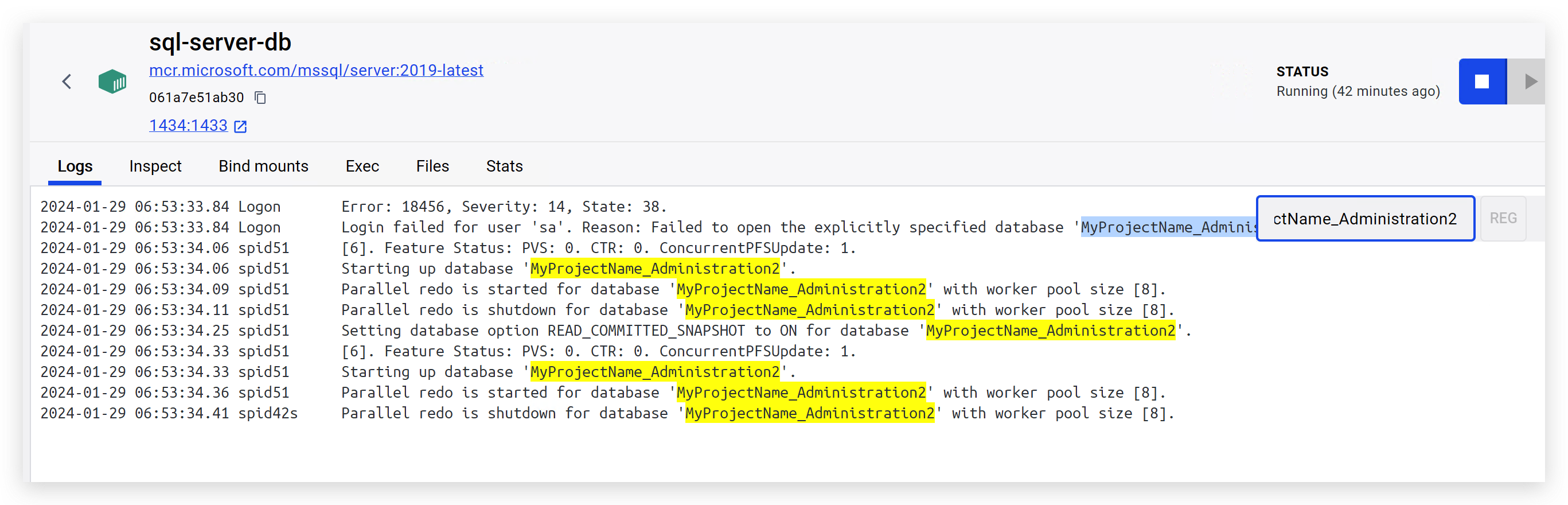
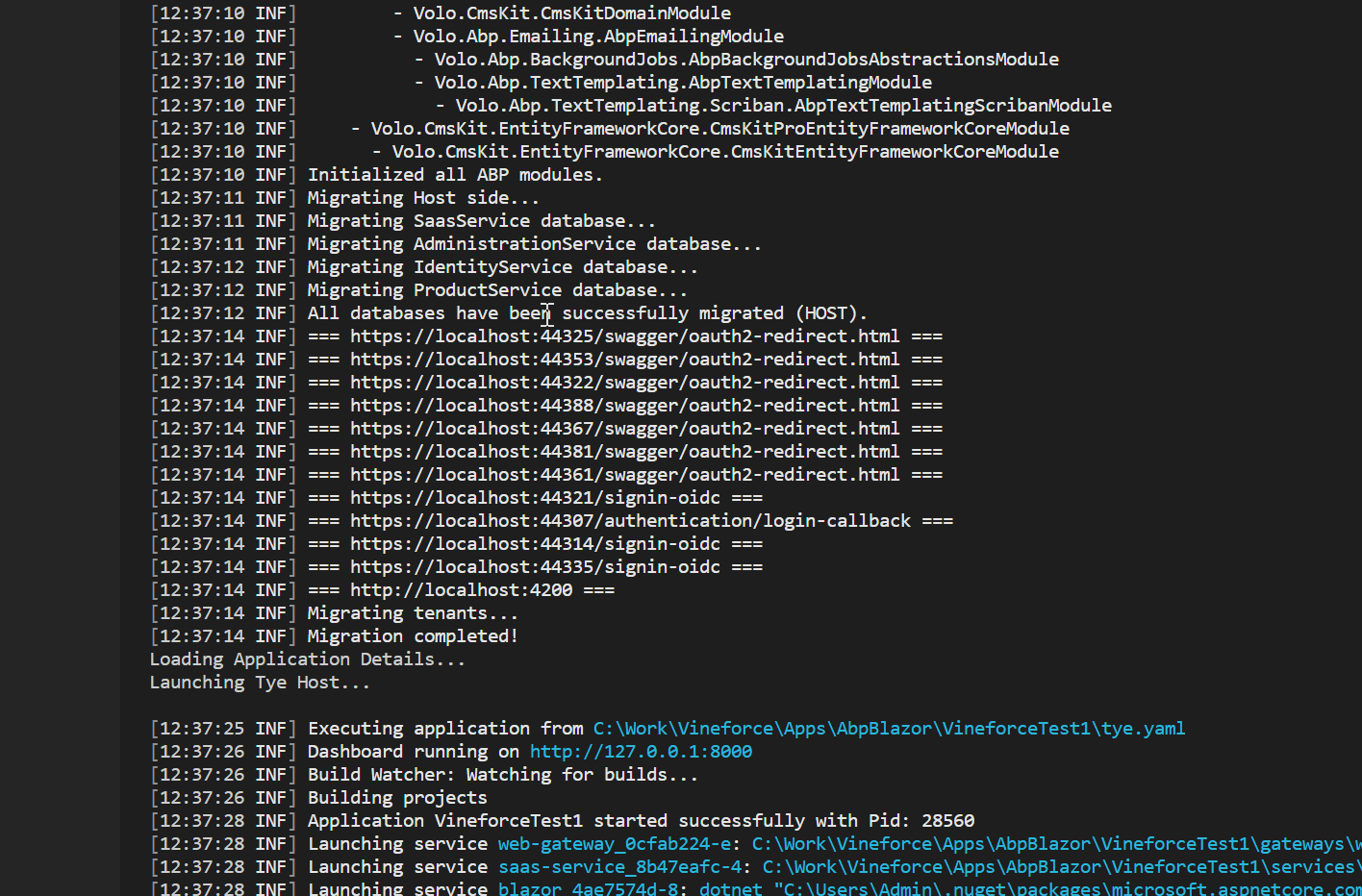
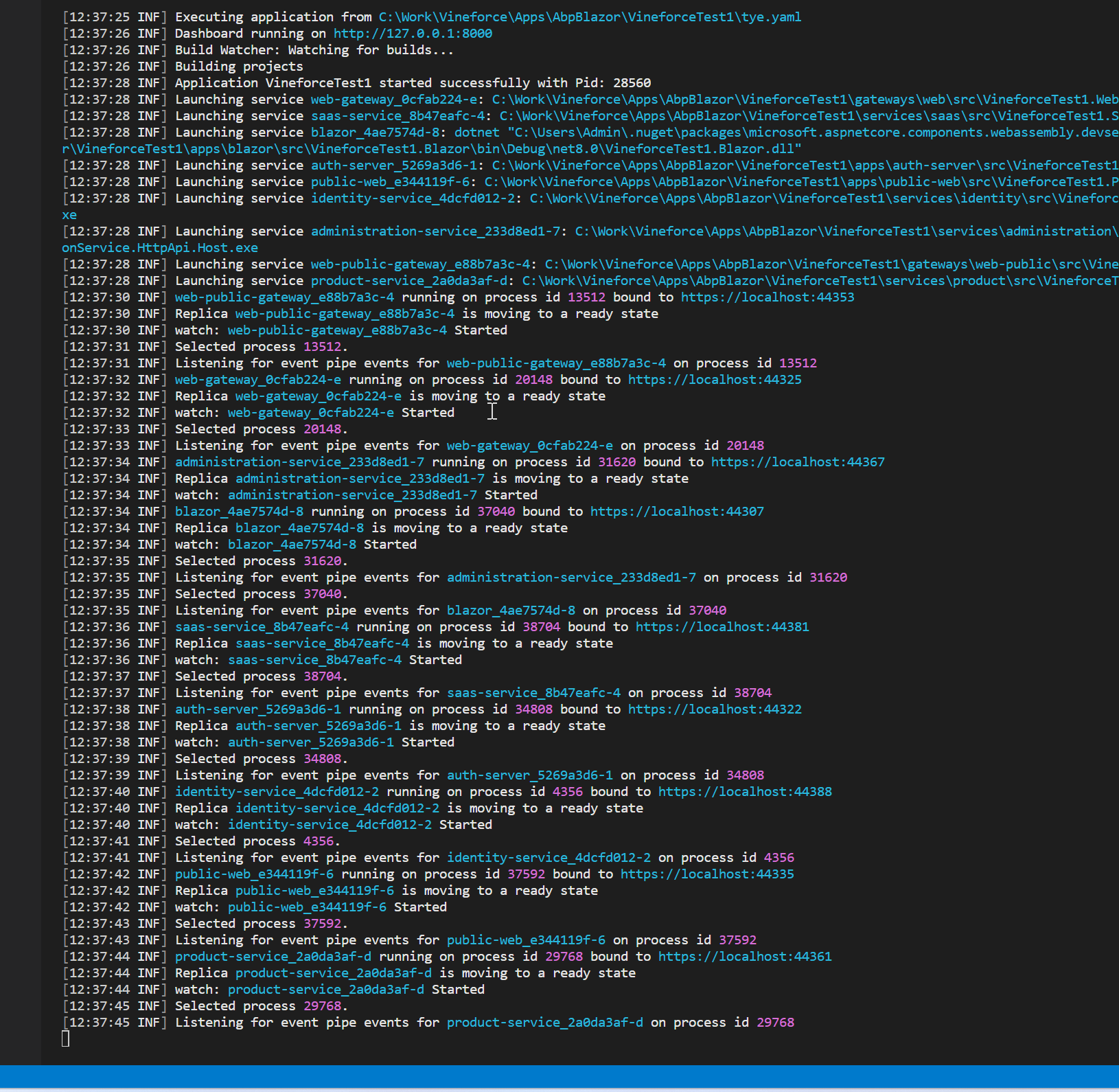
Please see the logs from docker and tye.
yes checking it
Markdown supported.Copy, paste, or drag & drop images and files (max 100 MB per file, 100 MB total per post) -
0
Will this be a problem?
 Markdown supported.Copy, paste, or drag & drop images and files (max 100 MB per file, 100 MB total per post)
 -
0
There is no log for the database in the docker, but the database is created successfully. Even the docker image is running.
 Markdown supported.Copy, paste, or drag & drop images and files (max 100 MB per file, 100 MB total per post)
 -
0
Please check
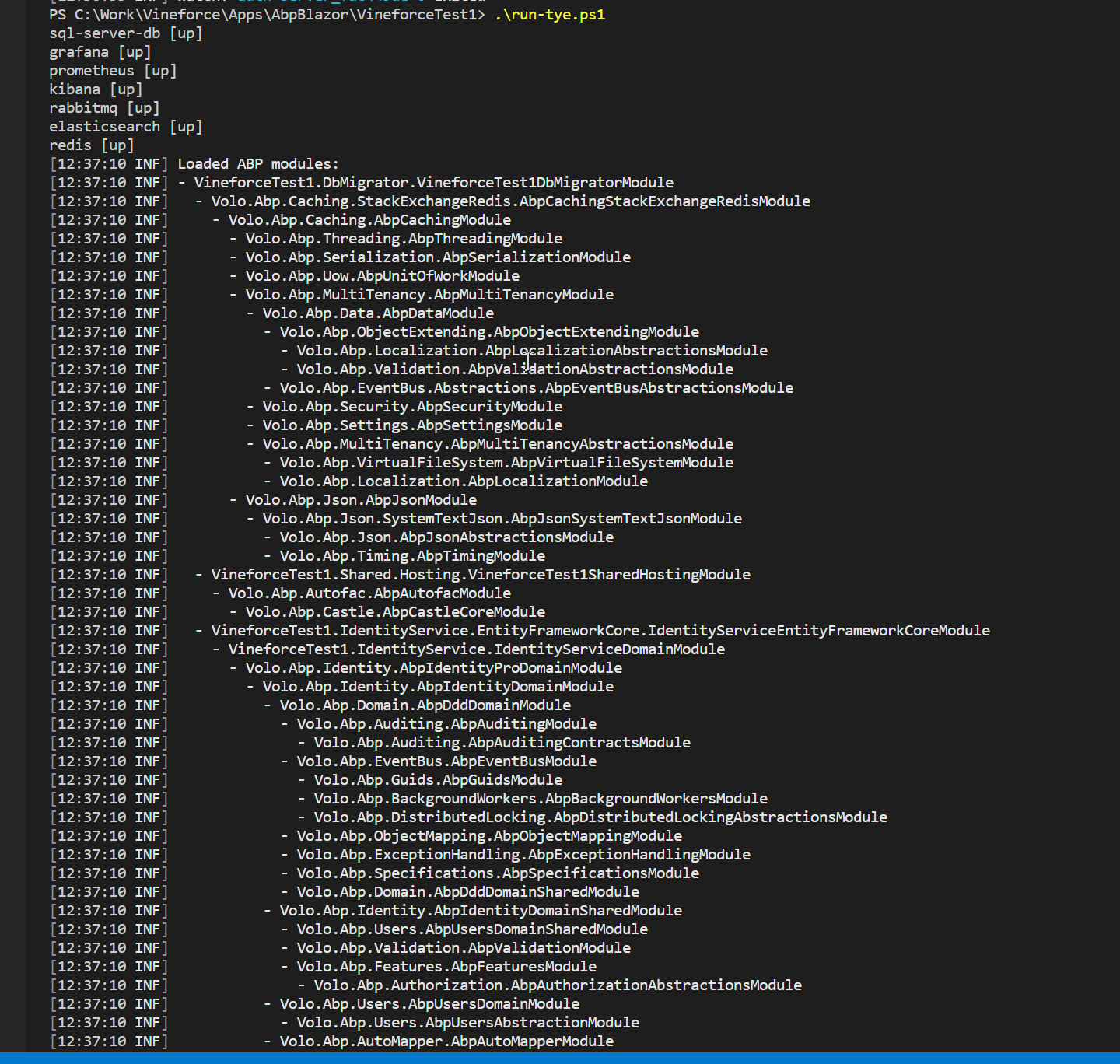
 Markdown supported.Copy, paste, or drag & drop images and files (max 100 MB per file, 100 MB total per post)
 -
0
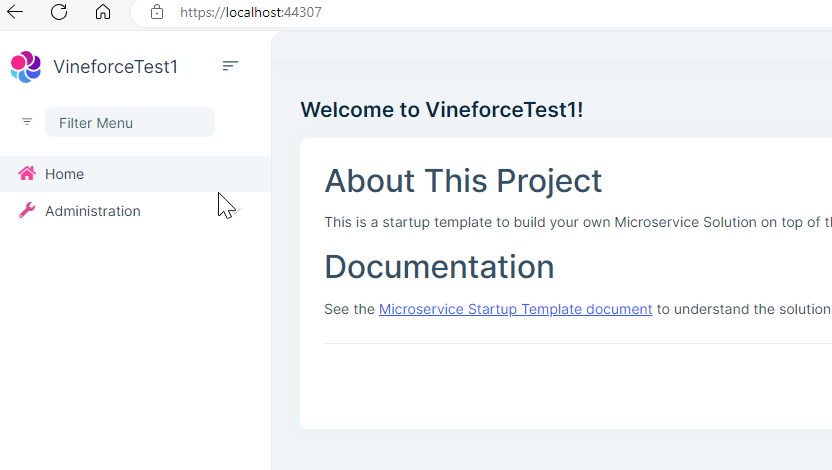
Can't you see the SAAS menu when you log in to Blazor?
No, I can see this one
 Markdown supported.Copy, paste, or drag & drop images and files (max 100 MB per file, 100 MB total per post)