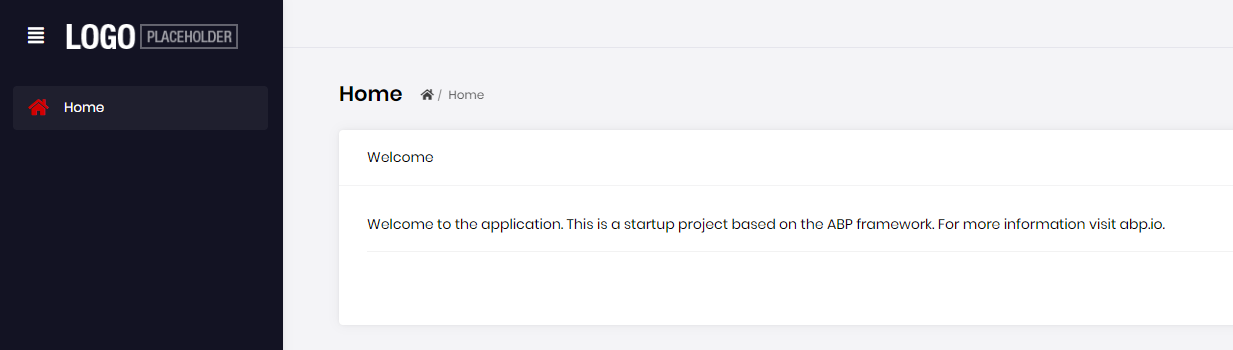
I 'm using Abp Suite 2.3.0 to create a new solution with options (UI framework: Angular; Mobile: React Native; Database Provider: Entity Framework Core; Separate Identity Server). But, when i launch front-end web site, it doesn't contain The Administration menu (this issue didn't happened in the Abp Suite 2.2.1). How i can fix it? And another question: how can i test the web api in the Swagger UI when Separate Identity Server options is selected?
10 Answer(s)
-
0
But when i try to call an api on Swagger, i get error message "Authorization failed! ..." Note: I has created solution with option "Separate Identity Server" and launch it before Acme.BookStore.HttpApi.Host.
Markdown supported.Copy, paste, or drag & drop images and files (max 100 MB per file, 100 MB total per post) -
0
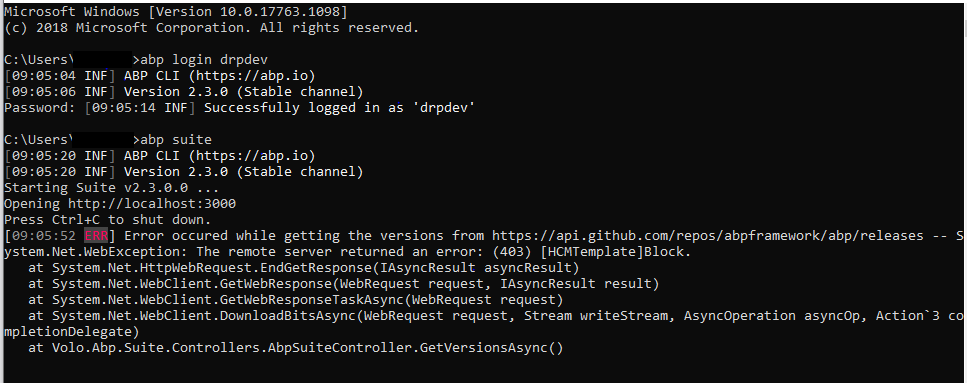
So that's the problem. Can you connect to the internet via your phone's wifi to understand the issue. If so, you might request your computer to access to the GitHub domain from your administrator.
Markdown supported.Copy, paste, or drag & drop images and files (max 100 MB per file, 100 MB total per post) -
0
I 'm using Abp Suite 2.3.0 to create a new solution with options (UI framework: Angular; Mobile: React Native; Database Provider: Entity Framework Core; Separate Identity Server). But, when i launch front-end web site, it doesn't contain The Administration menu (this issue didn't happened in the Abp Suite 2.2.1). How i can fix it?
**I have the problem too! When ui framework is angular, the administration menus are not showed; when ui framework is mvc, it works. **
Markdown supported.Copy, paste, or drag & drop images and files (max 100 MB per file, 100 MB total per post) -
0
see https://support.abp.io/QA/Questions/5#answer-a7176f3f-c297-c06c-0923-39f30889b0c3 basically clearing the local storage and session storage should fix it.
Markdown supported.Copy, paste, or drag & drop images and files (max 100 MB per file, 100 MB total per post)