






0
Katherine created
Check the docs before asking a question: https://support.abp.io/QA/Questions/4270/Changing-the-favicon Check the samples to see the basic tasks: https://docs.abp.io/en/cosmercial/latest/samples/index The exact solution to your question may have been answered before, and please first use the search on the homepage. Provide us with the following info:
- ABP Framework version: v6.0.2
- UI Type: MVC
- Database System: EF Core (SQL Server)
- Tiered (for MVC) or Auth Server Separated (for Angular): No
- Exception message and full stack trace:
- Steps to reproduce the issue:
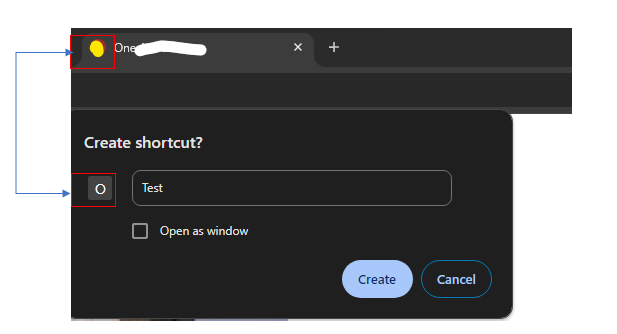
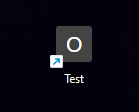
The favicon appears in the Tab Header Bar but doesn't show up when creating a shortcut
Markdown supported.
Copy, paste, or drag & drop images and files (max 100 MB per file, 100 MB total per post)
1 Answer(s)
-
0
Hi,
You can try this:
Default.cshtml
<link rel="icon" href="~/images/favicon/favicon.ico" type="image/x-icon">FaviconViewComponent
public class FaviconViewComponent : AbpViewComponent
{
    public virtual IViewComponentResult Invoke()
    {
        return View("~/<Your file path>/Default.cshtml");
    }
}
Configure<AbpLayoutHookOptions>(options => { options.Add( LayoutHooks.Head.First, typeof(FaviconViewComponent) ); });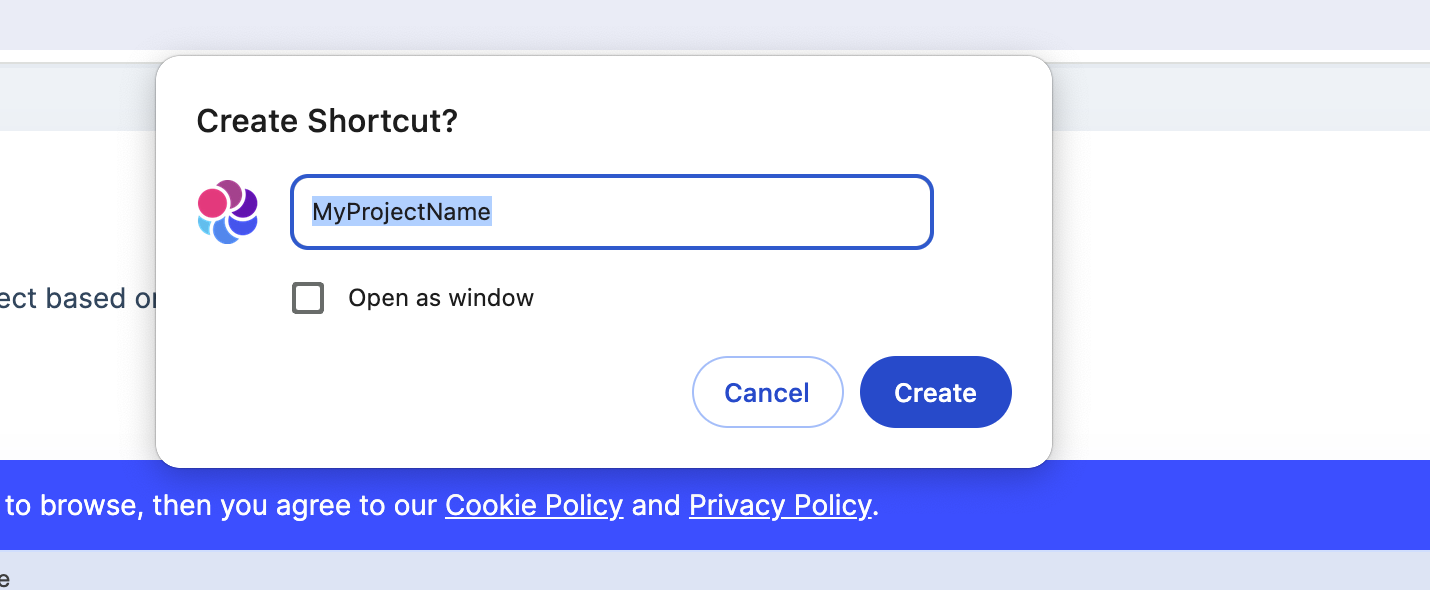 Markdown supported.Copy, paste, or drag & drop images and files (max 100 MB per file, 100 MB total per post)


