






- ABP Framework version: v8.0.4
- UI Type: none
- Database System: EF Core
- Tiered (for MVC) or Auth Server Separated (for Angular): no
- Steps to reproduce the issue:
I tried following https://docs.abp.io/en/commercial/latest/startup-templates/microservice/add-microservice
But at the end when I am trying to run the newly added service it is giving this error:
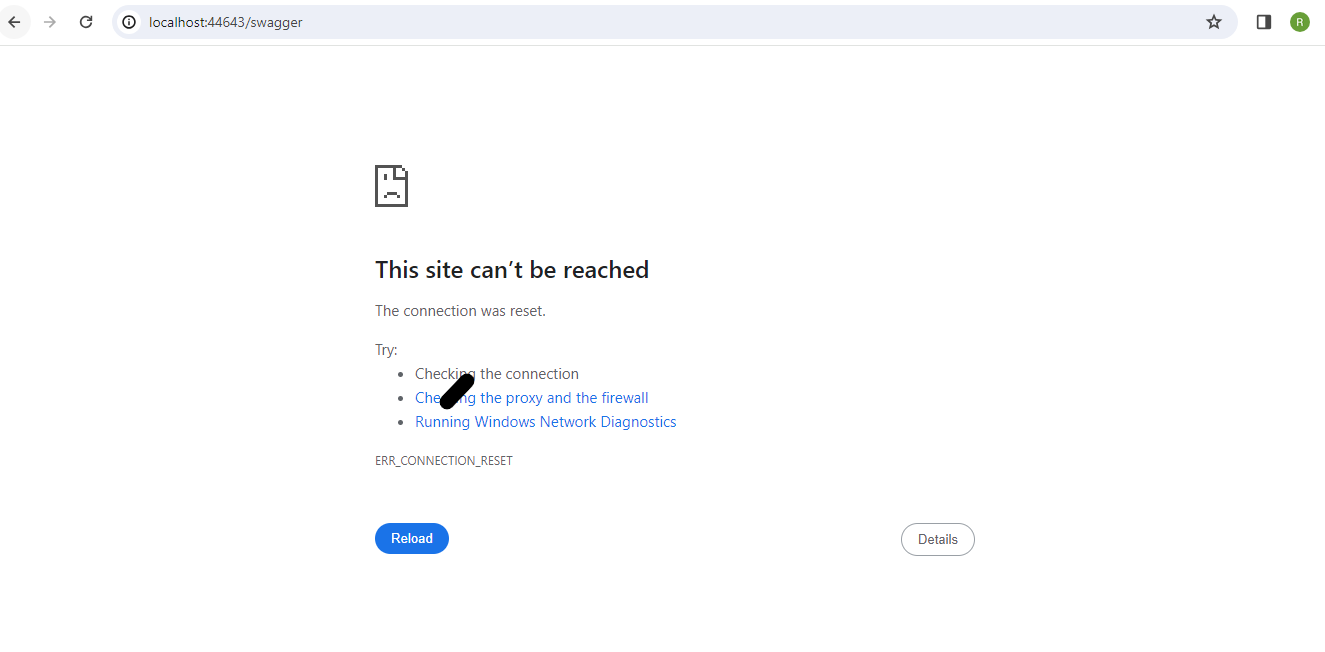
Note: I have run the DBmigrator already and the database for new service has been created using the same. Need help on how to resolve this error.
8 Answer(s)
-
0
Hi,
Is there any error log?
Markdown supported.Copy, paste, or drag & drop images and files (max 100 MB per file, 100 MB total per post) -
0
Hi, I can't find any error log. I am trying to do a graph build and then run particular new added microservice . It is giving this error and even breakpoint is not hitting Program.cs or CustomerPortalServiceHttpApiHostModule.cs(for new service) class.
Can you please check if the documentation for adding new service is updated one. Also is there any command to shorten the process as this is long list of steps and manually following them each time I need to add a microservice would take a lot of time.
Also I am getting this error on UI on running WebGateway
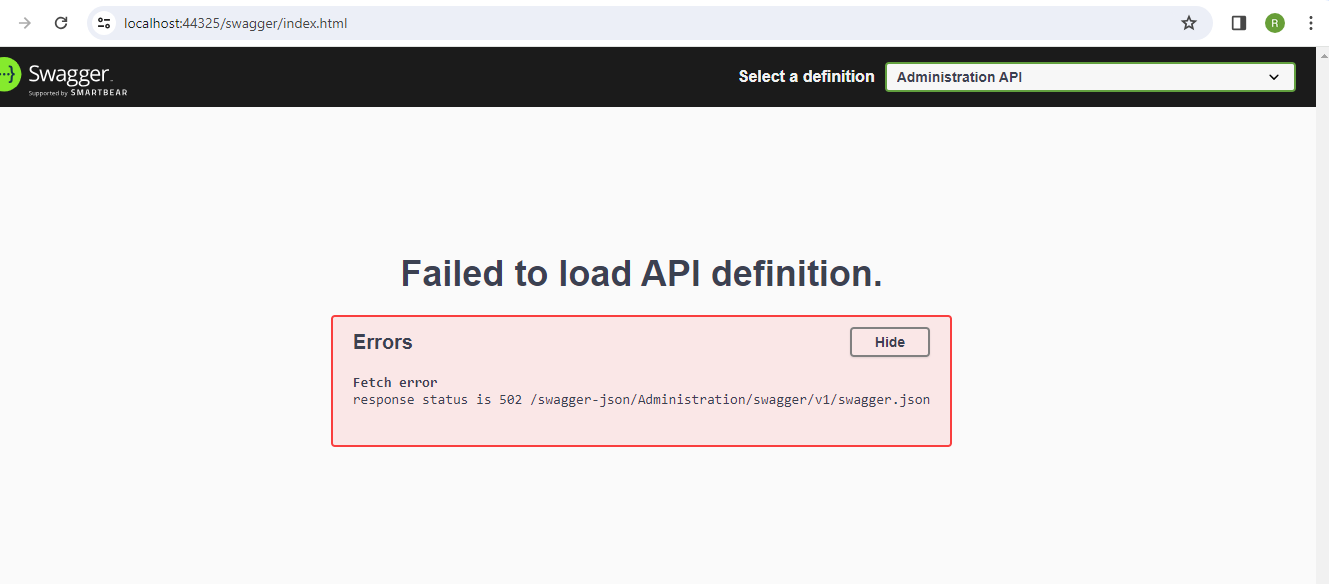 Not sure whether it is related and this error is there for all the service APIsMarkdown supported.Copy, paste, or drag & drop images and files (max 100 MB per file, 100 MB total per post)
 -
0
Hi
Unfortunately there is no easy way to do this for now, you have to do them manually.
The HyperText Transfer Protocol (HTTP) 502 Bad Gateway server error response code indicates that the server, while acting as a gateway or proxy, received an invalid response from the upstream server.
Could you share a reproducible sample project with me? I'll check it. my email is shiwei.liang@volosoft.com
Markdown supported.Copy, paste, or drag & drop images and files (max 100 MB per file, 100 MB total per post) -
0
I have shared the sample code. Can you please check whether you can access it?
Markdown supported.Copy, paste, or drag & drop images and files (max 100 MB per file, 100 MB total per post) -
0
Hi,
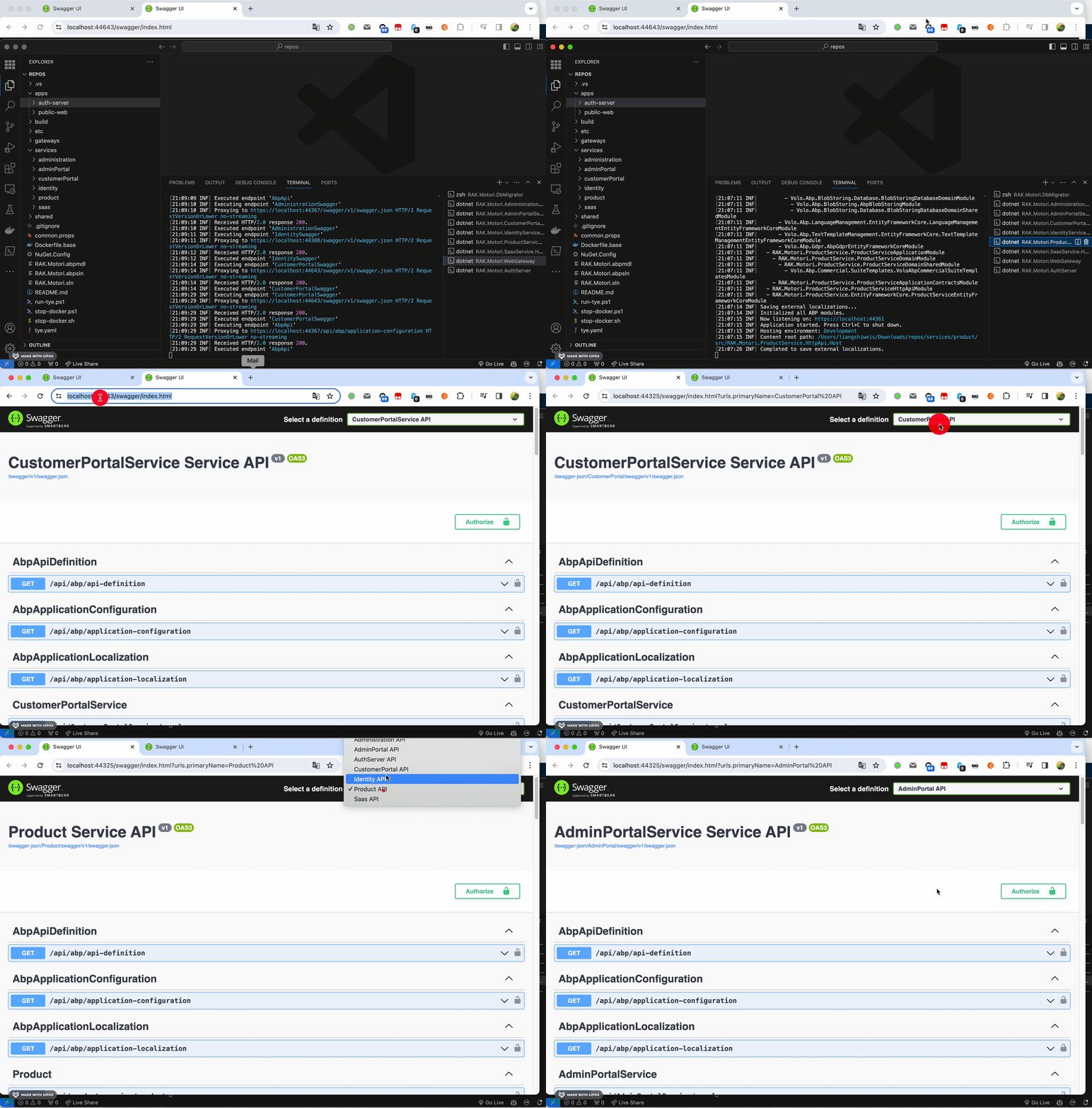
I could not reproduce the problem
My steps:
Run the DbMigrator to create databases. Run AuthServer, all services and gateway
 Markdown supported.Copy, paste, or drag & drop images and files (max 100 MB per file, 100 MB total per post)
 -
0
are you building the solution using botnet graphbuild/build? and then running the solution from Visual Studio directly?
Markdown supported.Copy, paste, or drag & drop images and files (max 100 MB per file, 100 MB total per post) -
0
Hi,
Yes I did.
and then running the solution from Visual Studio directly?
I use the
dotnet runcommand to run the projectMarkdown supported.Copy, paste, or drag & drop images and files (max 100 MB per file, 100 MB total per post) -
0
Hi,
Will this can help you? https://github.com/abpframework/abp-samples/blob/master/DomainTenantResolver/MVC-TIERED/src/Acme.BookStore.Web/BookStoreWebModule.cs#L162-L176
Markdown supported.Copy, paste, or drag & drop images and files (max 100 MB per file, 100 MB total per post)


