






- ABP Framework version: v8.0.4
- UI Type: None
- Database System: MongoDB
- Tiered (for MVC) or Auth Server Separated (for Angular): yes
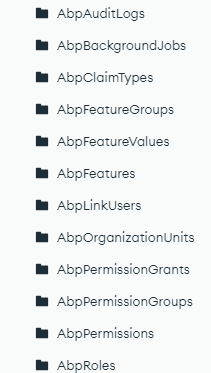
- Steps to reproduce the issue:I want to only have custom tables and databases that I create in my Mongo DB using sample abp template. I do not need the in built APIs and databases provided by ABP as I don't need them . E.g for database and tables to be removed:
9 Answer(s)
-
0
As I understand, you don't need any ABP pre-built modules and features. you want developed from scratch, do you?
Markdown supported.Copy, paste, or drag & drop images and files (max 100 MB per file, 100 MB total per post) -
0
Yes you are correct
Markdown supported.Copy, paste, or drag & drop images and files (max 100 MB per file, 100 MB total per post) -
0
Ok,
You can remove all the pre-built modules from your solution.
As I remember, you are using the Micoservice template.
You can remove administration, identity, product, and saas services from your solution.
Remove route config from the gateway:
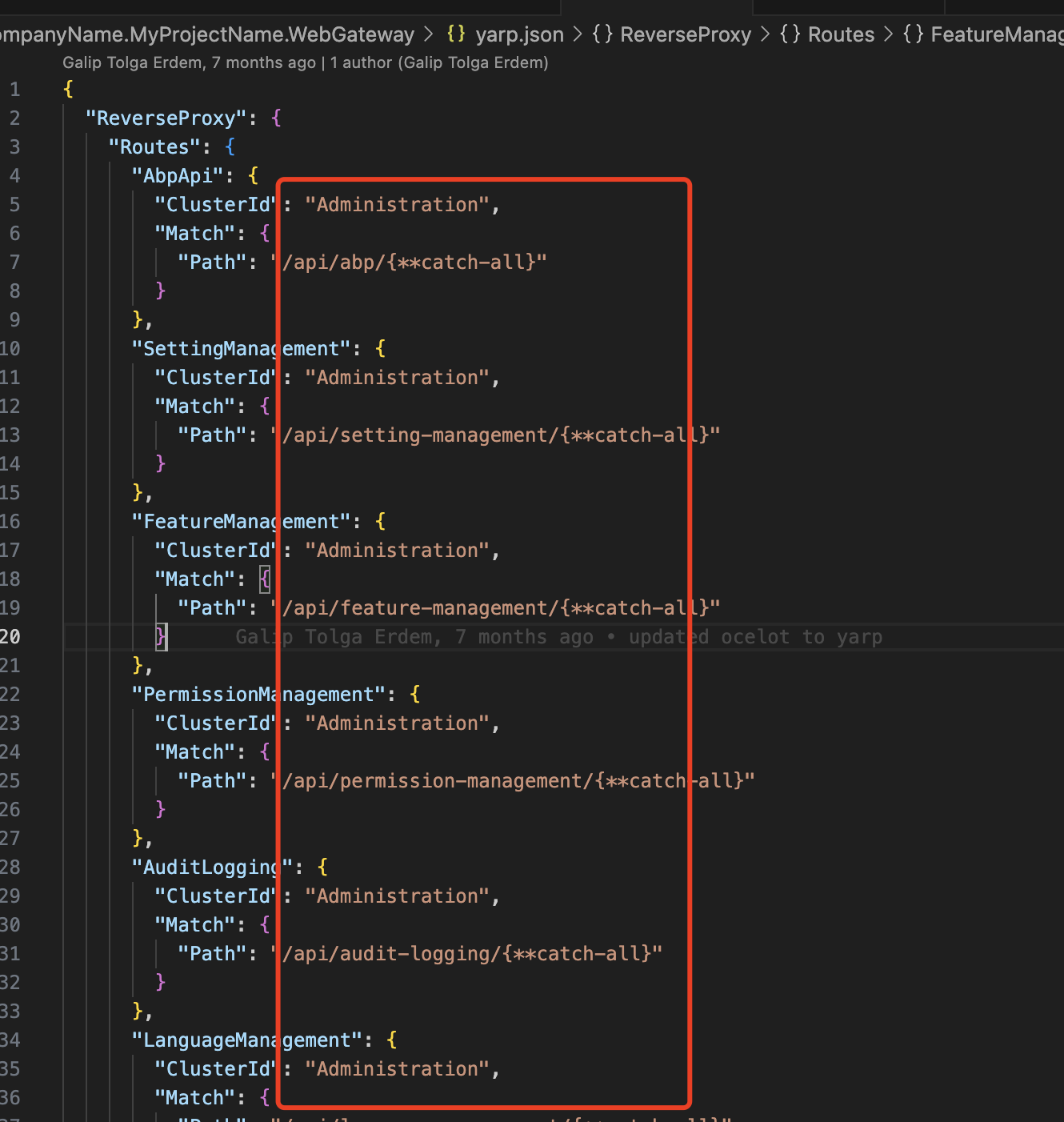
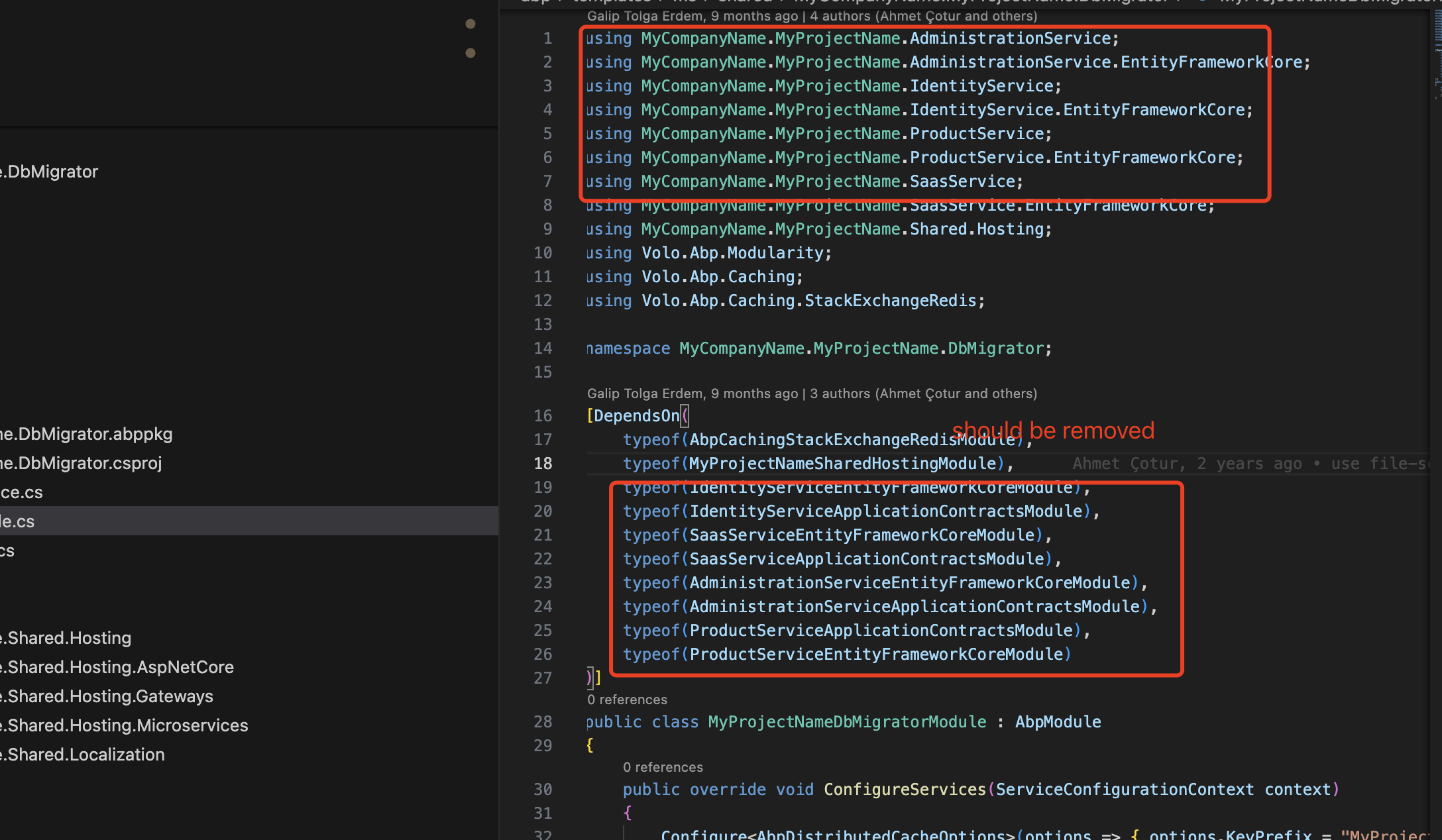
After you have removed the service, you will also need to fix the solution reference.
You can try to build the solution, and then delete the relevant code based on the error message until the build succeeds, for example:
 Markdown supported.Copy, paste, or drag & drop images and files (max 100 MB per file, 100 MB total per post)
 -
0
I was thinking of using a microservice template but since it does not support mongo db and I am not able to connect with Cosmos db using entity framework and even I am not able to run the solution after adding a new microservice.
I thought maybe I will use the sample templates and create different solutions for each microservice as a single solution. I am able to reach to Cosmos db using Mongo DB aa the database But the challenge I face here is that there is a lot of table data created in database that I won’t use. With your expertise can you share what approach should I follow.
Markdown supported.Copy, paste, or drag & drop images and files (max 100 MB per file, 100 MB total per post) -
0
Hi,
I am able to reach to Cosmos db using Mongo DB aa the database But the challenge I face here is that there is a lot of table data created in database that I won’t use.
https://support.abp.io/QA/Questions/6824/I-want-to-only-have-custom-tables-and-databases-that-I-create-in-my-Mongo-DB-using-sample-abp-template#answer-3a112eb6-73b8-de62-7e50-36262b587cac
Microservices have many challenges, and ABP's microservices module is configured to address them. It's best if you can use it directly. But microservices are complex, and you have to understand it otherwise, it may slow down your development progress
I was thinking of using a microservice template but since it does not support mongo db and I am not able to connect with Cosmos db using entity framework and even I am not able to run the solution after adding a new microservice.
I will check how to use EF core to connect to Azure Cosmos
Markdown supported.Copy, paste, or drag & drop images and files (max 100 MB per file, 100 MB total per post) -
0
I will check how to use EF core to connect to Azure Cosmos
After my check, the EF Core Cosmos provider only works with Azure Cosmos DB for NoSQL, so you have to use MongoDB
https://learn.microsoft.com/en-us/ef/core/providers/cosmos/?tabs=dotnet-core-cli
Markdown supported.Copy, paste, or drag & drop images and files (max 100 MB per file, 100 MB total per post) -
0
I was thinking of using a microservice template but since it does not support mongo db and I am not able to connect with Cosmos db using entity framework and even I am not able to run the solution after adding a new microservice.
I thought maybe I will use the sample templates and create different solutions for each microservice as a single solution. I am able to reach to Cosmos db using Mongo DB aa the database But the challenge I face here is that there is a lot pf table data that I won’t use. With your expertise can you share what approach should I follow
I'll share a sample solution with you
Markdown supported.Copy, paste, or drag & drop images and files (max 100 MB per file, 100 MB total per post) -
0
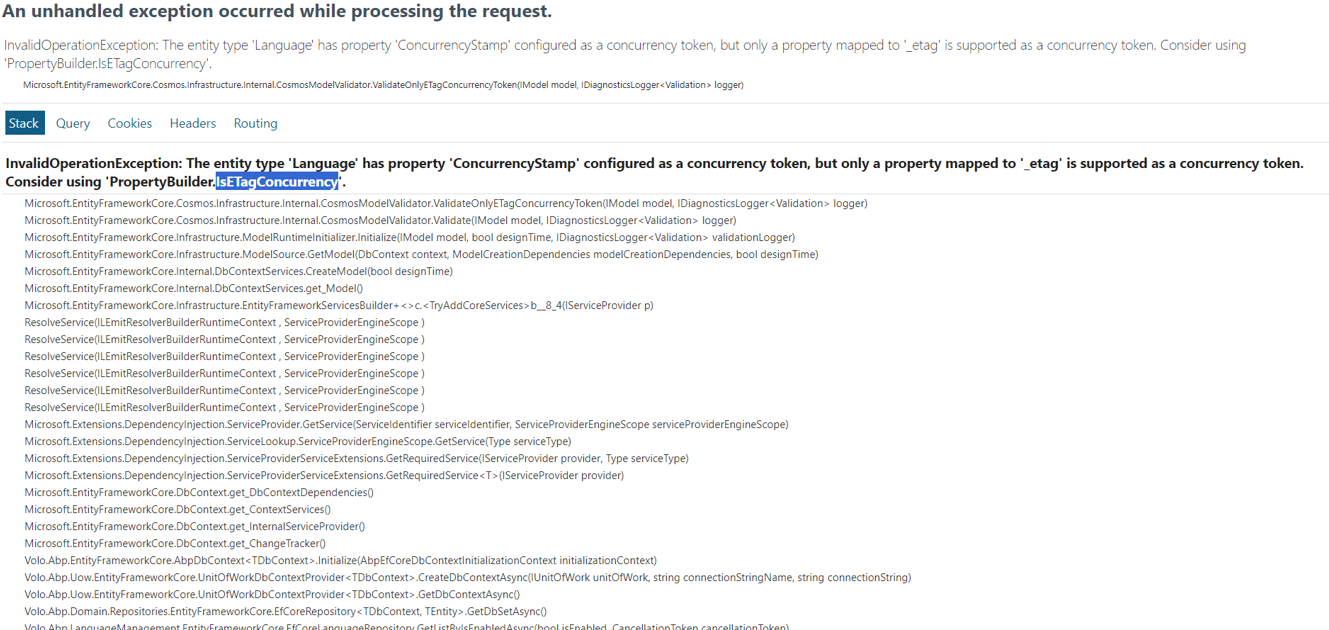
I tried following the approach mentioned in https://learn.microsoft.com/en-us/ef/core/providers/cosmos/?tabs=dotnet-core-cli I am getting this error
 Markdown supported.Copy, paste, or drag & drop images and files (max 100 MB per file, 100 MB total per post)
 -
0
Hi,
I shared the project with you via email.
In this example project.
- Removed all pre-built modules
- Change EF Core to MongoDB
- No UI and No Authorization
- Leave the ProductService as a service example
When you unzip, you need to replace the AbpLicenseCode and ABP Commercial NuGet Source with yours
You can search
<Replace with yours>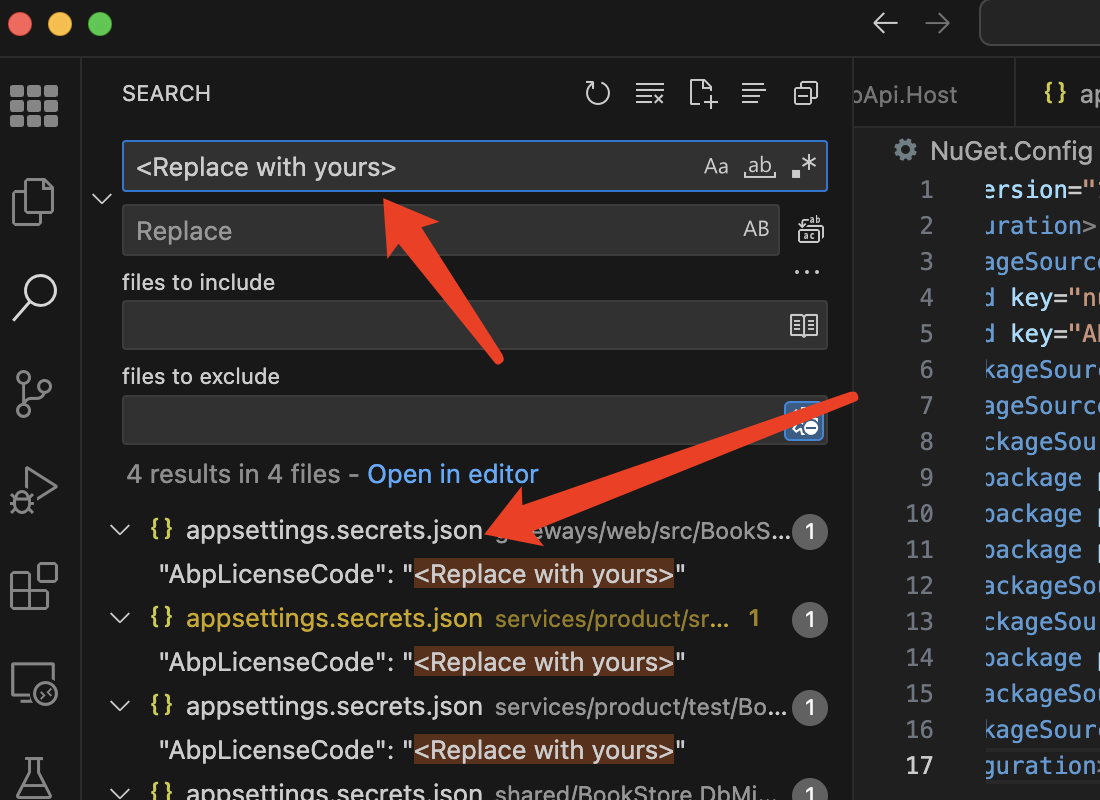 Markdown supported.Copy, paste, or drag & drop images and files (max 100 MB per file, 100 MB total per post)


