






- ABP Framework version: v8.0.5
- UI Type: Angular
- Database System: EF Core (SQL Server)
- Tiered (for MVC) or Auth Server Separated (for Angular): yes *https://docs.abp.io/en/commercial/latest/modules/cms-kit/index Using angular as UI template. Add CMS Kit as a separate project and follow the document for the further implementation but did not showing on front end side. Kindly provide solution to resolve the issue.
5 Answer(s)
-
0
Hello ,
Please check this link https://support.abp.io/QA/Questions/3613/Integrate-CMS-Kit-Pro-Module-in-Angular
Thank you.
Markdown supported.Copy, paste, or drag & drop images and files (max 100 MB per file, 100 MB total per post) -
0
Hello ,
Please check this link https://support.abp.io/QA/Questions/3613/Integrate-CMS-Kit-Pro-Module-in-Angular
Thank you.
Hi,
After following the steps which has been shared in link following issues occurs
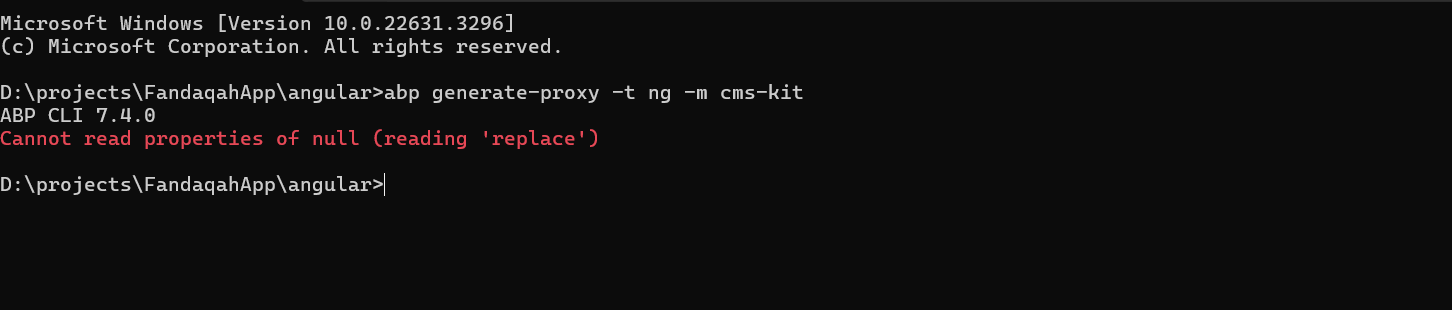
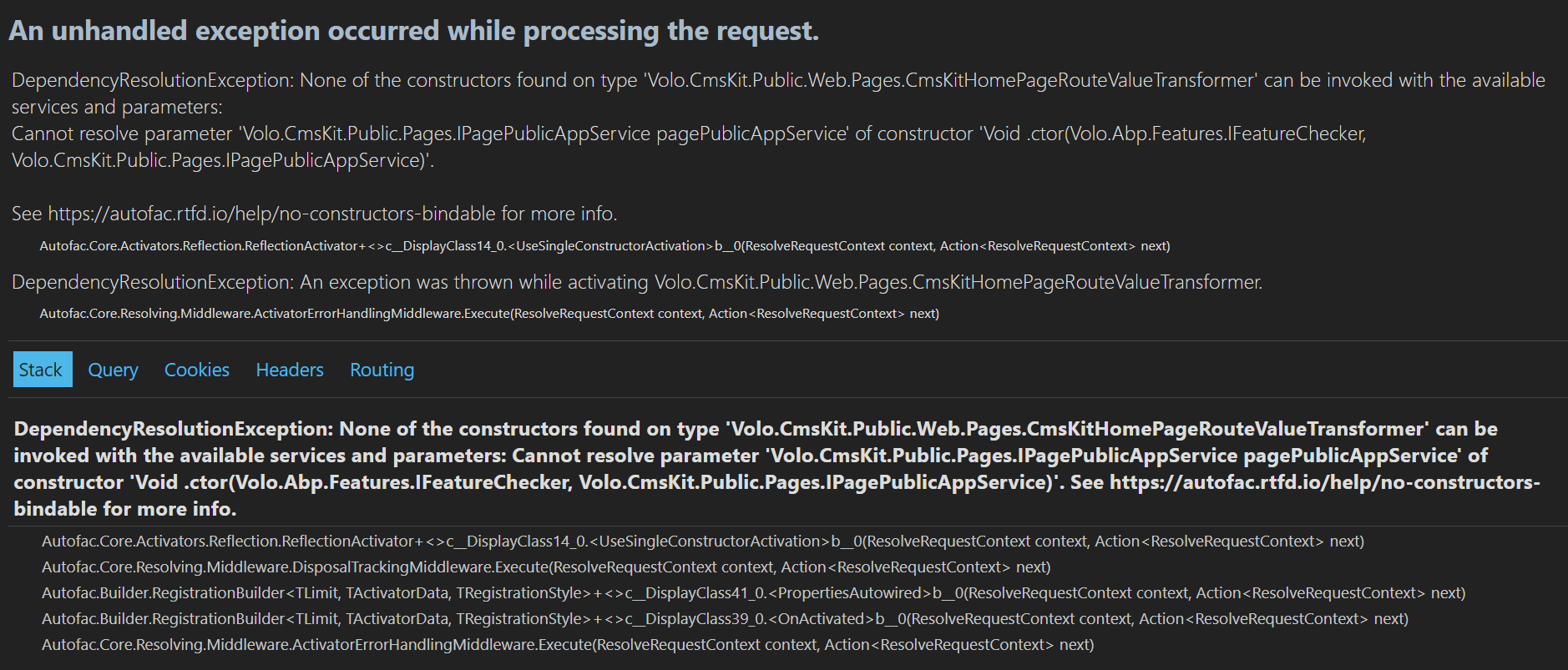 Markdown supported.Copy, paste, or drag & drop images and files (max 100 MB per file, 100 MB total per post)
 -
0
Hello ,
Add CMS kit module as package using ABP suite. After that add below code in
MyProjectGlobalFeatureConfigurator.csfile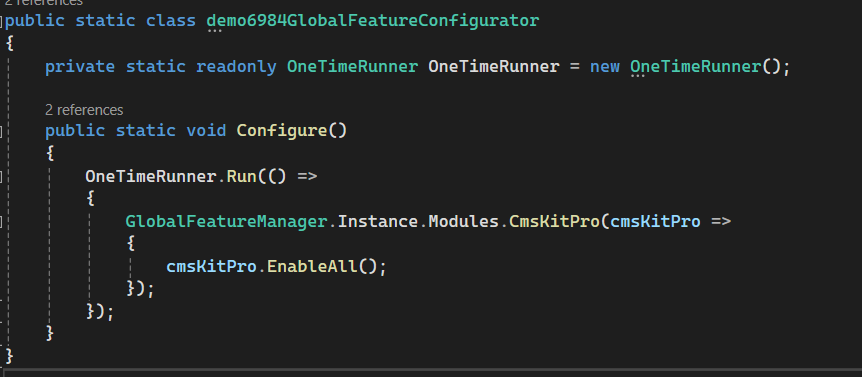
Now run your backend and then in your angular project just hit the command
abp generate-proxy -t ng -m cms-kit-pro-adminin your terminal.Just like
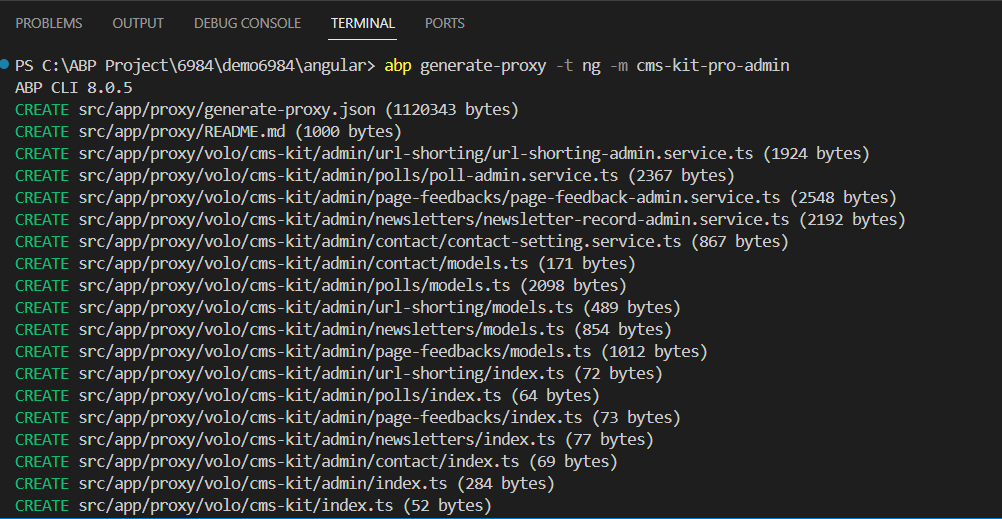 It will genrate the proxy for app service. By using it you can customize UI.
Thank you.
Markdown supported.Copy, paste, or drag & drop images and files (max 100 MB per file, 100 MB total per post) -
0
Hello ,
Add CMS kit module as package using ABP suite.
After that add below code inMyProjectGlobalFeatureConfigurator.csfileNow run your backend and then in your angular project just hit the command
abp generate-proxy -t ng -m cms-kit-pro-adminin your terminal.Just like
It will genrate the proxy for app service. By using it you can customize UI.Thank you.
Hi,
After execution the above command and implement changes in GlobalFeatureConfigurator.cs still did not showing cms in menu as per the below screen shot
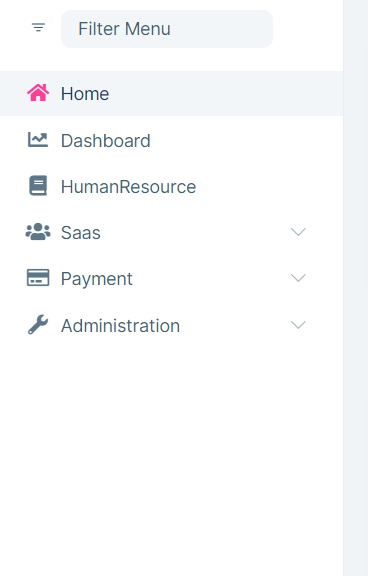 Markdown supported.Copy, paste, or drag & drop images and files (max 100 MB per file, 100 MB total per post)
 -
0
Hello ,.
The cms kit UI is not available for angular you have to customize it . It is only available for blazor and mvc razor pages.
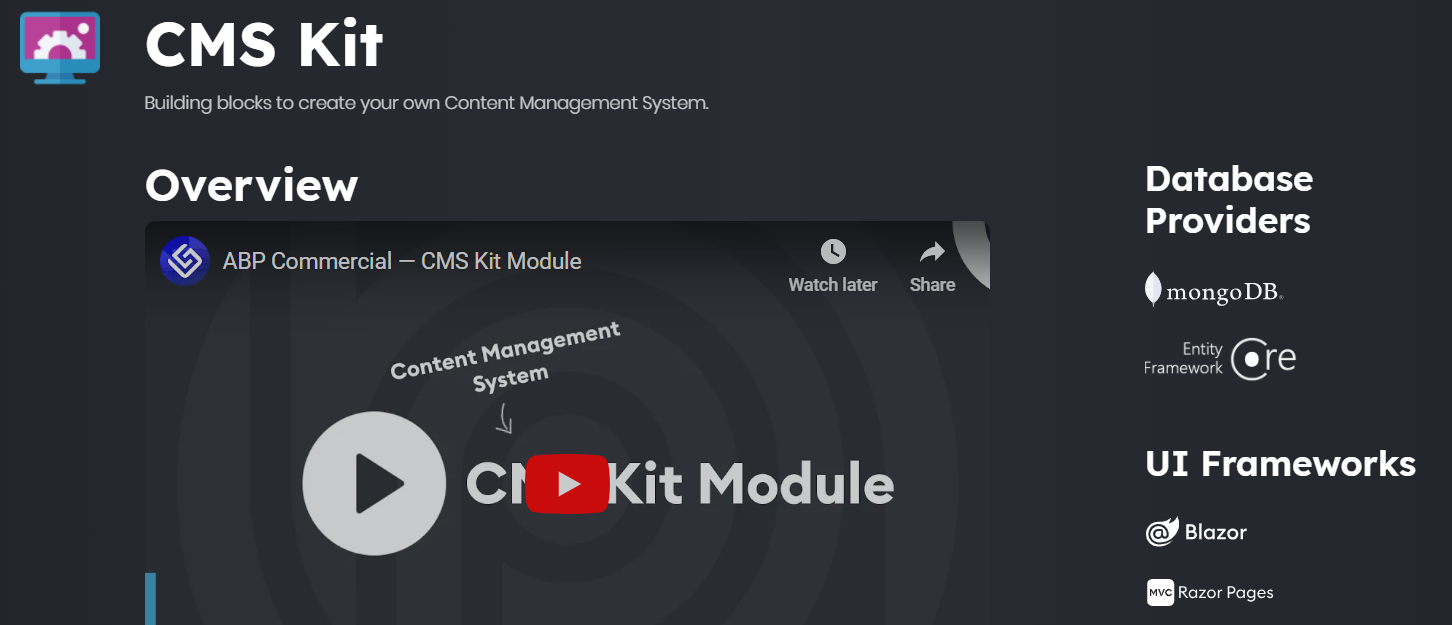
Thanks,
Markdown supported.Copy, paste, or drag & drop images and files (max 100 MB per file, 100 MB total per post)


