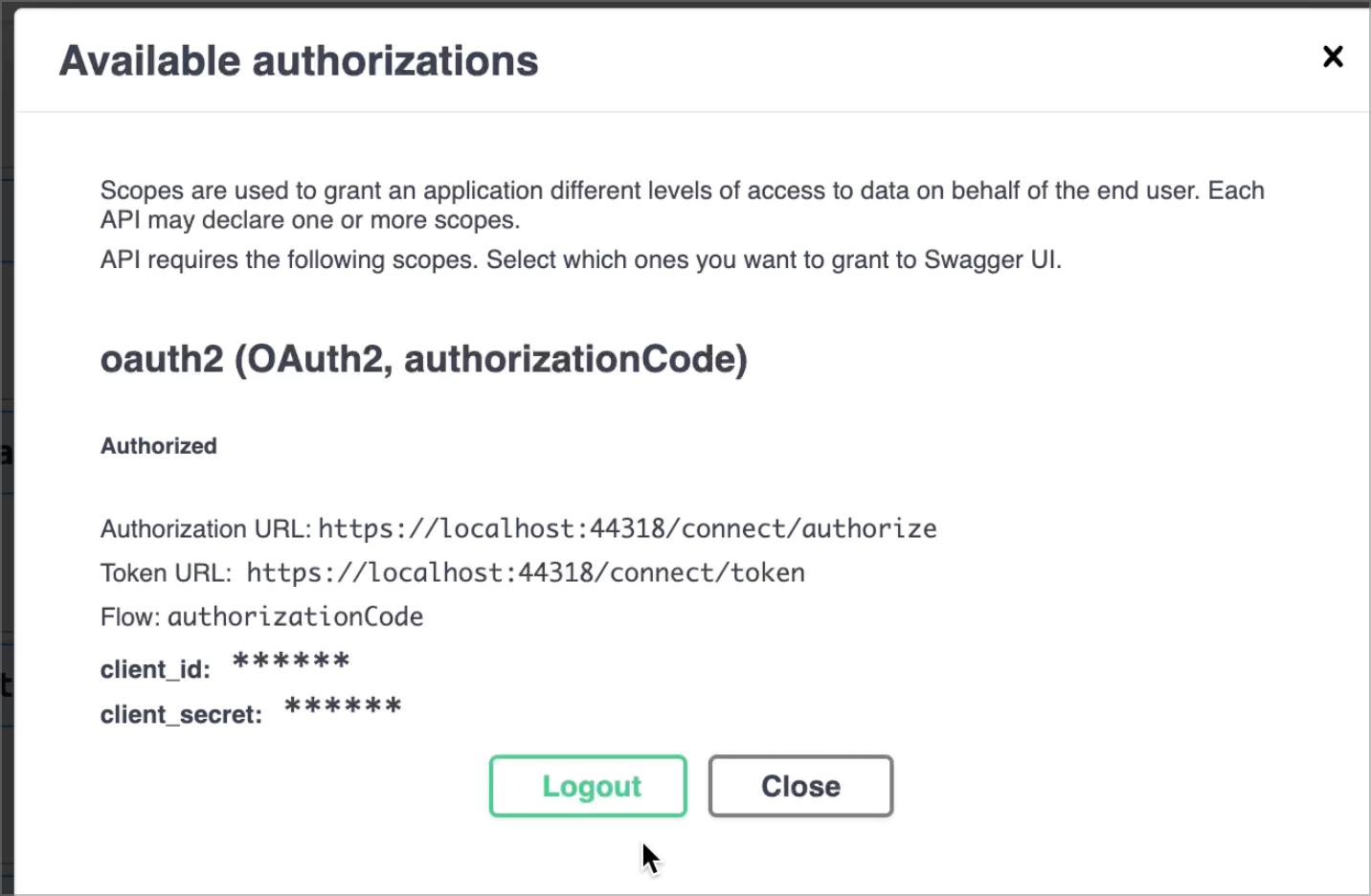
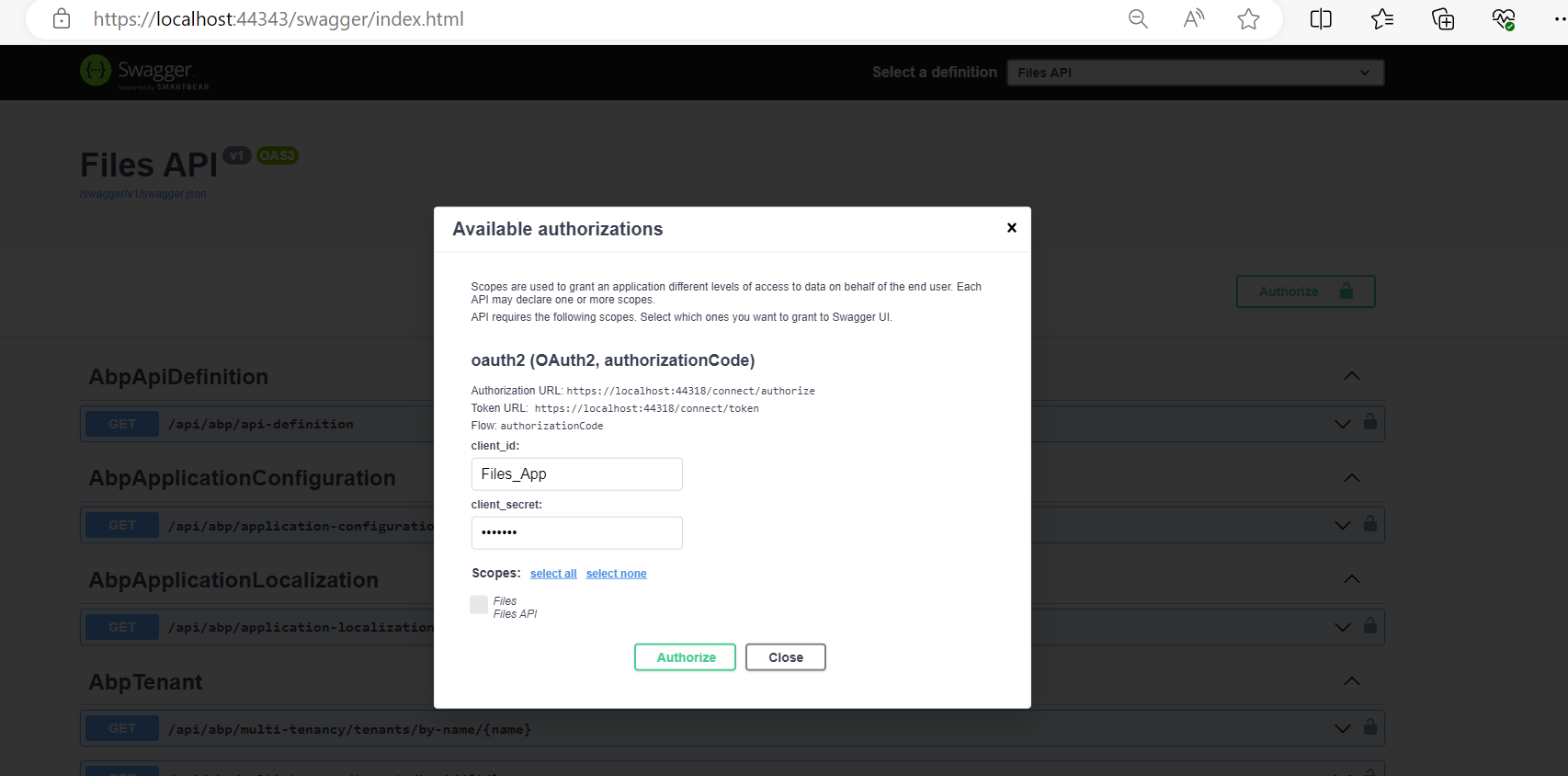
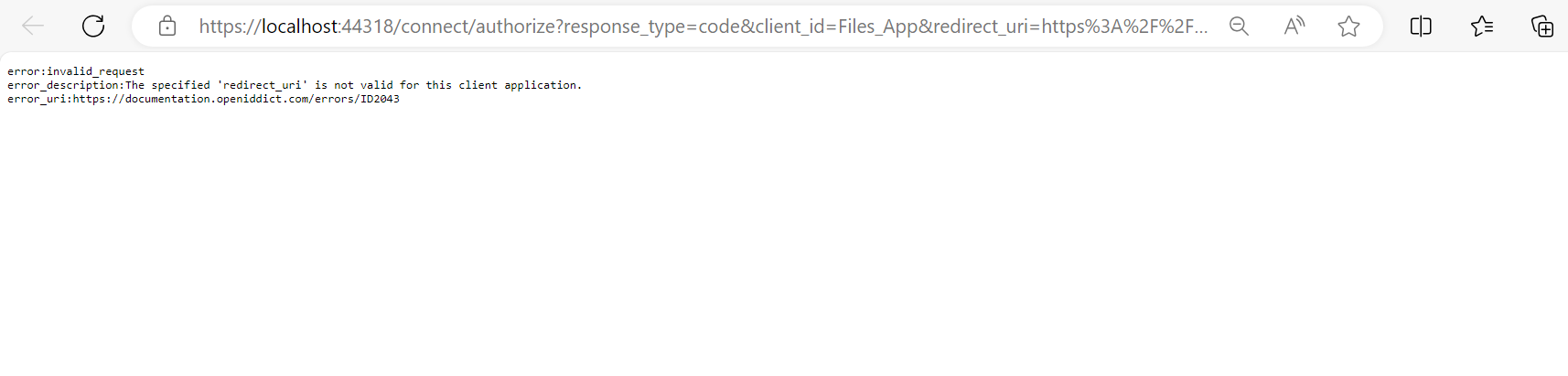
Need help configuring swagger authorization. can't get past the following error.
error:invalid_request error_description:The specified 'redirect_uri' is not valid for this client application. error_uri:https://documentation.openiddict.com/errors/ID2043
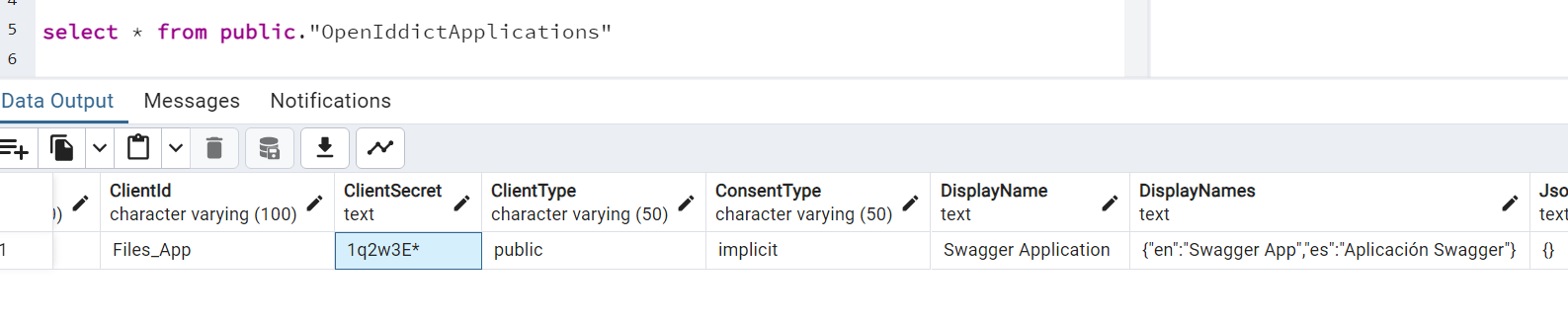
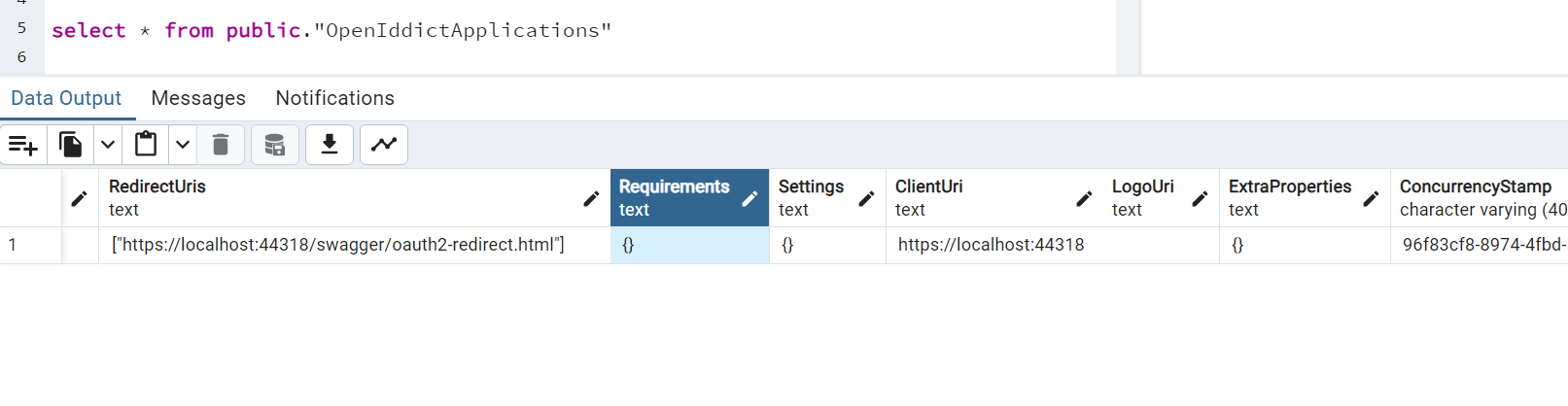
for your refence i have attached swagger url and table screen shots
57 Answer(s)
-
0
why this project it's not working in my local ? Can you pls guide me what are configuration have you done in your local to run this application, pls provide me Tables data as well .
Markdown supported.Copy, paste, or drag & drop images and files (max 100 MB per file, 100 MB total per post) -
0
Ok let me try
Markdown supported.Copy, paste, or drag & drop images and files (max 100 MB per file, 100 MB total per post) -
0
Hi,
I have cleared the cache more than five times and restarted the system twice, but I am still facing the same issue.
Can you pls share your database table data.
Markdown supported.Copy, paste, or drag & drop images and files (max 100 MB per file, 100 MB total per post) -
0
hi
I just migrated the database and ran the projects.
You can use your project to seed a new database. I didn't change anything of your poject.
Markdown supported.Copy, paste, or drag & drop images and files (max 100 MB per file, 100 MB total per post) -
0
Hi,
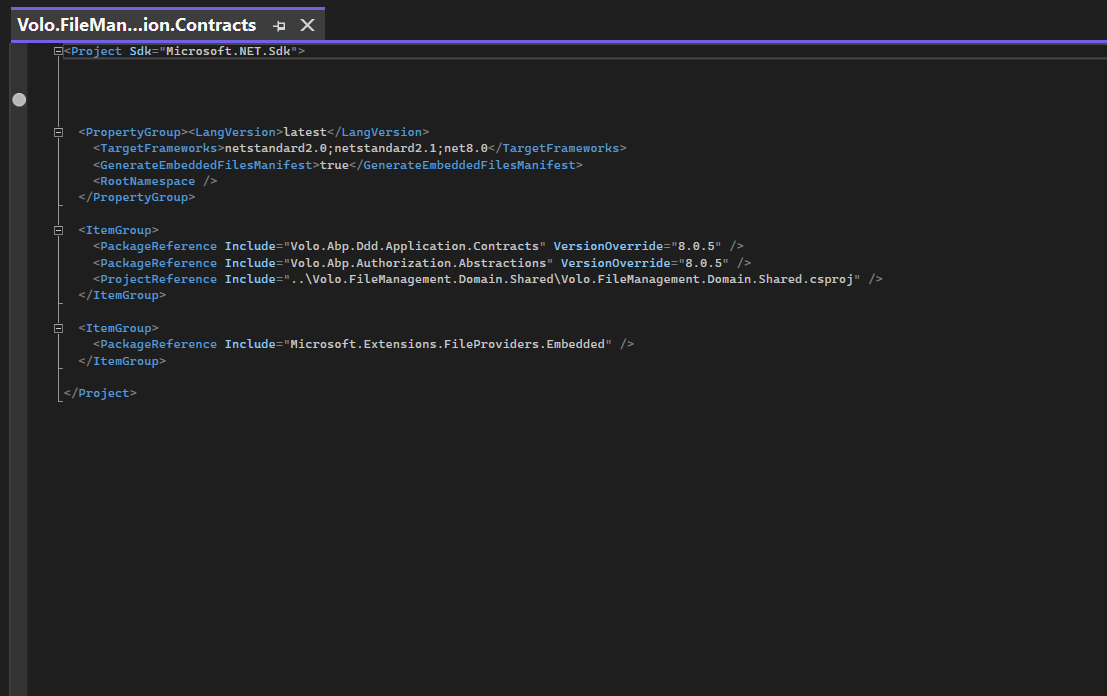
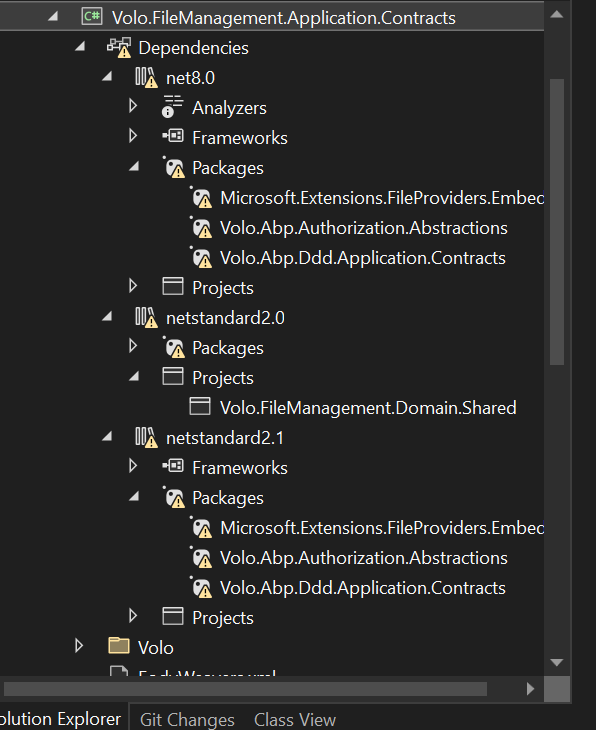
I have created a new project and seeded a new database, which resolved the authentication issue. However, I am facing a build error on the API side. I've repeated the steps below two to three times, but the issue has not been resolved.
- Clean .NET project 3. Remove package 4. Added package 2. Build Project.
 Markdown supported.Copy, paste, or drag & drop images and files (max 100 MB per file, 100 MB total per post)
 -
0
https://we.tl/t-Deleted pls downlaod
Markdown supported.Copy, paste, or drag & drop images and files (max 100 MB per file, 100 MB total per post) -
0
hi
I have created a new project and seeded a new database,
Sorry, I mean your whole project. I will try to build it.
Not there are only unit test project. It is my bad.
Markdown supported.Copy, paste, or drag & drop images and files (max 100 MB per file, 100 MB total per post) -
0
https://we.tl/t-Deleted pls download whole project
Markdown supported.Copy, paste, or drag & drop images and files (max 100 MB per file, 100 MB total per post) -
0
hi
I can build success in the
FileManagementModule/aspnet-coreandFileManagementModule/aspnet-core/modules/Volo.FileManagementprojects viadotnet buildcommand.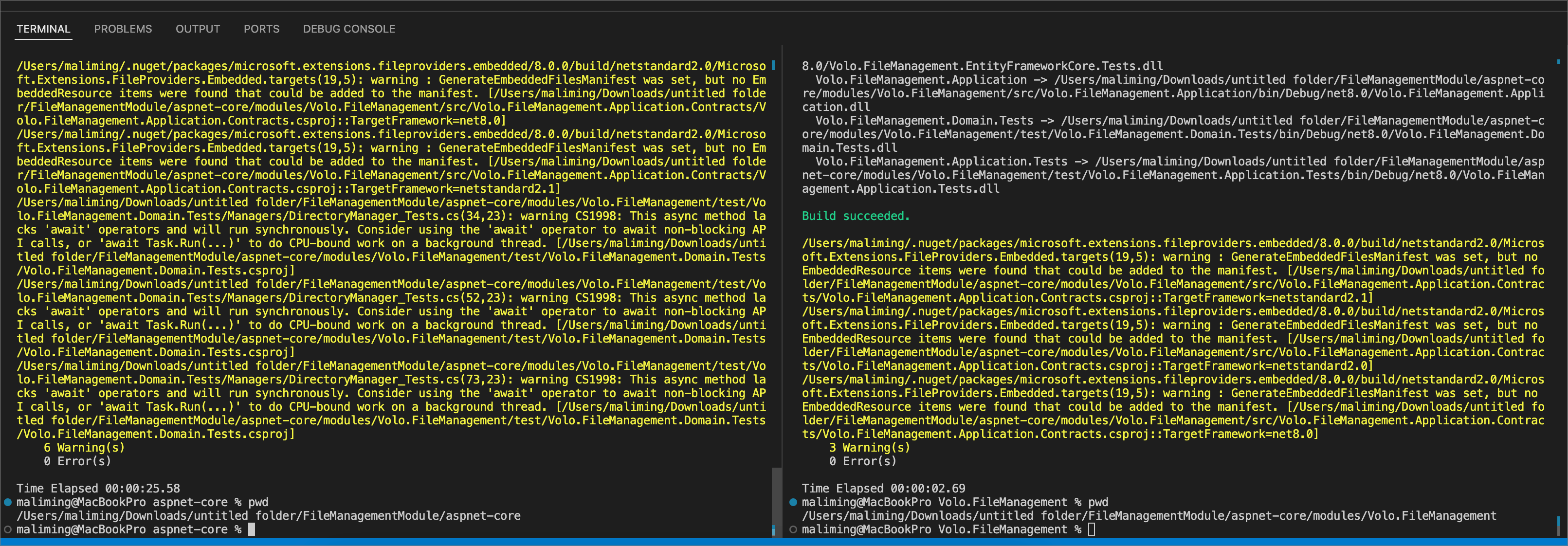 Markdown supported.Copy, paste, or drag & drop images and files (max 100 MB per file, 100 MB total per post)
 -
0
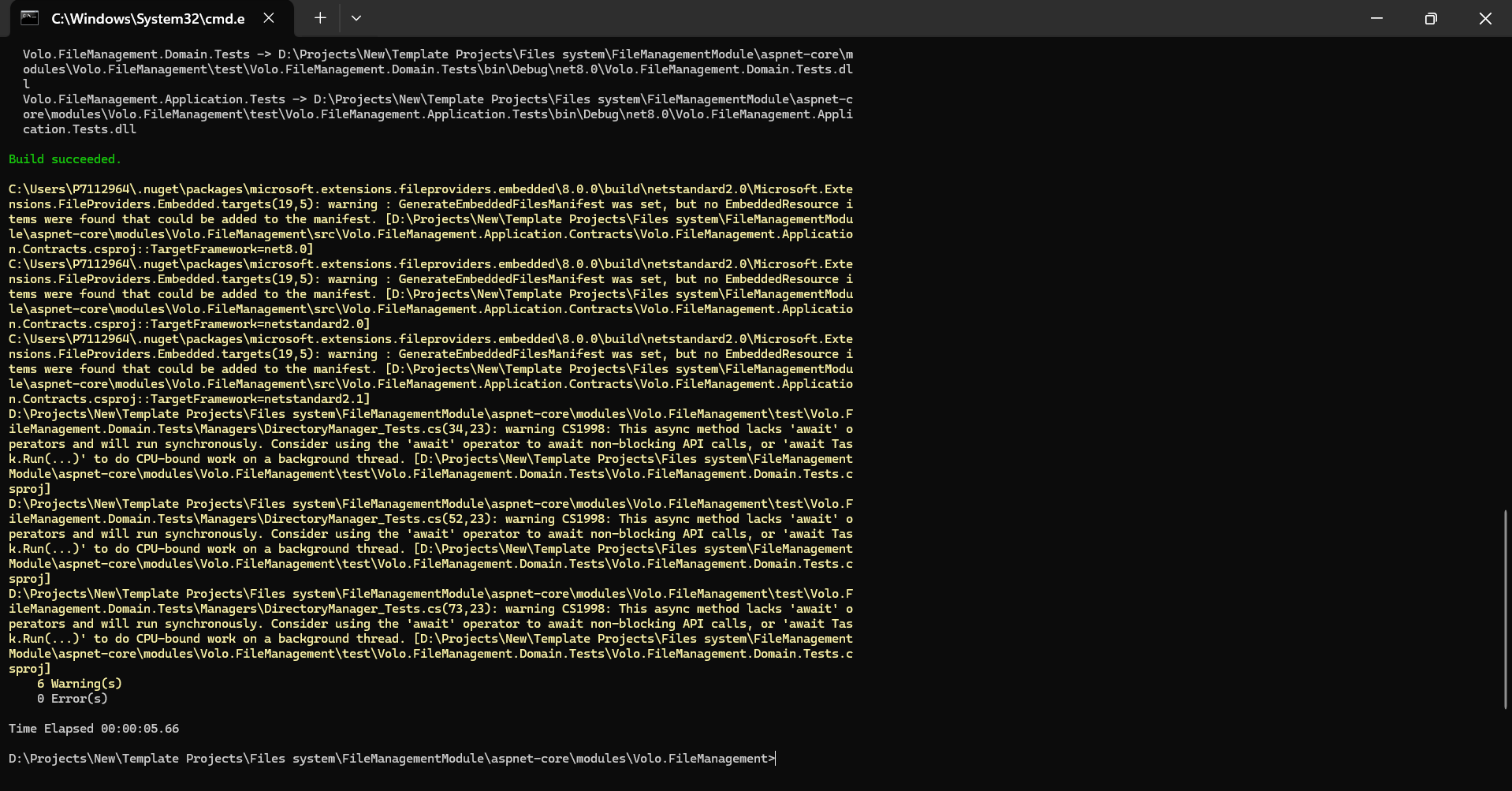
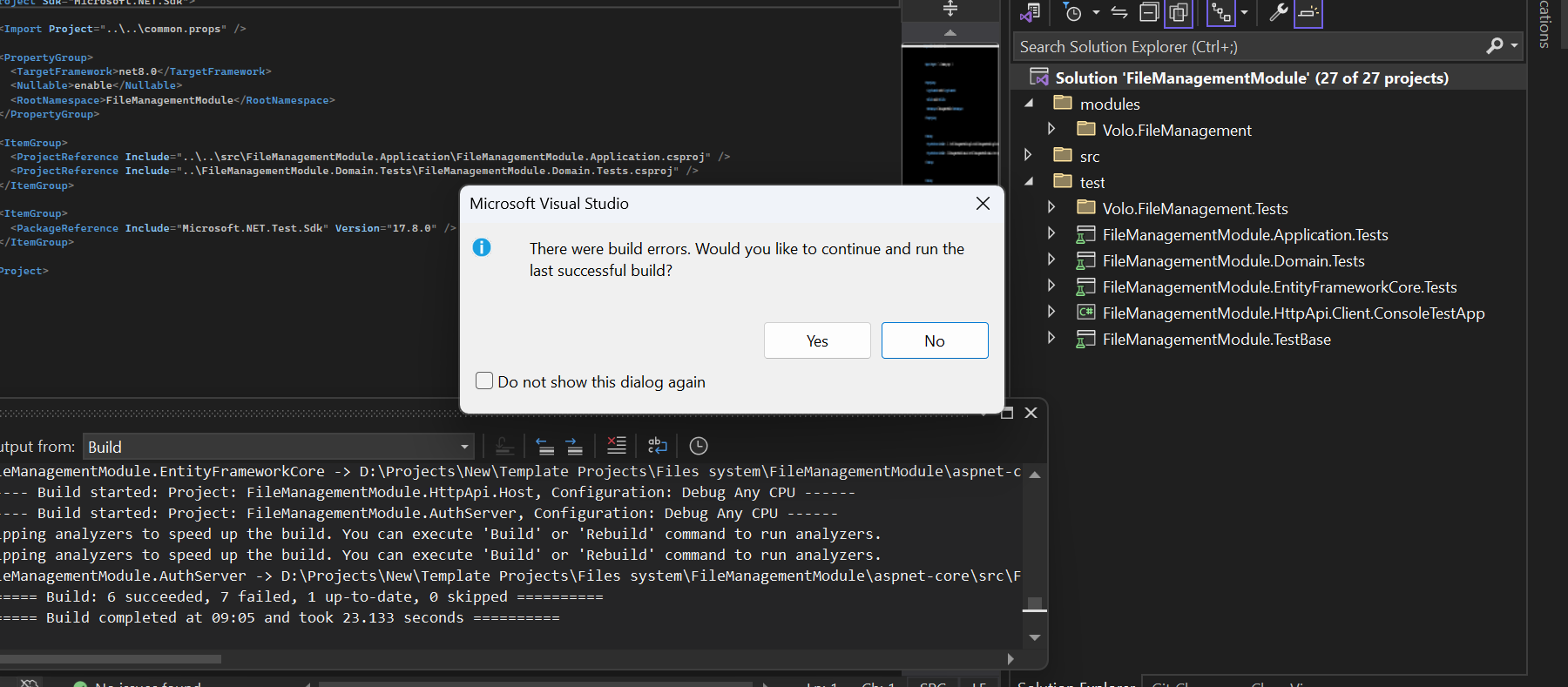
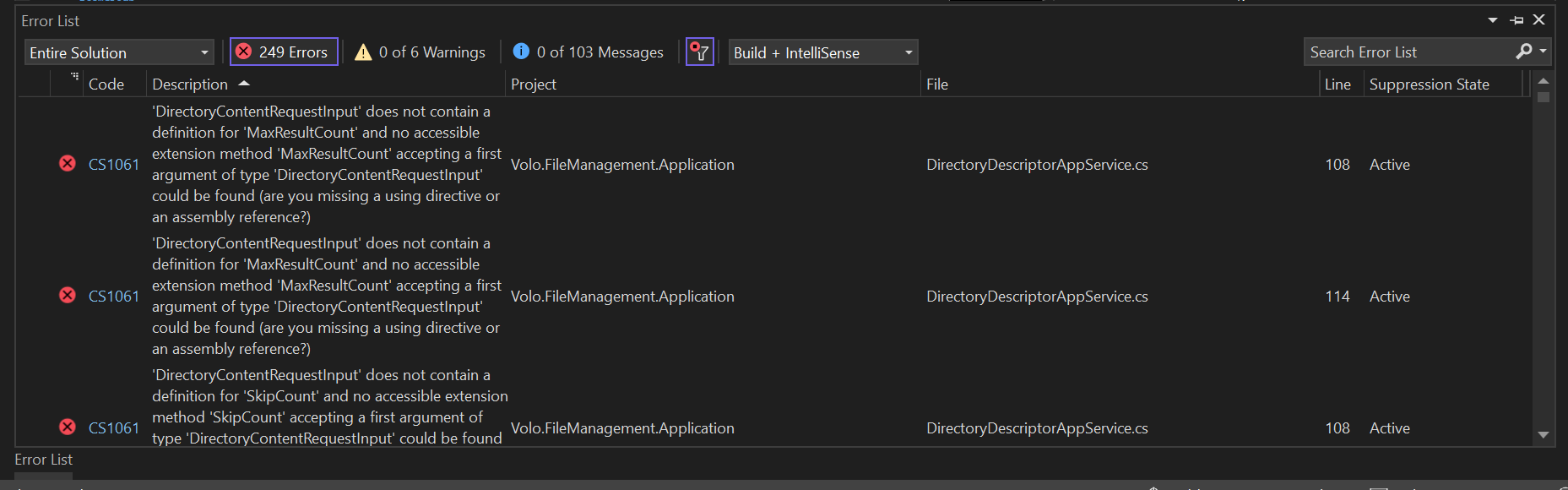
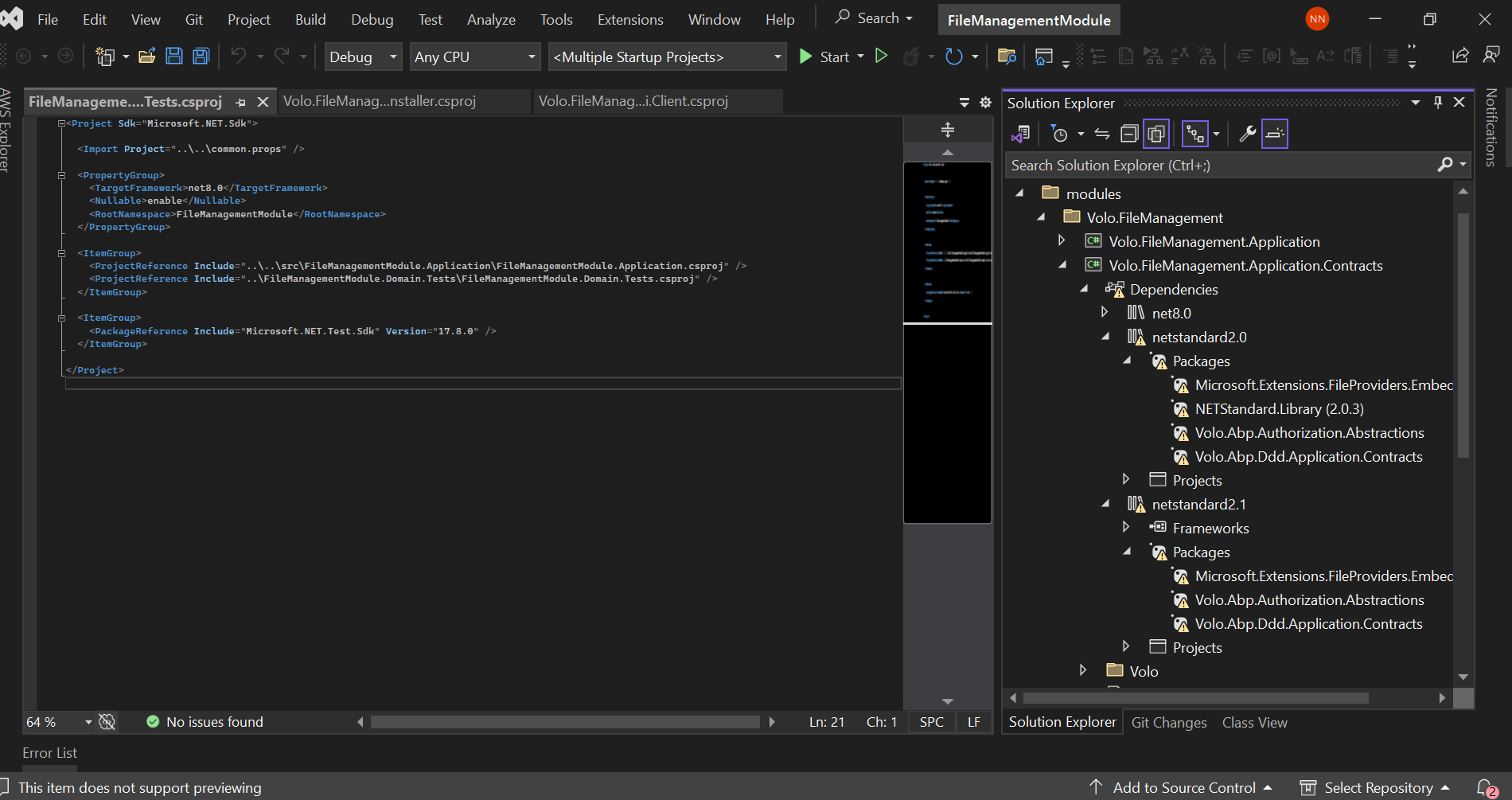
Hi, Using command line, me also able to build application successfully. however, if I build and run application in Visual Studio facing build error.
cmd
Visual Studio
 Markdown supported.Copy, paste, or drag & drop images and files (max 100 MB per file, 100 MB total per post)
 -
0
hi
Using command line, me also able to build application successfully.
This means the code is no problem. You can use this extension in VS.
https://marketplace.visualstudio.com/items?itemName=alper-ebicoglu.DotnetGraphBuild
Markdown supported.Copy, paste, or drag & drop images and files (max 100 MB per file, 100 MB total per post) -
0
Hi ,
DotNetGraphBuild also not work.
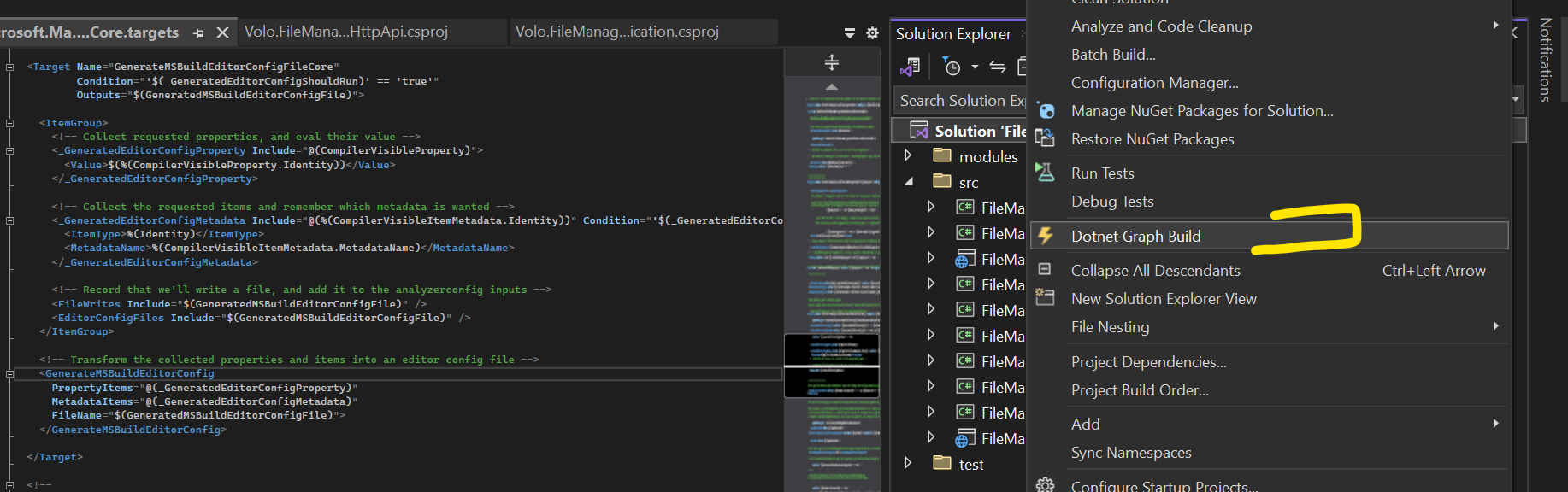
If you have Visual Studio installed, could you please follow these steps and run the application? 1.
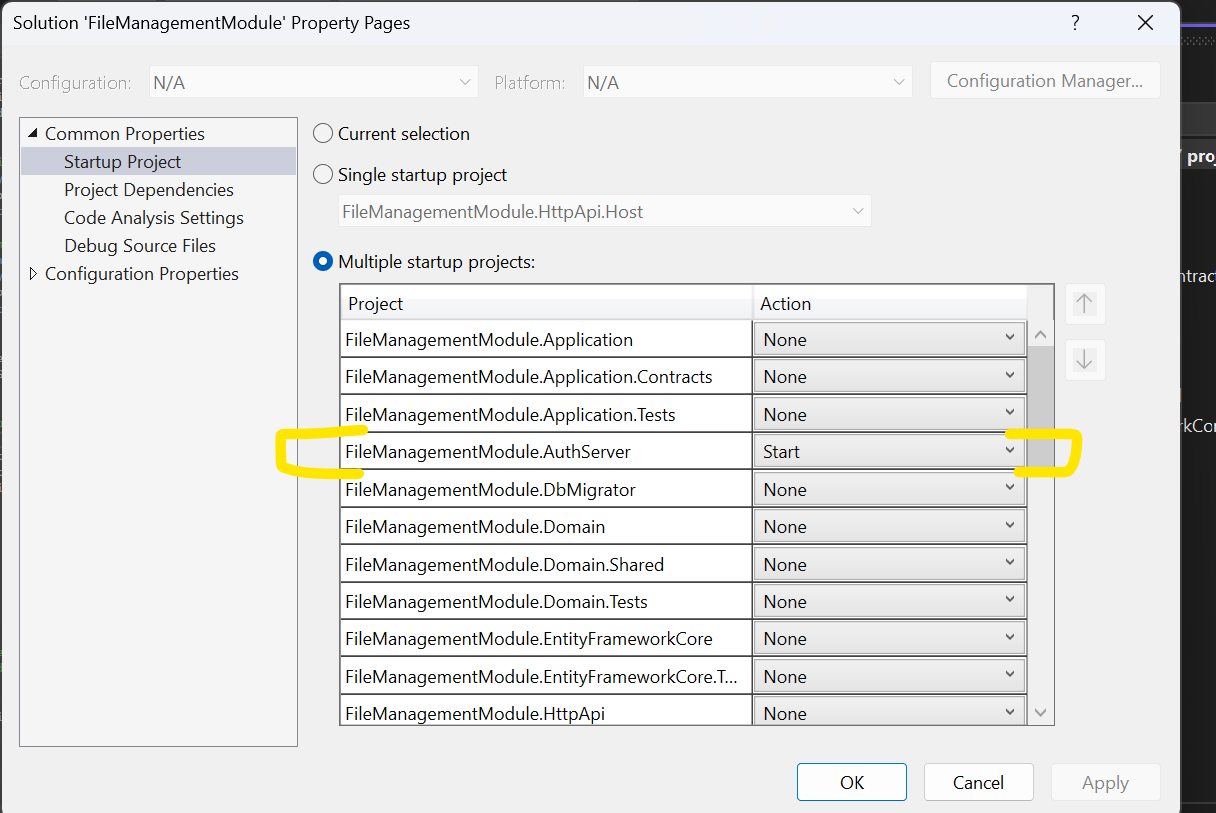
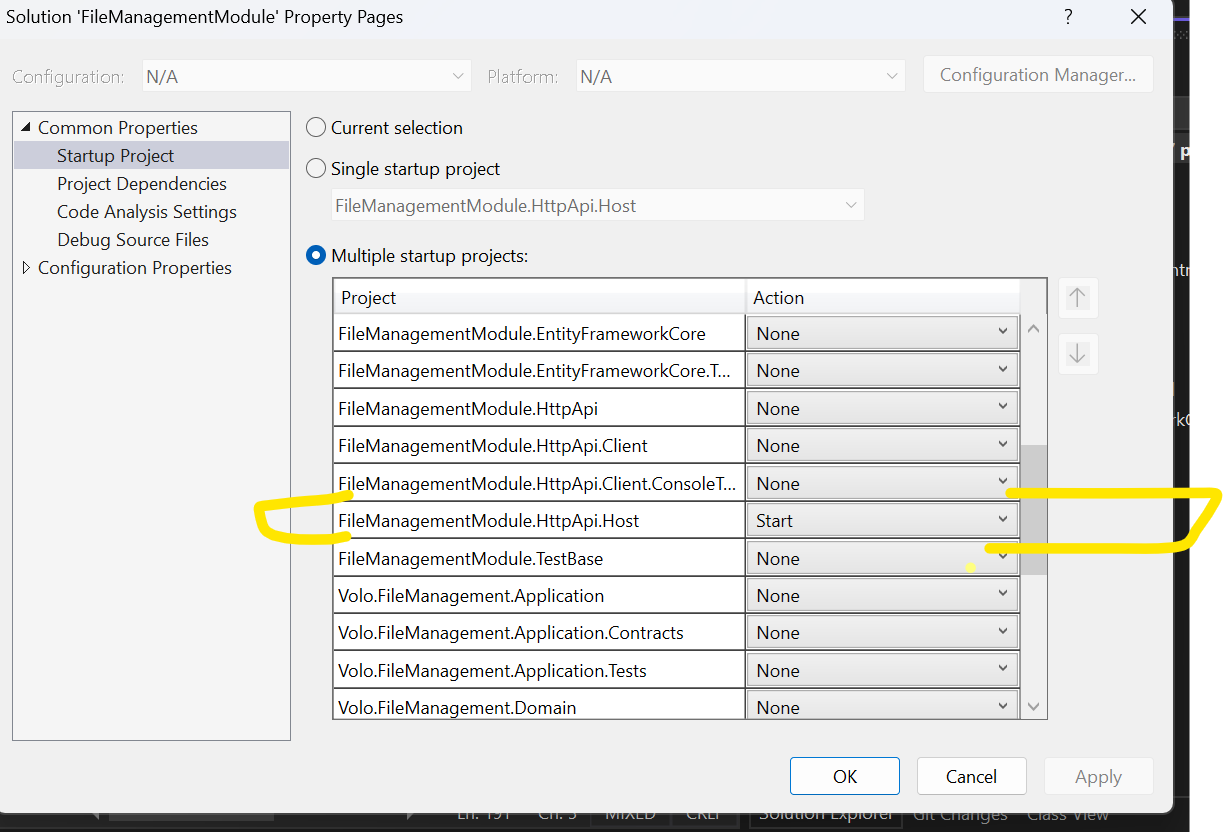
2.
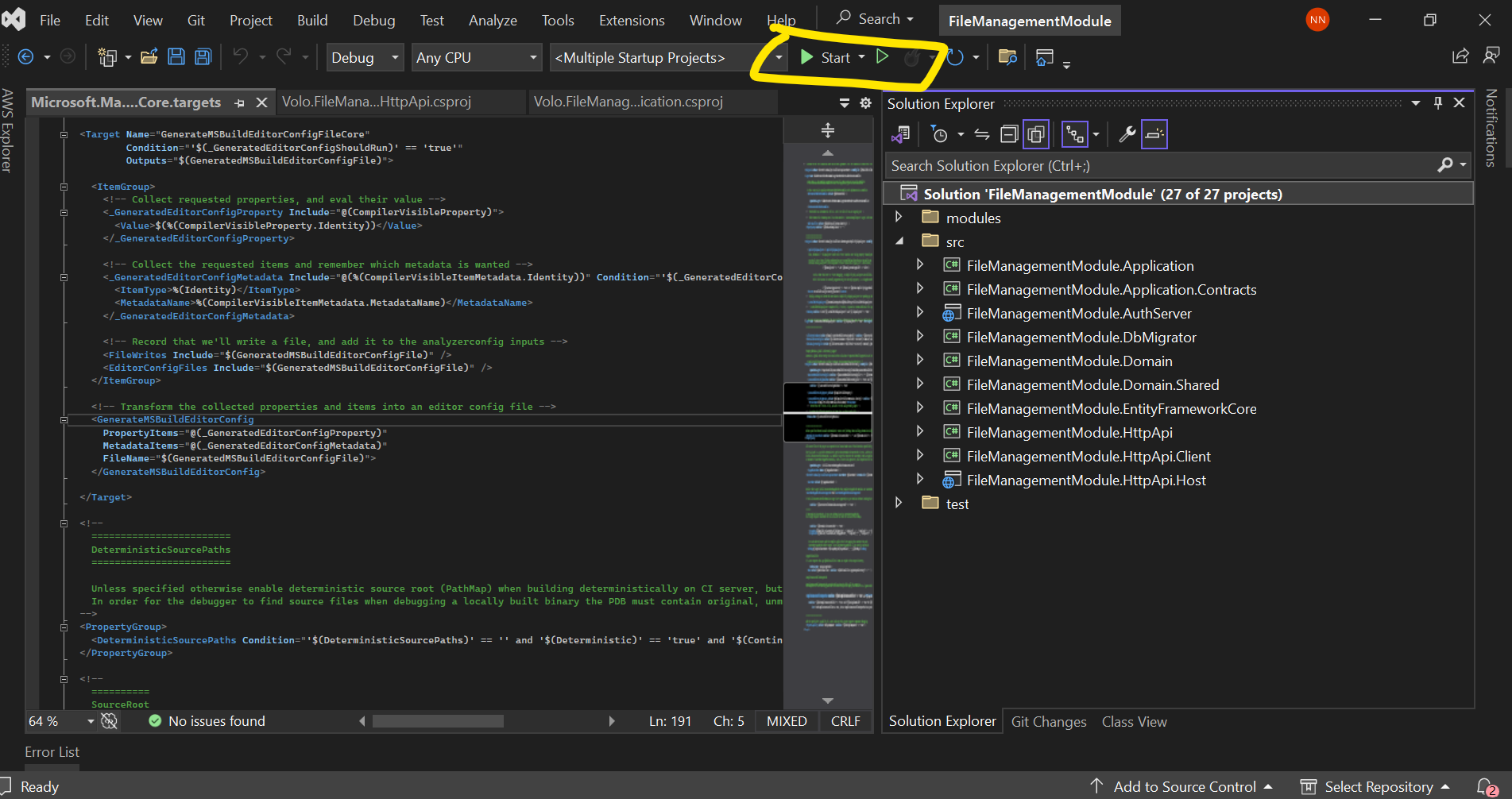 Markdown supported.Copy, paste, or drag & drop images and files (max 100 MB per file, 100 MB total per post)
 -
0
hi
I think this is a VS problem, You can run
dotnet build /graphbuildanddotnet runto start your project.I'm using RIder IDE. There is no such problem.
Markdown supported.Copy, paste, or drag & drop images and files (max 100 MB per file, 100 MB total per post) -
0
Is it possible to resolve this issue? I want to integrate a new File Management module into our existing application. However, when I add this module to the existing application, everyone encounters build errors.
Markdown supported.Copy, paste, or drag & drop images and files (max 100 MB per file, 100 MB total per post) -
0
You can try to update your VS to the latest version. This is not a code problem.
You can also delete the
.vsfolder and restart the Visual Studio.Markdown supported.Copy, paste, or drag & drop images and files (max 100 MB per file, 100 MB total per post) -
0
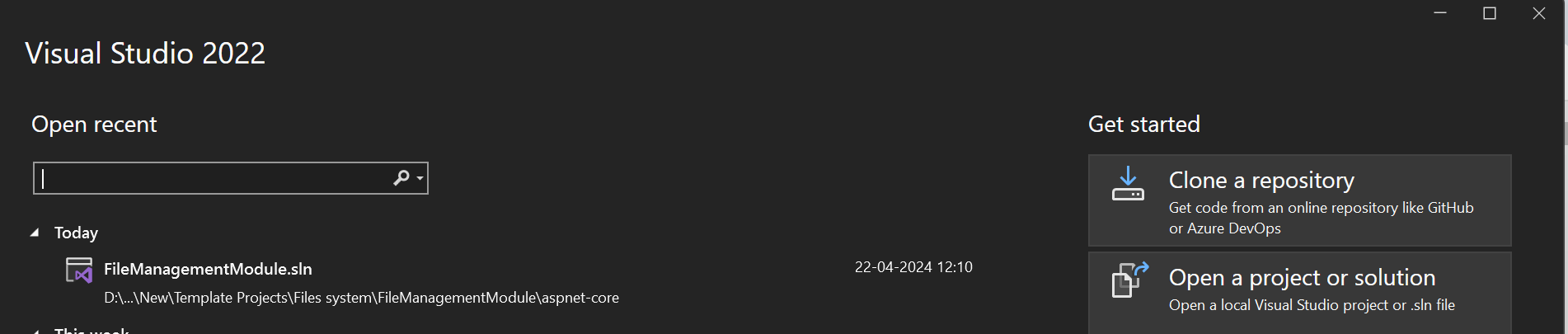
I have latest VS 2022 version. However, let me delete .vs folder and restart the Visual Studio.
 Markdown supported.Copy, paste, or drag & drop images and files (max 100 MB per file, 100 MB total per post)
 -
0
ok
Markdown supported.Copy, paste, or drag & drop images and files (max 100 MB per file, 100 MB total per post) -
0
Hi maliming,
No Luck, same issue.
Markdown supported.Copy, paste, or drag & drop images and files (max 100 MB per file, 100 MB total per post)