Open Closed

Angular UI Administration menus are not showed! (abp version is 2.3.0) #72


User avatar
0
zony created

Angular UI Administration menus are not showed!

The solution is created by cli: abp new Test -t app-pro -u angular

The abp pro version is 2.3.0.

It can build and run successful, but administration menus are not showed.

Markdown supported.
Copy, paste, or drag & drop images and files (max 100 MB per file, 100 MB total per post)

13 Answer(s)
  • User Avatar
    1
    alper created
    Support Team Director

    try signing in from http://localhost:4200/account/login then you'll see the administrator menu.

    I think the problem is there's no Login link.

    Markdown supported.
    Copy, paste, or drag & drop images and files (max 100 MB per file, 100 MB total per post)
  • User Avatar
    0
    drpdev2 created

    I already logged into the system. But It didn't work!

    Markdown supported.
    Copy, paste, or drag & drop images and files (max 100 MB per file, 100 MB total per post)
  • User Avatar
    0
    Mehmet created

    Did you clean browser storages (local and storage) ?

    Markdown supported.
    Copy, paste, or drag & drop images and files (max 100 MB per file, 100 MB total per post)
  • User Avatar
    0
    thanhvl1 created

    Hi,

    I've got this also

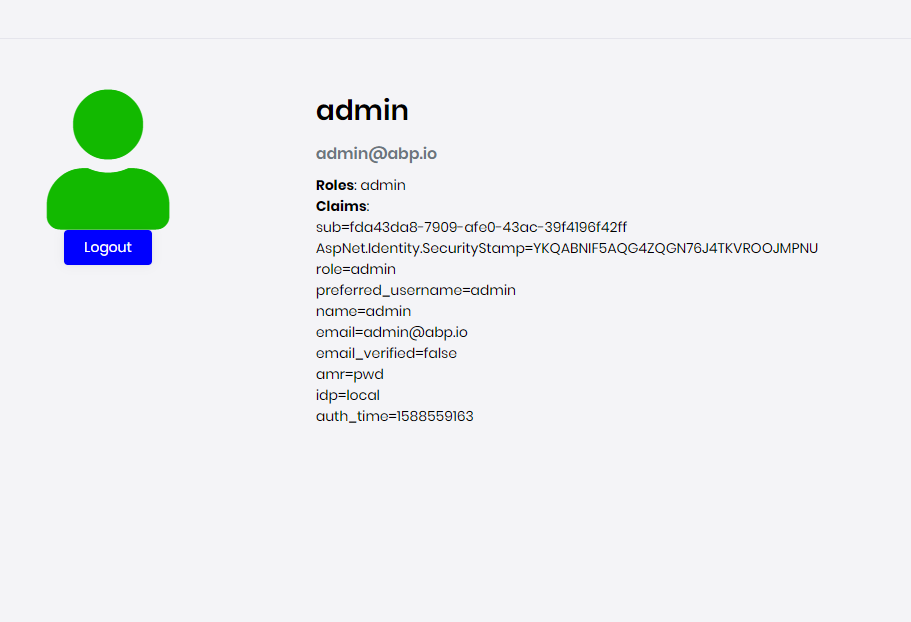
    The admin menu can be showed in localhost but I've got this problem when deploying to dev server The first time I run, It show the default page with login button, then I passed the username and password and it show like this
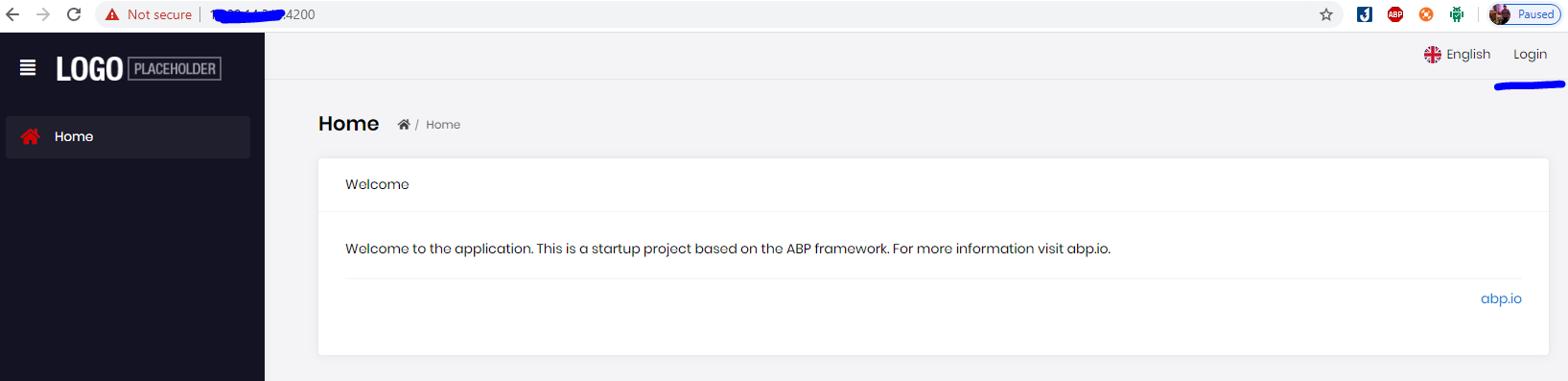
    Then I refresh the page and it turned to unauthorized page
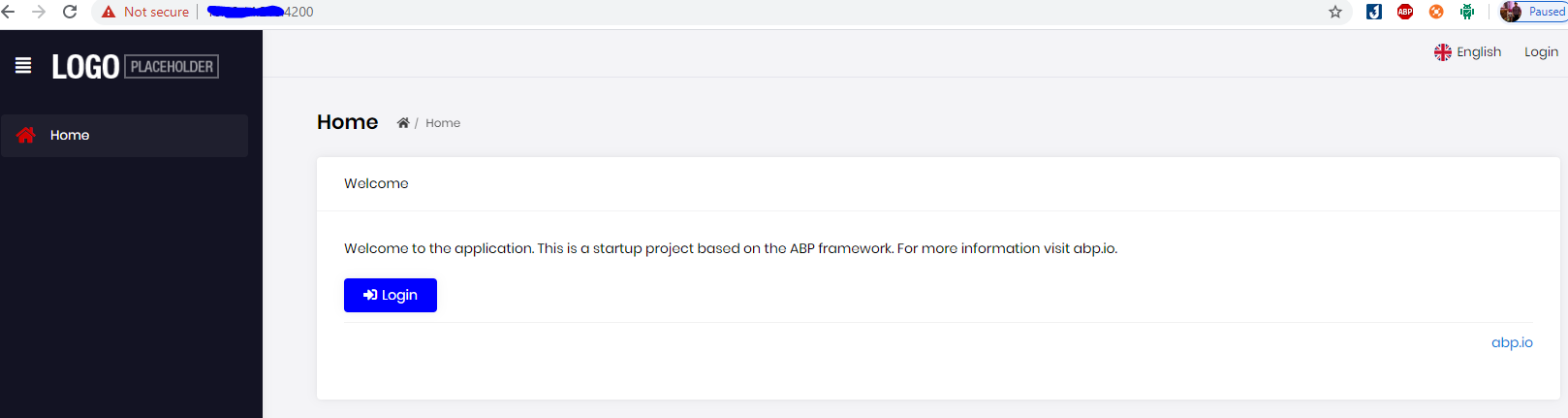
    Markdown supported.
    Copy, paste, or drag & drop images and files (max 100 MB per file, 100 MB total per post)
  • User Avatar
    0
    Mehmet created

    Check the app-configuration response after logging in. If isAuthenticated in currentUser object equal to false, you should check the backend configuration. It may related to AuthServer settings in the appsettings.json

    Markdown supported.
    Copy, paste, or drag & drop images and files (max 100 MB per file, 100 MB total per post)
  • User Avatar
    0
    thanhvl1 created

    I don't know why the isAuthenticated = false because when It redirects to /account/login, I can log in successfully

    Markdown supported.
    Copy, paste, or drag & drop images and files (max 100 MB per file, 100 MB total per post)
  • User Avatar
    0
    Mehmet created

    Can you call ​/api​/account​/login API via swagger and provide response to us?

    Markdown supported.
    Copy, paste, or drag & drop images and files (max 100 MB per file, 100 MB total per post)
  • User Avatar
    0
    thanhvl1 created

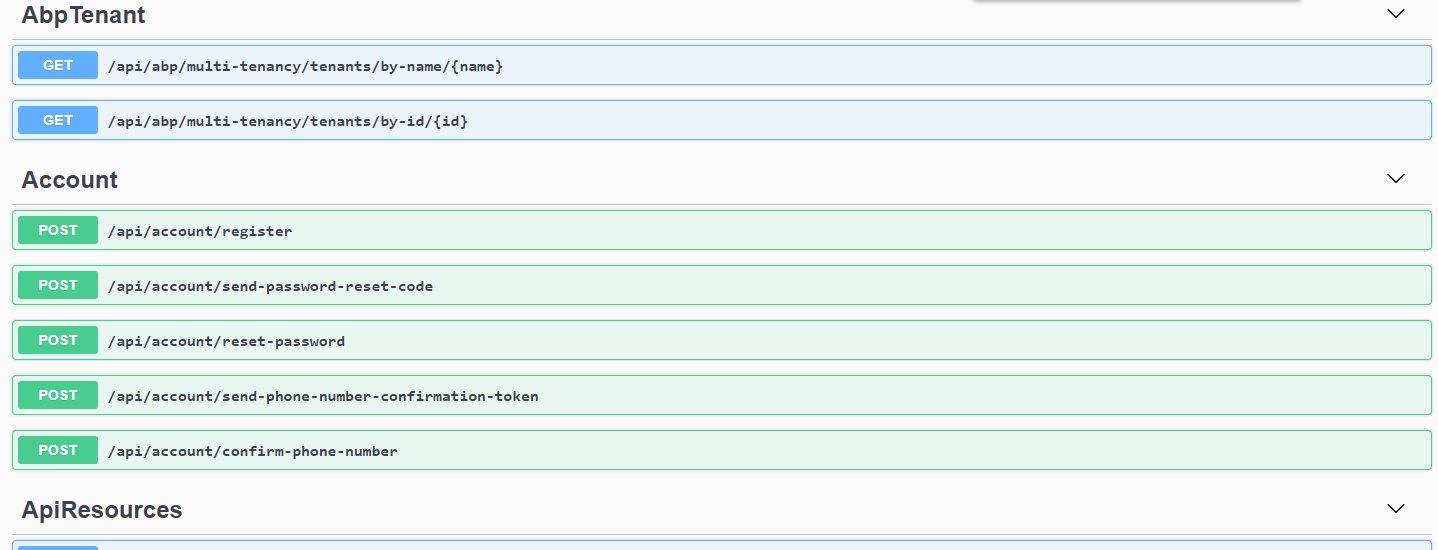
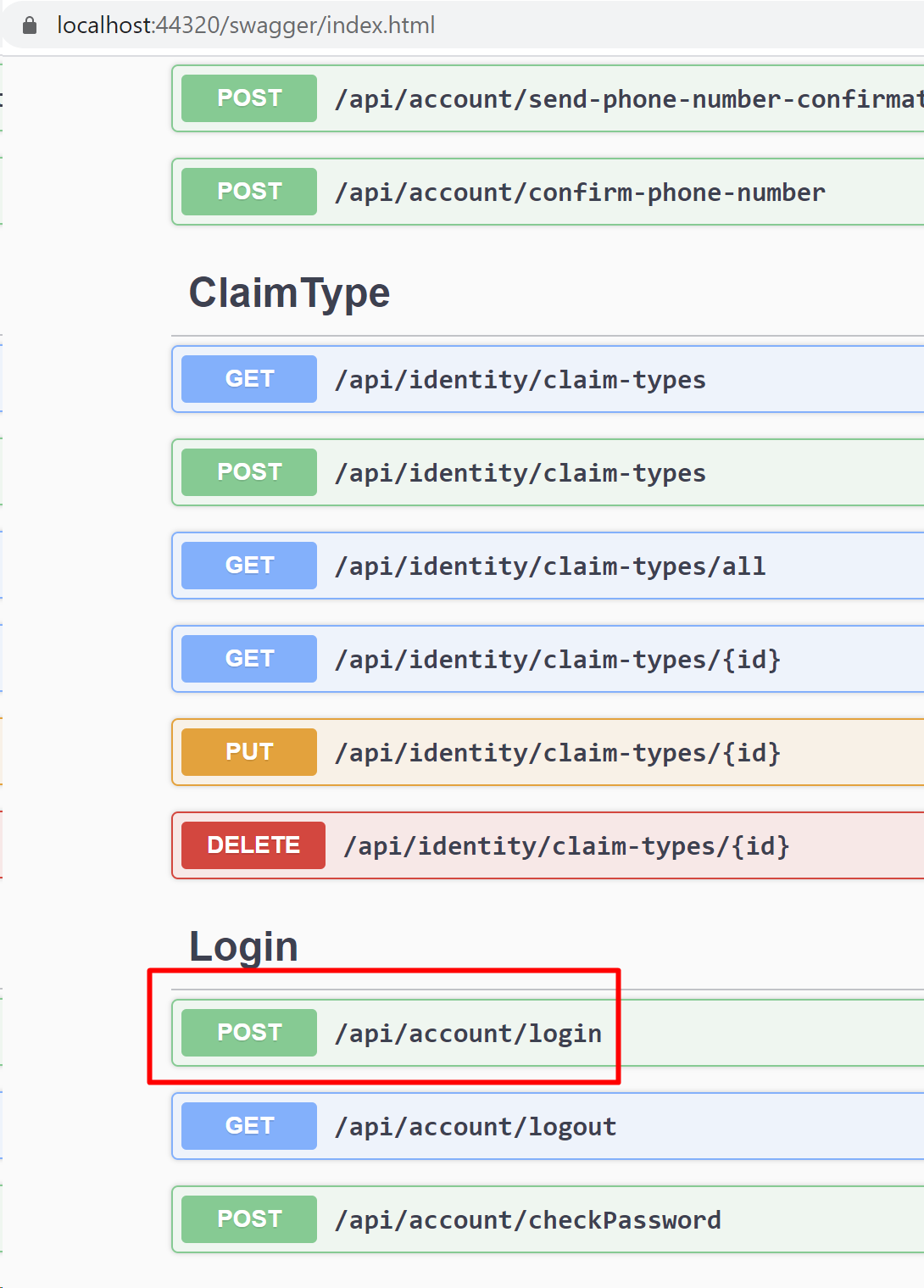
    This is my swagger, there is no /api/account/login

    Markdown supported.
    Copy, paste, or drag & drop images and files (max 100 MB per file, 100 MB total per post)
  • User Avatar
    0
    alper created
    Support Team Director

    is your Identity Server seperated?

    Markdown supported.
    Copy, paste, or drag & drop images and files (max 100 MB per file, 100 MB total per post)
  • User Avatar
    0
    thanhvl1 created

    Yes, it's seperated. And I can login through it

    Markdown supported.
    Copy, paste, or drag & drop images and files (max 100 MB per file, 100 MB total per post)
  • User Avatar
    0
    alper created
    Support Team Director

    add swagger to your Identiy Server project

    See this to understand how to add Swagger https://gist.github.com/ebicoglu/60b9617a9dc0a780f7fc729f0496f4cc

    Markdown supported.
    Copy, paste, or drag & drop images and files (max 100 MB per file, 100 MB total per post)

  • User Avatar
    0
    thanhvl1 created

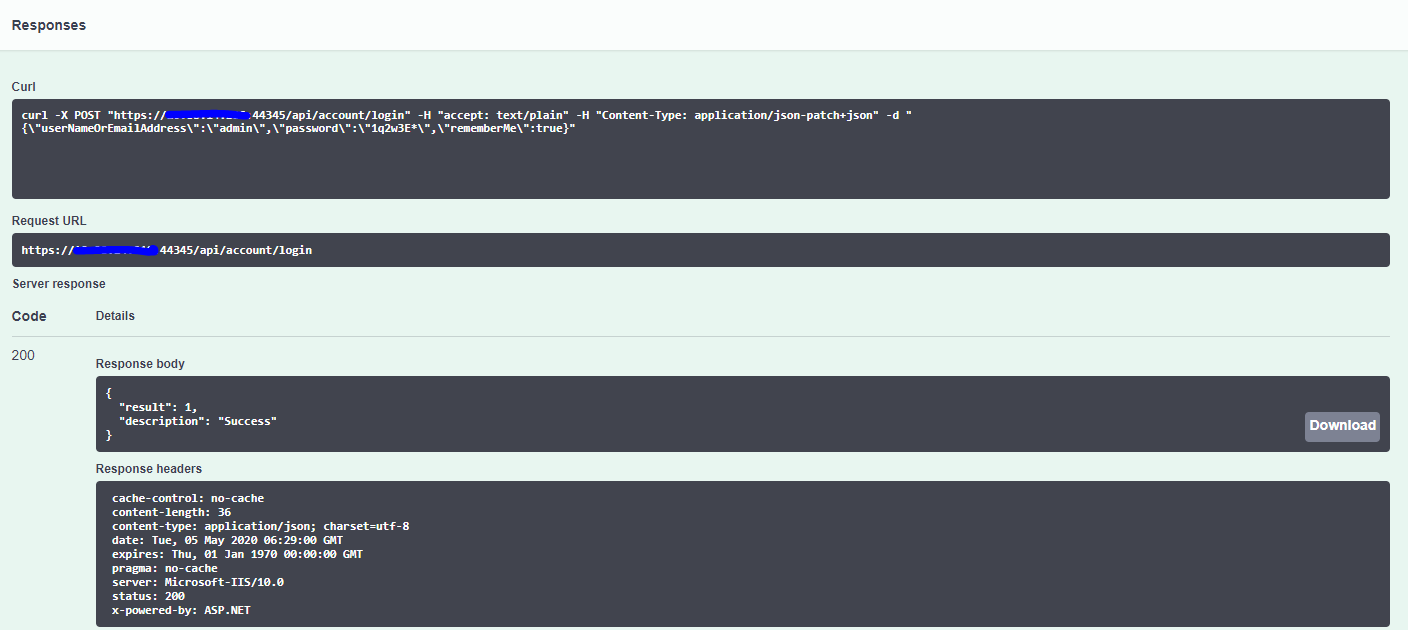
    this is my response from try swagger

    Everything is fine when I run in debug. This stuck me to deploy to Demo environment. Please help

    Markdown supported.
    Copy, paste, or drag & drop images and files (max 100 MB per file, 100 MB total per post)

  • User Avatar
    0
    Mehmet created

    this is my response from try swagger Everything is fine when I run in debug. This stuck me to deploy to Demo environment. Please help


    Hi,

    If this problem still exists, please create a new ticket.

    Markdown supported.
    Copy, paste, or drag & drop images and files (max 100 MB per file, 100 MB total per post)
Boost Your Development
ABP Live Training
Packages
See Trainings
Mastering ABP Framework Book
The Official Guide
Mastering
ABP Framework
Learn More
Mastering ABP Framework Book
Made with ❤️ on ABP v10.8.0-preview. Updated on September 16, 2026, 14:50
1
ABP Assistant
🔐 You need to be logged in to use the chatbot. Please log in first.