






Check the docs before asking a question: https://docs.abp.io/en/commercial/latest/ Check the samples to see the basic tasks: https://docs.abp.io/en/commercial/latest/samples/index The exact solution to your question may have been answered before, and please first use the search on the homepage. Provide us with the following info:
- ABP Framework version: v8.2.0
- UI Type. Blazor WASM
- Database System: EF Core (SQLite)
- Tiered (for MVC) or Auth Server Separated (for Angular): no
- Exception message and full stack trace:
- Steps to reproduce the issue:
I create the Acme.BookStore sample following the Web Application Development Tutorial. When I reached step 9 of the tutorial, involving Authors.razor and Authors.razor.cs, I encountered numerous errors that prevent the application from running.
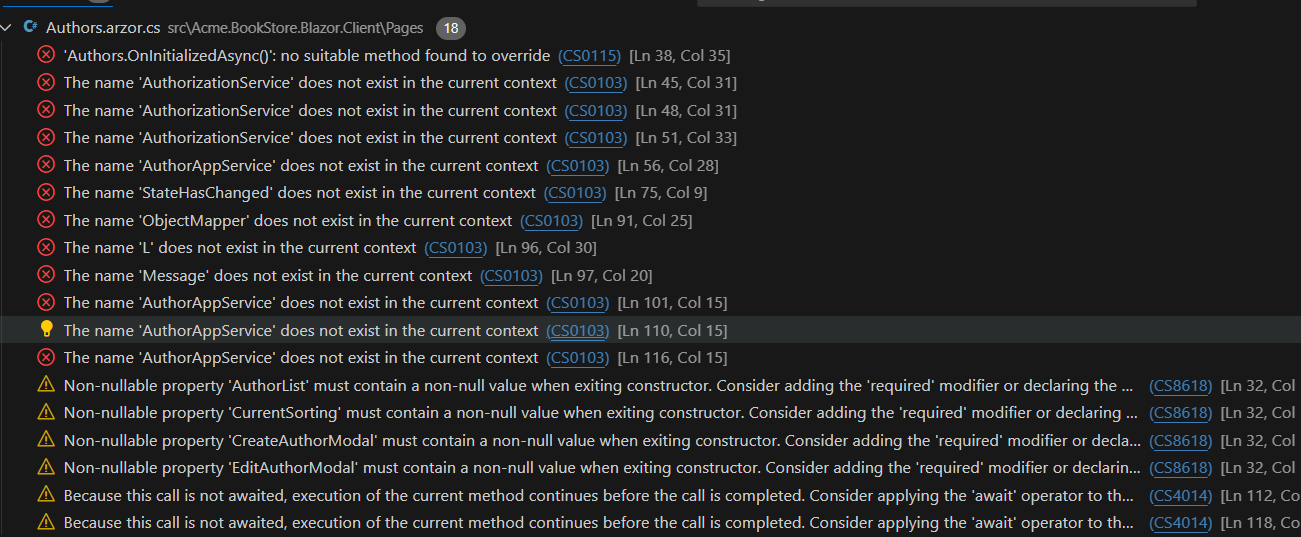
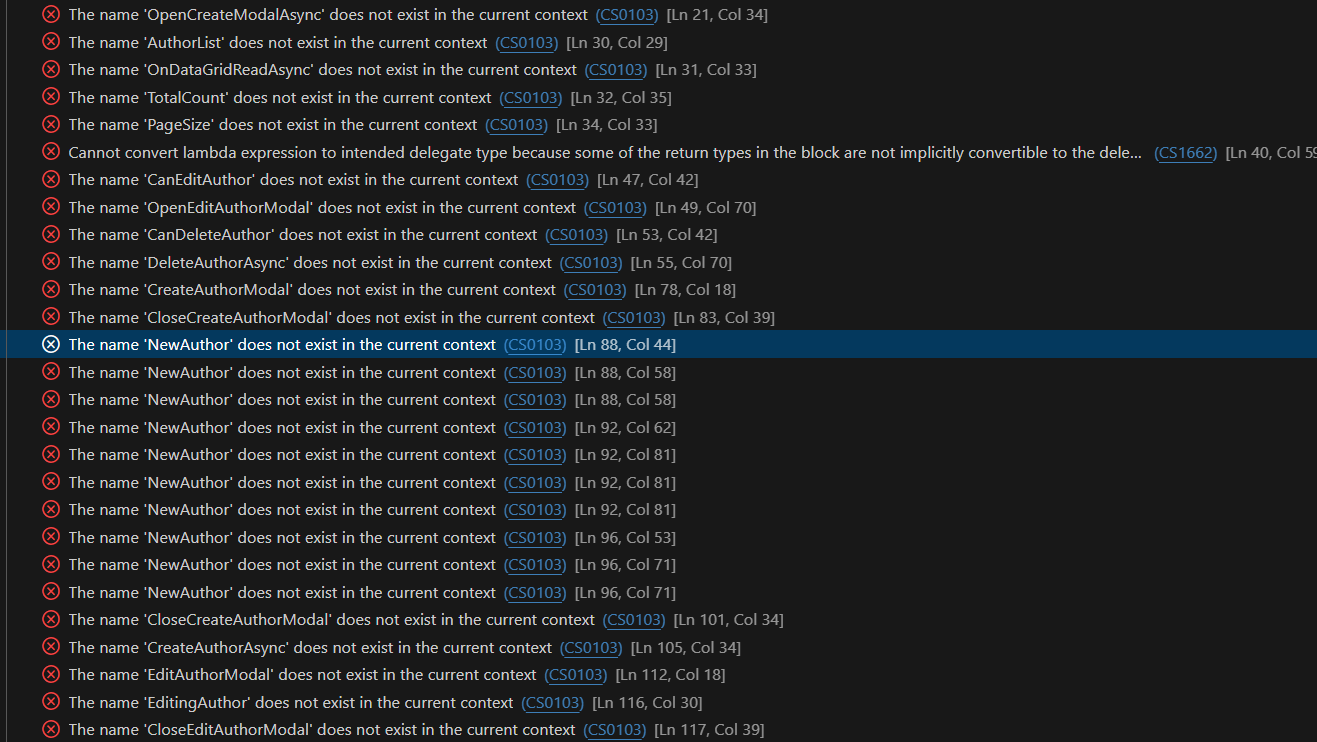
7 Answer(s)
-
0
Hi,
You can download the source code to check where it is wrong
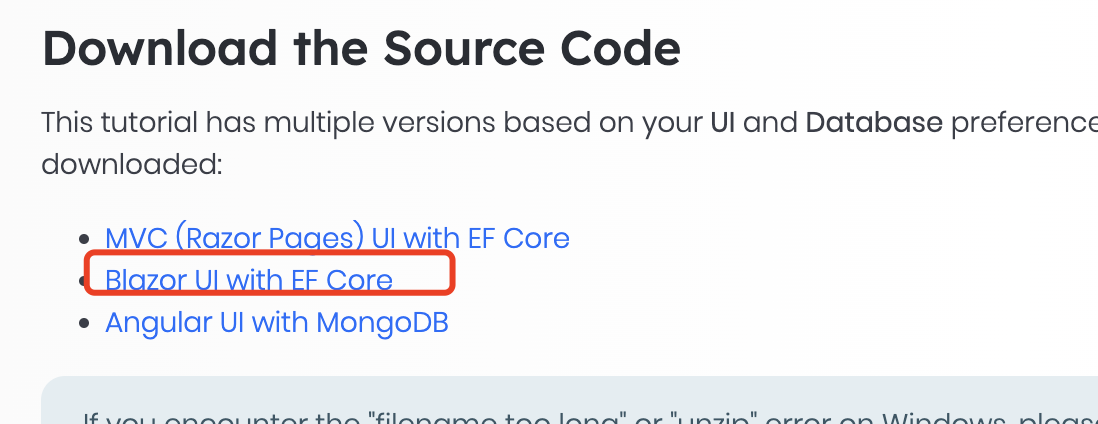 https://docs.abp.io/en/commercial/latest/tutorials/book-store/part-9?UI=Blazor&DB=EF#download-the-source-codeMarkdown supported.Copy, paste, or drag & drop images and files (max 100 MB per file, 100 MB total per post)
 -
0
I have tried this method, it seems to be using SQL server and Blazor sever not Blazor webassembly and SQLite, will this have any impact? I have also simply used his razer file, but there are still errors.
Markdown supported.Copy, paste, or drag & drop images and files (max 100 MB per file, 100 MB total per post) -
0
could you share the project with me? shiwei.liang@volosoft.com
Markdown supported.Copy, paste, or drag & drop images and files (max 100 MB per file, 100 MB total per post) -
0
Hi,
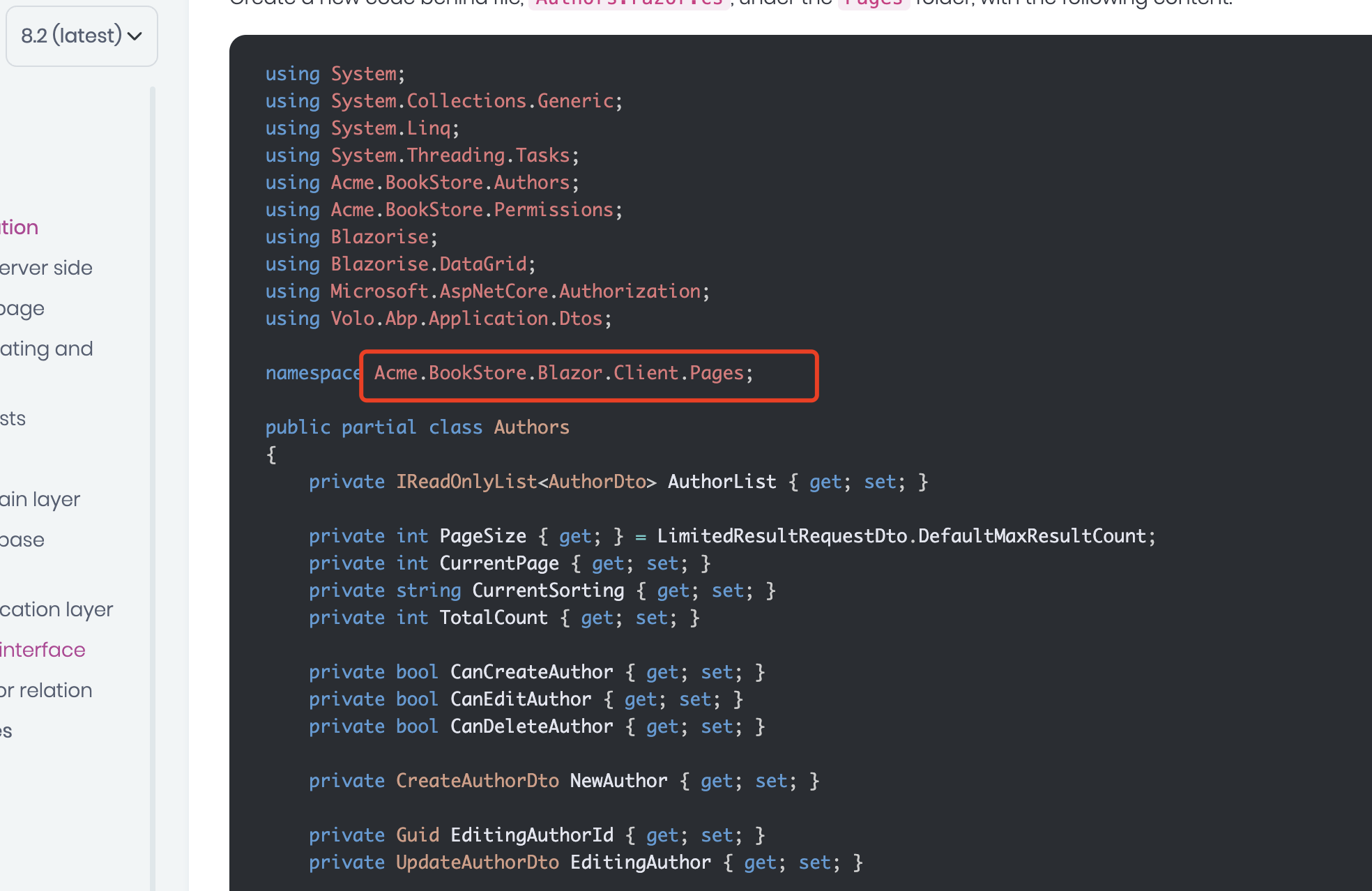
https://abp.io/docs/latest/tutorials/book-store/part-09?UI=Blazor&DB=EF Update the namespace to
namespace Acme.BookStore.Blazor.Client.Pages;Markdown supported.Copy, paste, or drag & drop images and files (max 100 MB per file, 100 MB total per post) -
0
 Markdown supported.Copy, paste, or drag & drop images and files (max 100 MB per file, 100 MB total per post)


