






hello,
I'm able to load this templet application but none of the UI components were accessible, as in even after clicking any of UI components nothing shows up. Please help me to assist further.
Please find attachment.
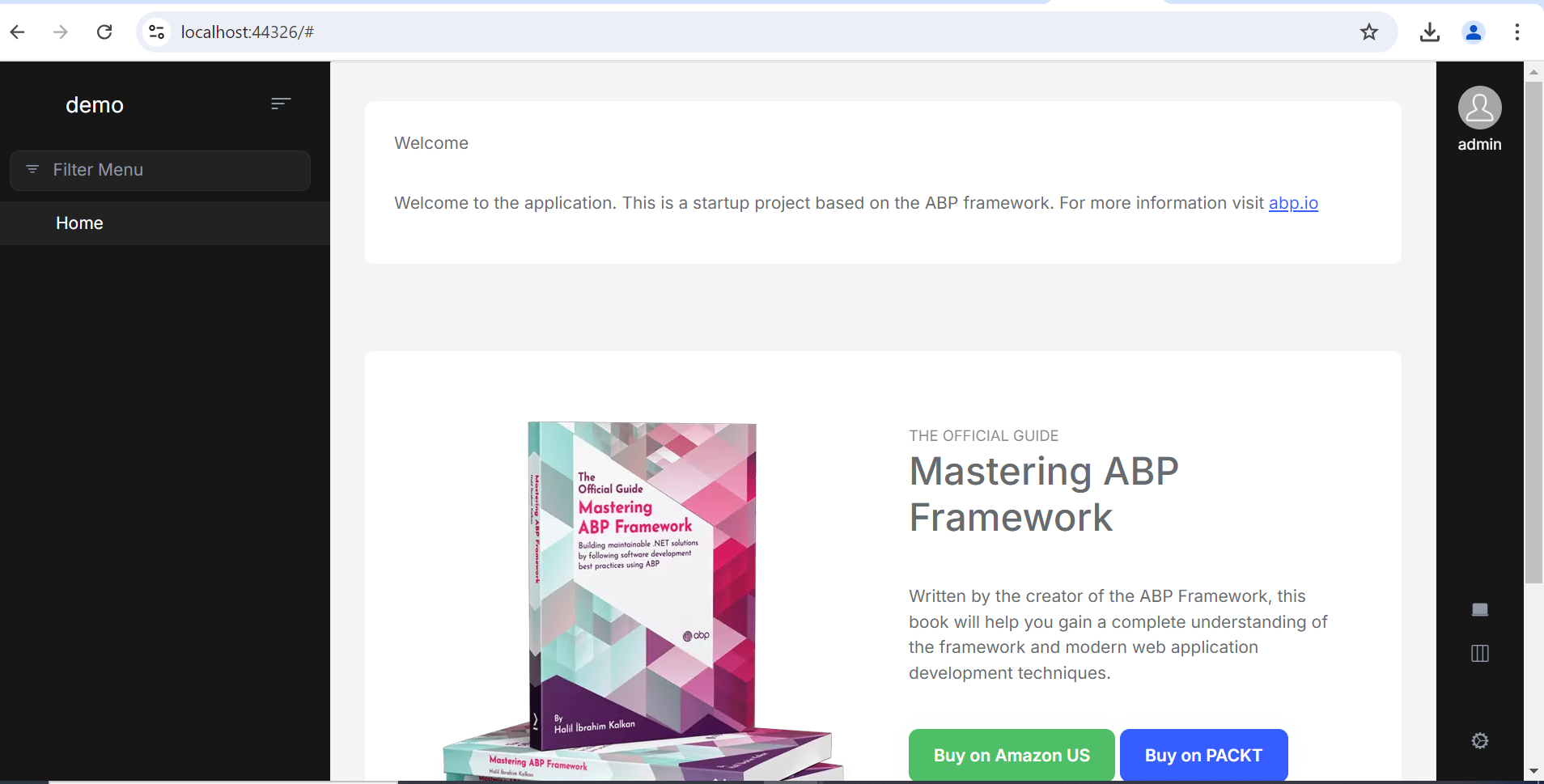
Thanks.
9 Answer(s)
-
0
Hi,
could you please share full steps or a simple project to reproduce the problem? i will check it shiwei.liang@volosoft.com
Markdown supported.Copy, paste, or drag & drop images and files (max 100 MB per file, 100 MB total per post) -
0
Hi, I have uploaded the zip file which contains sln and complete project in it. Below is we transfer link. Please check and make needful. it's just template project, you can make changes to it run and provide solution. https://we.tl/t-gw2J9....
Markdown supported.Copy, paste, or drag & drop images and files (max 100 MB per file, 100 MB total per post) -
0
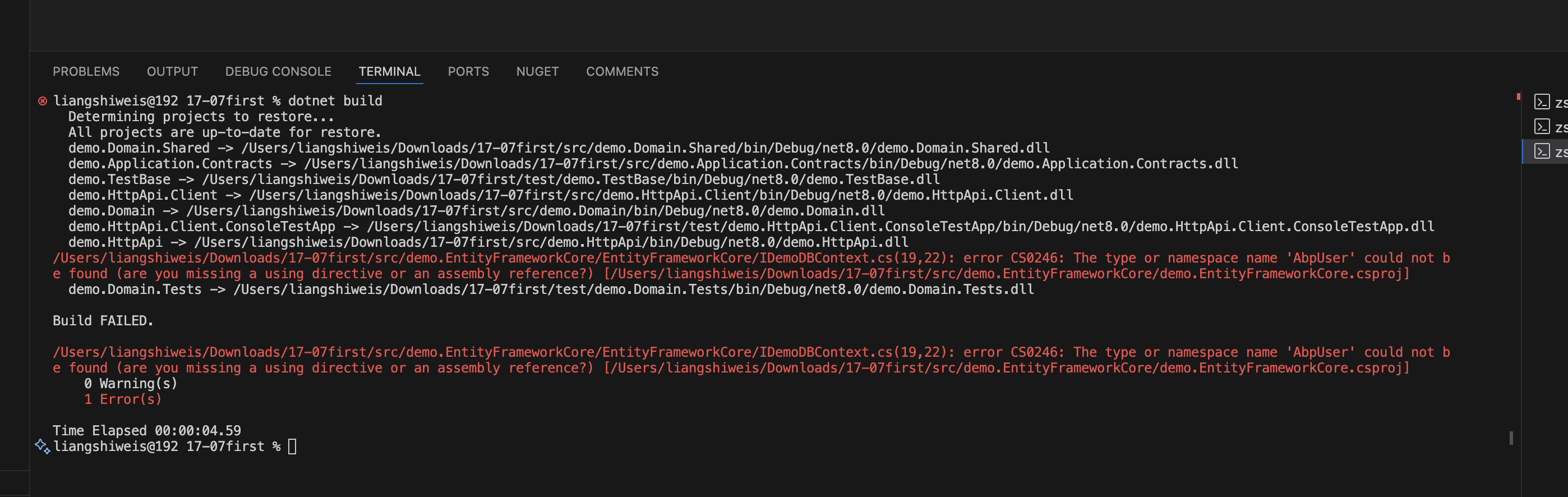
I could not build the project you provided
 Markdown supported.Copy, paste, or drag & drop images and files (max 100 MB per file, 100 MB total per post)
 -
0
I'm able to load this templet application follow below commands, but none of the UI components were accessible, as in even after clicking any of UI components nothing shows up. abp new Demo -t app abp new Demo -u angular abp new Demo -d PostgreSQL database
Please find attachment.
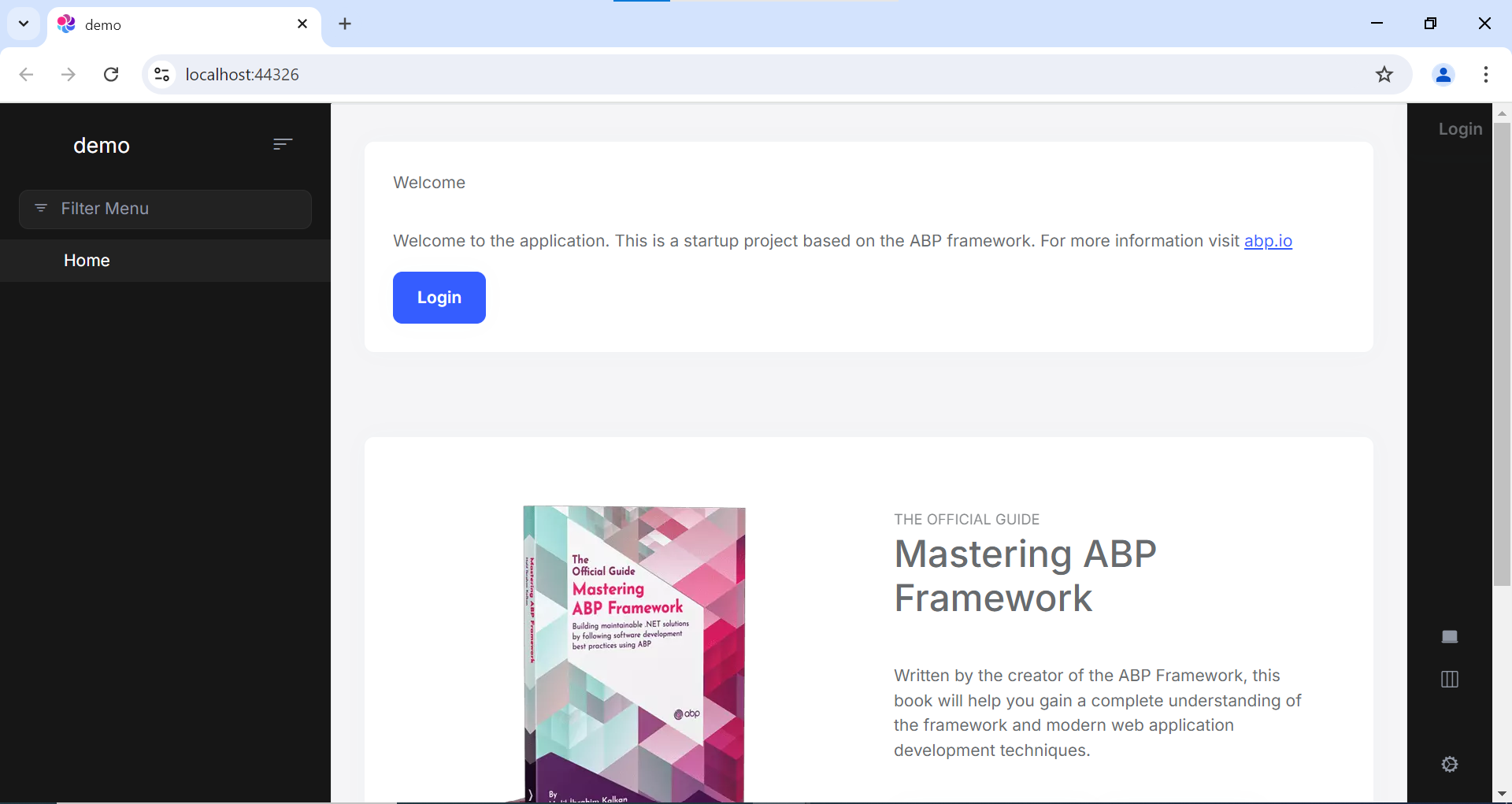
Please help me to assist further.
Markdown supported.Copy, paste, or drag & drop images and files (max 100 MB per file, 100 MB total per post) -
0
try
abp install-libsMarkdown supported.Copy, paste, or drag & drop images and files (max 100 MB per file, 100 MB total per post) -
0
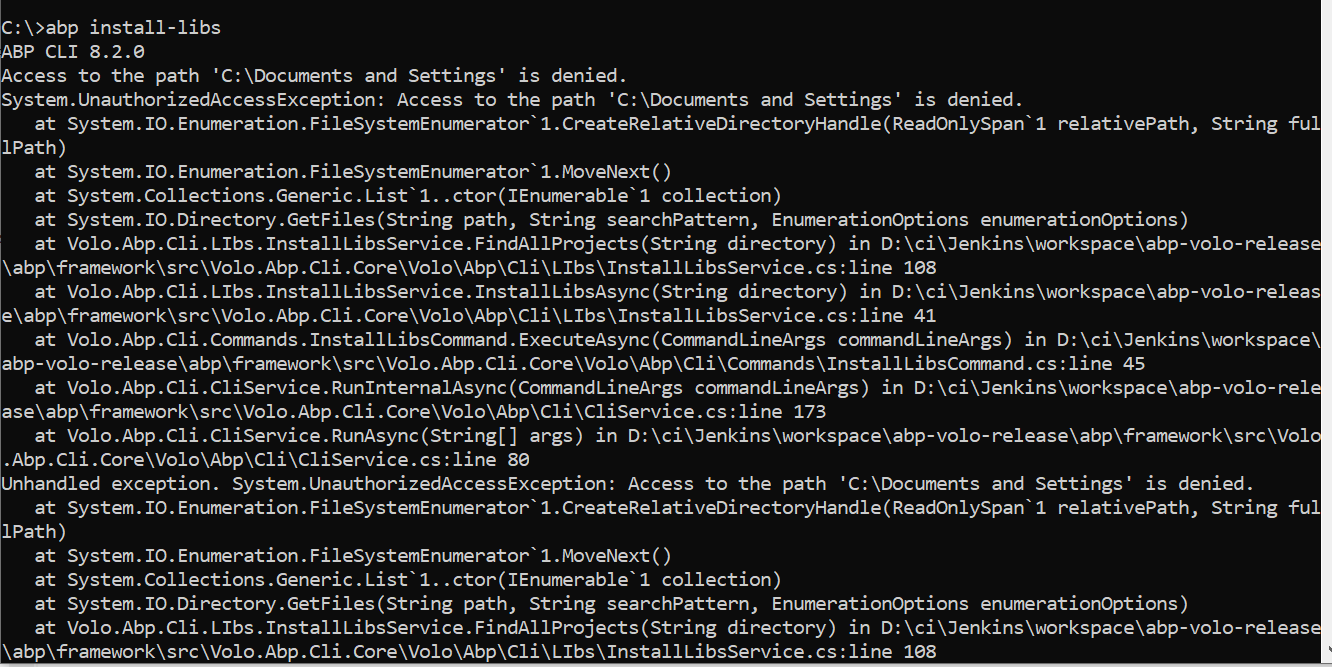
Access to the path 'C:\Documents and Settings' is denied.
 Markdown supported.Copy, paste, or drag & drop images and files (max 100 MB per file, 100 MB total per post)
 -
0
Run
abp install-libson your solution root directoryMarkdown supported.Copy, paste, or drag & drop images and files (max 100 MB per file, 100 MB total per post) -
0
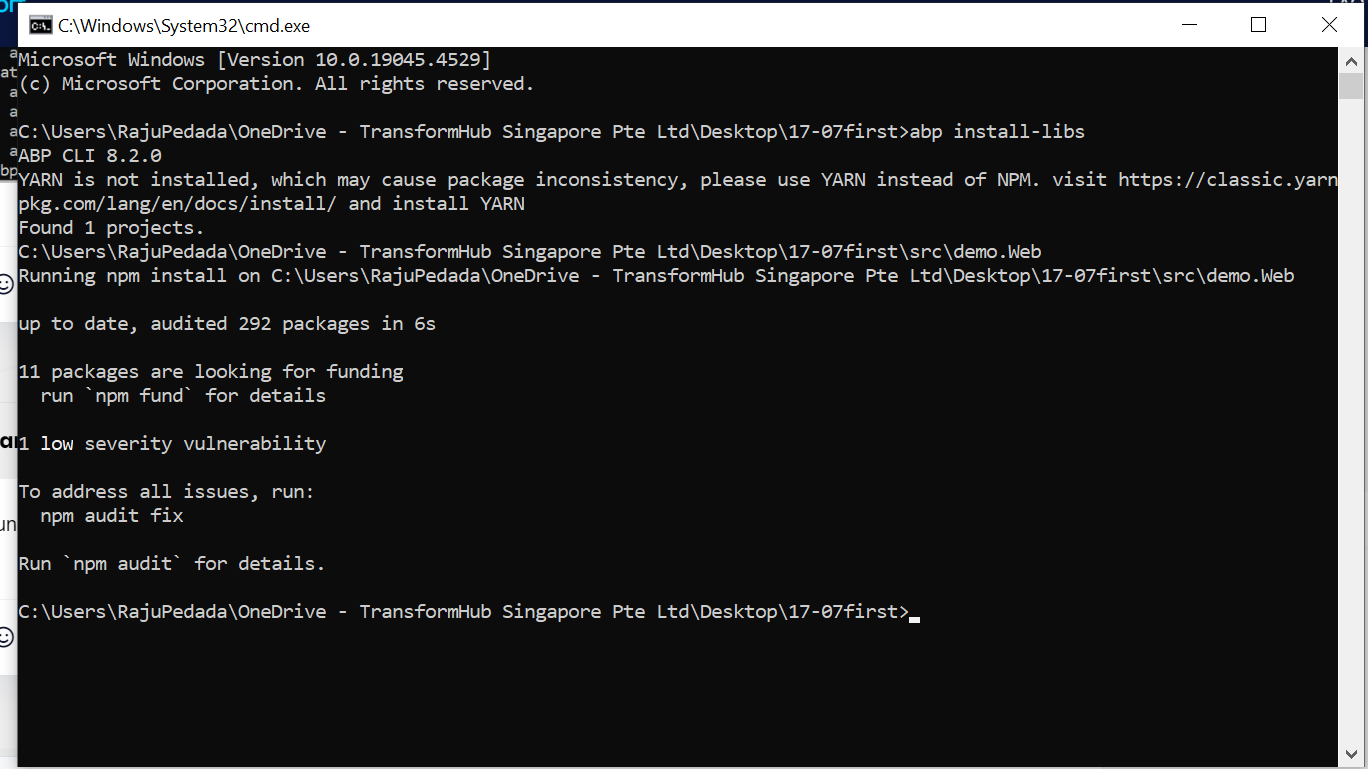 then after also same thing happened
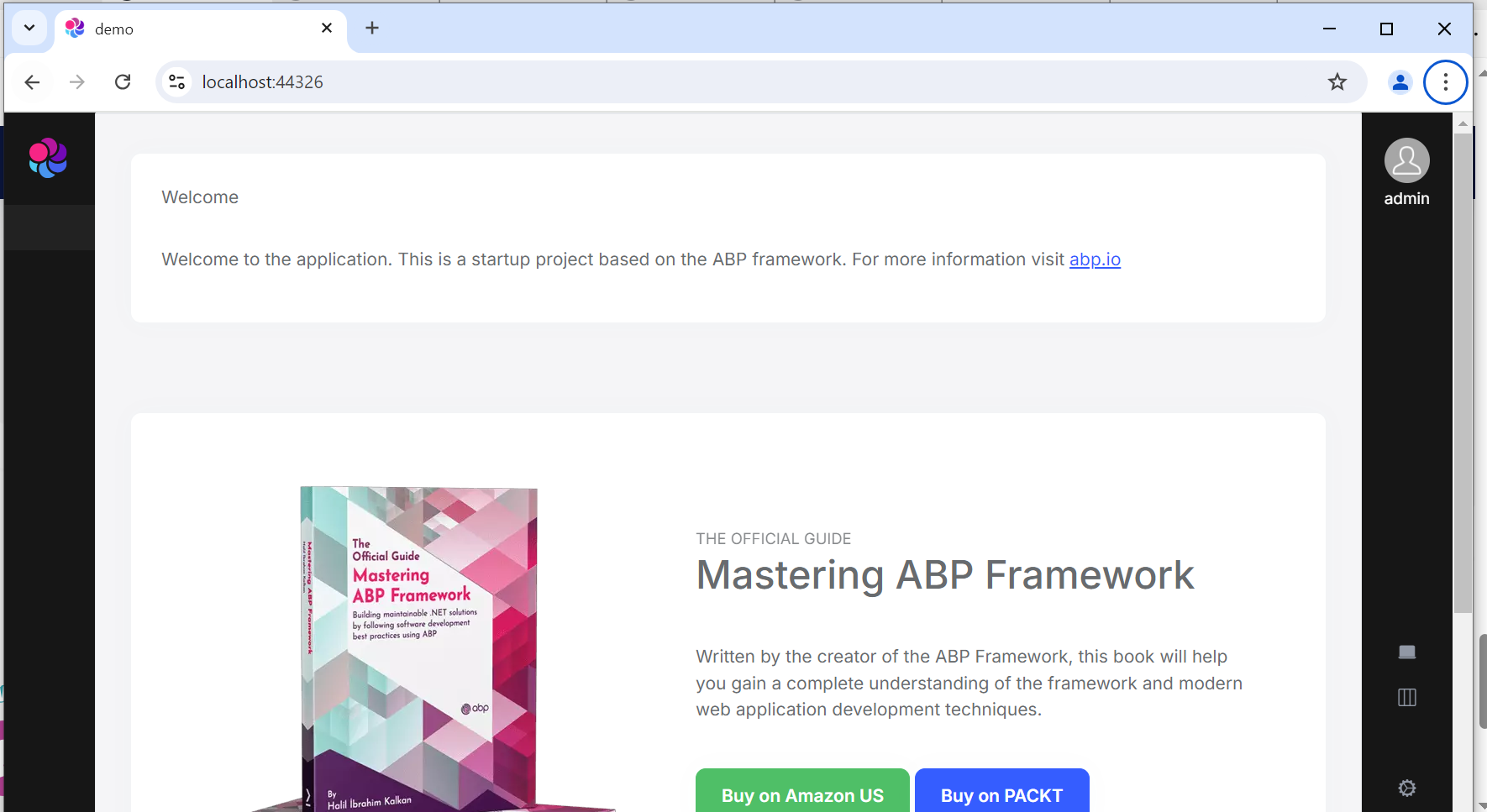 Markdown supported.Copy, paste, or drag & drop images and files (max 100 MB per file, 100 MB total per post)
 -
0
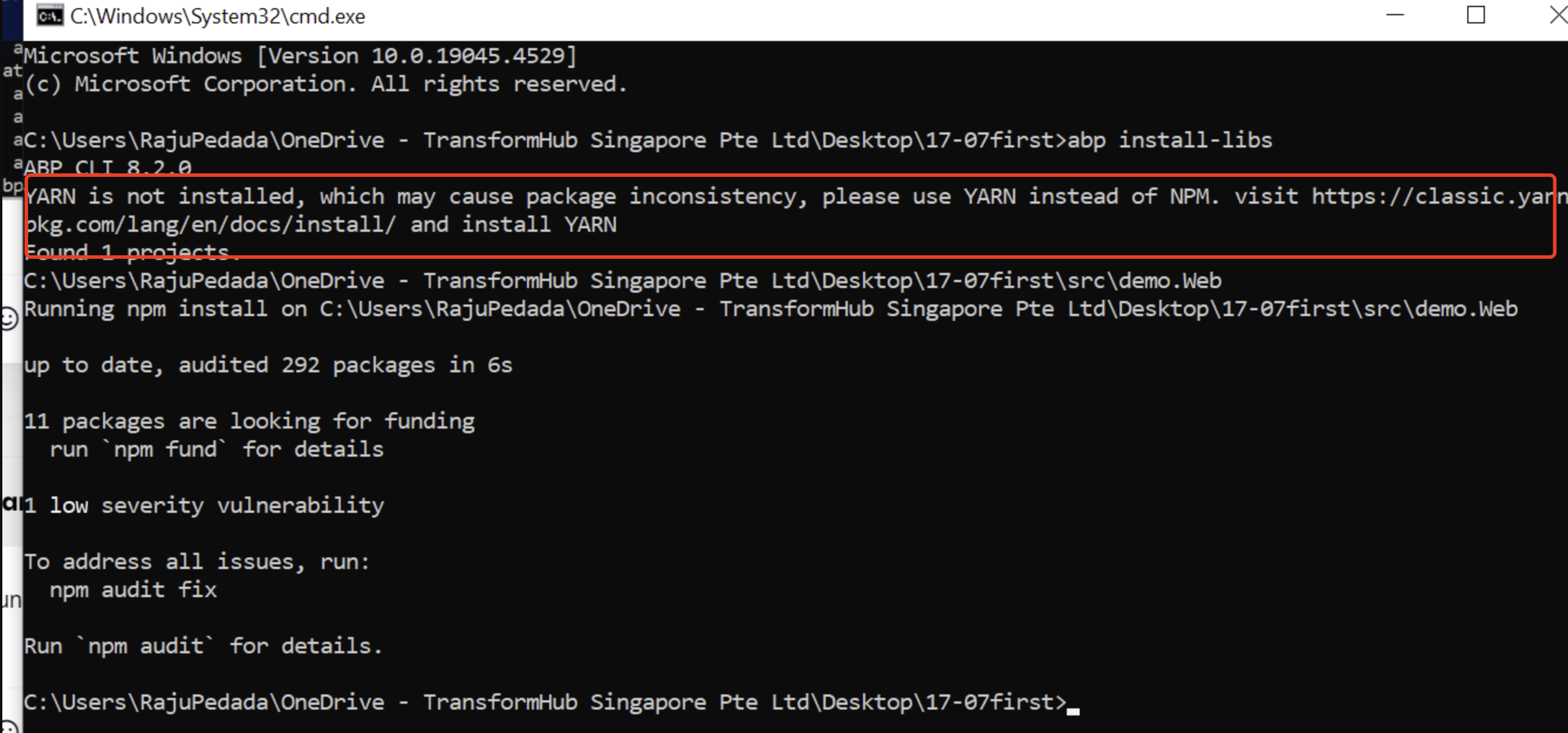
You can see the output message. You didn't install yarn, please install it, then try again
https://classic.yarnpkg.com/en/docs/install
 Markdown supported.Copy, paste, or drag & drop images and files (max 100 MB per file, 100 MB total per post)


