






- ABP Framework version: v8.0.2
- UI Type: Angular
- Database System: EF Core (SQL Server)
- Tiered (for MVC) or Auth Server Separated (for Angular): yes
- Exception message and full stack trace:
- Steps to reproduce the issue:
Hi team
I’m seeking assistance with removing the General Settings component from my site. I would prefer not to use CSS to hide this section and am looking for an alternative solution. Could you please guide me on how to achieve this?
Thank you,
5 Answer(s)
-
0
hi
Can you share a screenshot?
Would you want to remove it in both angular and MVC?
Thanks
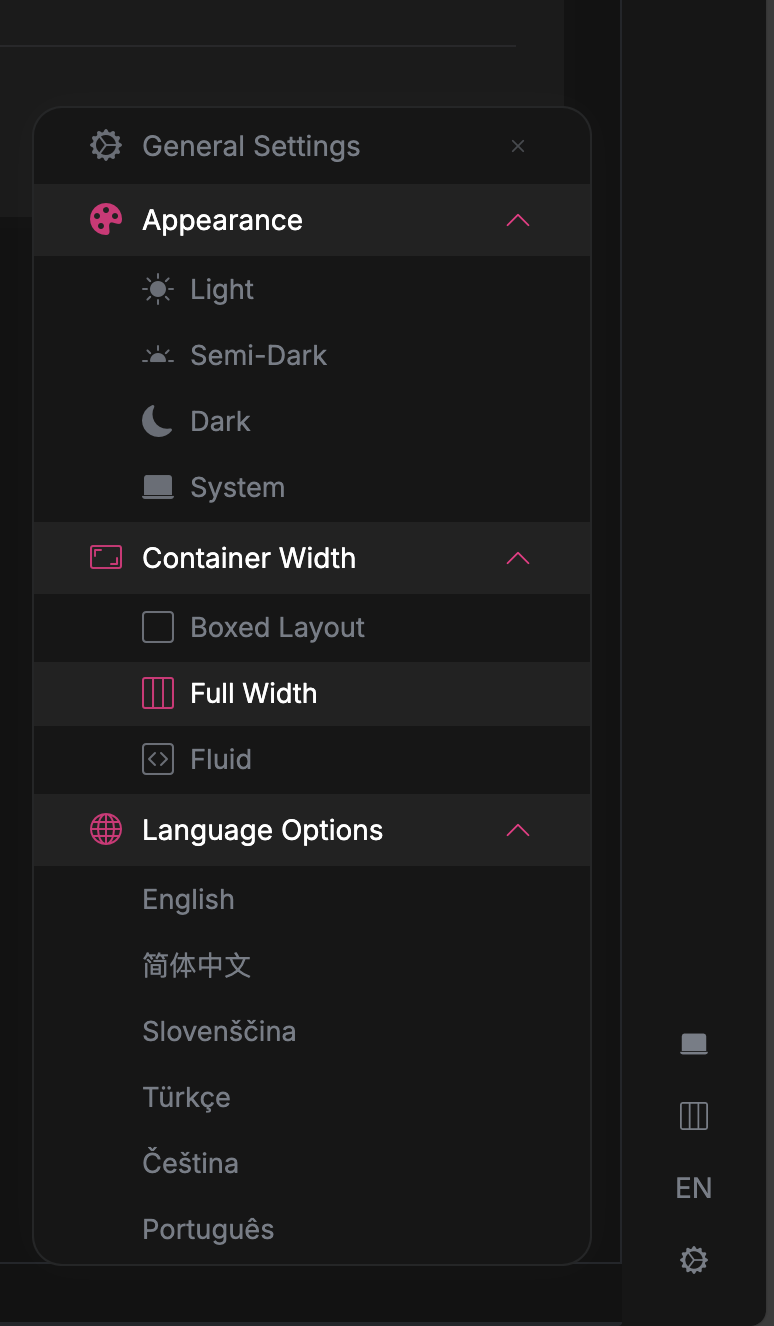
I just want to delete it in the Angular project.
Markdown supported.Copy, paste, or drag & drop images and files (max 100 MB per file, 100 MB total per post) -
0
Hello, if you do not want to use CSS override to hide the settings, you can utilize the component replacement as in this documentation. You can also get a reference to sustain this approach from this explanation.
Markdown supported.Copy, paste, or drag & drop images and files (max 100 MB per file, 100 MB total per post) -
0
Hello huantb1812@gmail.com,
To remove the setting component at angular end follow below steps -
- Create a new component which will be replaced with previous setting components using command
yarn ng generate component nav-itemsAfter creating this component delete the code from
nav-items.component.htmlfileAdd below code in
app.component.ts
export class AppComponent implements OnInit { constructor(private replaceableComponents: ReplaceableComponentsService) { } ngOnInit(): void { this.replaceableComponents.add({ component: NavItemsComponent, key: eThemeLeptonXComponents.Settings, }); } }- Now it will replace your previous settings with new nav-items component and will result like
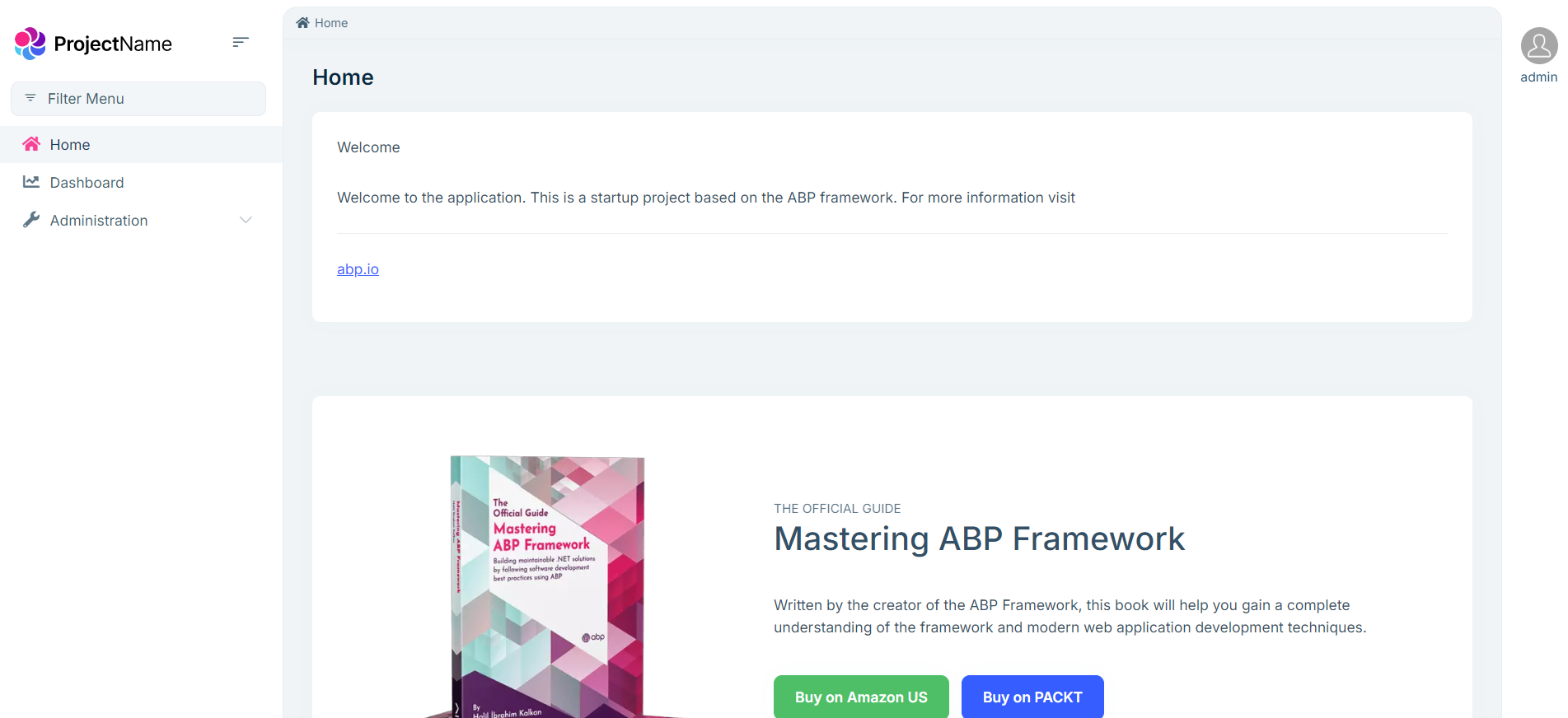
Thanks,
Markdown supported.Copy, paste, or drag & drop images and files (max 100 MB per file, 100 MB total per post)



