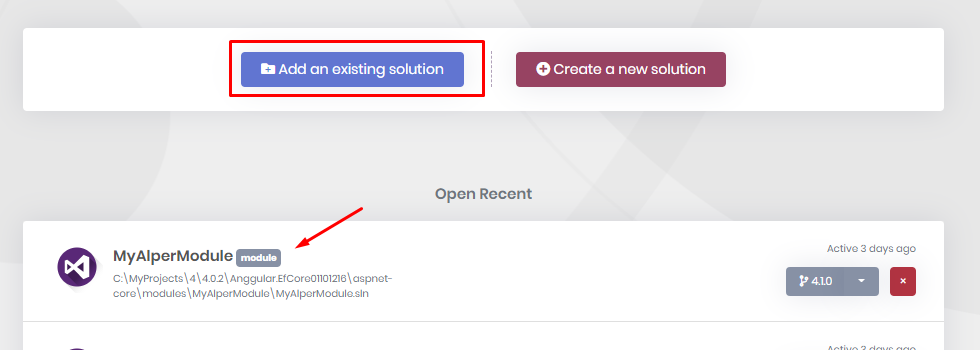
- ABP Framework version: v4.1.0
- UI type: Angular
- DB provider: EF Core /
- Tiered (MVC) or Identity Server Seperated (Angular): yes
- Exception message and stack trace:
Cannot read the template Volo.Abp.Commercial.SuiteTemplates.Templates.Frontend.Mvc.Page.Partials.createcshtml_LookupDropdownInput.txt Tool 'volo.abp.suite' has multiple versions installed and cannot be uninstalled.
- Steps to reproduce the issue: When I Use abp suite Generate CRUD page, It shows
Cannot read the template Volo.Abp.Commercial.SuiteTemplates.Templates.Frontend.Mvc.Page.Partials.createcshtml_LookupDropdownInput.txt Tool 'volo.abp.suite' has multiple versions installed and cannot be uninstalled.
the page shows a tip
A new version of ABP Suite is available! To update, exit ABP Suite and run the command "abp suite update".
- When I Use CLI tools to udpate abp suite, It doesn't works.
abp suite update Tool 'volo.abp.suite' has multiple versions installed and cannot be uninstalled. I try to reinstall. It still doesn't work!
Every time I run
abp suite
It will show
Starting Suite v4.0.2 ...
8 Answer(s)
-
0
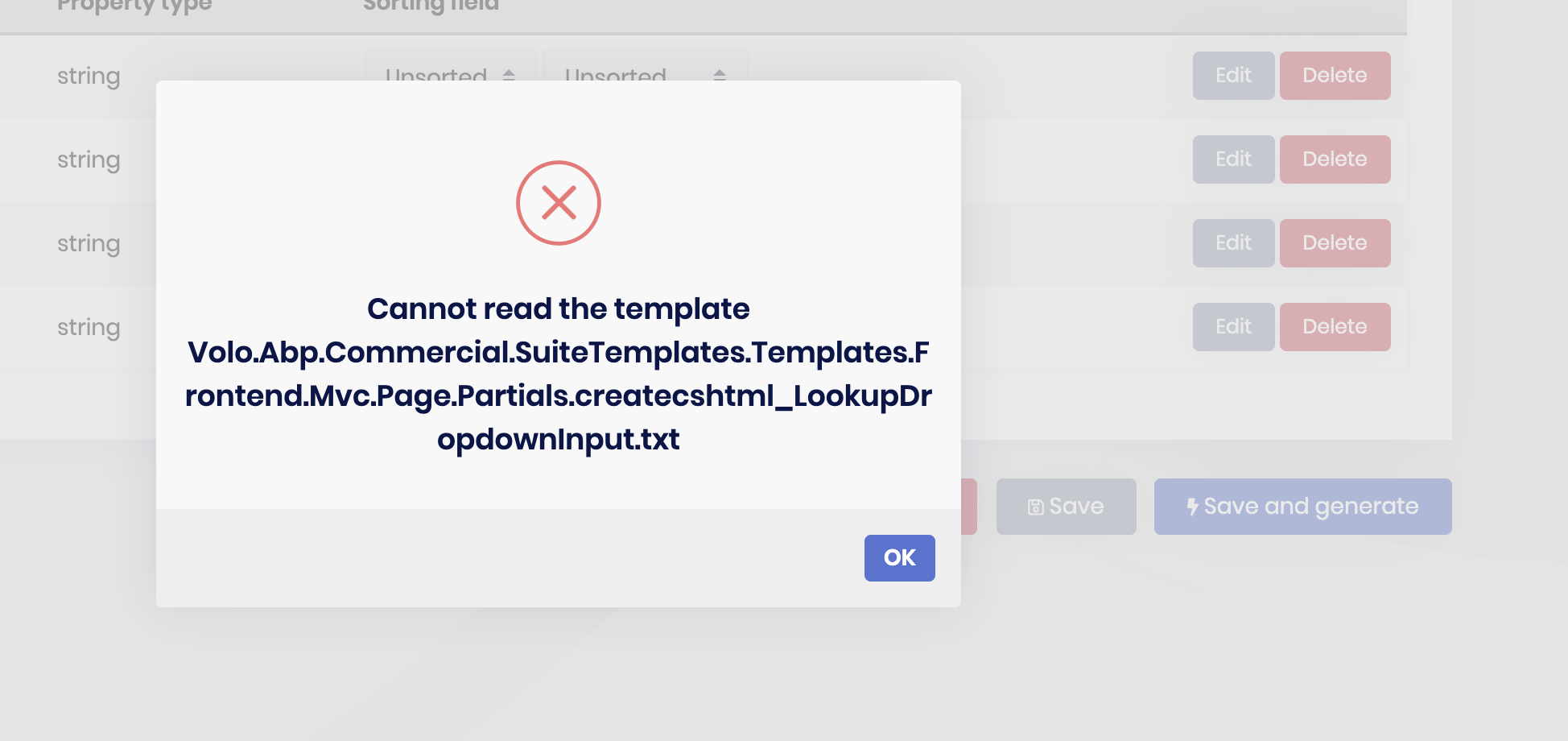
when I generate the CRUD page。It happened。 <br>
- abp suite version : v4.0.2
- ABP Framework version: v4.1.0
- UI type: Angular
- DB provider: EF Core /
- Tiered (MVC) or Identity Server Seperated (Angular): yes
Markdown supported.Copy, paste, or drag & drop images and files (max 100 MB per file, 100 MB total per post) -
0
hi,
First of all there's strict rule. Suite version and ABP version must be same. Because Suite is the generator which generates code from the templates that are in your ABP project.
dotnet tool uninstall --global Volo.Abp.Cli
dotnet tool uninstall --global Volo.Abp.Suite
dotnet tool install --global Volo.Abp.Cli
abp suite install
Markdown supported.Copy, paste, or drag & drop images and files (max 100 MB per file, 100 MB total per post) -
0
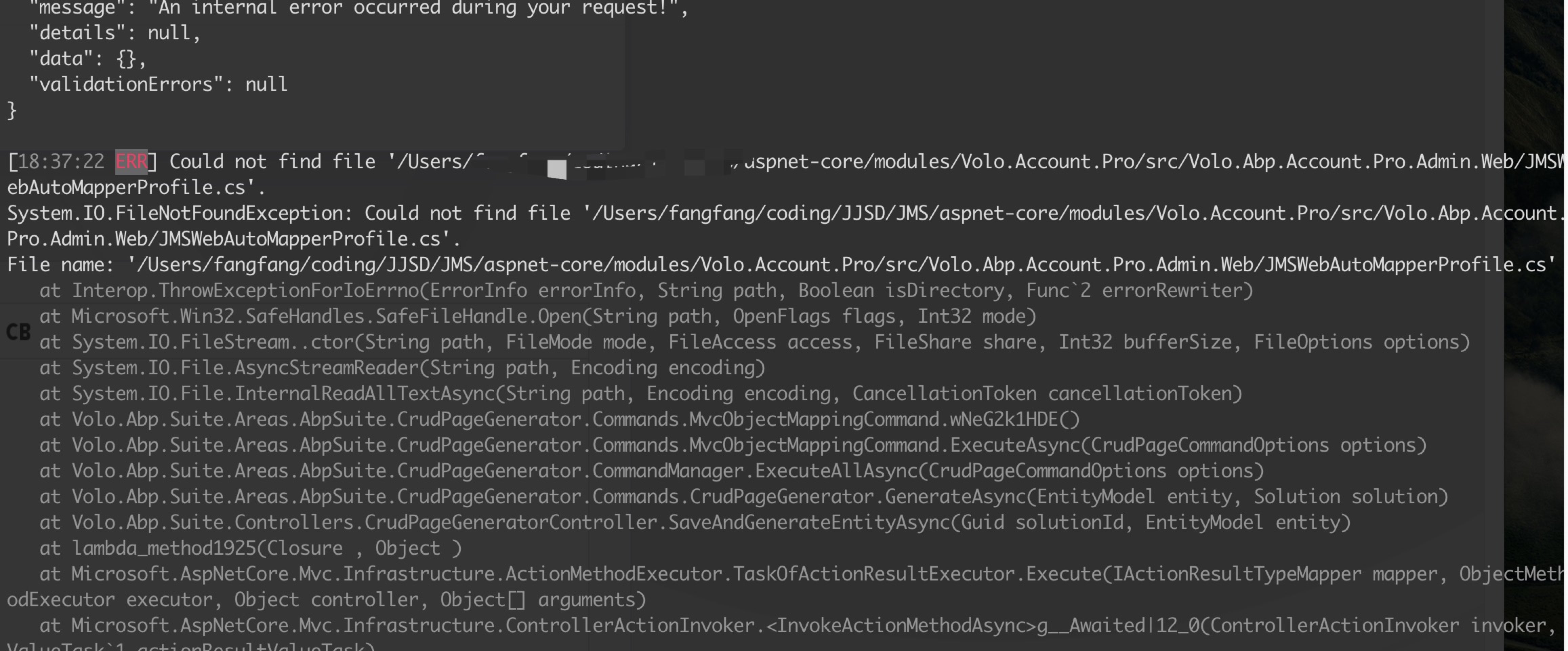 All version is v4.1.0
When I generete CRUD again. The exception comes.
but there isn't a file in Volo.Account.Pro/src/Volo.Abp.Account.Pro.Admin.Web/. which name is JMSWebAutoMapperProfile.cs.Markdown supported.Copy, paste, or drag & drop images and files (max 100 MB per file, 100 MB total per post)
All version is v4.1.0
When I generete CRUD again. The exception comes.
but there isn't a file in Volo.Account.Pro/src/Volo.Abp.Account.Pro.Admin.Web/. which name is JMSWebAutoMapperProfile.cs.Markdown supported.Copy, paste, or drag & drop images and files (max 100 MB per file, 100 MB total per post) -
0
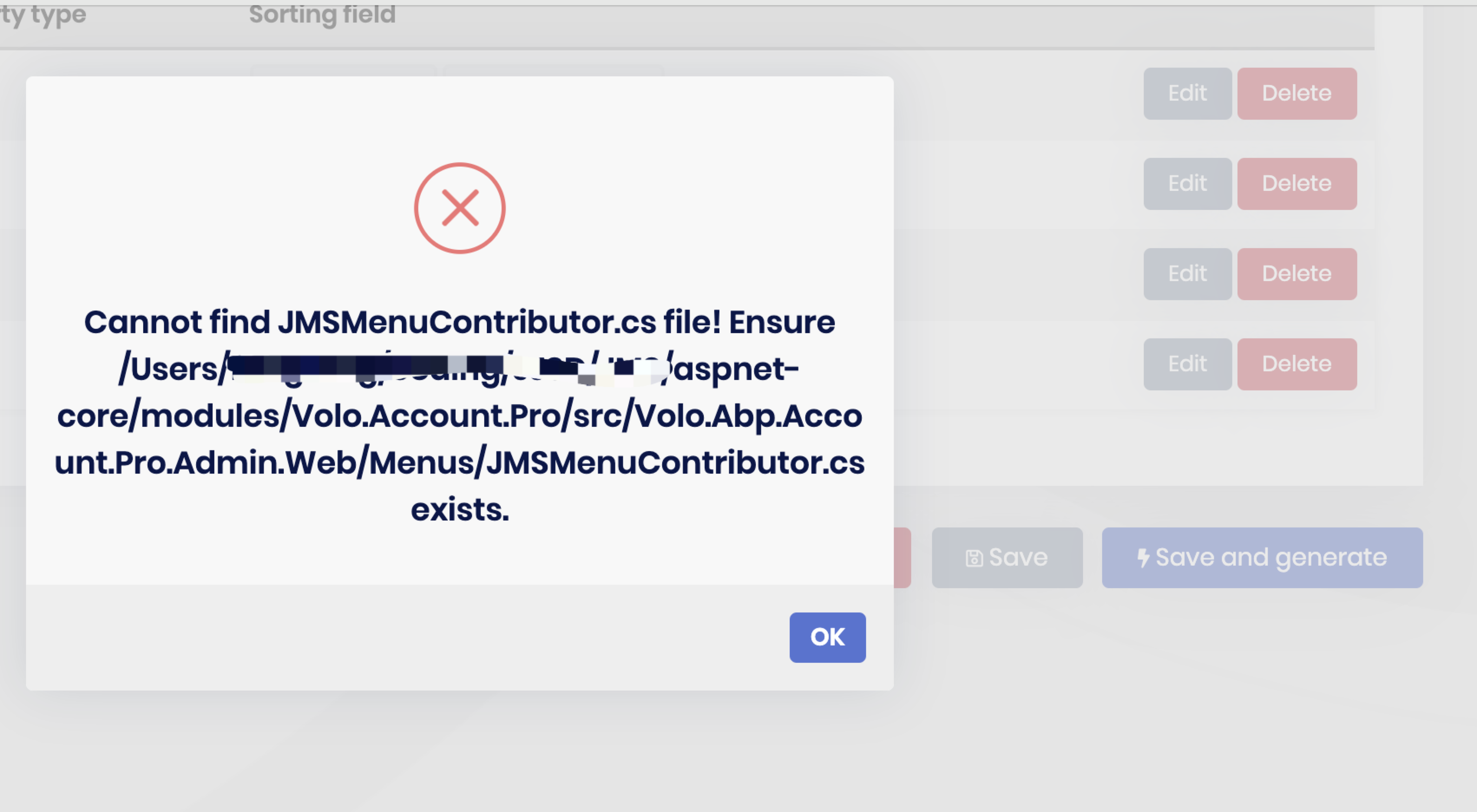 I create the file named <span class="colour" style="color: rgb(0, 0, 0);">JMSWebAutoMapperProfile.cs and generate CRUD page again.</span>
<span class="colour" style="color: rgb(0, 0, 0);">Another expcetion happened!</span>Markdown supported.Copy, paste, or drag & drop images and files (max 100 MB per file, 100 MB total per post)
I create the file named <span class="colour" style="color: rgb(0, 0, 0);">JMSWebAutoMapperProfile.cs and generate CRUD page again.</span>
<span class="colour" style="color: rgb(0, 0, 0);">Another expcetion happened!</span>Markdown supported.Copy, paste, or drag & drop images and files (max 100 MB per file, 100 MB total per post) -
0
Yes. I add source-code of Volo.Account.Pro module. but source-code doesn't contains the missing file.
Markdown supported.Copy, paste, or drag & drop images and files (max 100 MB per file, 100 MB total per post)