






- ABP Framework version: v8.2.3
- UI Type: Blazor WASM
- Database System: EF Core (SQL Server, Oracle, MySQL, PostgreSQL, etc..) / MongoDB
- Tiered (for MVC) or Auth Server Separated (for Angular): yes/no
- Exception message and full stack trace:
- Steps to reproduce the issue:
Hi,
I struggling to get a containerized Blazor WASM Docker container to work. I have managed to get the other things to work in Kubernetes.
However, I am not sure how to deal with the different Dockerfile.azure, Dockerfile.base and Dockerfile.local , is there any reason to not just have one Dockerfile.base and a regular Dockerfile?
Can you please give me a working example of Dockerfile.base and a Dockerfile which create a Blazor WASM container image? The generated ones from 8.2.3 only create an empty nginx container as far as I can understand.
Thanks
5 Answer(s)
-
0
Sure,
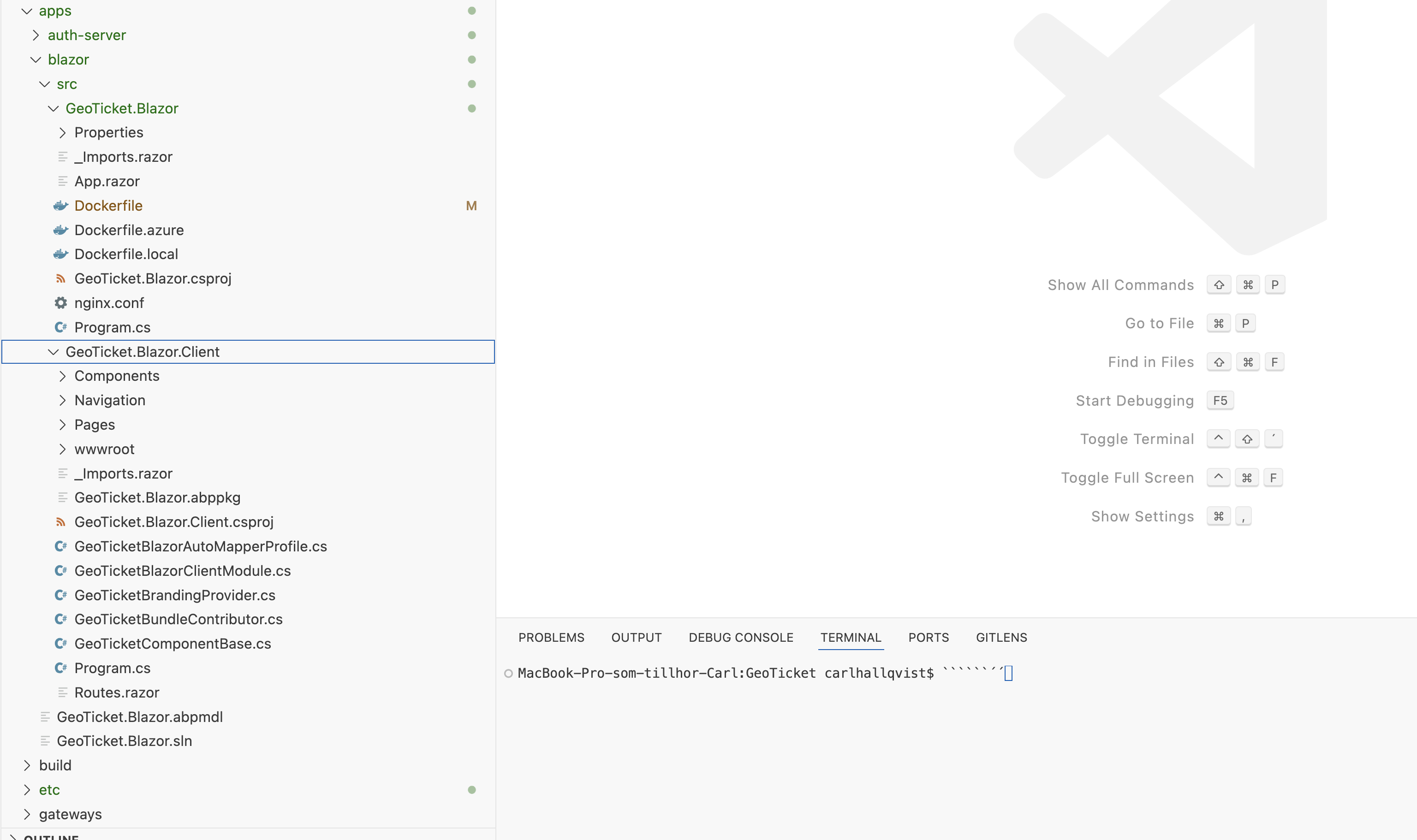
I did not get the latest template (8.3.1) to work either. Same problem, no Blazor WASM.
Can you please give me the commands from installing correct ABP CLI version, to create a new template, and working Docker commands ?
Markdown supported.Copy, paste, or drag & drop images and files (max 100 MB per file, 100 MB total per post) -
0
hi
The
GeoTicket.Blazoris asp net core app now. so you can create aDockerfile.localfor it.example:
FROM mcr.microsoft.com/dotnet/aspnet:8.0
COPY bin/Release/net8.0/publish/ app/
WORKDIR /app
ENTRYPOINT ["dotnet", "GeoTicket.Blazor.dll"]
Markdown supported.Copy, paste, or drag & drop images and files (max 100 MB per file, 100 MB total per post) -
0
Thanks,
I thought that you used the base to build inside container, and then copy that build into each app / service. But now I understand that that you build on host first.
Thanks, problem solved :-)
Markdown supported.Copy, paste, or drag & drop images and files (max 100 MB per file, 100 MB total per post)


