What feature would you like to see in ABP Suite in the new version?
Continuation thread of https://abp.io/support/questions/6529/ABP-Suite-feature-request--2024
15 Answer(s)
-
0
When creating a master - child entities, ABP suite is generating managers (DomainService) for master (AggregateRoot) and child (Entity) entities. This means child entities can be managed directly from child services (application and domain services) without using the master entity, and I think it is not DDD fridendly. My suggestions for ABP Suite is:
- Do not create the manager (DomainService) for the child entity
- Create methods for managing child entities within the master managers (DomainService).
In that way the DomainServices for the AggregateRoot entity will take care about its child entities being more DDD friendly. Does it make sense to you?
Markdown supported.Copy, paste, or drag & drop images and files (max 100 MB per file, 100 MB total per post) -
0
When changing a Master entity from multi-tenant to non muti-tenant and viceversa, change the child entity accordingly. Currently only the master is being updated, and a modification in the child entity is required to update the multi-tenant property.
Markdown supported.Copy, paste, or drag & drop images and files (max 100 MB per file, 100 MB total per post) -
0
Specified the folder to generate CRUD page for microservice template when using ABP Suite
There is a variable %%module-name-slash-postfix%% in the abp suite template, and when creating a new modular module, it could generate the CURD pages in the folder with the module name, look forward to place a micro service UI in the microservice template when generating the UI pages also follow the module name named folder to organized the folder structure better, especially for razor page when have many micro-service UI generated in the web app.
Markdown supported.Copy, paste, or drag & drop images and files (max 100 MB per file, 100 MB total per post) -
0
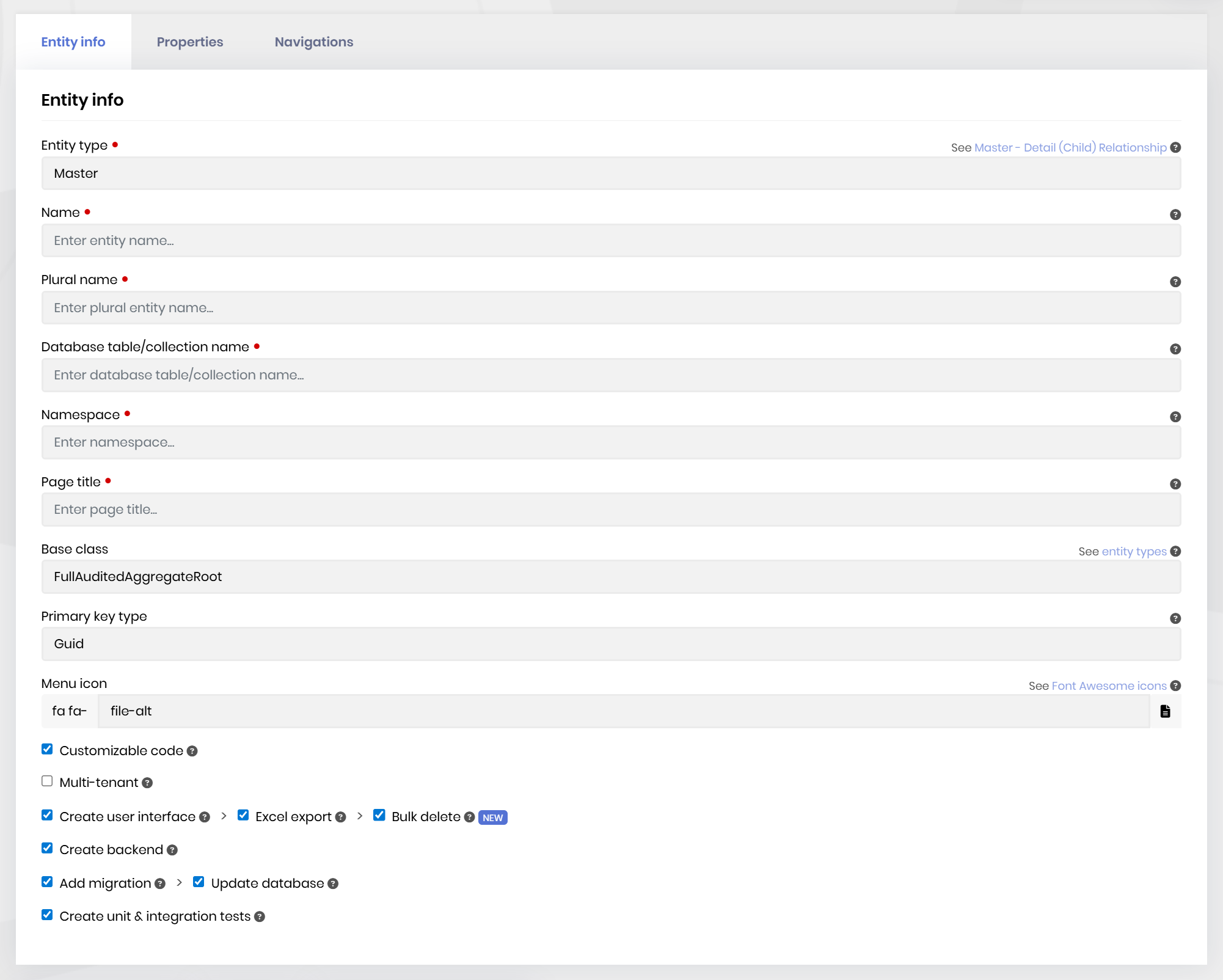
Add “Excel import” Button for CRUD Pages
Description: Add an “Excel import” button on CRUD pages generated by ABP Suite. Users can upload an Excel file to create new records or update existing ones.
Upload Excel file via UI.
Validate data (required fields, formats, etc.).
Show import results (created, updated, failed rows with errors).
Restrict access with permissions.
Additional Request: It would also be nice if the file generated by the "Excel export" button includes the tenant name (if triggered from a tenant instance) and the DateTime in the file name.
Example: Name_Tenant_DateTime.xlsx
 Markdown supported.Copy, paste, or drag & drop images and files (max 100 MB per file, 100 MB total per post)
 -
0
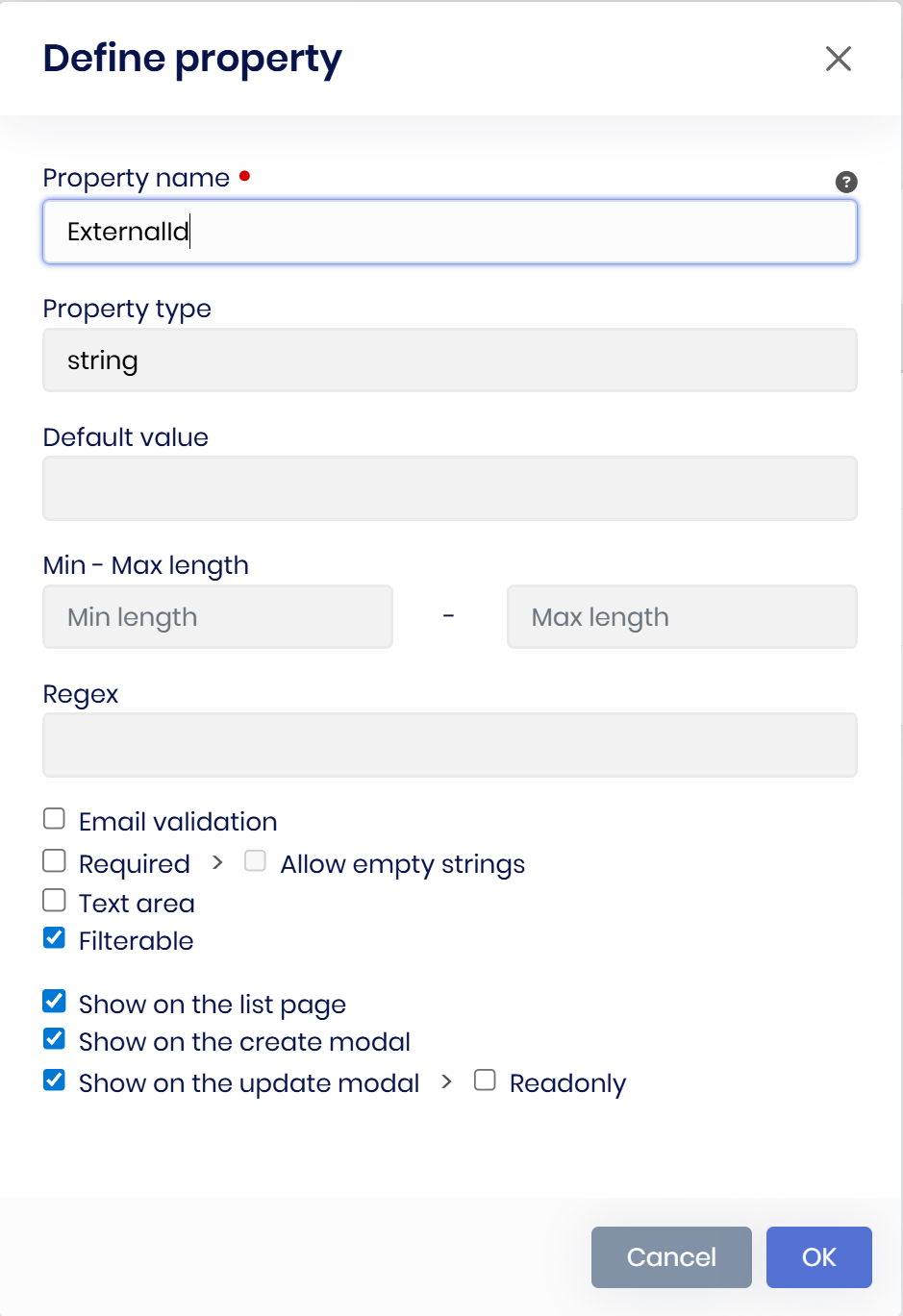
Add Description field to entities that will then be used as comments. When you are creating them you know what they are all about.. adding comments later is not my preferred workflow..

 Markdown supported.Copy, paste, or drag & drop images and files (max 100 MB per file, 100 MB total per post)
 -
0
All cs files use scoped namespaces but should be file-scoped just like all the documentation
Markdown supported.Copy, paste, or drag & drop images and files (max 100 MB per file, 100 MB total per post) -
0
Please add the nullable checkbox to all types
I want my strings to be nullable
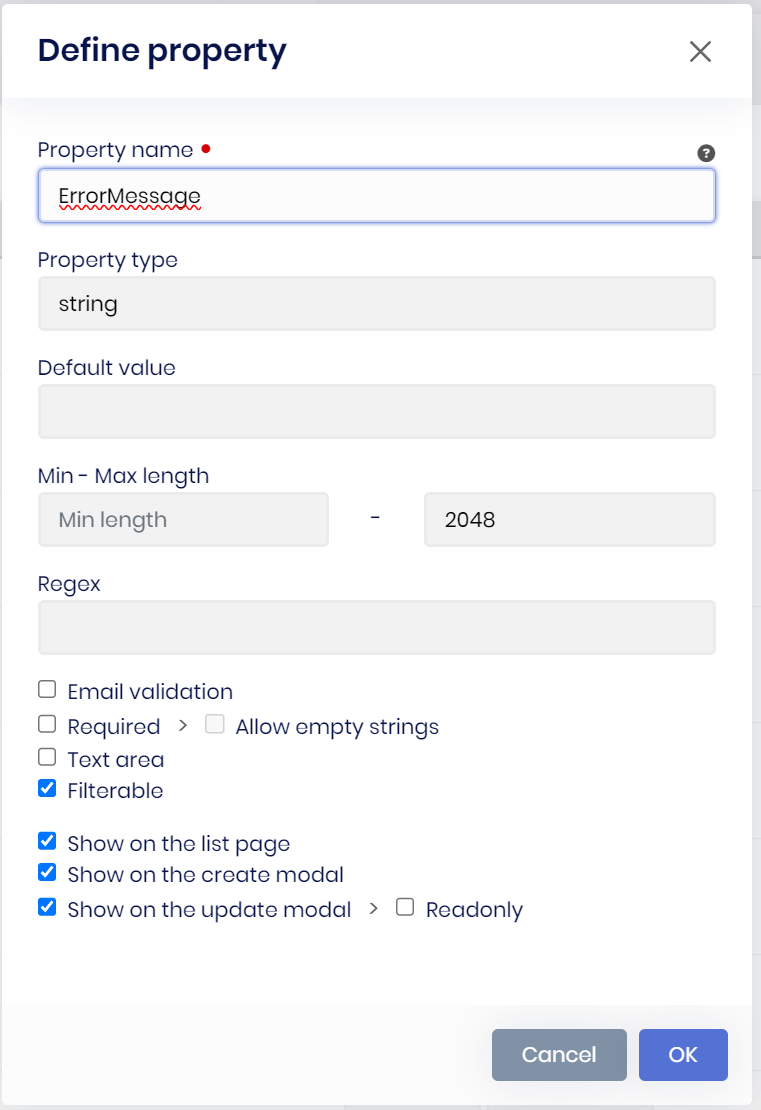
and I can... but I need to manually do it in the suite json
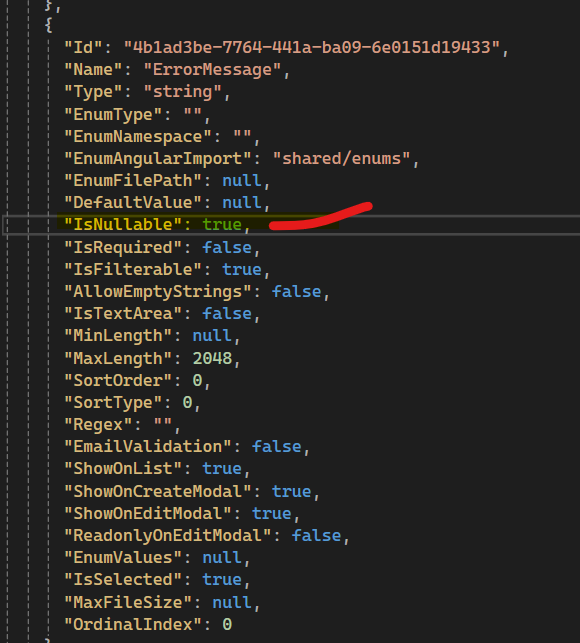
then it shows up with 'N'

btw. Is somebody reading all of these suggestions?
Markdown supported.Copy, paste, or drag & drop images and files (max 100 MB per file, 100 MB total per post) -
0
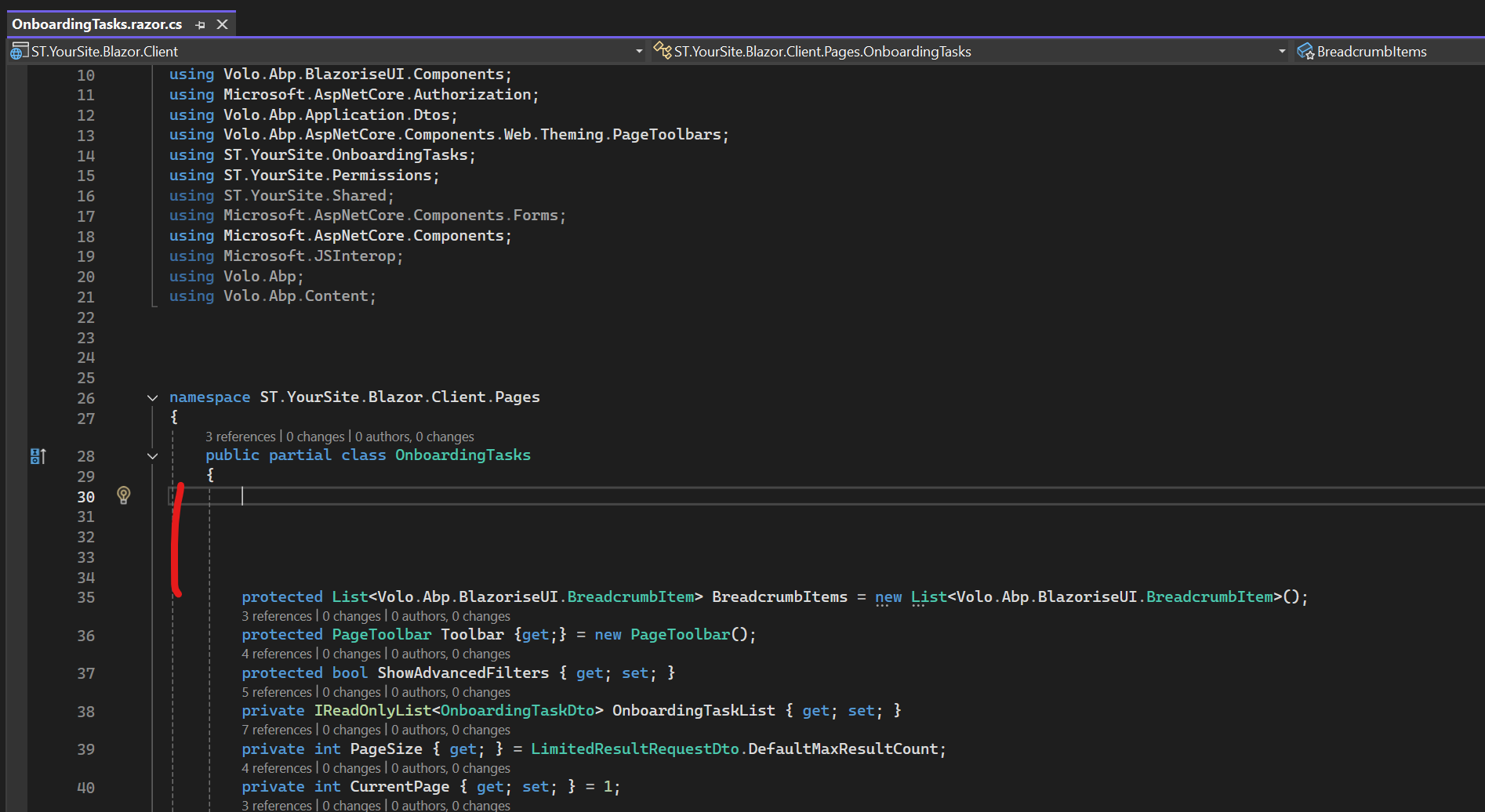
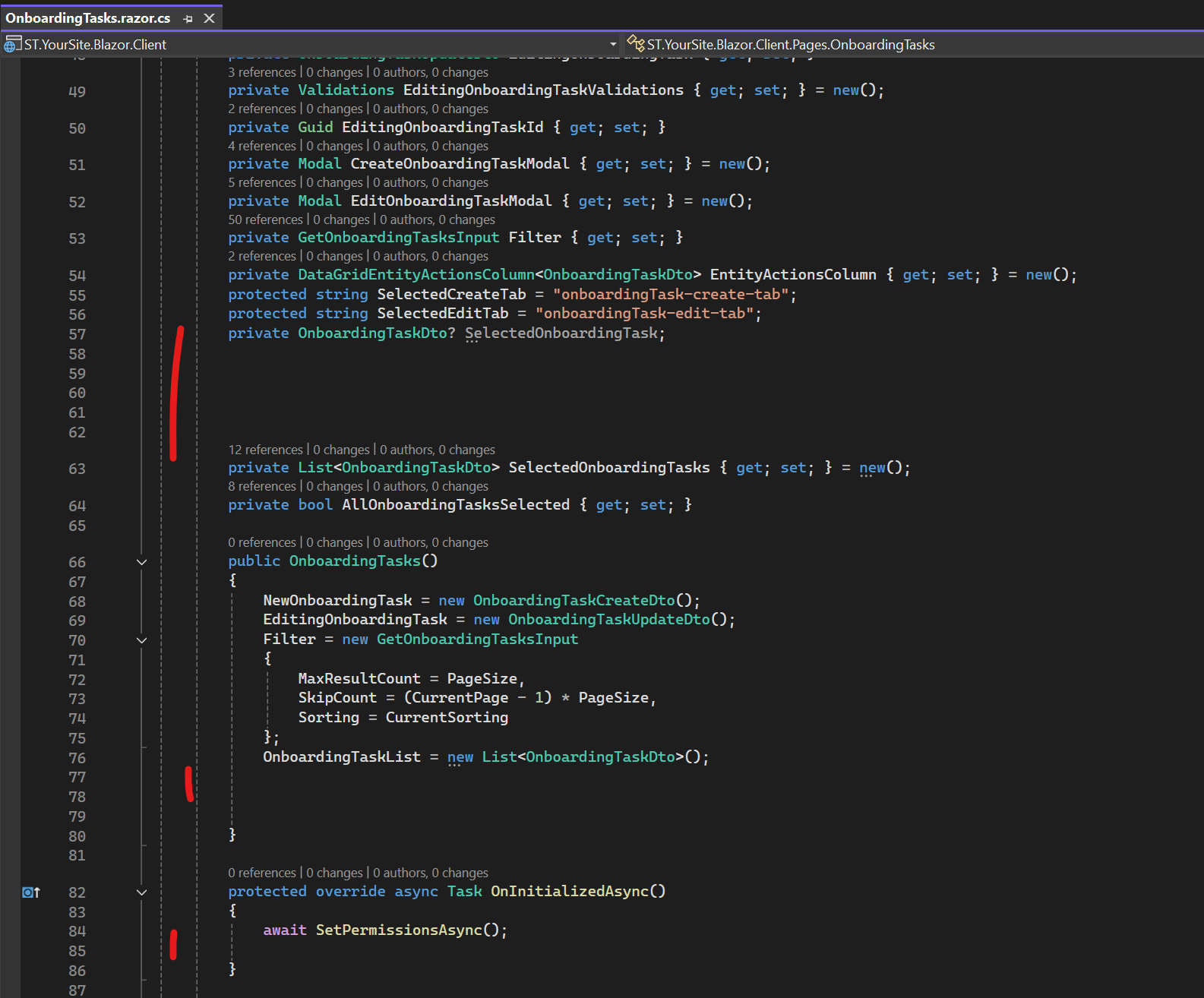
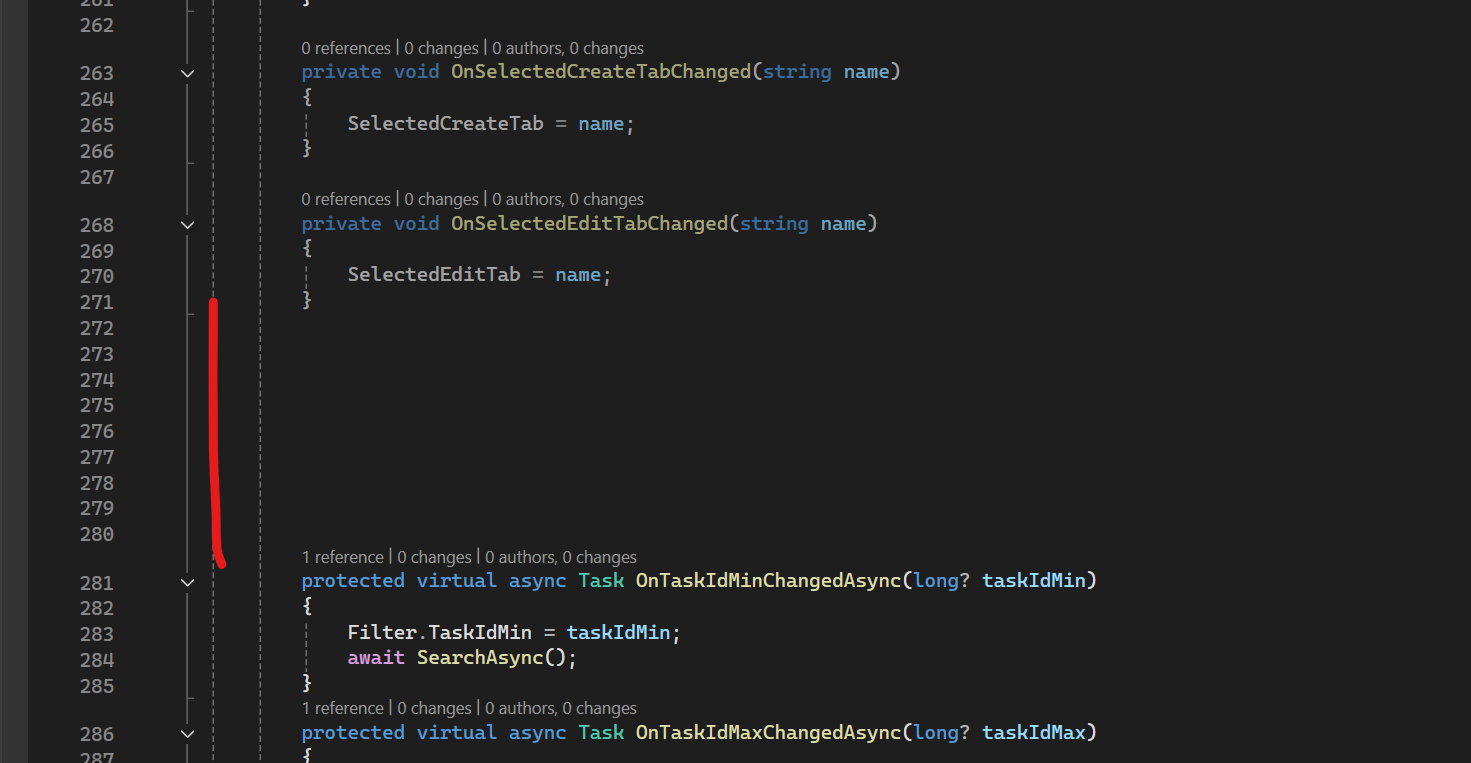
In the case of Blazor (razor), when I use the "Customizable code" flag, the OnInitializedAsync() function cannot be used in the Extended file for the created classes. For example, the ExtendedInitializedAsync() function should be added to the XXX.Extended.razor.cs file, which is called by the OnInitializedAsync function from XXX.razor.cs.
Markdown supported.Copy, paste, or drag & drop images and files (max 100 MB per file, 100 MB total per post) -
0
I hope the new version doesn't only work with .Net 10. I'd like to bring up a request I made over a year ago, which comes up again with every major version release. My last comment https://abp.io/support/questions/6416/ABP-Studio-Bugs--Issues?CurrentPage=6#answer-3a1d08cd-fd8b-d5ce-3845-003f6082bb13
We all have two common requests.
The first is to use Abp Suite with the version currently in production, which is never the latest available and may use a different framework version (example .Net 8).
The second is to be able to create a new solution with the latest template (and not just package upgrades) from the preview version to verify the fixes and enhancements made by Volosoft so we can transfer them to our custom versions, test them, and be able to resolve them promptly.
I kindly ask you if you can report these requests to Volosoft since the comments on the pinned threads do not seem to be getting any follow-up.
Thanks, Roberto
Markdown supported.Copy, paste, or drag & drop images and files (max 100 MB per file, 100 MB total per post) -
0
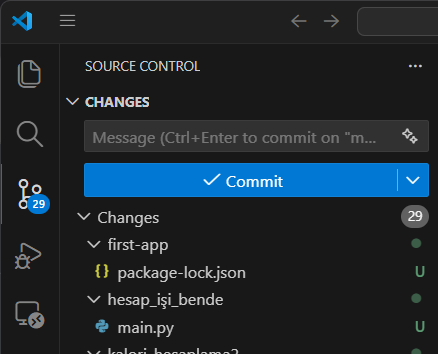
I am trying to commit every change to git but I need another application or terminal running for that. Is it possible to add git tab like vscode has into the abp studio
 Markdown supported.Copy, paste, or drag & drop images and files (max 100 MB per file, 100 MB total per post)
 -
0
We have some entities without string properties. If you want to create a NavigationProperty for such an entity, unfortunately this isn’t straightforward, since you have to select a property as a “display property,” which must be a string.
Our workaround was to specify ConcurrencyStamp as the display property. But that can’t be a solution. If we could at least use the ID (GUID), that would be fine... but then we get compile errors.
Since we don’t generate the UI, we don’t need the part with the lookup methods (that’s where the compile errors occur) or UI Pick Type at all.
Could you please adjust this so that we can do without the display property or reference something other than a string?
 Markdown supported.Copy, paste, or drag & drop images and files (max 100 MB per file, 100 MB total per post)
 -
0
We have a very large project with many entities. If we define a separate namespace for each entity, then working in Visual Studio becomes very cumbersome due to the large number of folders (since classes are stored in a folder for each namespace).
That’s why we’ve grouped related entities into the same namespace. However, this results in a large number of classes in the same folder for Domain and Contracts, which makes things chaotic again. We therefore manually move the classes into subfolders.
It would be great if the Suite allowed you to define the folder where the entity is generated.
That way, we could organize the classes hierarchically.
Markdown supported.Copy, paste, or drag & drop images and files (max 100 MB per file, 100 MB total per post) -
0
BTW thank you for the much for the git tab. this is the best feature yet 👏
Markdown supported.Copy, paste, or drag & drop images and files (max 100 MB per file, 100 MB total per post)