Version: ABP 10.3.0, Volo.AIManagement 10.3.0, Blazor Server, EF Core / SQL Server
Description A workspace without any embedder or vector store still gets the RAG tool on every chat request. As a result, the model often calls search_documents, the tool answers that no embedding provider is configured, and the whole prompt (including attachments) is sent to the model a second time.
Steps to reproduce
Create a workspace in the AI Management UI (OpenAI chat provider) and leave Embedder Provider and Vector Store Provider empty. Save it. In the database, EmbedderProvider and VectorStoreProvider are stored as '' (empty string), not NULL. Send a chat request through this workspace, for example via IChatClientResolver or IAIChatCompletionIntegrationService.
Expected
No RAG tool and no extra system instruction, because the workspace has no embedder.
Actual
AIManagementChatClient.PrepareOptionsAsync adds a search_documents tool (tool_choice = auto) and a system instruction to always call search_documents first. The model calls the tool, which replies that the embedding provider is not configured, and the request is sent again.
In our measurement, a request of about 186K prompt tokens was billed as about 372K. This doubles cost and rate-limit (HTTP 429) pressure.
Cause (version 10.3.0)
Two checks disagree on what "configured" means:
WorkspaceConfigurationStore: HasEmbedderConfiguration = EmbedderProvider != null, so '' counts as configured. DocumentSearchService: uses string.IsNullOrWhiteSpace(...), so '' counts as not configured. The Workspaces page saves empty fields as '', so a workspace edited in the UI can never be stored as NULL.
Suggested fix
Use !string.IsNullOrWhiteSpace(EmbedderProvider) in WorkspaceConfigurationStore, and/or normalise empty provider fields to NULL when saving a workspace.
Workaround Set the columns to NULL directly in the database. Editing the workspace in the UI afterwards brings the problem back.
Hi,
After upgrading our solution to ABP 10.2, we encountered a crash in the AI Management Blazor playground.
Problem: When opening the AI Management workspace playground, the page crashes during rendering with:
System.ArgumentNullException: Value cannot be null. (Parameter 'markdown')
Observed behavior:
The AI Management chat component restores conversation history from browser storage In ABP 10.2, chat responses can include tool-call style data separately from text A restored message with null content appears to be passed to Markdig without a null check
Expected behavior: The component should safely handle null or empty message content and should not crash the Blazor circuit.
Actual behavior: The Blazor circuit crashes while rendering the AI Management playground.
Environment:
ABP Framework: 10.2.0 UI: Blazor Server Module: AI Management
Workaround: Clear browser local storage / site data for the application origin, then reopen the playground.
Could you please confirm whether this is a known issue or whether there is already an internal fix planned for a future version?
Thanks.
System.ArgumentNullException: Value cannot be null. (Parameter 'markdown') at Markdig.Helpers.ThrowHelper.ArgumentNullException_markdown() at Markdig.Markdown.ToHtml(String markdown, MarkdownPipeline pipeline, MarkdownParserContext context) at Volo.AIManagement.Client.Blazor.Components.ChatClientChat.kkErlSOPW(RenderTreeBuilder) at Blazorise.CardBody.<BuildRenderTree>b__5_0(RenderTreeBuilder __builder2) at Microsoft.AspNetCore.Components.CascadingValue`1.Render(RenderTreeBuilder builder) at Microsoft.AspNetCore.Components.Rendering.ComponentState.RenderIntoBatch(RenderBatchBuilder batchBuilder, RenderFragment renderFragment, Exception& renderFragmentException)
[2026-04-09T14:03:57.225Z] Error: System.ArgumentNullException: Value cannot be null. (Parameter 'markdown') at Markdig.Helpers.ThrowHelper.ArgumentNullException_markdown() at Markdig.Markdown.ToHtml(String markdown, MarkdownPipeline pipeline, MarkdownParserContext context) at Volo.AIManagement.Client.Blazor.Components.ChatClientChat.kkErlSOPW(RenderTreeBuilder) at Blazorise.CardBody.
Secondary browser/client-side error after the Blazor circuit breaks:
Uncaught (in promise) Error: Cannot send data if the connection is not in the 'Connected' State. at Mn.send (blazor.web.js:1:87196) at Cn._sendMessage (blazor.web.js:1:64679) at Cn._sendWithProtocol (blazor.web.js:1:64769) at Cn.send (blazor.web.js:1:64877) at Ho.beginInvokeDotNetFromJS (blazor.web.js:1:145009) at b.invokeDotNetMethodAsync (blazor.web.js:1:5328) at I.invokeMethodAsync (blazor.web.js:1:7117) at closable.js?v=2.0.4.0:59:32 at new Promise (<anonymous>) at tryClose (closable.js?v=2.0.4.0:58:19)
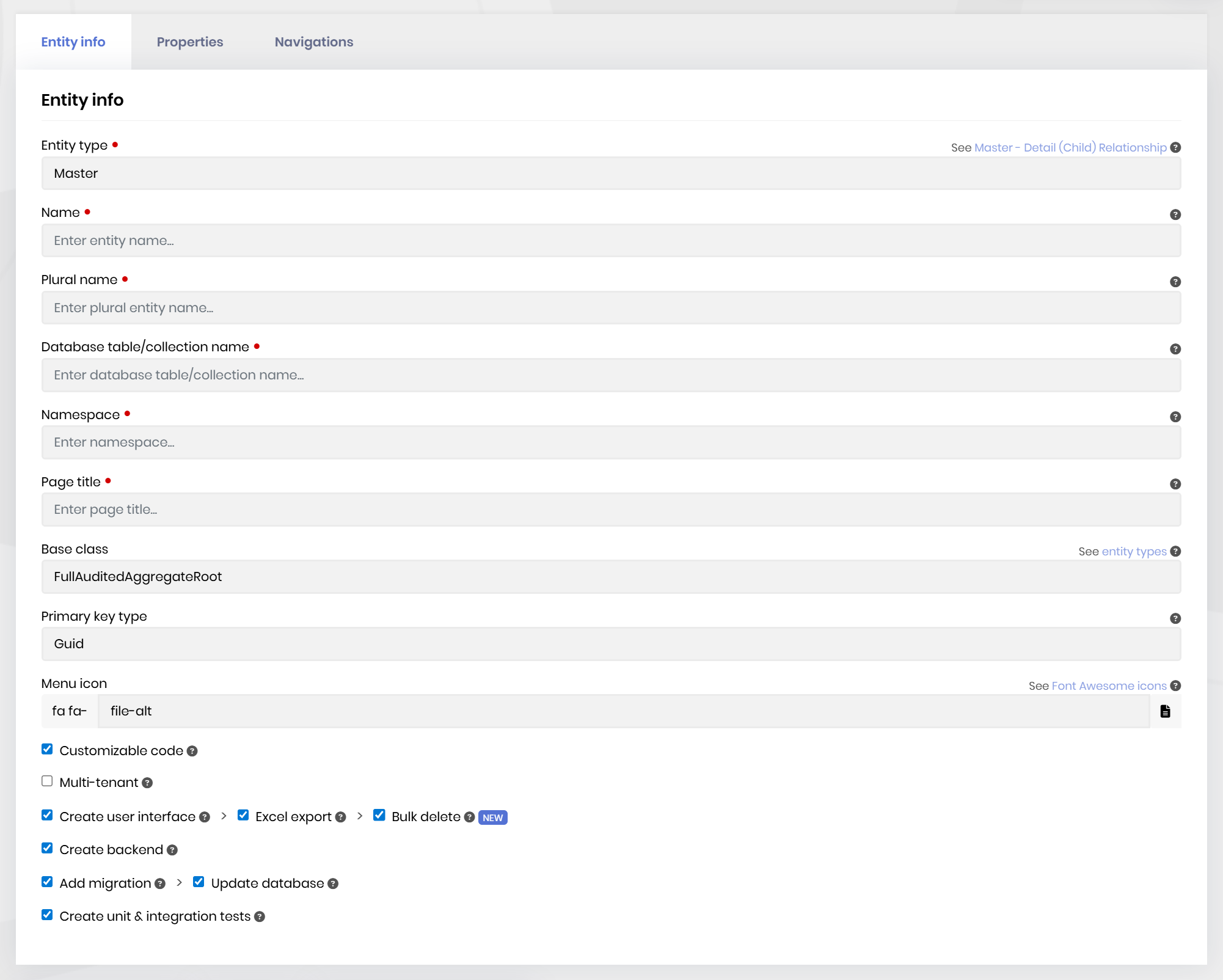
System.ArgumentNullException: Value cannot be null. (Parameter 'markdown')Add “Excel import” Button for CRUD Pages
Description: Add an “Excel import” button on CRUD pages generated by ABP Suite. Users can upload an Excel file to create new records or update existing ones.
Upload Excel file via UI.
Validate data (required fields, formats, etc.).
Show import results (created, updated, failed rows with errors).
Restrict access with permissions.
Additional Request: It would also be nice if the file generated by the "Excel export" button includes the tenant name (if triggered from a tenant instance) and the DateTime in the file name.
Example: Name_Tenant_DateTime.xlsx