Open Closed

blazorserver / leptonx toolbar title #9148


User avatar
0
rivz created

I see the issue has been resolved here, but my issue seems similar, might be related. https://github.com/abpframework/abp/issues/21185

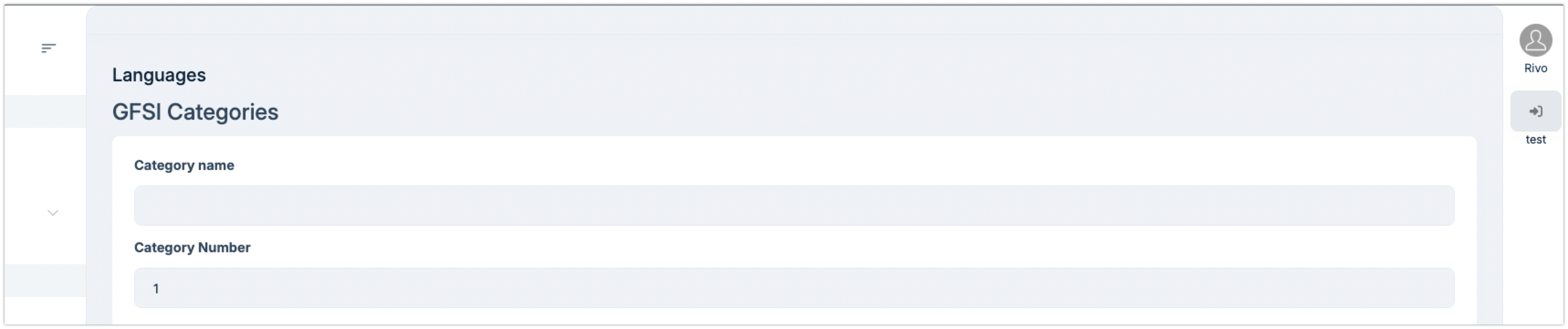
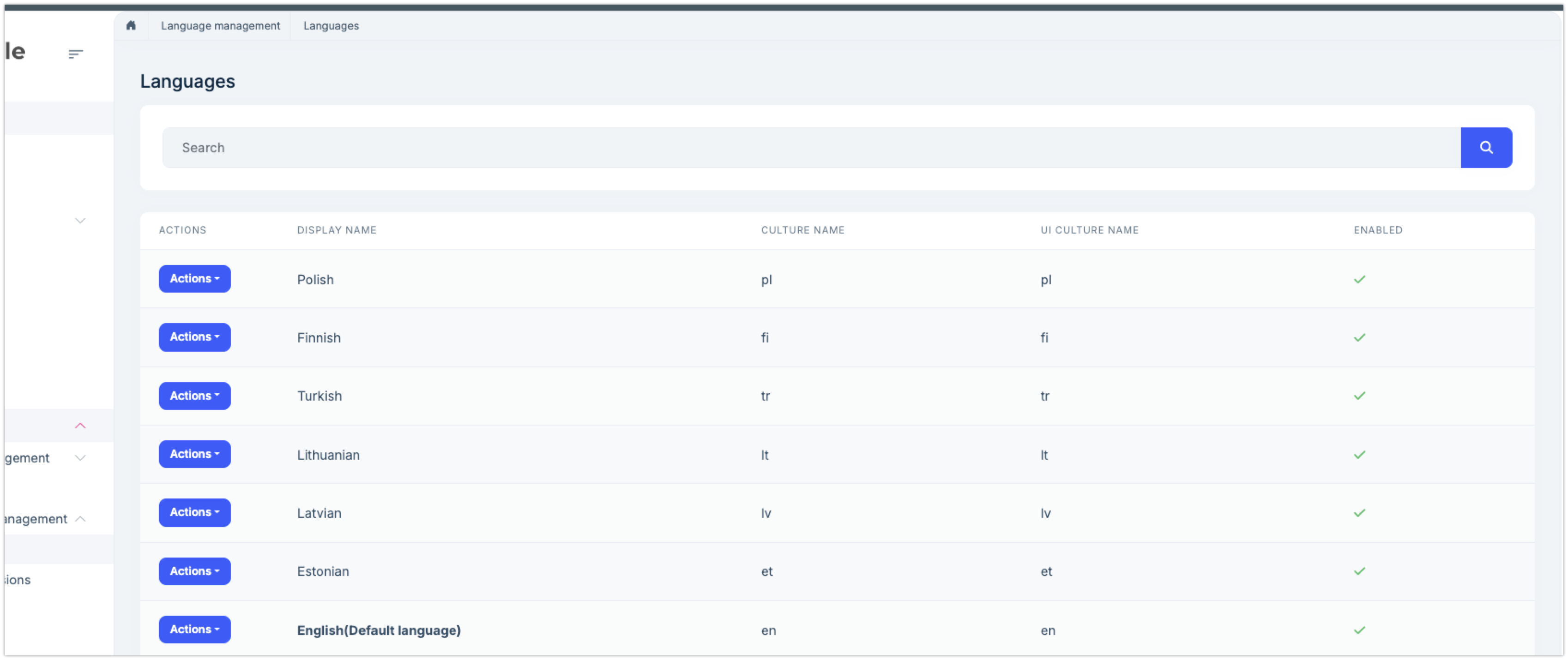
Updated from 8.1 to 9.1.1 When i go to ABP-s default pages, lets say "users" or "Languages", and then i move back to my custom pages/homepage, the title stays visible that are inside the lpx-content-toolbar. The buttons dissapear as they should when switching pages.

I tried updating to 9.2-rc-2 but it also did not help.
Markdown supported.
Copy, paste, or drag & drop images and files (max 100 MB per file, 100 MB total per post)

8 Answer(s)
  • User Avatar
    0
    maliming created
    Support Team Fullstack Developer

    hi

    What is your LeptonX package version? It should be 4.1.1 I'm unable to reproduce it in a new template project. Can you share a project?

    liming.ma@volosoft.com

    Thanks.

    Markdown supported.
    Copy, paste, or drag & drop images and files (max 100 MB per file, 100 MB total per post)

  • User Avatar
    0
    rivz created

    Yes my leptonX packages are 4.1.1.

    Project to big to share, maybe check via zoom? or can i give you any more info?

    Markdown supported.
    Copy, paste, or drag & drop images and files (max 100 MB per file, 100 MB total per post)

  • User Avatar
    0
    rivz created

    I am sorry, i am using blazor server not WASM.

    Markdown supported.
    Copy, paste, or drag & drop images and files (max 100 MB per file, 100 MB total per post)
  • User Avatar
    0
    maliming created
    Support Team Fullstack Developer

    Hi

    Can you test your custom component in a new template project?

    If template project also has this problem you can share it.

    Thanks.

    Markdown supported.
    Copy, paste, or drag & drop images and files (max 100 MB per file, 100 MB total per post)
  • User Avatar
    0
    rivz created

    sadly i cannot test it in a new template, the integration would take hours.

    it happens with EVERY razor page i have added to the project. and it doesent happen when i navigate between default pages. (settings, users, languages etc..)

    Markdown supported.
    Copy, paste, or drag & drop images and files (max 100 MB per file, 100 MB total per post)
  • User Avatar
    0
    maliming created
    Support Team Fullstack Developer

    hi

    Have you overridden the PageHeader component/class in your project?

    https://github.com/abpframework/abp/blob/dev/framework/src/Volo.Abp.AspNetCore.Components.Web.Theming/Layout/PageHeader.razor.cs#L11

    No matter what, we always need to reproduce the problem locally.

    Thanks.

    Markdown supported.
    Copy, paste, or drag & drop images and files (max 100 MB per file, 100 MB total per post)
  • User Avatar
    0
    rivz created

    It seems the issue is related to upgrading to .NET 9 and not with leptonX/abp. - i havent found a fix but i think we can close this thread.

    Markdown supported.
    Copy, paste, or drag & drop images and files (max 100 MB per file, 100 MB total per post)
  • User Avatar
    0
    maliming created
    Support Team Fullstack Developer

    : )

    Markdown supported.
    Copy, paste, or drag & drop images and files (max 100 MB per file, 100 MB total per post)
Boost Your Development
ABP Live Training
Packages
See Trainings
Mastering ABP Framework Book
The Official Guide
Mastering
ABP Framework
Learn More
Mastering ABP Framework Book
Made with ❤️ on ABP v10.8.0-preview. Updated on September 16, 2026, 14:50
1
ABP Assistant
🔐 You need to be logged in to use the chatbot. Please log in first.