






Check the docs before asking a question: https://abp.io/docs/latest
Check the samples to see the basic tasks: https://abp.io/docs/latest/samples
The exact solution to your question may have been answered before, and please first use the search on the homepage.
Provide us with the following info:
🧐 Hint: If you are using the ABP Studio, you can see all the information about your solution from the configuration window, which opens when you right-click on the solution and click on the Solution Configuration button.
- ABP Framework version: v9.1.3
- UI Type: MVC
- Database System: EF Core (PostgreSQL) / Redis
- Tiered (for MVC) or Auth Server Separated (for Angular): no
- Exception message and full stack trace:
- Steps to reproduce the issue: Just visit https://x.leptontheme.com
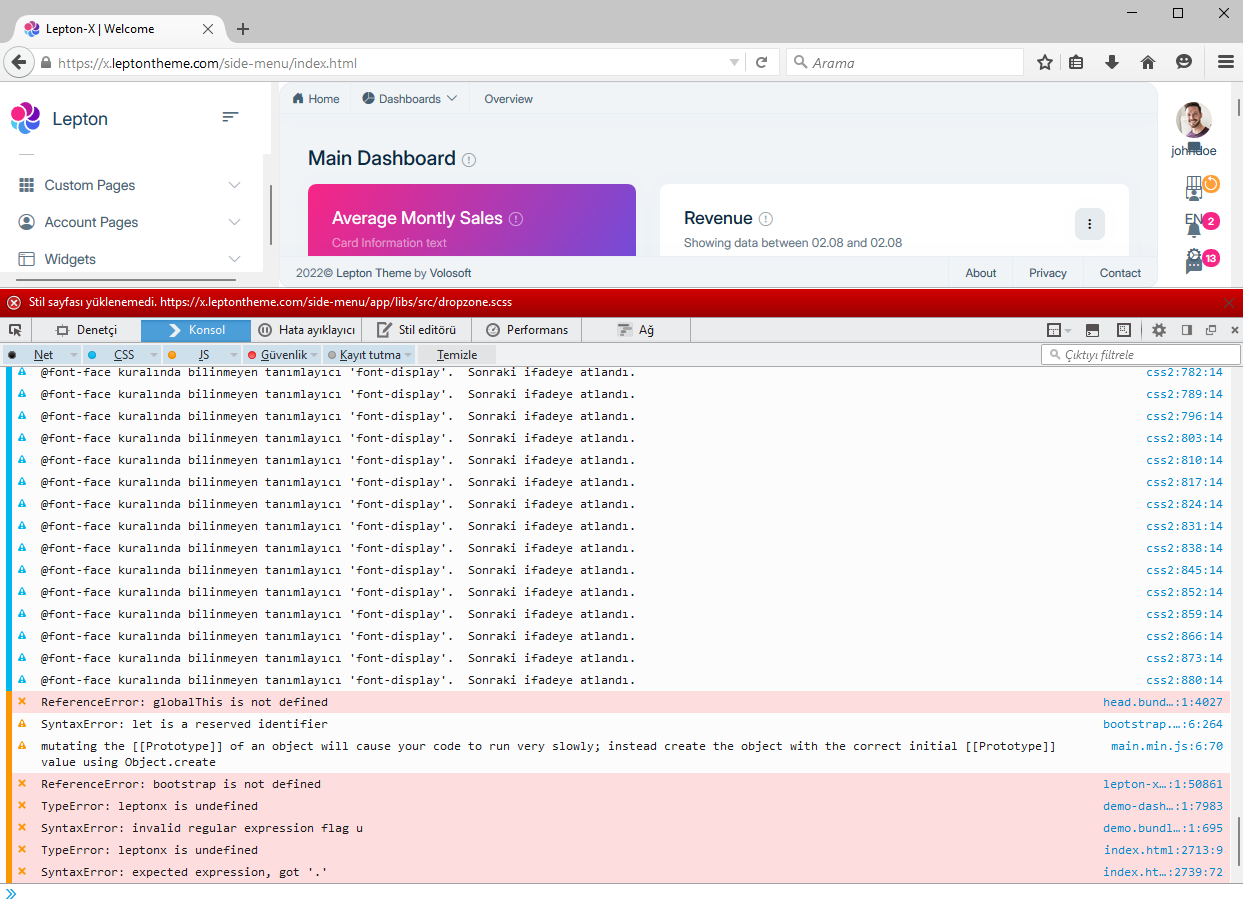
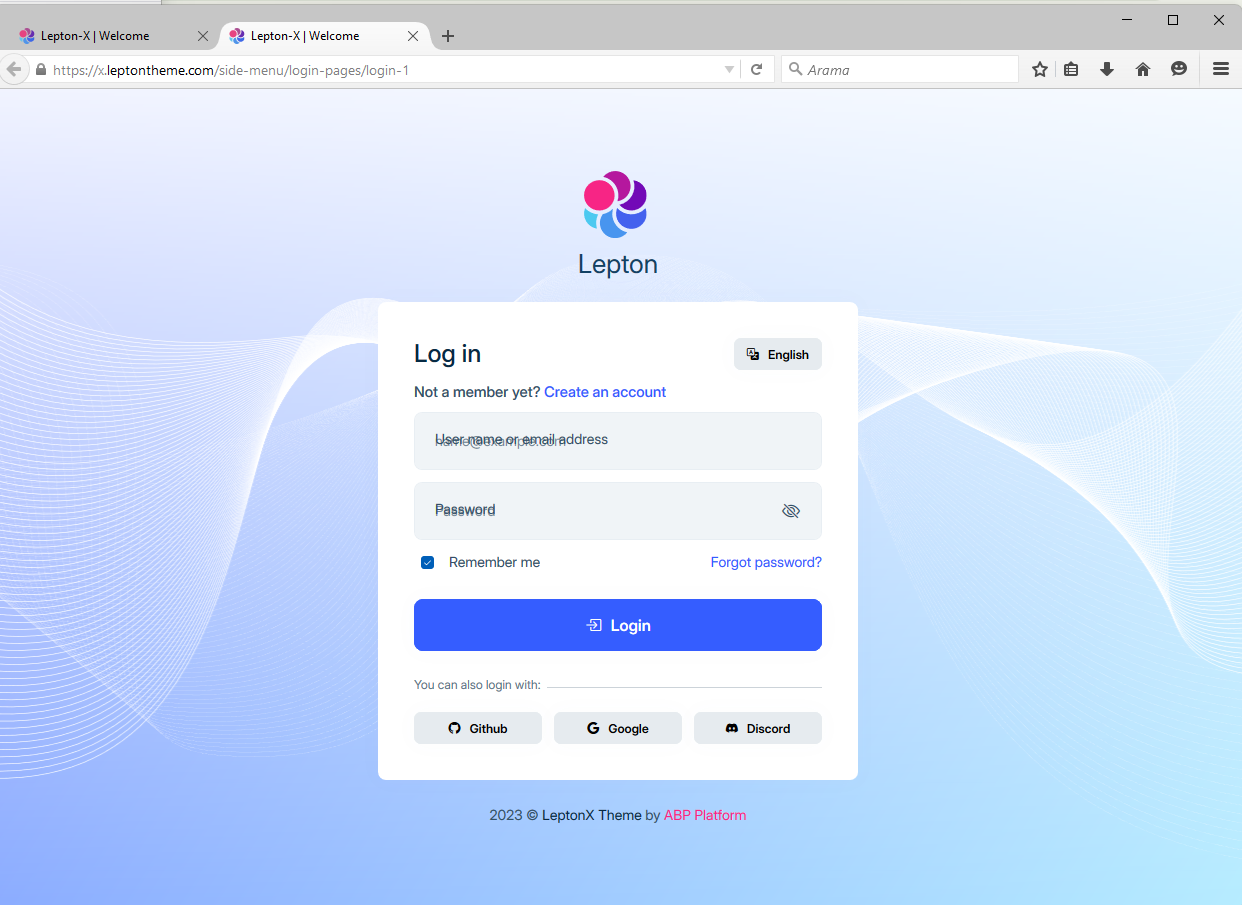
Hi, LeptonX theme is not working in Firefox browser. I did some search on ABP Support and on Google but I couldn't any related issue.
Tried on Firefox latest 41.0.2 and previous versions. In my project and also https://x.leptontheme.com LeptonX theme is not working.
<br>
<br>
6 Answer(s)
-
0
Hi, Just test on official demo page on https://x.leptontheme.com I uploaded a screen record on YouTube : https://youtu.be/B5WveRL1hTs
Markdown supported.Copy, paste, or drag & drop images and files (max 100 MB per file, 100 MB total per post) -
0
Hi,
I delivered this issue to our team and they could not reproduce this problem. Can you share use your environments like Firefox version, Operating System Build etc?
Also, check the followings thay can cause the problem on your browser:
Browser Extensions– Sometimes, installed extensions (especially ad blockers or script blockers) interfere with site functionality. Ask them to disable all extensions temporarily and retry.
Firefox Version – Ensure they’re using the latest stable version of Firefox. If not, they should update to the most recent release.
Different Device – If possible, they should try accessing the website from another computer or mobile device with Firefox.
Network Issues – Some ISP configurations or DNS settings can cause problems. Using a different network (e.g., mobile hotspot) could rule this out.
Safe Mode Test – Running Firefox in Safe Mode (about:support → Restart with Add-ons Disabled) can help determine if an extension or setting is causing problems.
Markdown supported.Copy, paste, or drag & drop images and files (max 100 MB per file, 100 MB total per post) -
0
Hi, we identified that your Firefox version is
41.0.2, which is considered a legacy version. Due to this, some of our modern dependencies are incompatible with it, causing the issue you’re experiencing.To resolve this, please update to the latest Firefox version,
139.0.1, and try again.Markdown supported.Copy, paste, or drag & drop images and files (max 100 MB per file, 100 MB total per post) -
0
Hi Enis, It was my mistake. I missed the version because when Firefox checked for updates in the browser, it said it was the latest version. I remember using the old version was another situation. Now I downloaded the latest version and all the errors are gone. Thank you for your effort.
Markdown supported.Copy, paste, or drag & drop images and files (max 100 MB per file, 100 MB total per post)



