0
48949912 created
Check the docs before asking a question: https://abp.io/docs/latest Check the samples to see the basic tasks: https://abp.io/docs/latest/samples The exact solution to your question may have been answered before, and please first use the search on the homepage.
Provide us with the following info:
🧐 Hint: If you are using the ABP Studio, you can see all the information about your solution from the configuration window, which opens when you right-click on the solution and click on the Solution Configuration button.
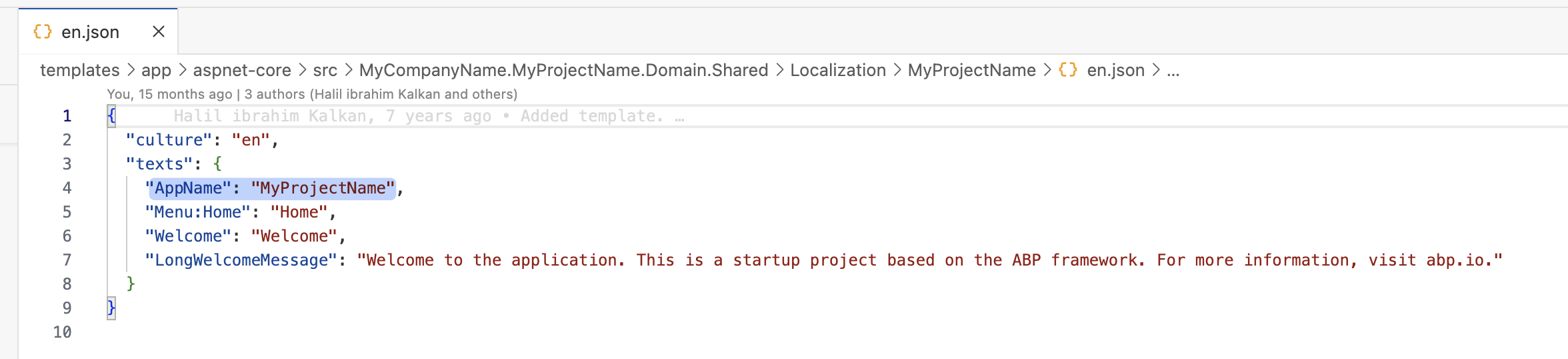
How to Custom "MyProejctName"?
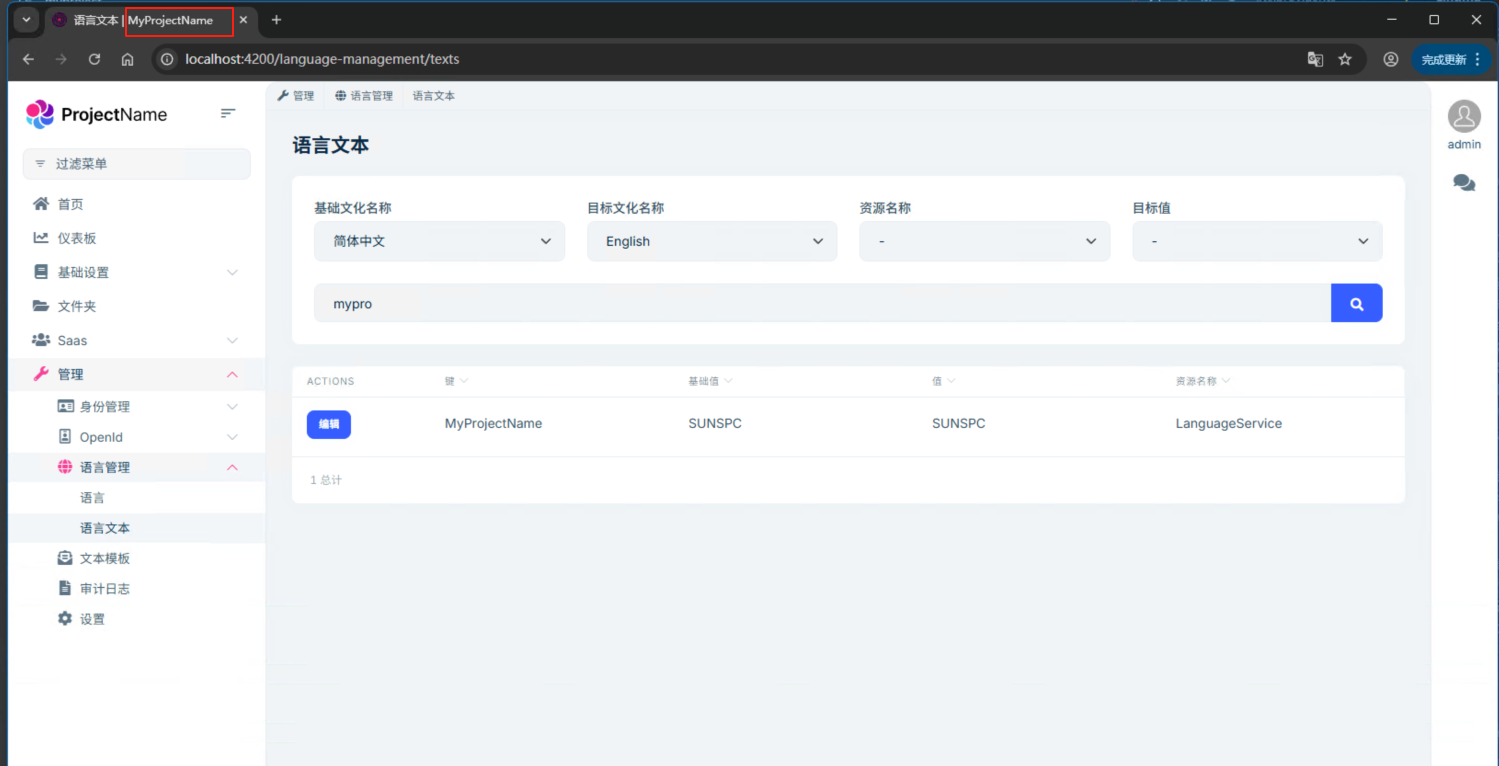
- Exception message and full stack trace:
- Steps to reproduce the issue:
Markdown supported.
Copy, paste, or drag & drop images and files (max 100 MB per file, 100 MB total per post)
2 Answer(s)
-
0
This is the Solution Configuration:
- Template: microservice
- Created ABP Studio Version: 1.1.2
- Current ABP Studio Version: 1.1.2
- Multi-Tenancy: Yes
- UI Framework: angular
- Theme: leptonx
- Theme Style: system
- Theme Menu Placement: side
- Run Install Libs: Yes
- Database Provider: ef
- Database Management System: mysql
- Mobile Framework: react-native
- Public Website: Yes
- Social Login: Yes
- Include Tests: Yes
- Dynamic Localization: Yes
- Kubernetes Configuration: Yes
- Grafana Dashboard: Yes
- Use Local References: No
- Optional Modules:
- GDPR
- FileManagement
- TextTemplateManagement
- AuditLogging
- Chat
- OpenIddictAdmin
- Selected Languages: 简体中文, English, English (United Kingdom), Español, العربية, हिन्दी, Português (Brasil), Français, Русский, Deutsch (Deutschland), Türkçe, Italiano, Čeština, Magyar, Română (România), Svenska, Suomi, Slovenčina, Íslenska, 繁體中文
- Default Language: 简体中文
- Create Command: abp new QRSPC -t microservice --ui-framework angular --mobile react-native --database-provider ef --database-management-system mysql --theme leptonx --skip-migrator --public-website --without-cms-kit --dont-run-bundling -no-language-management -chat -file-management
Markdown supported.Copy, paste, or drag & drop images and files (max 100 MB per file, 100 MB total per post)