[sumeyye.kurtulus] said: This issue is related to the package manager that you have used since I produced the same problem after using
npminstead ofyarn. I can suggest you to try again after explicitly adding this dependency"@volosoft/abp.ng.theme.lepton-x": "~2.2.2",
Hi,
The previous issue is resolved. However, after upgrading to version 8.2.1, I can see the authenticator app options in a newly created project, but they are not working in my current project. I’m not authorize to share my project, so if we could schedule a call to discuss this issue, it would be really helpful.
[maliming] said: hi
Can you try to use
@volosoft/abp.ng.theme.lepton-x": "~2.2.2, also restore npm packages again.
2.2.2Thanks.
I’ve applied the suggested fix, but unfortunately the issue still remains.
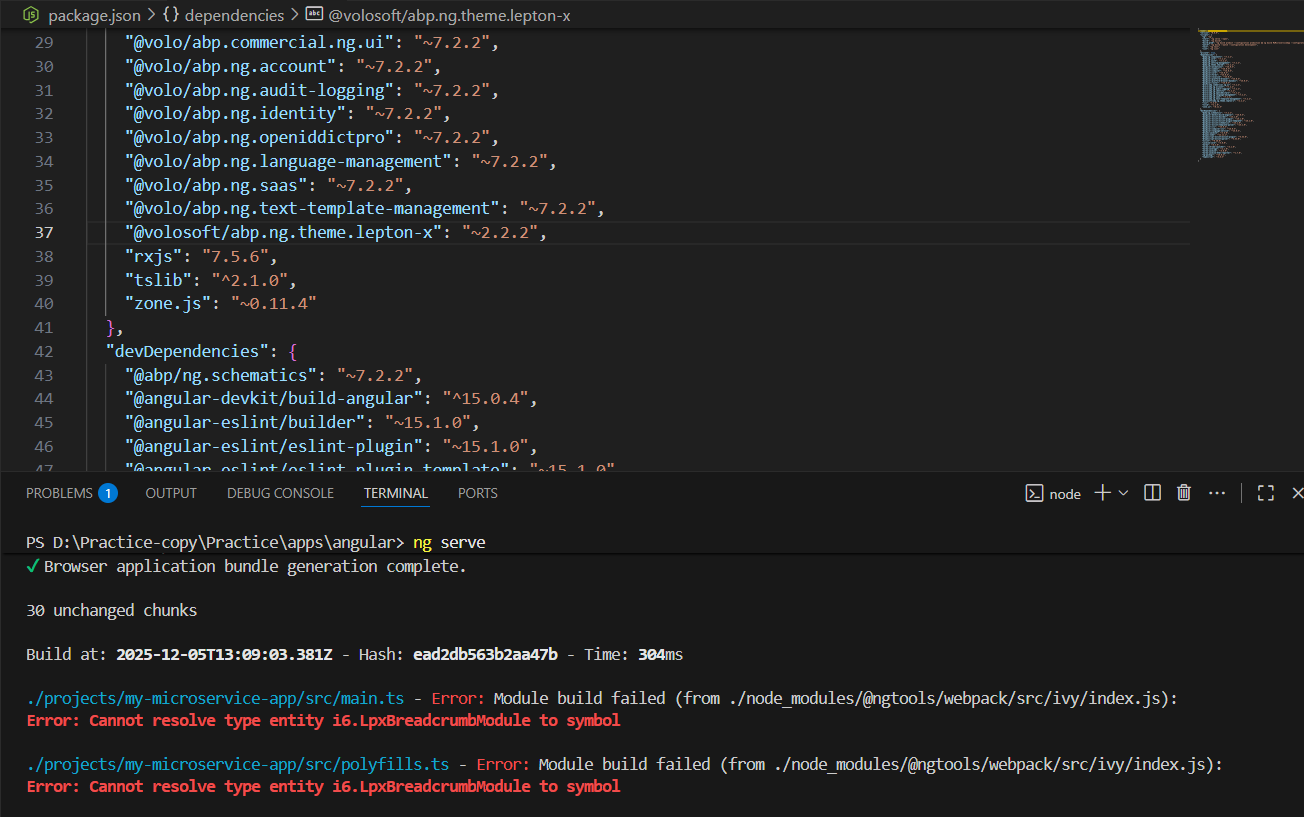
[sumeyye.kurtulus] said: "@volosoft/abp.ng.theme.lepton-x": "~2.2.0"
I am still encountering the same issue.
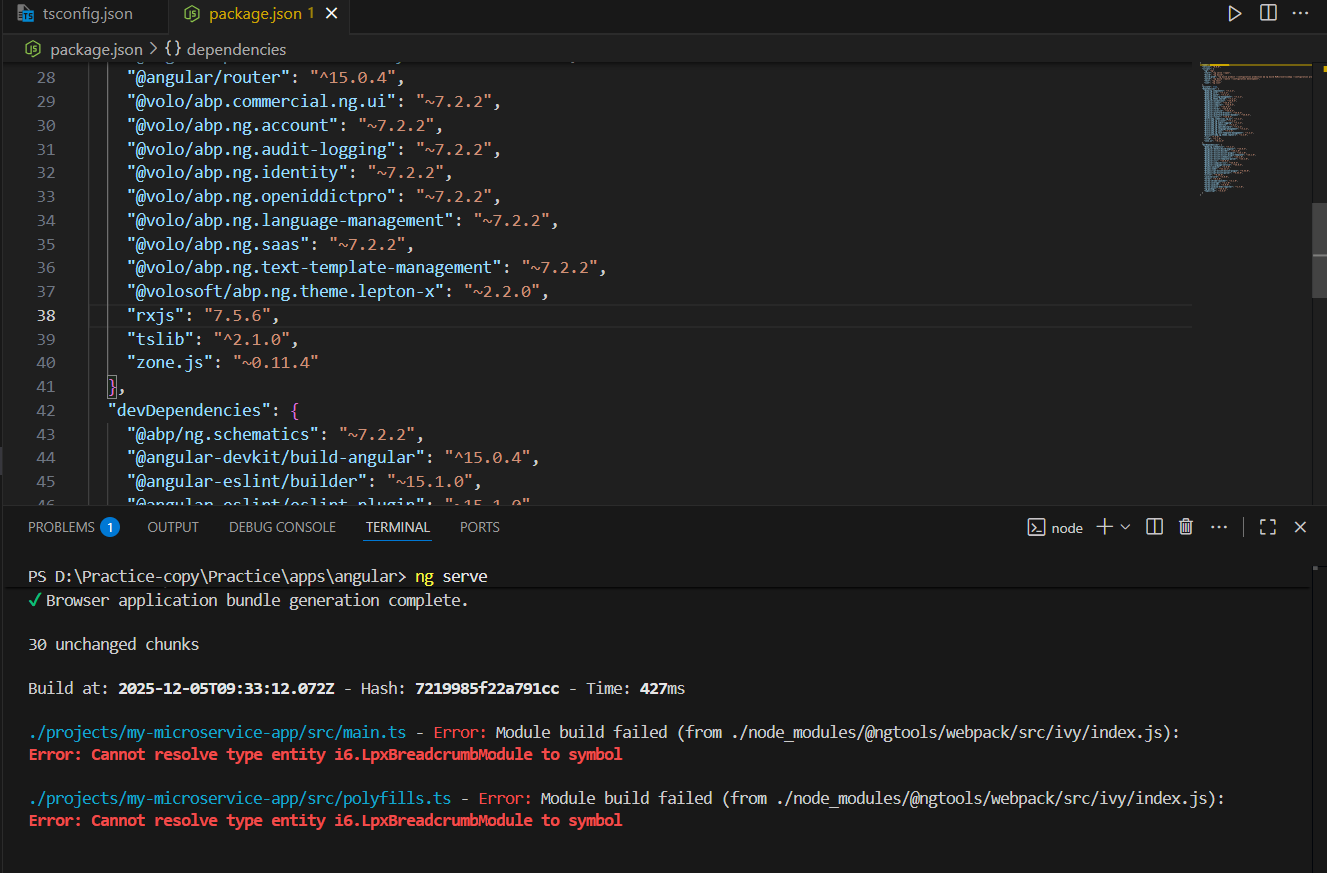
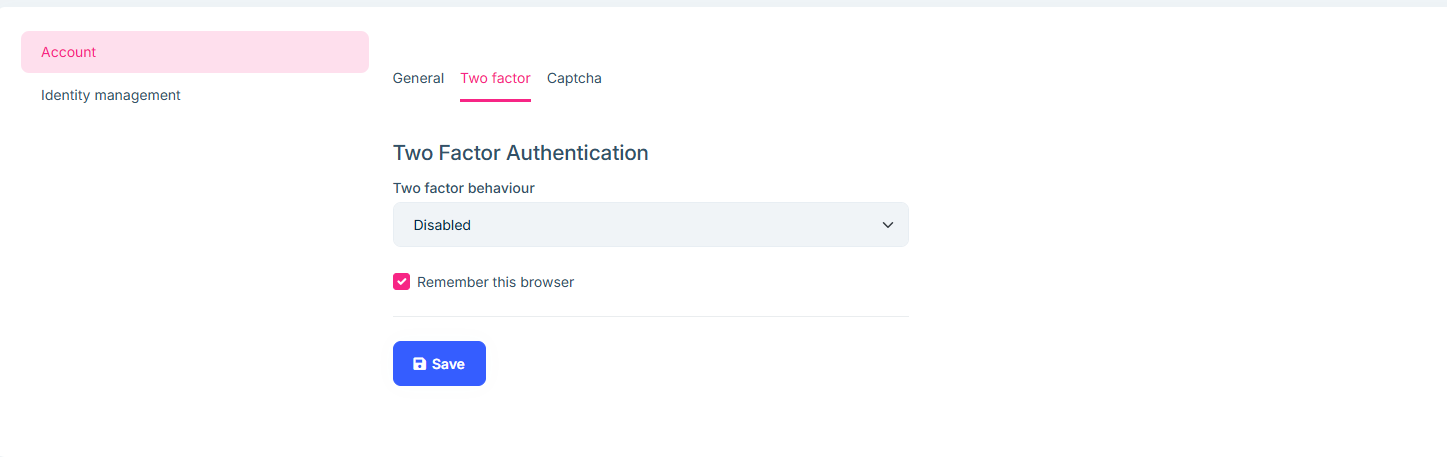
Hi When I change the two-factor authentication setting to Optional, it automatically switches back to Disabled by default.
Please do not close the ticket. I will continue posting any migration issues I encounter, and once everything is resolved, I will close it.
[maliming] said: hi
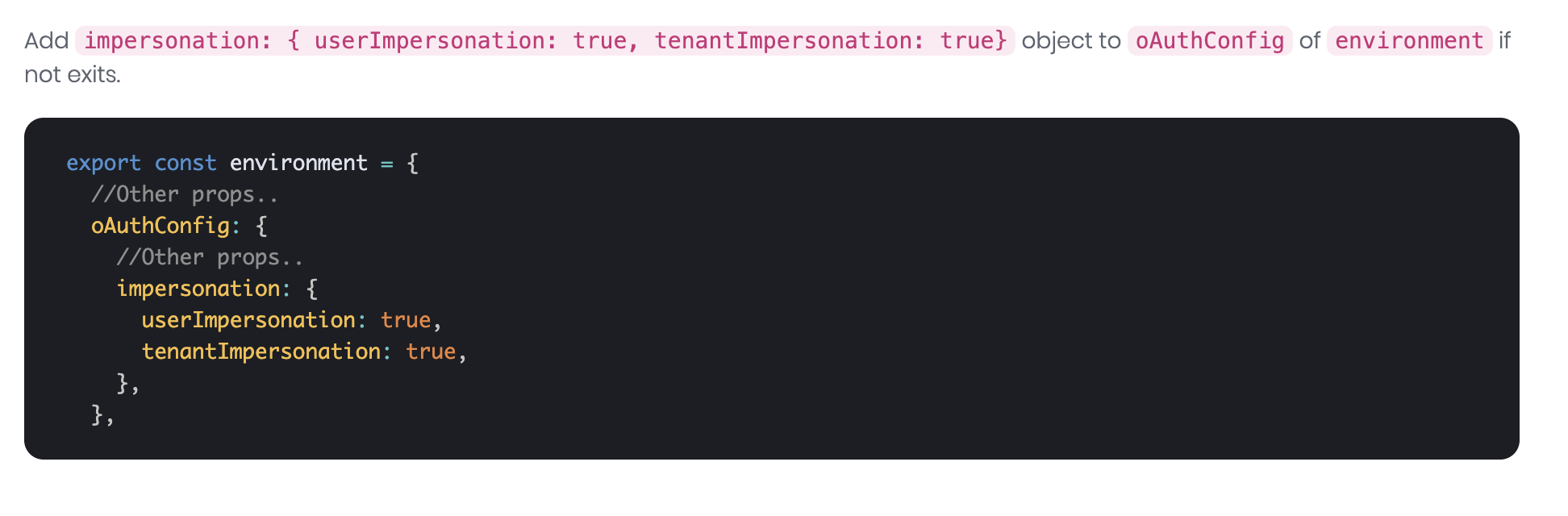
Can you add code below to the Angular project?
Thanks!. It worked
[maliming] said: hi
I am unable to run the app that i shared, what are the steps that you followed to run the app.
I use the
run-tye.ps1command to run the backend, andyarn startfor Angular.
Our project was previously on version 7.2.2, and we migrated it to 8.2.1. Could this migration be causing the issue?
Maybe. Can you share your project?
We are currently using MSG91 as our service provider for email and SMS. If we want to implement OTP-based MFA, what changes do we need to apply?
Only enabling 2FA is enough.
Thanks.
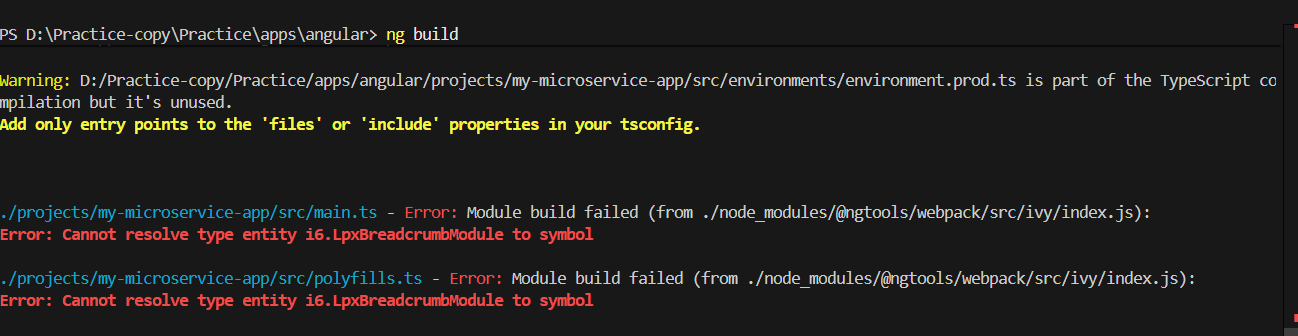
In order to reproduce the issue first i have created a project using ABP version 7.2.2, and while running the Angular application, I encountered the issue shown below. I am attaching the relevant Angular file link for your review.
 https://we.tl/t-X3tTwN7kx2
Thanks
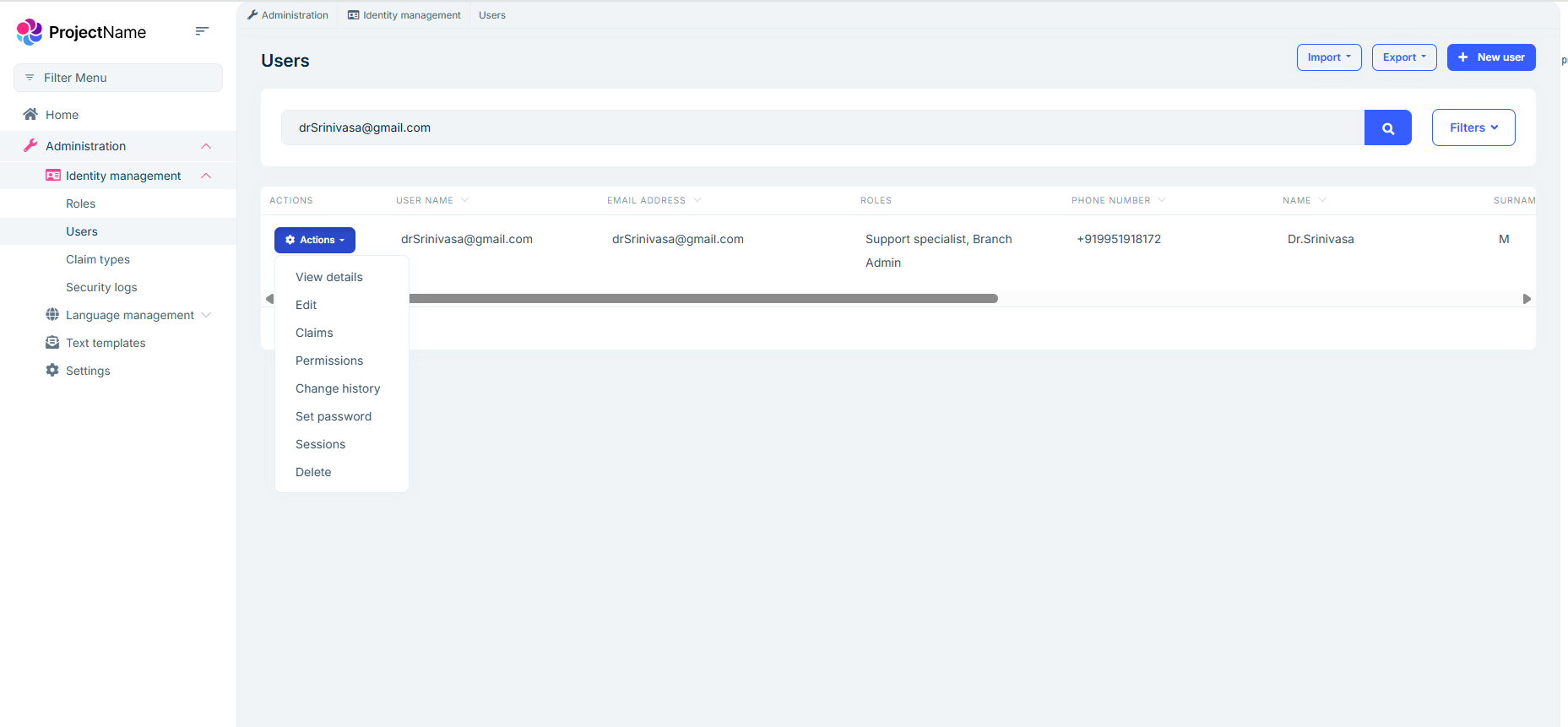
Hi Even though I have enabled the impersonation permission, the option is still not visible. The "Log in with this tenant" option is also missing under SaaS Tenants. This issue can be reproduced in the project that I shared.
[sumeyye.kurtulus] said: "@angular/":["node_modules/@angular/"], "@abp/":["node_modules/@abp/"], "@volo/":["node_modules/@volo/"], "@volosoft/":["node_modules/@volosoft/"], "@swimlane/": ["node_modules/@swimlane/"], "@ngx-validate/core":["node_modules/@ngx-validate/core"], "@ng-bootstrap/ng-bootstrap": ["node_modules/@ng-bootstrap/ng-bootstrap"],
The issue fixed. Thanks!
[maliming] said: hi
You can upload your project to https://wetransfer.com/ And send the download link to sumeyye.kurtulus@volosoft.com
Thanks.
Hi
I’ve uploaded the project, and here is the link. https://we.tl/t-Bi6l9MiFVu
[sumeyye.kurtulus] said: Thank you for providing extra details. I have checked your versions and I did not see anything problematic except this version
"@volosoft/abp.ng.theme.lepton-x": "~4.0." --> should be "~4.0.0"If this does not solve your problem, you can send a minimal reproducible example through this e-mail address: sumeyye.kurtulus@volosoft.com.
Thank you for your cooperation.
Hi
I tried to send you the minimal reproducible example project, but I encountered the following issue:
mx.google.com rejected your message to the following email addresses: sumeyye.kurtulus@volosoft.com Your message wasn't delivered because the recipient's email provider rejected it.
Thanks