Hi,
That clears up the fresh-machine case, thanks.
One more point, on the developer seats.
We are on three developer seats, and our team composition will change over time - at some point we will remove one developer from the organization and add a different person into that freed seat. We would like to confirm how that works once the license period has ended:
Can we still change the members of the organization after expiry - remove a developer and add a new one into the freed seat - or is member management one of the things that stops when the subscription lapses?
If we can, does the newly added developer get a working abp login on a lapsed license, the same way an existing developer does?
That developer would be setting up a machine that has never had ABP installed, and cloning our existing project onto it. Will the Development-mode online check pass for them, so they can build, run and debug the existing project like the rest of the team?
In short: after expiry, is "you can keep developing your existing projects" tied to the three seats as a count, or to the three specific people who were holding them while the license was active?
Thanks
[maliming] said: Hi,
Point 2 needs a correction — the deployed application does run a license check at startup.
It's a local check: the app validates the
AbpLicenseCodefrom its own configuration, without contacting any ABP server and without needingabp loginon that machine, so it works on an offline server too. But the code has to stay in your production configuration. If it's missing or invalid, you getABP-LIC-ERRORin the logs and the app shuts down.The one case where a deployed instance does call abp.io is when it runs with
ASPNETCORE_ENVIRONMENT=Developmentor with a debugger attached. Keep it onProductionand the online check never runs. These two cover it in detail:https://abp.io/support/questions/817/How-to-delete-current-license-login-session https://abp.io/support/questions/1471/containerizing-abp-application
For your other two questions:
License not renewed: your deployed applications are not affected, they keep running. You can also keep developing your existing projects — ABP licenses are perpetual. What ends is creating new solutions from the pro templates, major/minor upgrades (you still get the patches of your current minor version), installing new pro modules and themes, ABP Suite, ABP Studio's pro features, and premium support. The full list is under "What happens when my license period ends?" on https://abp.io/faq
Downgrade: license plans can't be downgraded. If you need to change your plan, write to info@abp.io
Project count and deployments are both unlimited, and the license is tied to developer seats, not to the number of projects or deployments. One detail on the first point: you can create as many projects as you want while the license is active, and after it expires you can't create new ones, but everything you already have keeps working and can be deployed anywhere.
Thanks
Hi,
Thanks for the correction, and for the detail on renewal and downgrade — that part is clear.
One follow-up on continuing to develop existing projects after the license period ends.
You mentioned that ABP licenses are perpetual, so we can keep developing our existing projects. What we're seeing today doesn't quite line up with that. When we clone one of our existing projects onto a fresh machine and install ABP there, running it under ASPNETCORE_ENVIRONMENT=Development asks for the license account — which is exactly the case you described where the online check against abp.io runs.
So I'd like to confirm what happens once the subscription has lapsed:
Development mode after expiry — if the developer account is still signed in through abp login but the subscription has not been renewed, does the online check still pass? Or does it fail with ABP-LIC-ERROR the same way a missing AbpLicenseCode would?
New machine after expiry — when we clone an existing project onto a machine that has never had ABP installed:
abp login still succeed on a lapsed account?If Development mode does fail after expiry — is the supported way to keep working locally to run with ASPNETCORE_ENVIRONMENT=Production or Staging? Would we lose any development-time features by doing that?
In short: does "you can keep developing your existing projects" cover the full local development loop — build, run and debug on any machine, including new ones — or only that already-deployed applications keep running?
Thanks
Hi ABP team,
We are planning the upgrade of our production application from ABP Commercial 9.0.4 to the latest stable ABP 10.x, and from .NET 9 to .NET 10.
To be clear up front: moving to .NET 10 is a firm decision on our side. We are not looking for a way to stay on .NET 9. What we need from you is the safest sequencing to get there and the full set of breaking changes we should expect along the way.
This is the main reason we are opening this ticket, and the part we are most worried about.
Instead of consuming the Commercial modules as NuGet packages, we pulled seven of them into our repository as SOURCE CODE (via ABP Suite / abp get-source) and then modified them extensively. They are now compiled as part of our solution rather than referenced as packages:
| Module | Projects | C# files | |---|---|---| | Volo.Account.Pro | 25 | 309 | | Volo.Identity.Pro | 12 | 223 | | Volo.Abp.PermissionManagement | 18 | 121 | | Volo.Saas | 17 | 129 | | Volo.LanguageManagement | 12 | 110 | | Volo.TextTemplateManagement | 12 | 79 | | Volo.AuditLogging.Ui | 6 | 46 |
That is roughly 1,000 C# files across ~102 projects of ABP Commercial module source living inside our repository, all of it on 9.0.4 and much of it edited by us.
The customizations are not cosmetic. Across these modules we have changed entities and added properties, added and changed application service methods and DTOs, added new endpoints, changed permission definitions, altered the identity/account and audit-logging behaviour, and adjusted the module classes and EF Core mappings/migrations to match. Because the edits are spread through the module source rather than isolated in override/extension points, we cannot simply drop in the 10.6 module source.
On top of these, we also maintain our own modules in the same solution (KPI, PerioChart, XrayImage, Chat, AccountLedger, Performance).
Customized source-code modules - our biggest concern. What is the recommended process to move these seven heavily customized Commercial modules from 9.0.4 to 10.6? Specifically:
Recommended upgrade path. Should we go 9.0.4 -> 10.6.0 in one step, or step through intermediate majors/minors (9.1 -> 9.2 -> 9.3 -> 10.0 -> 10.6)? Given the customized module source, is a stepped upgrade meaningfully safer? Is there a version we should not skip?
Sequencing of the ABP and .NET 10 upgrades. We are going to .NET 10 either way, so this is purely a question of ordering. We noticed Volo.Abp.Core 10.6.0 still multi-targets net8.0/net9.0/net10.0, which seems to give us the option of staging the work. Which of these would you recommend? a. Upgrade ABP 9.0.4 -> 10.6 first while still building against net9.0, then flip the TFM to net10.0 as a separate step. b. Move to net10.0 first while still on ABP 9.0.4 (if that is even supported), then upgrade ABP. c. Do both in a single pass. Given roughly 1,000 files of customized module source to re-merge, we would prefer whichever order isolates the failures. Also please confirm: are the ABP 10.6 Commercial module packages, LeptonX, and ABP Suite/Studio fully supported on net10.0 today, and is there anything in .NET 10 (EF Core 10, ASP.NET Core 10, OpenIddict, Hangfire integration) that ABP 10.6 does not yet handle and that we should work around?
Consolidated breaking-changes / migration guide covering 9.0 -> 10.x for: ABP Framework, ABP Commercial modules, LeptonX, and the Angular UI packages. Links to the official migration docs for each intermediate version would be very helpful.
Database / EF Core migrations. What schema changes do the ABP modules (especially Identity Pro, Account Pro, Saas, PermissionManagement, AuditLogging) introduce between 9.0 and 10.6? Is there a documented list, and are there any data migrations (not just schema) we must run? Note our customized modules own their own migrations, so we need to know exactly what ABP changed. Any PostgreSQL-specific notes for the EF Core upgrade.
Angular UI. What is the required Angular version for @abp/ng.* 10.6.0, and what is the recommended path from Angular 18.1? Are the ABP Angular schematics (abp-ng update / ng update) able to handle 9.0 -> 10.6 directly? Any breaking changes in @abp/ng.core, ng.oauth, and the LeptonX Angular theme (4.0.5 -> 5.6.0) we should plan for? We have also customized the Angular side of the identity/account/audit-logging screens.
OpenIddict / authentication. Any breaking changes in the OpenIddict integration or the Account Pro module between 9.0 and 10.6 that affect token flows, impersonation, or an external Angular SPA client?
Tooling. Which ABP CLI / ABP Studio / ABP Suite version should we use to perform the migration for a 9.0.4 solution, and are there commands (abp update, abp suite migrate) you recommend for a solution of this shape?
Effort and risk. Based on similar migrations with this level of module customization, roughly what effort should we plan for, and is there any known issue in 10.6 that would make you recommend waiting for a later version?
Any sample or checklist you can point us to for a 9.x -> 10.x upgrade of a customized commercial Angular + PostgreSQL solution would be much appreciated.
Thank you.
Regarding the ABP Commercial license — just wanted to confirm what we found:
The license is tied to development (developer seats), not to the number of projects created or deployments made.
While planning our deployment, we found a license check in the generated project code that validates the license key/validity, and we want to understand its implications. For reference, here is the relevant configuration entry (license code redacted):
{
  "AbpLicenseCode": "<YOUR_ABP_LICENSE_CODE>"
}
A few things we'd like to clarify:
Please let us know if this understanding is correct, or if there's anything more we should be aware of.
Thanks!
Reopening this ticket as the issue is not solved and we are trying to get you the access of our public URL to resolve this issue
thanks for the Support
Reopening this ticket as the issue is not solved and we are trying to get you the access of our public URL to resolve this issue
Hi Can you tell me what is the country you are accessing from? Thanks
Hi
Its working
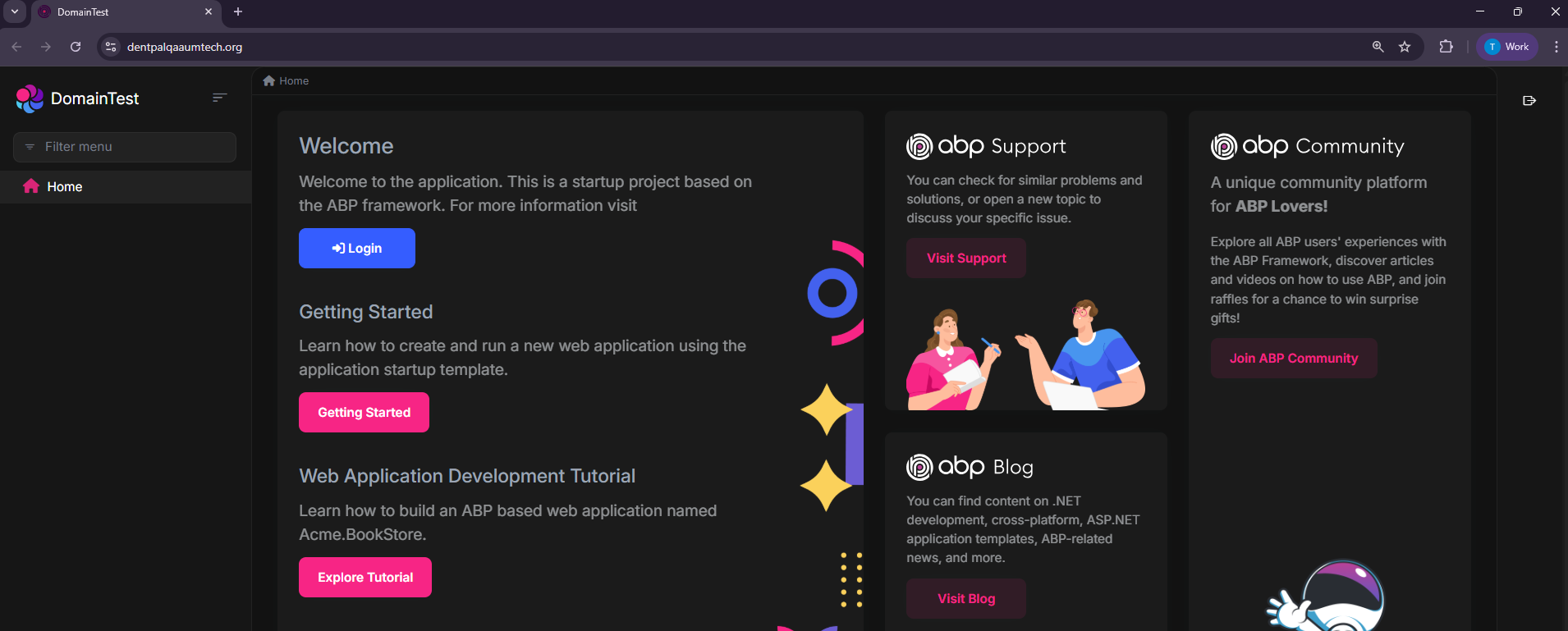
https://dentpalqaaumtech.org/
Https only
Thanks
Hi
These are the credentials Public Deployed URL (For Testing) https://dentpalqaaumtech.org/
Username / Password: ABP default credentials
Hi Will Check the Info You provided in Local can you Help us the Sever issue after deployed?
Thanks









