Hi,
That clears up the fresh-machine case, thanks.
One more point, on the developer seats.
We are on three developer seats, and our team composition will change over time - at some point we will remove one developer from the organization and add a different person into that freed seat. We would like to confirm how that works once the license period has ended:
Can we still change the members of the organization after expiry - remove a developer and add a new one into the freed seat - or is member management one of the things that stops when the subscription lapses?
If we can, does the newly added developer get a working abp login on a lapsed license, the same way an existing developer does?
That developer would be setting up a machine that has never had ABP installed, and cloning our existing project onto it. Will the Development-mode online check pass for them, so they can build, run and debug the existing project like the rest of the team?
In short: after expiry, is "you can keep developing your existing projects" tied to the three seats as a count, or to the three specific people who were holding them while the license was active?
Thanks
[maliming] said: Hi,
Point 2 needs a correction — the deployed application does run a license check at startup.
It's a local check: the app validates the
AbpLicenseCodefrom its own configuration, without contacting any ABP server and without needingabp loginon that machine, so it works on an offline server too. But the code has to stay in your production configuration. If it's missing or invalid, you getABP-LIC-ERRORin the logs and the app shuts down.The one case where a deployed instance does call abp.io is when it runs with
ASPNETCORE_ENVIRONMENT=Developmentor with a debugger attached. Keep it onProductionand the online check never runs. These two cover it in detail:https://abp.io/support/questions/817/How-to-delete-current-license-login-session https://abp.io/support/questions/1471/containerizing-abp-application
For your other two questions:
License not renewed: your deployed applications are not affected, they keep running. You can also keep developing your existing projects — ABP licenses are perpetual. What ends is creating new solutions from the pro templates, major/minor upgrades (you still get the patches of your current minor version), installing new pro modules and themes, ABP Suite, ABP Studio's pro features, and premium support. The full list is under "What happens when my license period ends?" on https://abp.io/faq
Downgrade: license plans can't be downgraded. If you need to change your plan, write to info@abp.io
Project count and deployments are both unlimited, and the license is tied to developer seats, not to the number of projects or deployments. One detail on the first point: you can create as many projects as you want while the license is active, and after it expires you can't create new ones, but everything you already have keeps working and can be deployed anywhere.
Thanks
Hi,
Thanks for the correction, and for the detail on renewal and downgrade — that part is clear.
One follow-up on continuing to develop existing projects after the license period ends.
You mentioned that ABP licenses are perpetual, so we can keep developing our existing projects. What we're seeing today doesn't quite line up with that. When we clone one of our existing projects onto a fresh machine and install ABP there, running it under ASPNETCORE_ENVIRONMENT=Development asks for the license account — which is exactly the case you described where the online check against abp.io runs.
So I'd like to confirm what happens once the subscription has lapsed:
Development mode after expiry — if the developer account is still signed in through abp login but the subscription has not been renewed, does the online check still pass? Or does it fail with ABP-LIC-ERROR the same way a missing AbpLicenseCode would?
New machine after expiry — when we clone an existing project onto a machine that has never had ABP installed:
abp login still succeed on a lapsed account?If Development mode does fail after expiry — is the supported way to keep working locally to run with ASPNETCORE_ENVIRONMENT=Production or Staging? Would we lose any development-time features by doing that?
In short: does "you can keep developing your existing projects" cover the full local development loop — build, run and debug on any machine, including new ones — or only that already-deployed applications keep running?
Thanks
Reopening this ticket as the issue is not solved and we are trying to get you the access of our public URL to resolve this issue
thanks for the Support
Reopening this ticket as the issue is not solved and we are trying to get you the access of our public URL to resolve this issue
Hi Can you tell me what is the country you are accessing from? Thanks
Hi
Its working
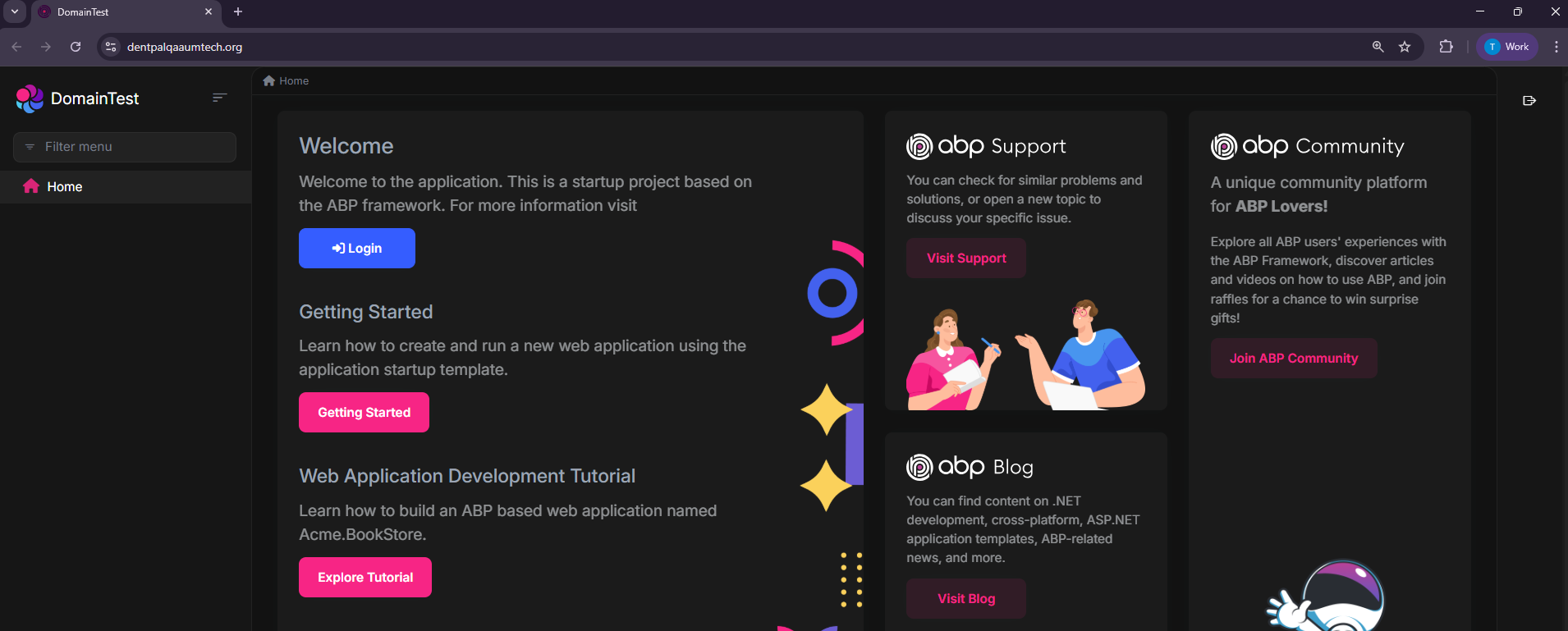
https://dentpalqaaumtech.org/
Https only
Thanks
Hi
These are the credentials Public Deployed URL (For Testing) https://dentpalqaaumtech.org/
Username / Password: ABP default credentials
Hi Will Check the Info You provided in Local can you Help us the Sever issue after deployed?
Thanks
Hi,
sent he local files in an email to liming.ma@volosoft.com
please confirm and help us fix this issue, Let me know if you require anything else
Thanks
[maliming] said: hi
The infinite Problem is only when we run the project locally
In this case, I can't reproduce the problem online. Could you share the local logs.txt file for the auth server project?
Thanks.
Hi yes will provide it you by 24 hr in the mean time can you check the issue with tenant on login which is same in local and deployed server
Thanks









