[dzungle] said: No where to open the AI Assistant pane to config the API key for AI provider.
sorry but we don't suppot "bring your own AI API Key" in this model
we removed it
Thanks @maliming for detailed information
@punta, when you finish implementing this feature, can you write your experience on our https://abp.io/community/articles page? I think people will be interested in reading your approach.
In your specific request, it would be better if you use ADO.NET and don't use ABP's infrastructure.
I hope you'll like the new idea coming with the next version
your issue has been fixed. you can try again now.
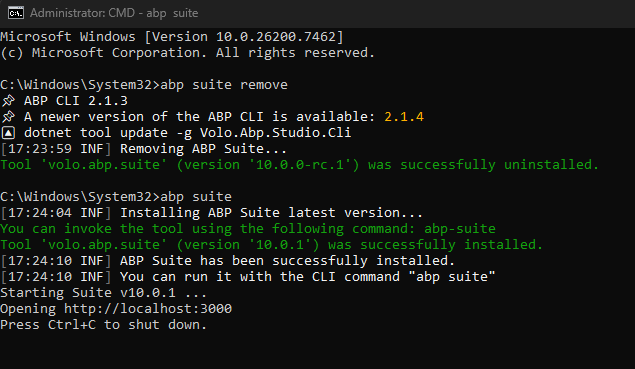
I just tested now. There's no downloading problem happened on my side. A VPN connection or an anti-virus app can cause this. You can also log out from CLI and login again.
actually you can give them without even removing any dependencies they will not require a license to consume your DLL. but the key point is their ASPNETCORE_ENVIRONMENT must be different from "Development" and their Debugger is not attached. But my recommendation will be creating a new project for your API users apart with no dependencies. Because when you try to give them HttpApi.Client you cannot strip everything from this project. because finally it'll not work. just create a new vanilla pure simple project for them.
maybe after you add the souce-code account website has different port?









