Hi @maliming,
Thank you for the clarification on this issue — I really appreciate your assistance.
We’ve decided not to change anything in the code for now and will wait for the bug to be fixed in a future release. In the meantime, we are implementing an internal procedure to address the password‑complexity requirement, even though this setting is disabled in the tenant configuration. Your well‑documented workaround may still be helpful for others who choose to apply it in their environments.
Have a great day!
Hi @maliming,
Thanks for the clarification regarding the distributed event background process. I investigated the application logs as you suggested and found the root cause of the issue.
There is a password complexity validation enforcing in the background when trying to change the password. This validation is enforcing the use of non-alphanumeric characters. However, I realized several inconsistencies in how the standard ABP platform handles this:
The front-end does not display the result of this validation. It simply shows a success toast because the event was published, misleading the user.
As shown in the bellow attached image, the current tenant configuration does not require non-alphanumeric characters (it only requires a minimum of 6 characters). The system should accept a simple password based on these settings.

When creating a brand new tenant, the system does not enforce a complex password for the new admin. It creates the user without any restrictions. The strict validation only occurs when the Host Admin tries to change a Tenant Admin password later.

To validate this behavior, I ran the following tests:
Test 1 (Failed): Using the password CafeForte456 (no special characters).
The log shows a failure, and the password is not changed.

Test 2 (Success): Using the password CafeForte@456 (with a special character).
The password updates successfully.

It seems to be a bug in the business rules enforcing a condition that is not required in the Tenant settings.
Looking forward to your feedback.
Best regards.
Hi,
I am requesting a review from a human support agent, as the AI-generated response suggests a manual fix/workaround for what appears to be a fundamental bug in the standard ABP Studio template.
To clarify:
I have no customizations: This is a clean, unmodified application generated directly via ABP Studio (version 1.0.2).
Standard Feature Failure: The "Set Password" functionality for Tenant Users via the Host UI is a built-in feature of the SaaS/Identity modules.
Best regards.
Hi ABP Folks,
I´d like to get an architect guy guidance instead of bot answer to be as close as possible of the ABP solution evolution.
Hi !
You didn´t understand what I´m requesting in this issue. We need to keep using the CSS files, they were referenced in this "demo app" only to allow you easily run something and help us to reference them correctly. I´m pasting here below what I sent you on March 3rd., so please help us to reference the 2 files correctly on the solution to avoid the error.
The home page loads the CSS files but with error on the path.
We are using custom CSS files called user.css and bootstrap-user.css
These 2 files are part of our application and need to be referenced correctly. /css/user.css /css/bootstrap-user.css
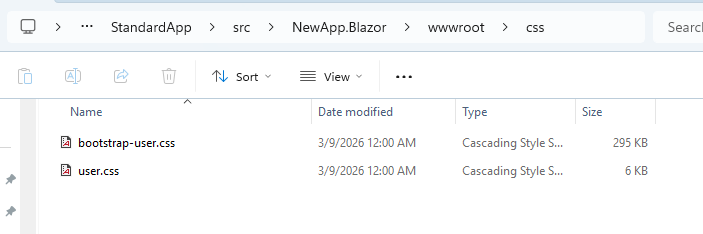
Can you adjust the Sample application we send you containing the 2 CSS files so they can be referenced and loaded correctly?
[maliming] said: hi This seems a bit complicated. Could you try to reproduce the same problem in a new template project? Thanks.
Hi. I reproduced the error in new solution sent to you through Github repo named StandardApp.
Thanks.
Hi!
OK. I will.reproduce on a clean solution an share it with you on GitHub and let you know.
Hi! Thanks for your return. I think something is missing on your end, my bad skipped to instruct you in advance.
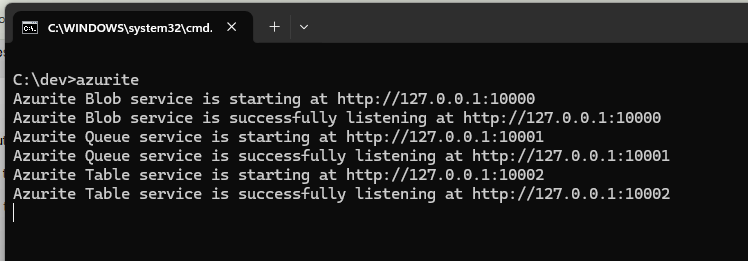
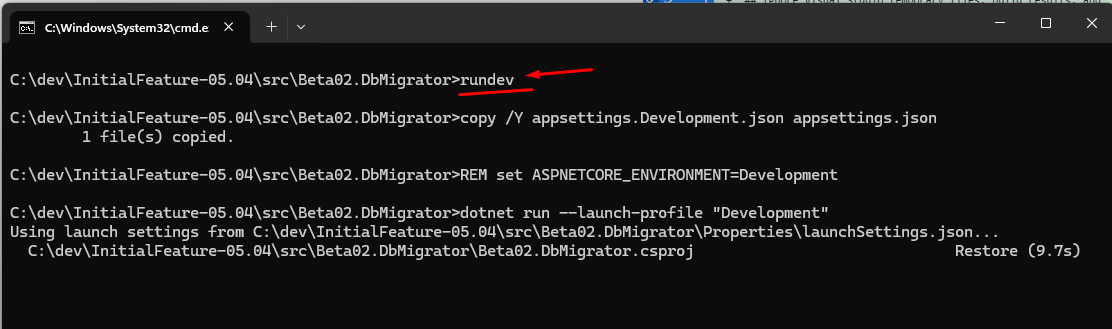
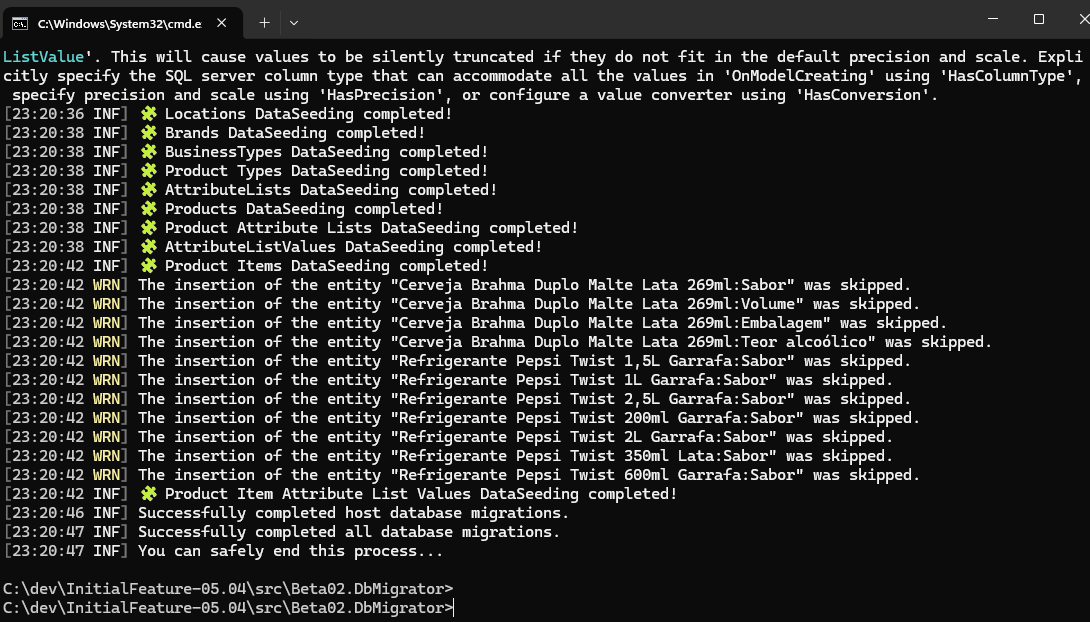
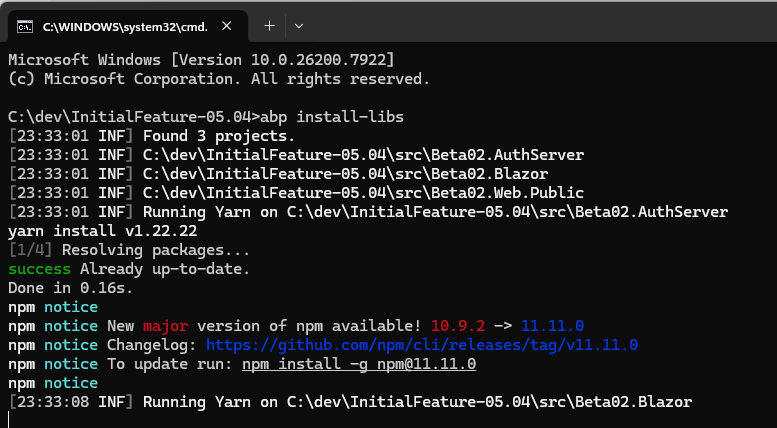
Launch the 3 servers using AbpStudio (remember to start Docker also)
The development environment resolve the names pointing to a localhost 127.0.0.1 made by our DNS Server BUT need be called as below: The URLs are: a) AuthServer https://auth-dev.pipali.com.br
b) HttpHost.Api https://api-dev.pipali.com.br
c) Blazor https://dev.pipali.com.br
Hi!
I shared as a repo in Github. You might find a Github invite to see the source code.
Hi! I sent you the source code to your email address. Let me know if you received it.









