I am having an issue after changing the mapping engine to mapperly and generating mappers per your documentation. The issue I am having is that since Id is a protected property, Mapperly does not generate mappings for it and so it comes across as empty. I was able to work around this in some cases by using Parameterless Contrctustor = false, but that breaks EF Core Change tracking because the mapping process creates a new entity which leaves the old entity in a detached state. I specifically saw this when we have an entity with sub-entities. The sub-entities are not able to be tracked by EF Core because they get tracked twice during the mapping process.
It would be helpful and reduce support tickets if my local AI agent could make tool calls to query ABP documentation
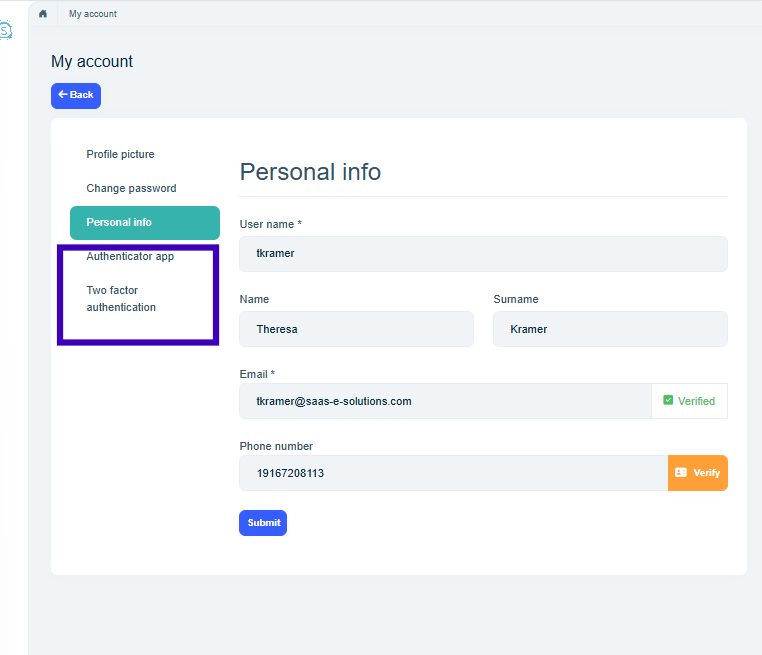
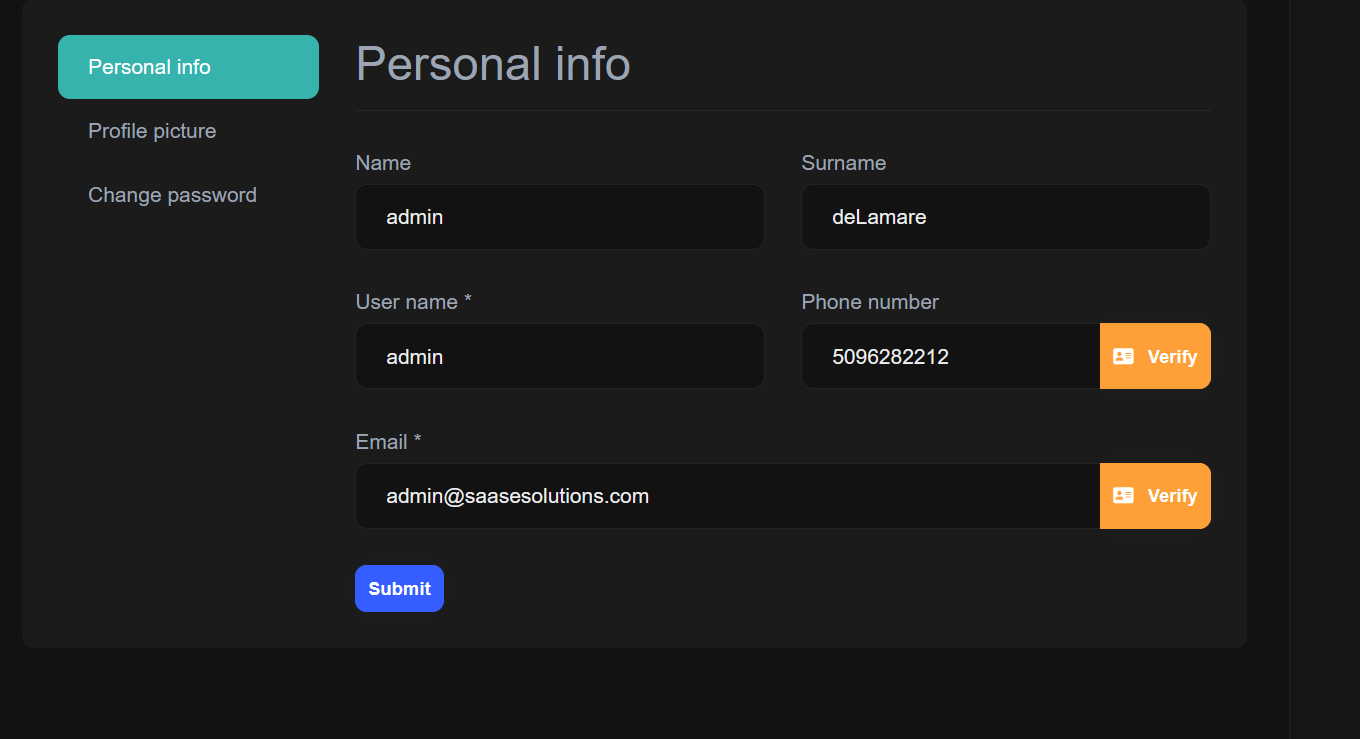
We are in the process of migrating version 8.0 to version 10.0 and are migrating from WASM to Web App. The account page, which lives in the API, so should be unaffected by the front end migration is now missing the two factor options on the user account page. The configuration has not changed, but the tabs are not visible.
We have a situation where the authentication is not working properly for multiple tenants. We have several tenants hosted on a single instance and each tenant has their own unique domain. These domains are used to determine the tenant, tenant host, and database connections. We are not using the tenant cookie resolver. So here is ultimately the question, what is the recommended way to have each tenant's auth use their configured client id and tenant specific url for all transactions? The OAuth server is currently embedded in our API and all the domains point to it.
1.<>c__DisplayClass53_3.<<BuildRenderTree>b__18>d[[Volo.Abp.Identity.IdentityUserDto, Volo.Abp.Identity.Pro.Application.Contracts, Version=10.0.0.0, Culture=neutral, PublicKeyToken=null]].MoveNext() --- End of stack trace from previous location --- at Microsoft.AspNetCore.Components.ComponentBase.CallStateHasChangedOnAsyncCompletion(Task task) at Volo.Abp.BlazoriseUI.Components.EntityAction1.<ActionClickedAsync>d__53[[Volo.Abp.Identity.IdentityUserDto, Volo.Abp.Identity.Pro.Application.Contracts, Version=10.0.0.0, Culture=neutral, PublicKeyToken=null]].MoveNext()
at Microsoft.AspNetCore.Components.ComponentBase.CallStateHasChangedOnAsyncCompletion(Task task)
at Blazorise.DropdownItem.ClickHandler()
at Microsoft.AspNetCore.Components.ComponentBase.CallStateHasChangedOnAsyncCompletion(Task task)
at Microsoft.AspNetCore.Components.RenderTree.Renderer.GetErrorHandledTask(Task taskToHandle, ComponentState owningComponentState)SessionsModal is null and ViewDetailsModal is null.I have a Blazor Web App which exposes this app service method defined in the base class.
public virtual async Task<TAttachmentDto> CreateAsync(Guid attachmentTypeId, TEntityKey entityId,
            CreateFileInputWithStream inputWithStream, bool replaceByAttachmentType = false, bool autoSave = false)
        {
            await CheckPolicyAsync(CreatePolicyName);

            var attachmentType = await AttachmentTypeRepository.GetAsync(attachmentTypeId);

            if (attachmentType == null)
            {
                throw new UserFriendlyException(L["InvalidAttachmentType"]);
            }

            await CheckSize(inputWithStream.File.ContentLength ?? 0, attachmentType);
            await CheckFileExtension(inputWithStream.Name, entityId, attachmentType);

            var fileDescriptor = await AttachmentManager.CreateAsync(inputWithStream.Name,
                inputWithStream.File.ContentType, inputWithStream.File, attachmentTypeId, entityId,
                inputWithStream.ExtraProperties, overrideExisting: true, replaceByAttachmentType, autoSave);
            return ObjectMapper.Map<TAttachment, TAttachmentDto>(fileDescriptor);
        }
This is the app service declaration. The base class where the method exists is AttachmentAppService
OrganizationAttachmentAppService :
        AttachmentAppService<OrganizationAttachmentType, OrganizationAttachment, OrganizationAttachmentBlobContainer,
            AttachmentDto>, IOrganizationAttachmentAppService
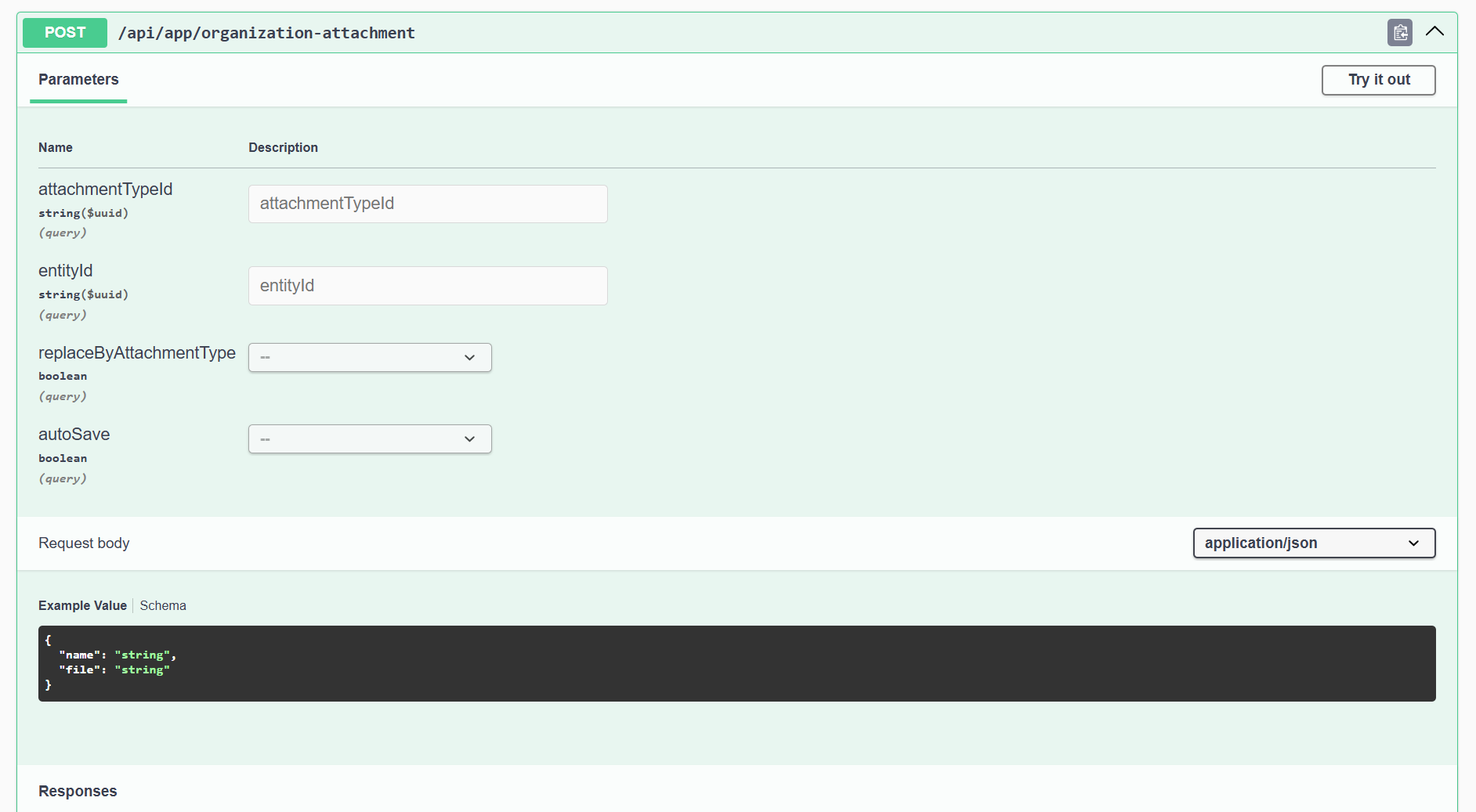
The issue is when I call the method via the static proxy classes in the Blazor WASM project, it returns 415 Unsupported Media Type. From my research this appears to be an issue with how the endpoints are generated in the Blazor Server site. The generated endpoints seen via swagger are missing the multipart content type that exist in the api copy of the endpoint.
The blazor server swagger
The api swagger
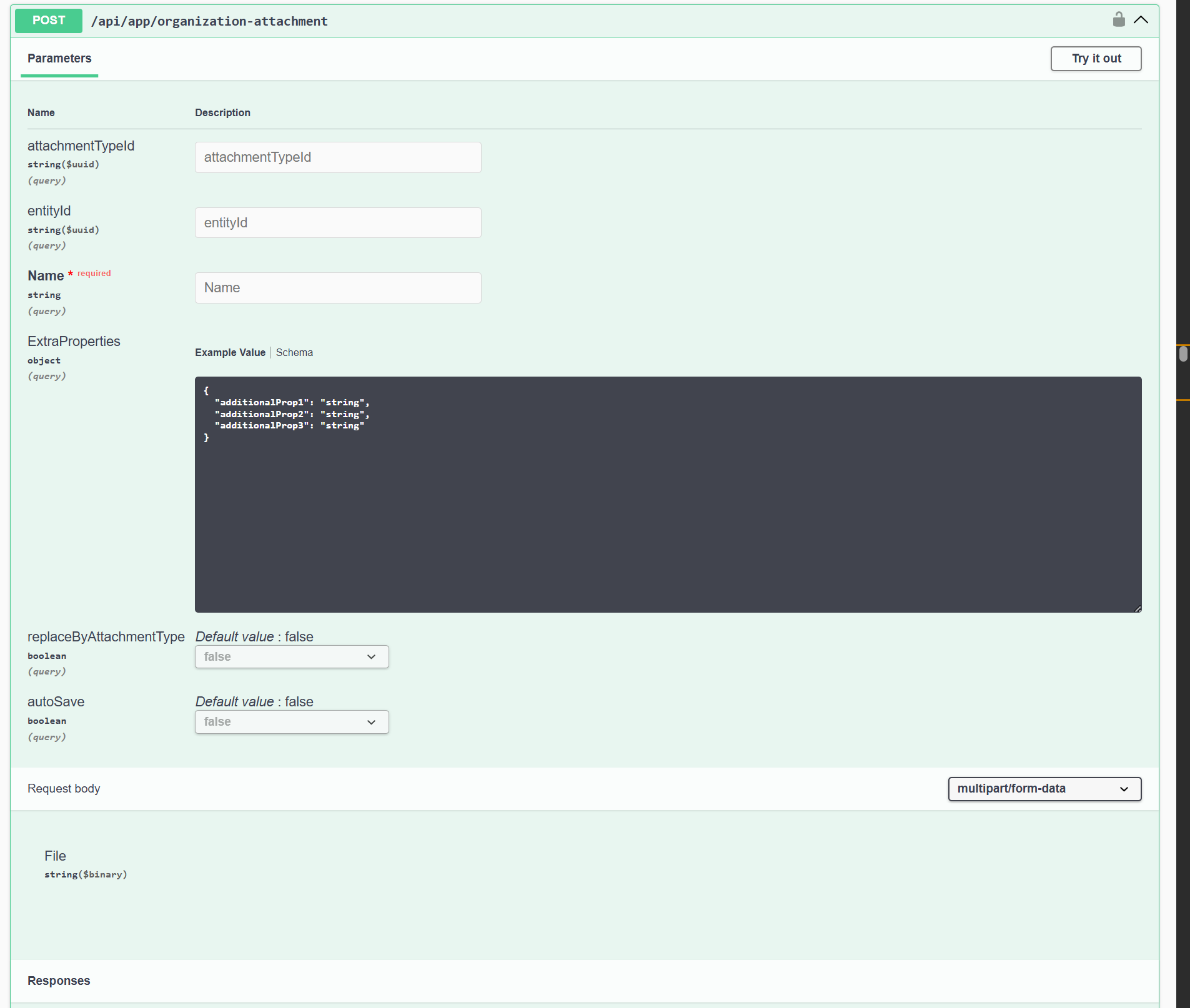
How can I fix this invalid endpoint registration?
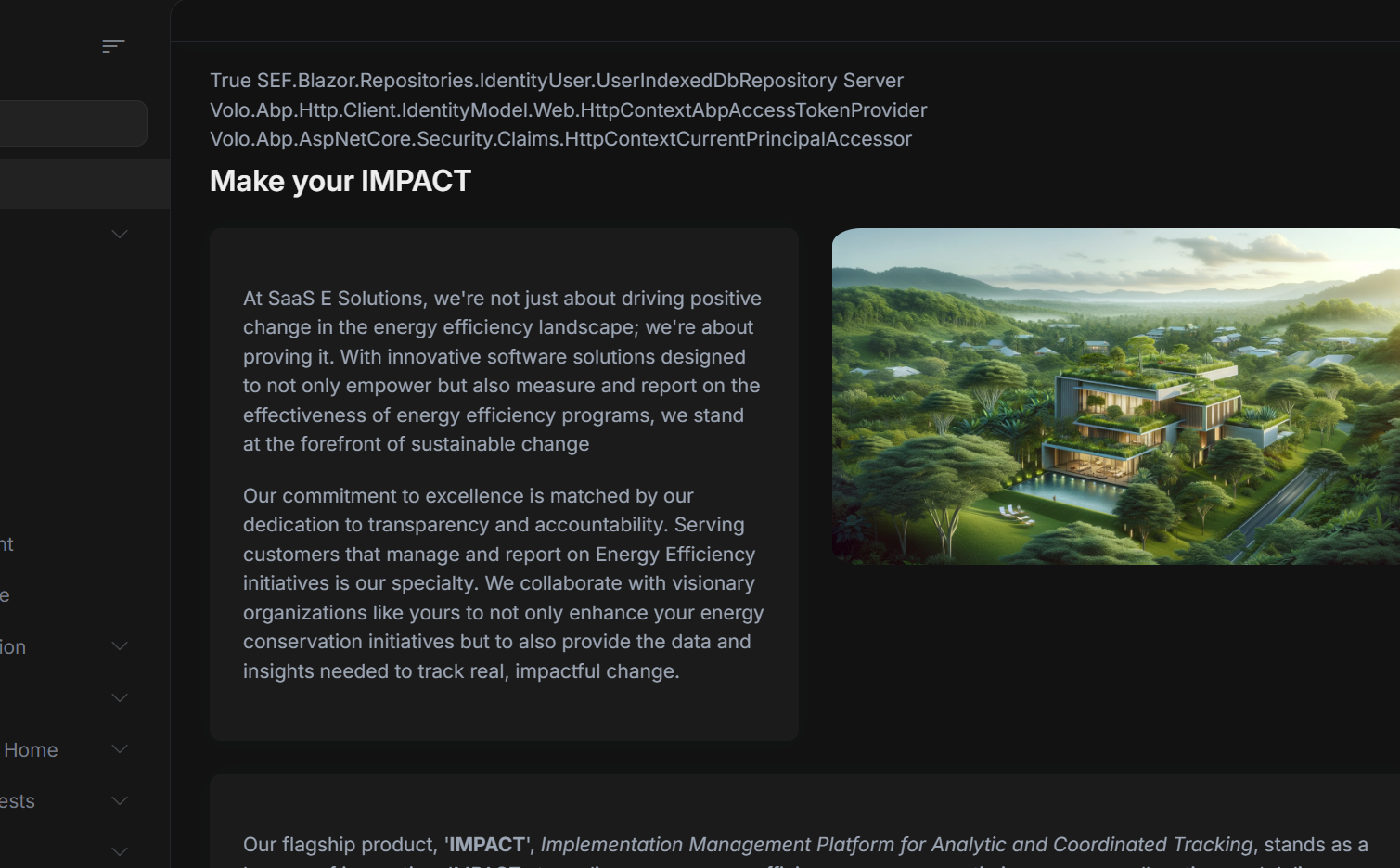
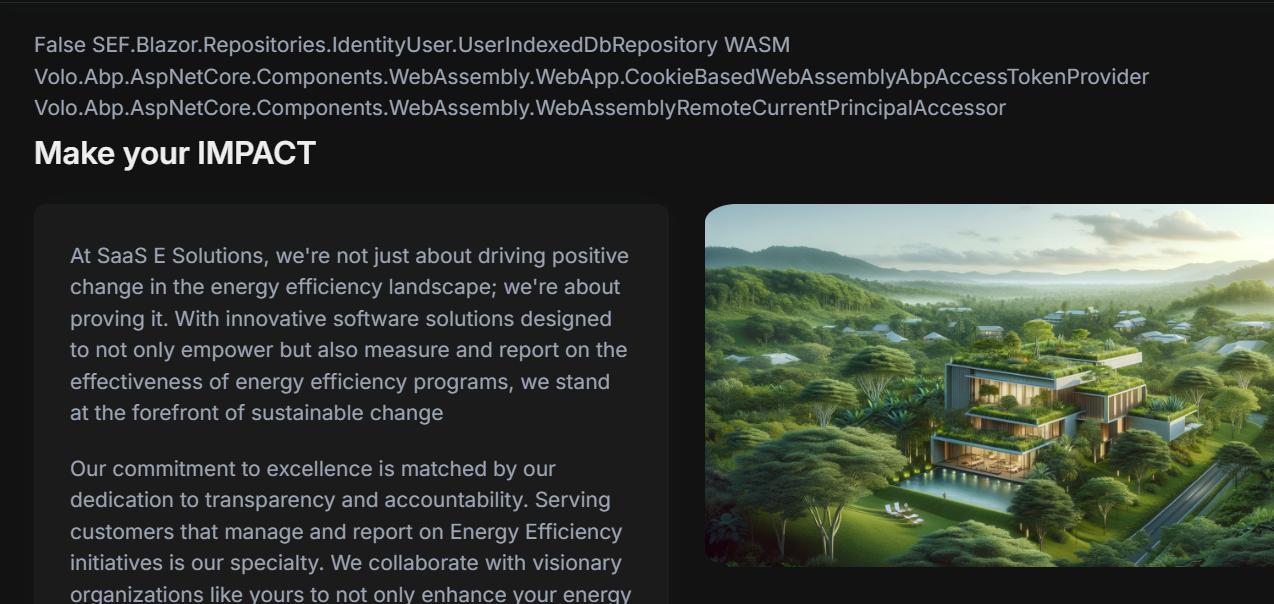
I am having this issue where requests that work when using Blazor Server rendering fail when the page is rendered in WebAssembly Mode.
There are two similar errors I'm encountering.
[DisableValidation], and it works normally when using InteractiveServer, but not InteractiveAuto. It seems to fail in the generated controller, before reaching the proxy. No breakpoints or logging from the proxies are happening, and the 400 response from the server has no text. Is there a way to disable this eager validation and wait until it hits the api?
2. The is an API call that uploads a file using a using file upload dto, which again works when using InteractiveServer, but not InteractiveAuto. The error returned is Unsupported Media Type. Is there a way t fix this or disable it?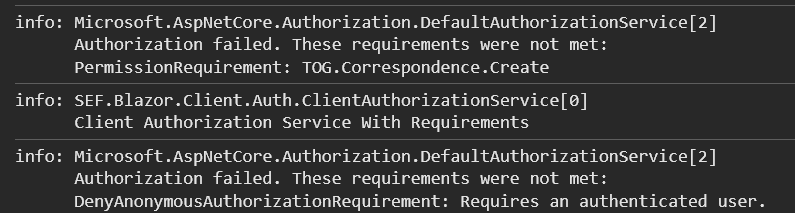
See the sample photos below
After upgrading to 8.1.4, strange icons are being shown in the alert windows. I am using Blazorise 1.5.3 with the FontAwesome Icons package installed. Instead of the usual "X" icon when an exception occurs it is showing a StepForward icon. I did some digging and this seems to come from the Volo.Abp.BlazoriseUI 8.1.4 dll which I decompiled to find this
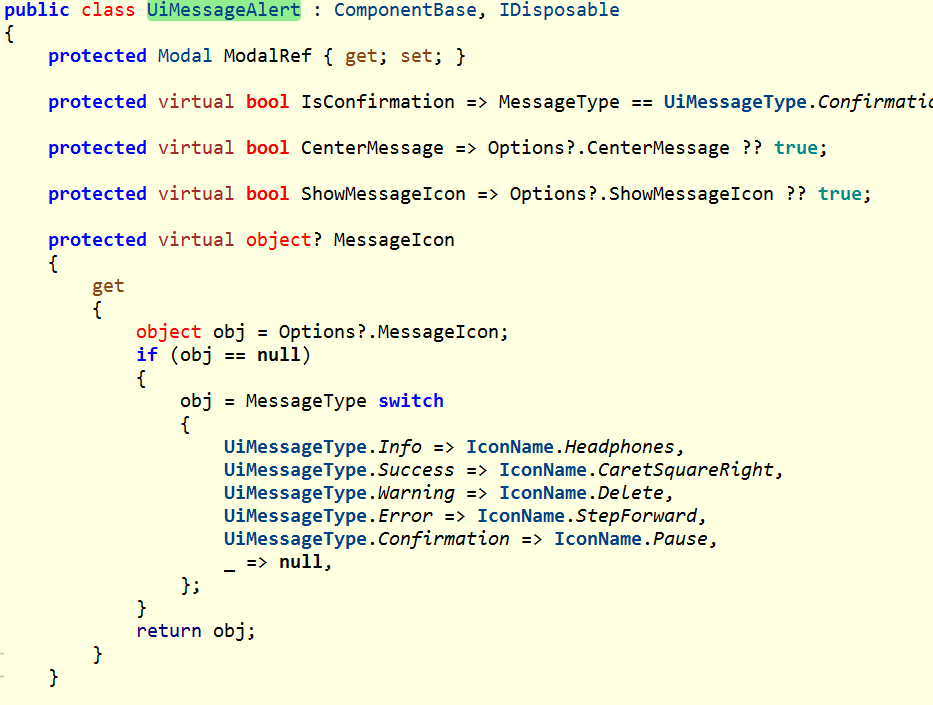
which is different than the GitHub source which lists the the Error icon should be a Times.
Exception Route Pattern that fails: api/app//{id}
Microsoft.AspNetCore.Routing.Patterns.RoutePatternException
  HResult=0x80131500
  Message=The route template separator character '/' cannot appear consecutively. It must be separated by either a parameter or a literal value.
  Source=Microsoft.AspNetCore.Routing
  StackTrace:
   at Microsoft.AspNetCore.Routing.Patterns.RoutePatternParser.Parse(String pattern)
   at Microsoft.AspNetCore.Mvc.Routing.ActionEndpointFactory.AddEndpoints(List`1 endpoints, HashSet`1 routeNames, ActionDescriptor action, IReadOnlyList`1 routes, IReadOnlyList`1 conventions, IReadOnlyList`1 groupConventions, IReadOnlyList`1 finallyConventions, IReadOnlyList`1 groupFinallyConventions, Boolean createInertEndpoints, RoutePattern groupPrefix)
   at Microsoft.AspNetCore.Mvc.Routing.ControllerActionEndpointDataSource.CreateEndpoints(RoutePattern groupPrefix, IReadOnlyList`1 actions, IReadOnlyList`1 conventions, IReadOnlyList`1 groupConventions, IReadOnlyList`1 finallyConventions, IReadOnlyList`1 groupFinallyConventions)
   at Microsoft.AspNetCore.Mvc.Routing.ActionEndpointDataSourceBase.UpdateEndpoints()
   at Microsoft.AspNetCore.Mvc.Routing.ActionEndpointDataSourceBase.Initialize()
   at Microsoft.AspNetCore.Mvc.Routing.ActionEndpointDataSourceBase.GetChangeToken()
   at Microsoft.Extensions.Primitives.ChangeToken.ChangeTokenRegistration`1..ctor(Func`1 changeTokenProducer, Action`1 changeTokenConsumer, TState state)
   at Microsoft.Extensions.Primitives.ChangeToken.OnChange(Func`1 changeTokenProducer, Action changeTokenConsumer)
   at Microsoft.AspNetCore.Routing.CompositeEndpointDataSource.CreateChangeTokenUnsynchronized(Boolean collectionChanged)
   at Microsoft.AspNetCore.Routing.CompositeEndpointDataSource.EnsureChangeTokenInitialized()
   at Microsoft.AspNetCore.Routing.CompositeEndpointDataSource.EnsureEndpointsInitialized()
   at Microsoft.AspNetCore.Routing.CompositeEndpointDataSource.get_Endpoints()
   at TOG.Program.<>c.<Main>b__0_4(EndpointDataSource es) in C:\Users\DanielDelamare\source\repos\TOG2\src\TOG.HttpApi.Host\Program.cs:line 92
We have a controller that has a route attribute of "api/app" and is a subclass of AbpController. I checked if we defined any similar routes in our code, but there wasn't anything that could be a match. This was not happening prior to the upgrade and there have been no changes outside of the ones required to upgrade.









