No where to open the AI Assistant pane to config the API key for AI provider.

No AI icon on the left sidebar. Cannot find any button/icon to open the AI Assistant panel. See image below:

How to open AI Assistant / AI Agent settings in ABP Studio ?
Hi, I faced this error when using AI Agent in ABP Studio: Your AI provider account has insufficient credits. Please add credits to your account and try again. (This request requires more credits, or fewer max_tokens. You requested up to 49152 tokens, but can only afford 21371. To increase, visit https://your AI provider dashboard/workspaces/abpio-org-fc5b37976fa2101582613a07dce2dbd3/keys/7789e02e771ccb6e496e8923f1dfa1b2434b4903cc9e16f3e522826fbf29a938 and adjust the key's total limit)
What is the link to go to in order to increase the credits?
Regards
[AI-Bot] said: Please contact us at https://abp.io/contact.
This response was generated by AI. If it didn’t solve your problem, feel free to post a new answer — our support team will jump in to help you soon.
Do you have official release date for v10.3?
Hi Support Team,
Do you have official release date for v10.3?
Best Regard,
Dzung Lesi
Hello @sumeyye.kurtulus,
I have followed your guide to add AI Management module. But it failed to add the module UI in Angular app:

Then I tried to run this command: abp generate-proxy --module aiManagement. And I got this error:

Please, help me solve the issue. Thanh you in advance.
P/S: I've tried both stable version 10.1 and preview version 10.2.0-rc.2.
hi
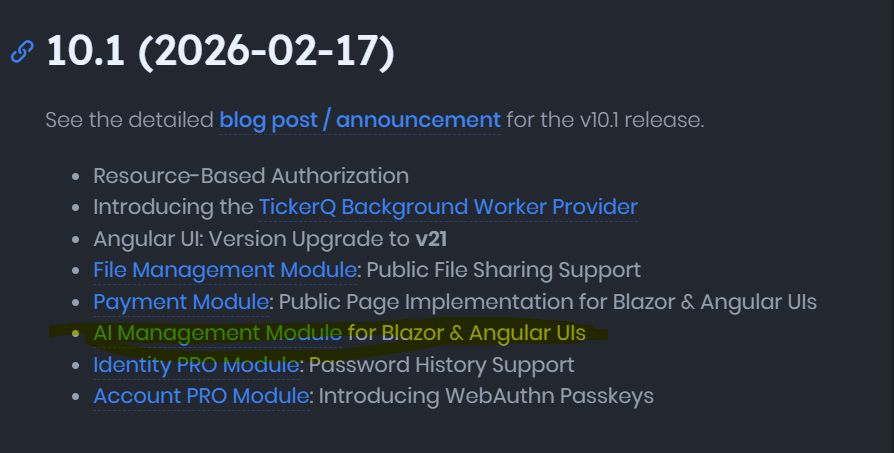
You guys should update the release notes for version 10.1 (2026-02-17):
Hi @maliming,
Can we follow this doc to add AI Management module to the solution?
Hello Support Team!
When is the upcoming ABP Studio update that enables AI Management for Angular templates?









