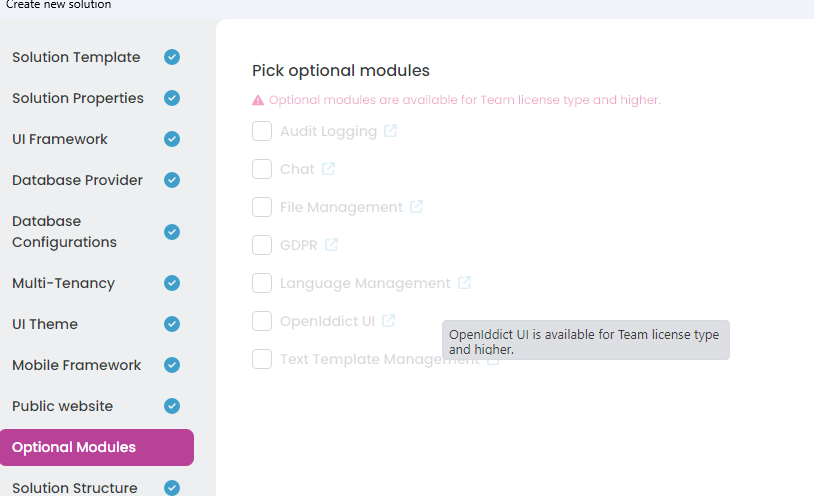
Hi there, When I try to create a new project via ABP Suite , the system prompts "this account is not team-authorized." However, my account has already been added to our team license . Here are the details: The issue occurs when I: Log into ABP Studio→ click "New solution" → select a template (e.g., Application (Layered)). My account info: kingdom (kingdom@******), which is marked as an "authorized member" in the team management dashboard. Troubleshooting steps I’ve tried: Logging out and back into ABP Studio, clearing app/browser cache, verifying the team license is not expired. None of these resolved the issue. Could you help identify why this authorization prompt appears? What steps should I take to fix it? Thanks for your assistance.

I've been working with ABP vNext and noticed something about the GuidGenerator in DomainServices. When I inject IGuidGenerator into my DomainService, the default implementation used is SimpleGuidGenerator.Instance.
1 : What’s the design reason for choosing SimpleGuidGenerator as the default instead of the sequential one? 2 : Are there downsides to using SequentialGuidGenerator globally (e.g., database dependencies, distributed system issues)? 3 : What’s the ABP-idiomatic way to replace the default with SequentialGuidGenerator via DI? 4 : Is ABP’s built-in SequentialGuidGenerator recommended for production with large datasets and GUID primary keys?
Thanks for your insights!
How can I configure the index page (https://localhost:44309) to automatically redirect to the login page when a user is unauthenticated, just like other pages in the application? Any guidance or code examples would be greatly appreciated!
How can I create a project with a specified .NET version in ABP Studio? When creating a new project, the default version is 9.3.2.
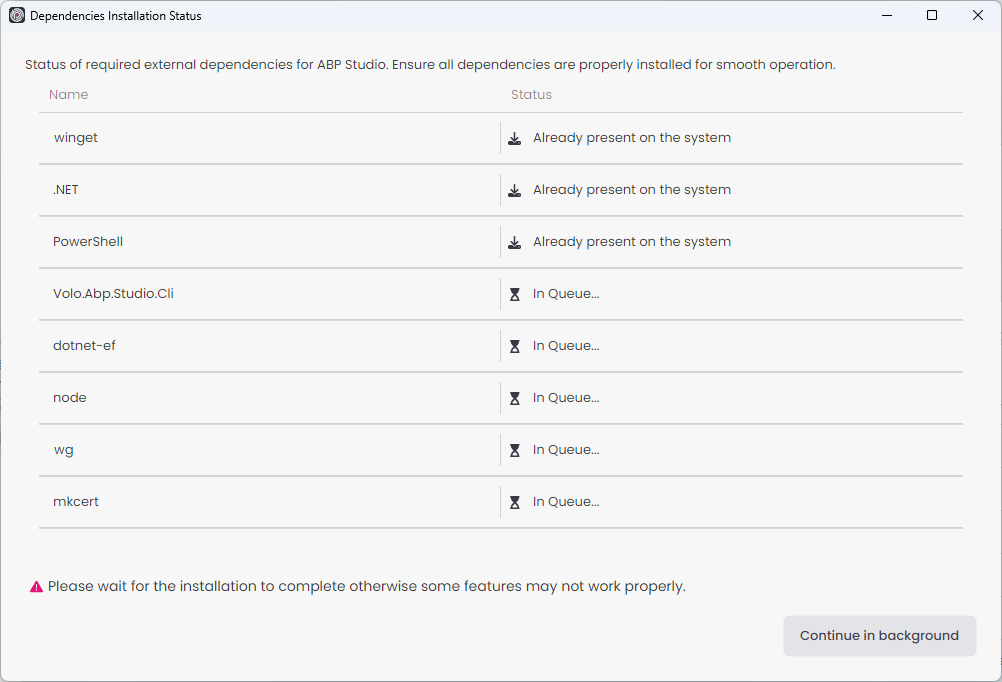
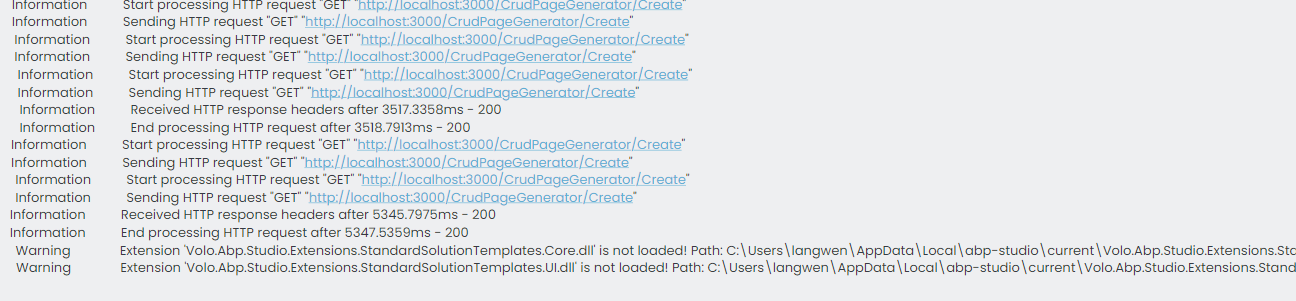
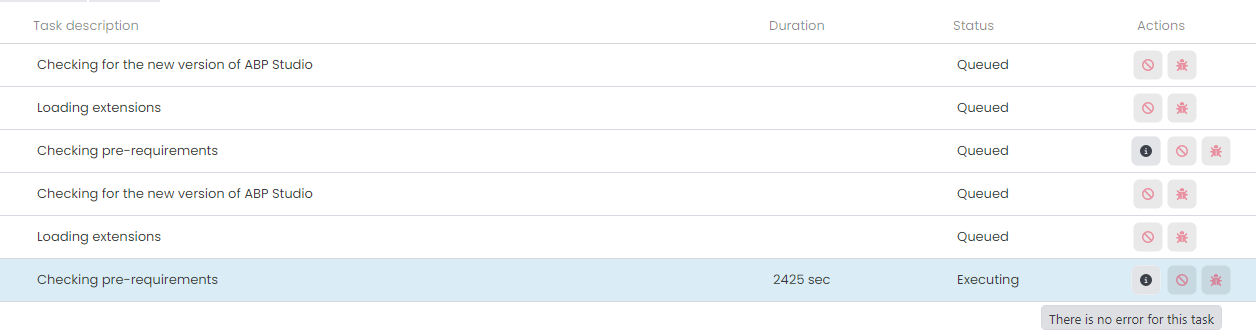
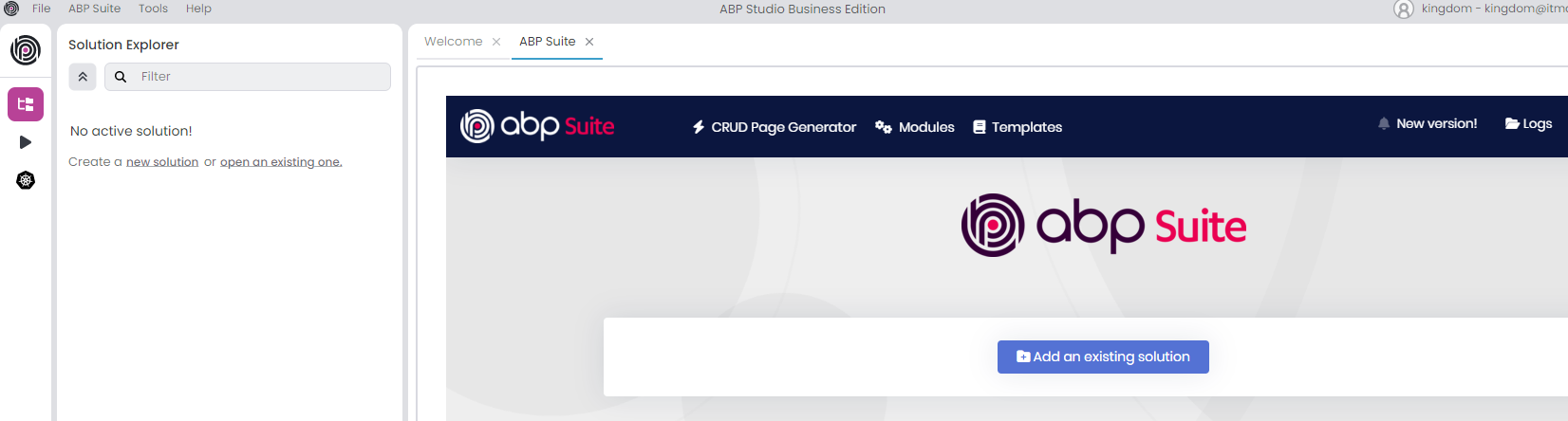
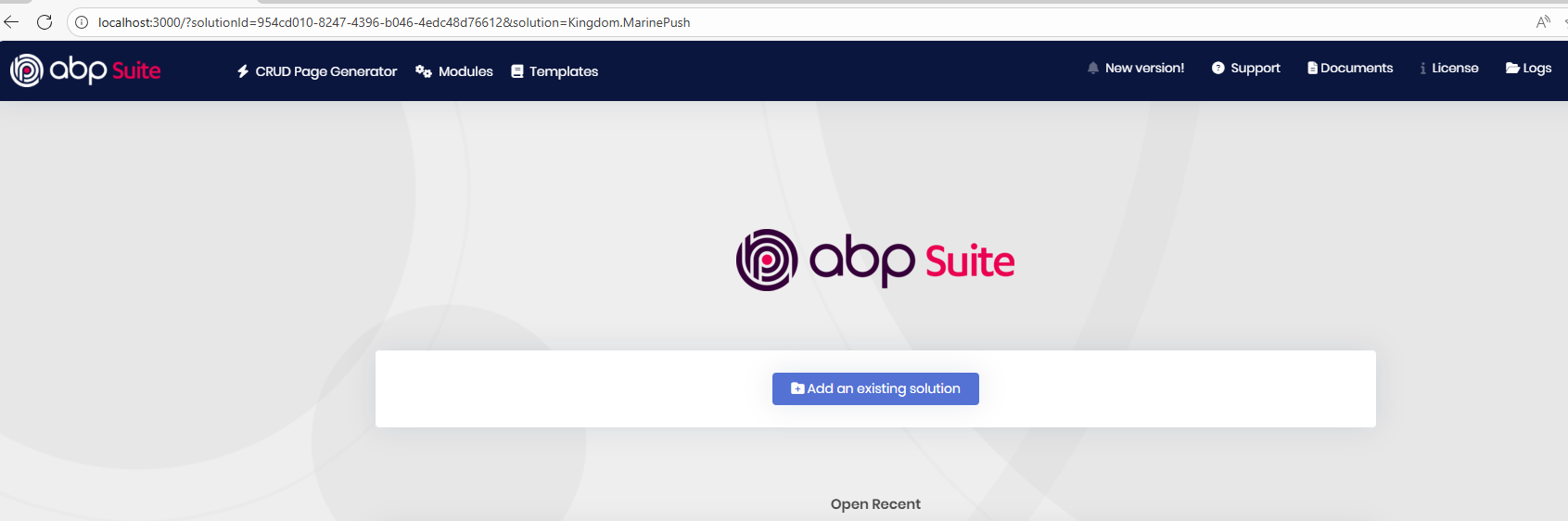
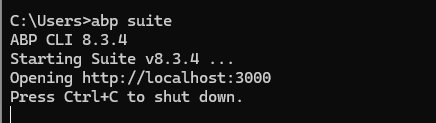
The "Checking pre-requirements" task has been running continuously without any error logs. Additionally, ABP Studio cannot create projects via http://localhost:3000/.
Check the docs before asking a question: https://abp.io/docs/latest
Check the samples to see the basic tasks: https://abp.io/docs/latest/samples
The exact solution to your question may have been answered before, and please first use the search on the homepage.
Provide us with the following info:
🧐 Hint: If you are using the ABP Studio, you can see all the information about your solution from the configuration window, which opens when you right-click on the solution and click on the Solution Configuration button.
<br>
<br>

Check the docs before asking a question: https://abp.io/docs/latest
Check the samples to see the basic tasks: https://abp.io/docs/latest/samples
The exact solution to your question may have been answered before, and please first use the search on the homepage.
Provide us with the following info:
🧐 Hint: If you are using the ABP Studio, you can see all the information about your solution from the configuration window, which opens when you right-click on the solution and click on the Solution Configuration button.
双因素登录邮件确认不可用,可自动发送邮件,并收到邮件,打开连接后,登录失败...
<br> 1 :收到邮件:
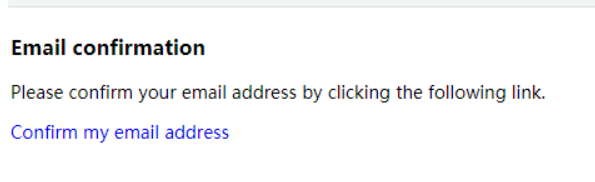 2: 确认邮件
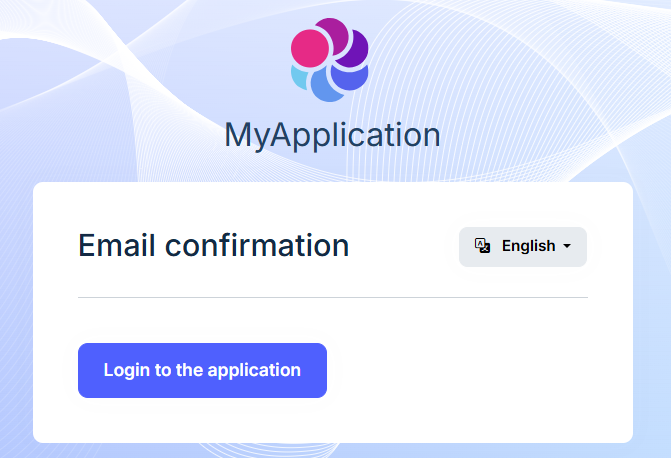
3: "Login to the application" 登录回到 Login Page
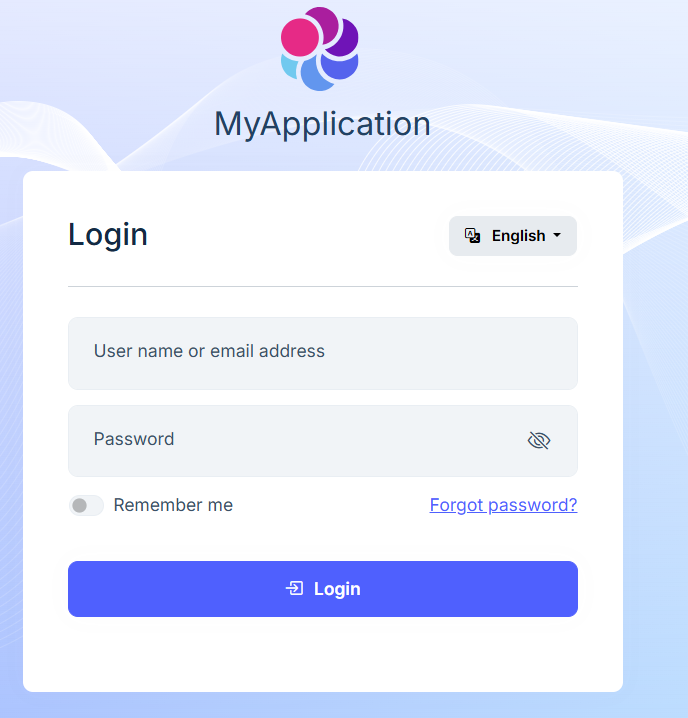
4: 登录重复邮件确认,一直循环,无法进入后台.....









