I'm using Authentication is not separated module. How i can custom login page on my solution? Could you please show me where is the login page inside the source code, please give me a screen shot of login page.
Source code is here: https://gist.github.com/realLiangshiwei/1f284183284f611fd6fe5bb0890bd781
You need to put the in the Themes/LeptonX/Layouts/Account folder of the .AuthServer project:
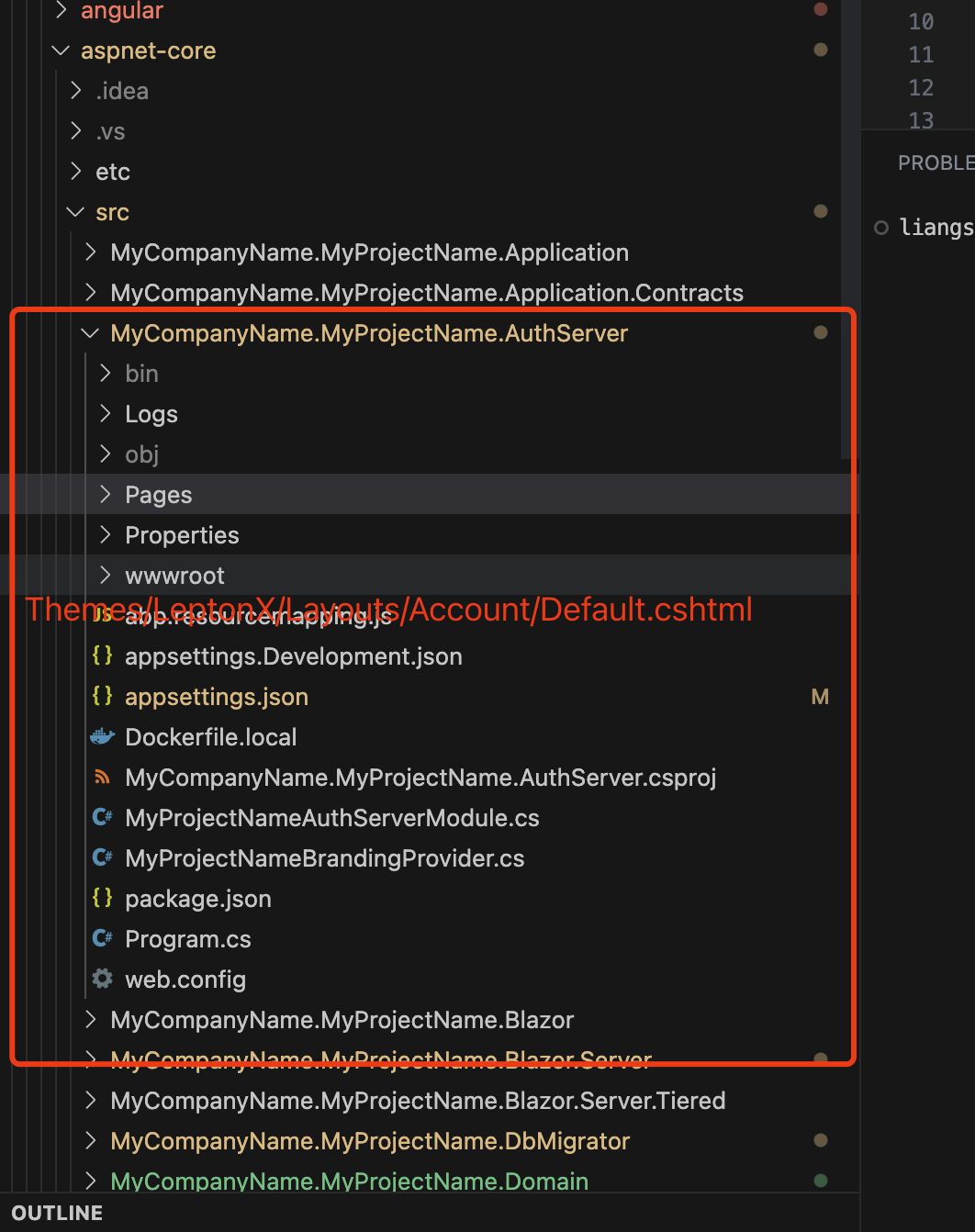
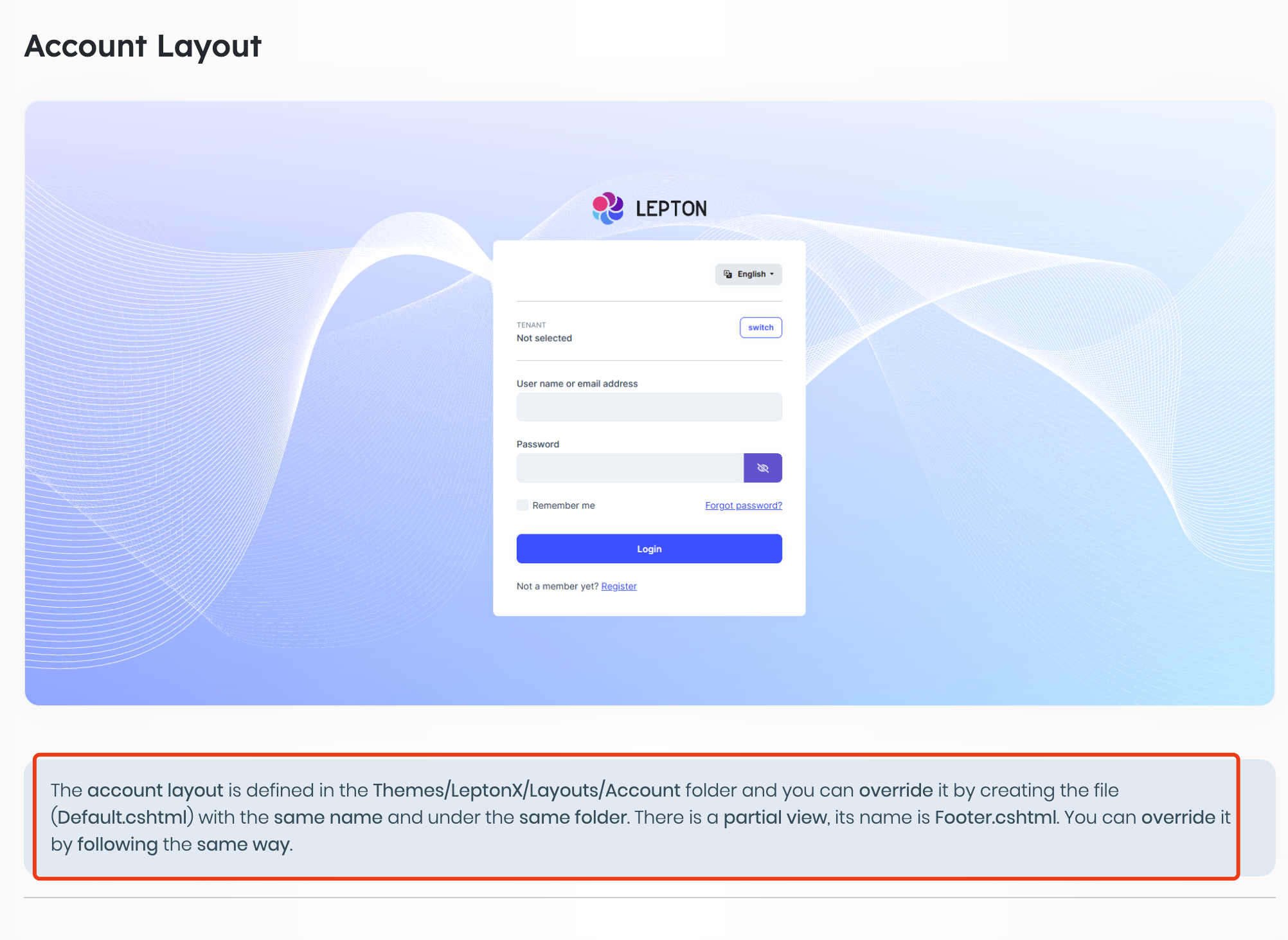
This is actually explained in the document : )
The Collections will be created dynamically So how long collections will be created?
When the collection will be created the first time it is used
Thanks liangshiwei, I looking forward to your response
The Collections will be created dynamically, you can ignore this problem, we have suppressed this error message in the latest version
I want to modify SaaS module so that each tenant has its own logo, company name, and domain. When users access their tenant domain (url), the application automatically switch to their tenant with their own logo and company name. Could you please advise me steps to implement this feature in order to follow ABP best practices. Many thanks in advance.
In short, there are two steps.
You can custom the brand component
And for auth server login page you can override the account layout page
https://docs.abp.io/en/commercial/latest/themes/lepton-x/mvc#account-layout
For example (Auth server login page)
https://gist.github.com/realLiangshiwei/1f284183284f611fd6fe5bb0890bd781
You can download the LeptonX theme source code via ABP Suite
Hi,
can you install a trial version?
I installed the trial version before and it has expired, so I can't get the trial version again.
Could you reproduce this issue using a minimal project? thanks.
You can try this:
public class MyDatabaseOptions
{
    public string DatabaseProvider { get; set; }

    public bool IsSqlLite()
    {
        return DatabaseProvider == "SqlLite";
    }
}

Configure<AbpDbContextOptions>(options =>
{
    Configure<MyDatabaseOptions>(databaseOptions =>
    {
        databaseOptions.DatabaseProvider = "SqlServer";
    });

    options.UseSqlServer();
});

public class MyDataSeedContributor
    : IDataSeedContributor, ITransientDependency
{
    private readonly IIdentityUserRepository _userRepository;
    private readonly MyDatabaseOptions _myDatabaseOptions;

    public MyDataSeedContributor(IIdentityUserRepository userRepository, IOptions<MyDatabaseOptions> options)
    {
        _userRepository = userRepository;
        _myDatabaseOptions = options.Value;
    }


    public async Task SeedAsync(DataSeedContext context)
    {
        if (_myDatabaseOptions.IsSqlLite())
        {

        }
    }
}
It works for me.
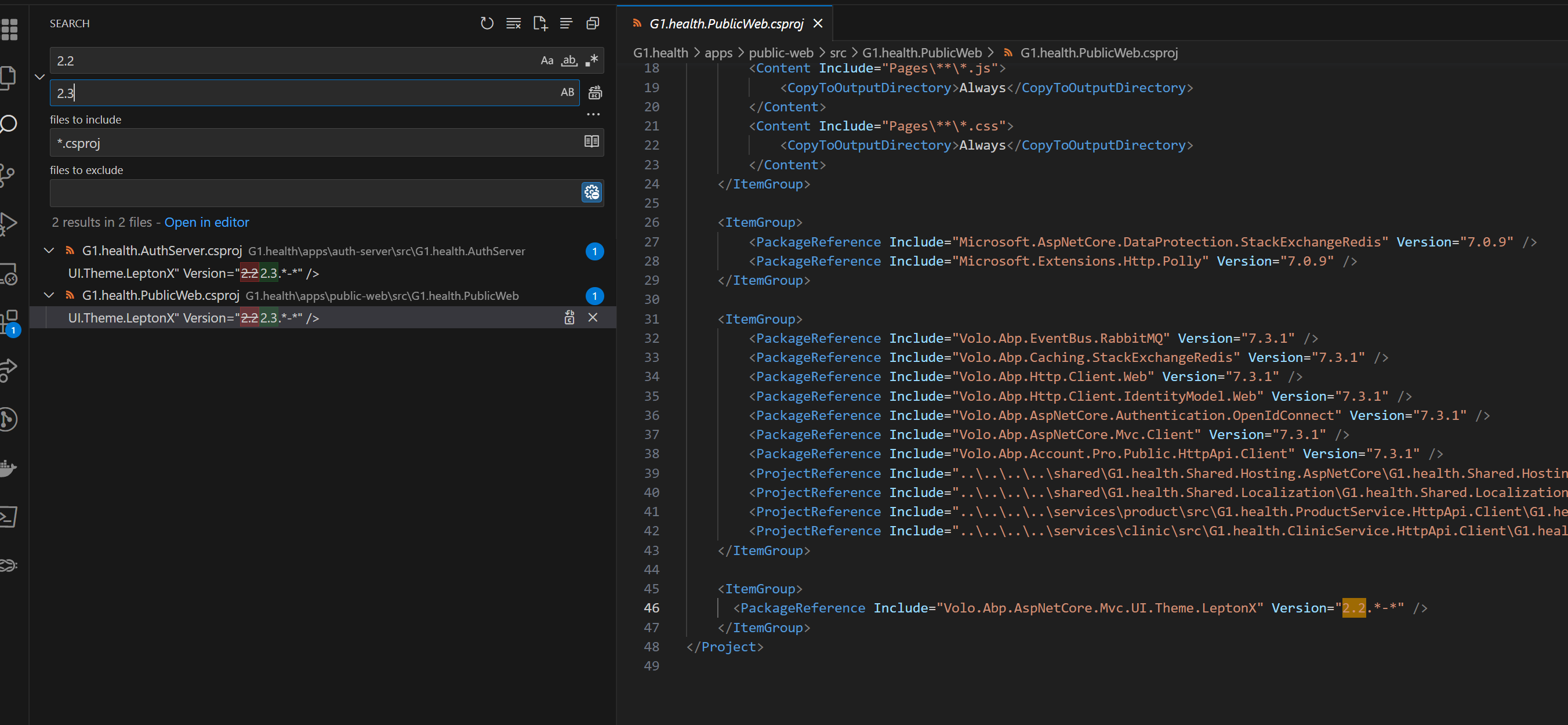
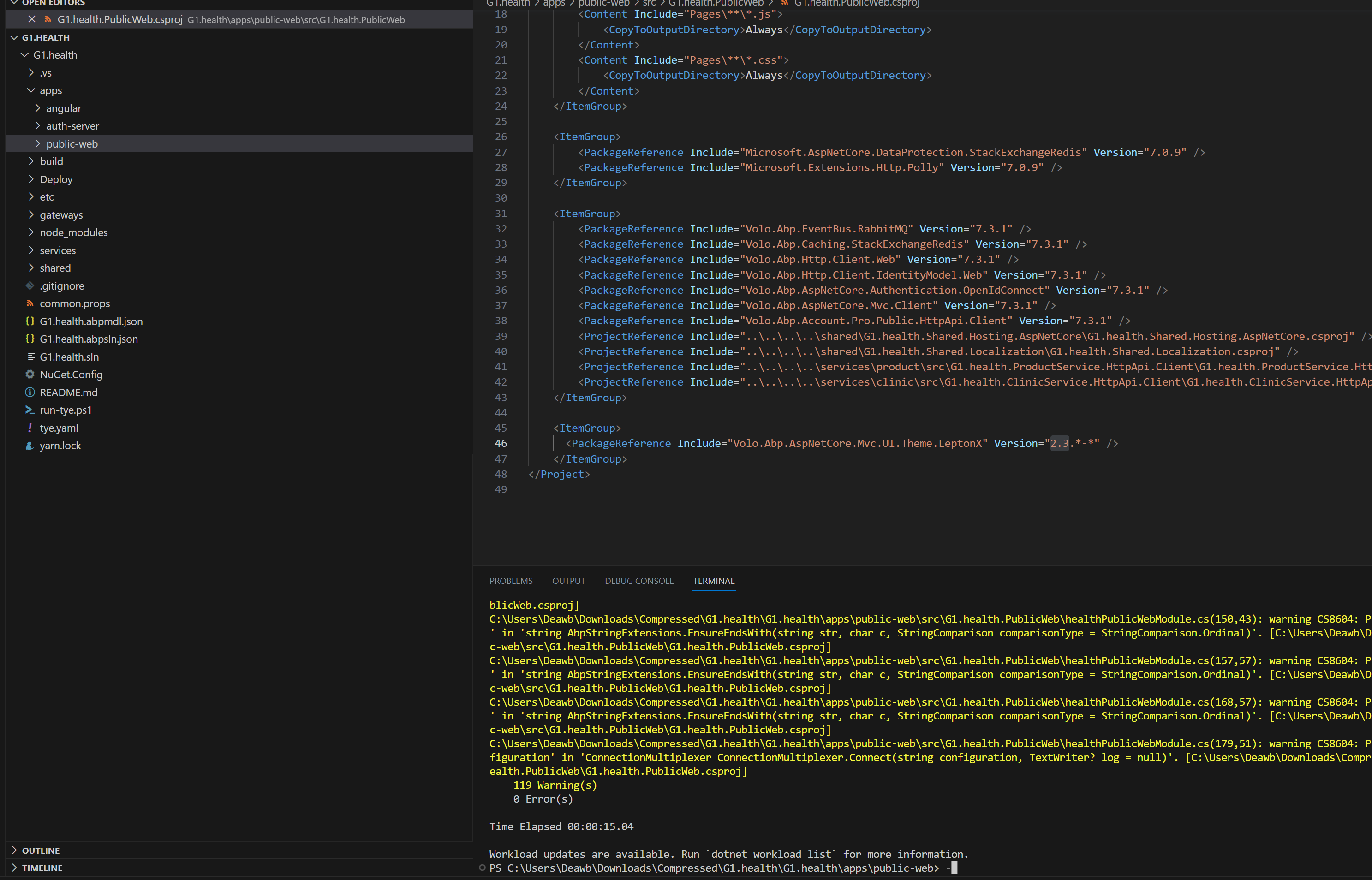
Here is the screenshorts
screenshort error:
This looks like a problem, I'll check it
We can easily do it step by step?
This is a big topic, you can try to implement, if you encounter problems, we will be happy to help you
Hi,
Sorry , I didn't get it, could you explain it in detail?
Hi,
Sorry, I didn't get it, could you share some screenshots? thanks.
Hi,
I think the document can help you:
https://docs.abp.io/en/abp/latest/Multi-Tenancy#determining-the-current-tenant
ABP provide the domain tenant resolve
https://docs.abp.io/en/abp/latest/Multi-Tenancy#domain-subdomain-tenant-resolver









