hi
You can Custom Job Name by configure GetBackgroundJobName delegate of the AbpBackgroundJobOptions to change the default job name.
Configure<AbpBackgroundJobOptions>(options =>
{
    options.GetBackgroundJobName = (jobType) =>
    {
        if (jobTyep == typeof(EmailSendingArgs))
        {
            return "emails";
        }

        return BackgroundJobNameAttribute.GetName(jobType);
    };
});
Thanks.
hi
You can set only one app to execute the job, or set an application name for isolation(>= 9.2)
See: https://abp.io/docs/latest/framework/infrastructure/background-jobs#disable-job-execution https://abp.io/docs/latest/framework/infrastructure/background-jobs#using-the-same-storage-for-background-jobs--workers
Thanks.
hi
You can try code below:
app.UseSwagger();
app.UseAbpSwaggerUI(options =>
{
    options.SwaggerEndpoint("/portal/api/swagger/v1/swagger.json", "Approach API");

    var builder = new StringBuilder(options.HeadContent);
    builder.AppendLine($"<myscript>abp.appPath = '/portal/api/';</myscript>");
    options.HeadContent = builder.ToString();

    var configuration = context.GetConfiguration();
    options.OAuthClientId(configuration["AuthServer:SwaggerClientId"]);
});
Thanks.
hi
Hi We will provide you the Logs give us some time as our sever is experiencing downtime now
Please enable the Debug and Verbose logs
var loggerConfiguration = new LoggerConfiguration()
    .MinimumLevel.Debug()
    .MinimumLevel.Override("Microsoft.EntityFrameworkCore", LogEventLevel.Warning)
    .MinimumLevel.Override("OpenIddict", LogEventLevel.Verbose)
    .Enrich.FromLogContext()
    .WriteTo.Async(c => c.File("Logs/logs.txt"))
Thanks
hi
If you see a 400 error on the website. The error will be written to the logs.txt
Have you set the log level? MinimumLevel.Debug()
var loggerConfiguration = new LoggerConfiguration()
    .MinimumLevel.Debug()
    .MinimumLevel.Override("Microsoft.EntityFrameworkCore", LogEventLevel.Warning)
    .Enrich.FromLogContext()
    .WriteTo.Async(c => c.File("Logs/logs.txt"))
Can you clear logs.txt and reproduce the 400 error again?
Thanks.
hi
Can you clear your NuGet package cache and restart Studio and try again?
dotnet nuget locals all --clear
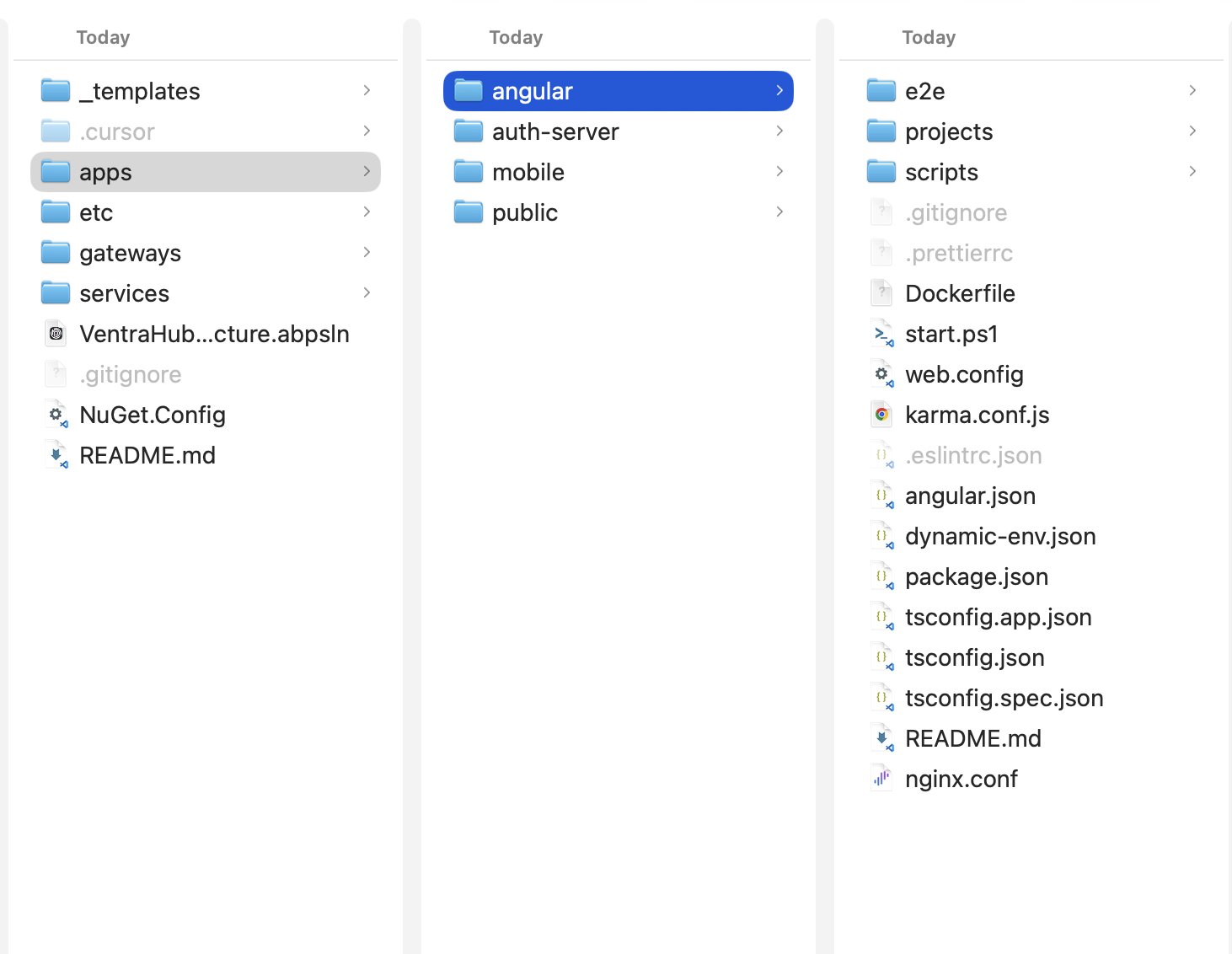
I tested the command and the angular folder exists.
abp new VentraHubStructure -t microservice --ui-framework angular --mobile react-native --database-provider ef --database-management-system sqlserver --theme leptonx --skip-migration --skip-migrator --public-website --without-cms-kit --aspire --dont-run-install-libs --dont-run-bundling -no-language-management -chat -file-management"
hi
Can you enable debug logs and check the logs.txt file?
https://abp.io/support/questions/8622/How-to-enable-Debug-logs-for-troubleshoot-problems
Thanks
hi
What is your Studio version?
Can you share the MyProjectName.abpsln file?
liming.ma@volosoft.com
Thanks.
hi
Register and use entity cache in Domain layer.
Thanks.
hi
You can also share full logs.txt of your authserver project to liming.ma@volosoft.com
Thanks.




