Can you try with a new template project?
hi
Manage the host or tenant features.
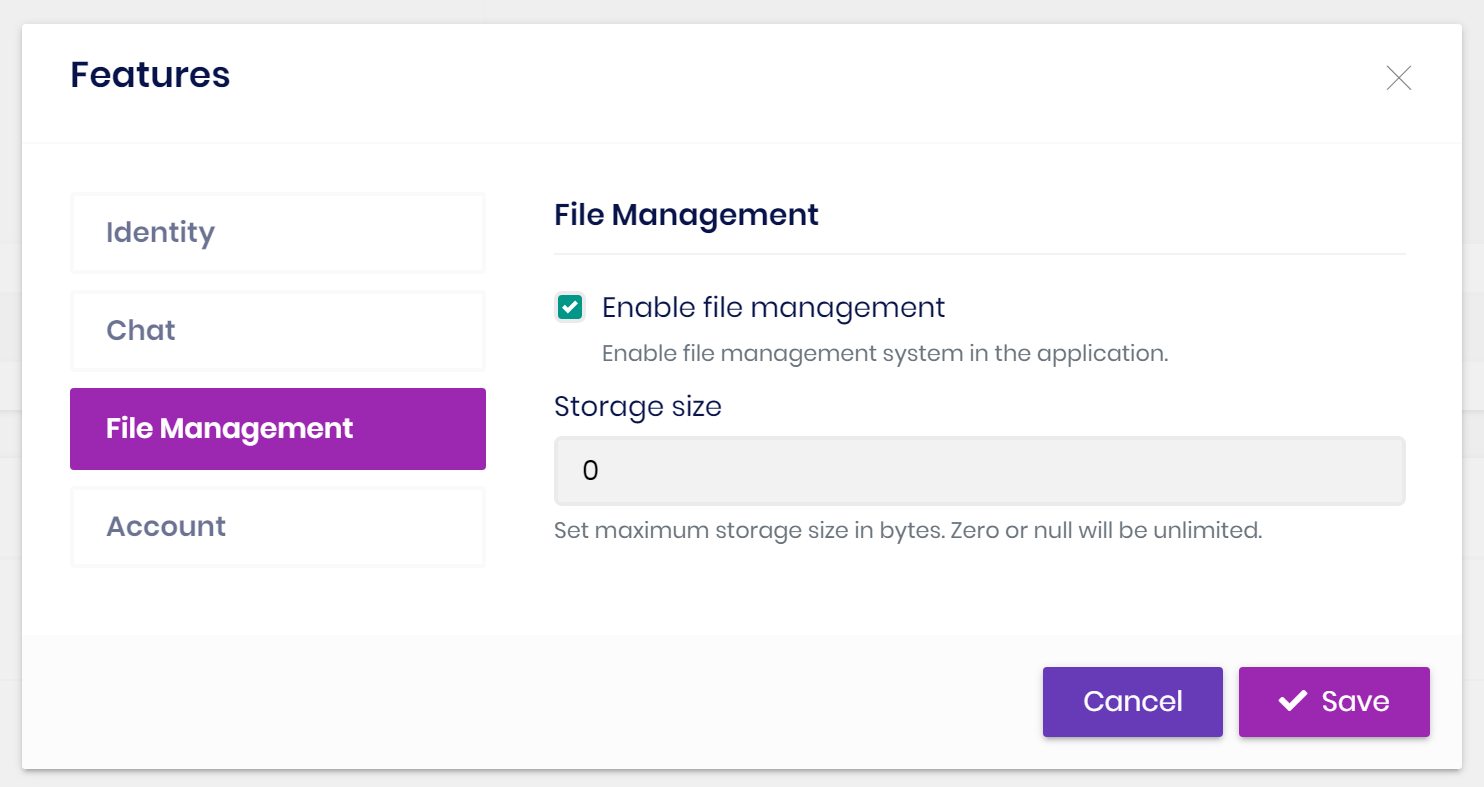
You need this configuration.
{
  "IdentityClients": {
    "Default": {
      "GrantType": "password",
      "ClientId": "MyProjectName_App",
      "ClientSecret": "1q2w3e*",
      "UserName": "admin",
      "UserPassword": "1q2w3E*",
      "Authority": "https://localhost:44301",
      "Scope": "MyProjectName"
    }
  }
}
no problem.
It is fixed now.
https://support.abp.io/QA/Questions/2609/Why-commercial-easycrm-sample-doesn%27t-follow-the-domain-driven-design-best-practices
I will check this issue.
hi
You can create a new project to see the HTML structure and CSS. Or try changing the current style.
Still under evaluation.
We will review the EasyCRM in the near future.
hi
Send an email to me liming.ma@volosoft.com




