hi
ABP is an ASP.NET Core backend framework. And the ABP Studio template supports mobile app options.
What is the architecture/Technical selection of your mobile and desktop?
Thanks.
hi
Do you mean your web app as an API website that is consumed by your Mobile and desktop apps?
Thanks.
hi
Can you share a demo app?
liming.ma@volosoft.com
Thanks.
hi
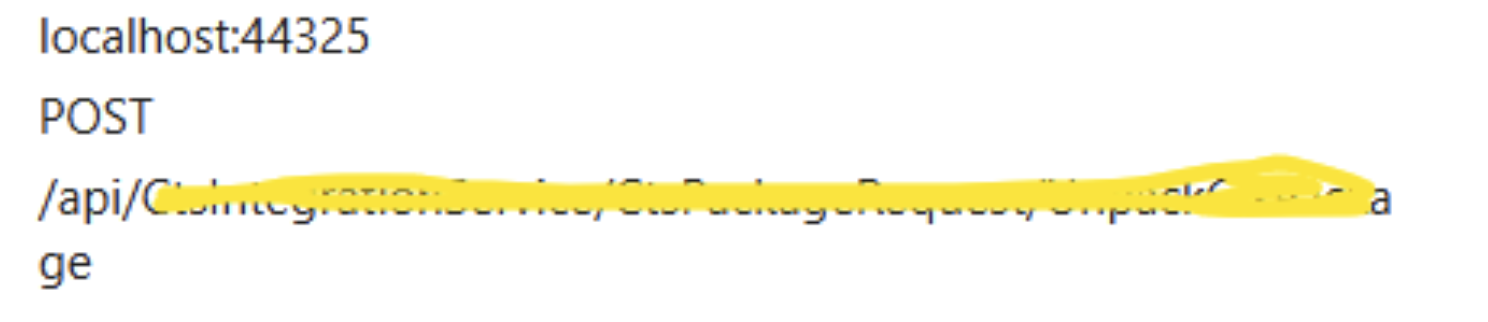
The response isn't what Angular expected. Could you share some code?
I will try to reproduce and provide a solution.
Thanks.
hi
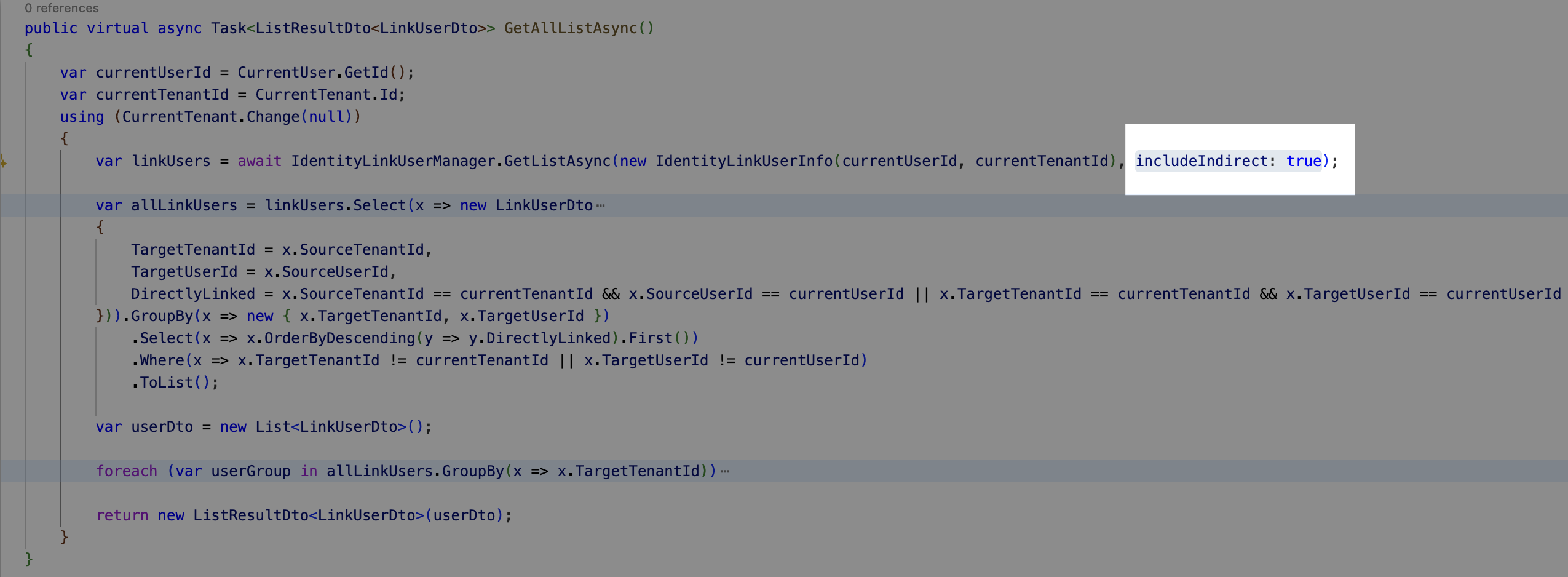
You can override the GetAllListAsync method of IdentityLinkUserAppService to troubleshoot the problem.
You can try to set includeIndirect to false.
Thanks.
hi
In this case, you add your auth server as an external login provider(like Google login)
So add the account module and AddAbpOpenIdConnect(auth server) to your client applications.
You will see a login option on your client application login page.
Thanks.
hi
The loading time of the modal is too long
What is the total load time?
Can you check the EF Core query info? Enable information log level for EF Core to see SQL query statements.
https://abp.io/support/questions/8622/How-to-enable-Debug-logs-for-troubleshoot-problems
Thanks.
hi
Change your log code in all projects(API. AuthServer)
Then share all the logs.txt files again.
liming.ma@volosoft.com
var loggerConfiguration = new LoggerConfiguration()
    .MinimumLevel.Debug()
    .MinimumLevel.Override("Microsoft.EntityFrameworkCore", LogEventLevel.Warning)
    .MinimumLevel.Override("OpenIddict", LogEventLevel.Verbose)
    .Enrich.FromLogContext()
    .WriteTo.Async(c => c.File("Logs/logs.txt"))


IdentityModelEventSource.ShowPII = true;

IdentityModelEventSource.Logger.LogLevel = EventLevel.Verbose;
var wilsonTextLogger = new TextWriterEventListener("Logs/identitymodel.txt");
wilsonTextLogger.EnableEvents(IdentityModelEventSource.Logger, EventLevel.Verbose);
Thanks.
hi
You can inject your app services, repository, or any services into TodayViewComponent. then query the database by them.
[Widget]
[ViewComponent(Name = "CmsToday")]
public class TodayViewComponent : AbpViewComponent
{
    private readonly IDashboardAppService _dashboardAppService;

    public TodayViewComponent(IDashboardAppService dashboardAppService)
    {
        _dashboardAppService = dashboardAppService;
    }

    public IViewComponentResult Invoke()
    {
        return View("~/ViewComponents/Today.cshtml",
         new TodayViewComponent());
    }
}
Thanks.









