hi
Is your Auth Server/OpenID website also logged out?
Can you share the code for the Microsoft Entra integration authentication?
eg context.Services.AddAuthentication().MicrosoftEntra()
Can you also share the har file of the logout process?
https://abp.io/support/questions/8622/How-to-enable-Debug-logs-for-troubleshoot-problems#answer-3a1a1c4b-691e-3403-98b9-5f23fa024759
Thanks.
hi
The log level still seems to be [INF] , can you change the LoggerConfiguration in all places?
var loggerConfiguration = new LoggerConfiguration()
    .MinimumLevel.Debug()
    .MinimumLevel.Override("Microsoft.EntityFrameworkCore", LogEventLevel.Warning)
    .Enrich.FromLogContext()
    .WriteTo.Async(c => c.File("Logs/logs.txt"))
Can you also share your AdministrationServiceHttpApiHostModule code?
Thanks.
hi
Can you share ASP.NET Core debug logs of /api/abp/application-configuration request?
https://abp.io/support/questions/8622/How-to-enable-Debug-logs-for-troubleshoot-problems
Thanks.
hi
Can you try to use the latest CLI?
https://abp.io/docs/latest/cli#installation
> abp get-source Volo.Abp.LeptonXTheme --version 3.3.4
[10:15:19 INF] Downloading source code of Volo.Abp.LeptonXTheme (v3.3.4)
[10:15:19 INF] Output folder: test-folder
[10:15:27 INF] Volo.Abp.LeptonXTheme.SourceCode (v: 3.3.4) package downloaded from https://nuget.abp.io/xxx/v3/index.json and saved to (/Users/maliming/.nuget/packages/)
[10:15:28 INF] 'Volo.Abp.LeptonXTheme' has been successfully downloaded to 'test-folder'
Thanks
Thanks. 👍
hi
What's baffling me is IDE publish of web project has issues and when done via command line no issues?
Maybe your IDE uses the outdated files.
so use dotnet publish command will works,
Thanks.
hi
I have published your app locally. And use dotnet Ldr.Prime.Main.Web.dll command to run it, and everything works.
I also use your module in a new app and publish it. also works
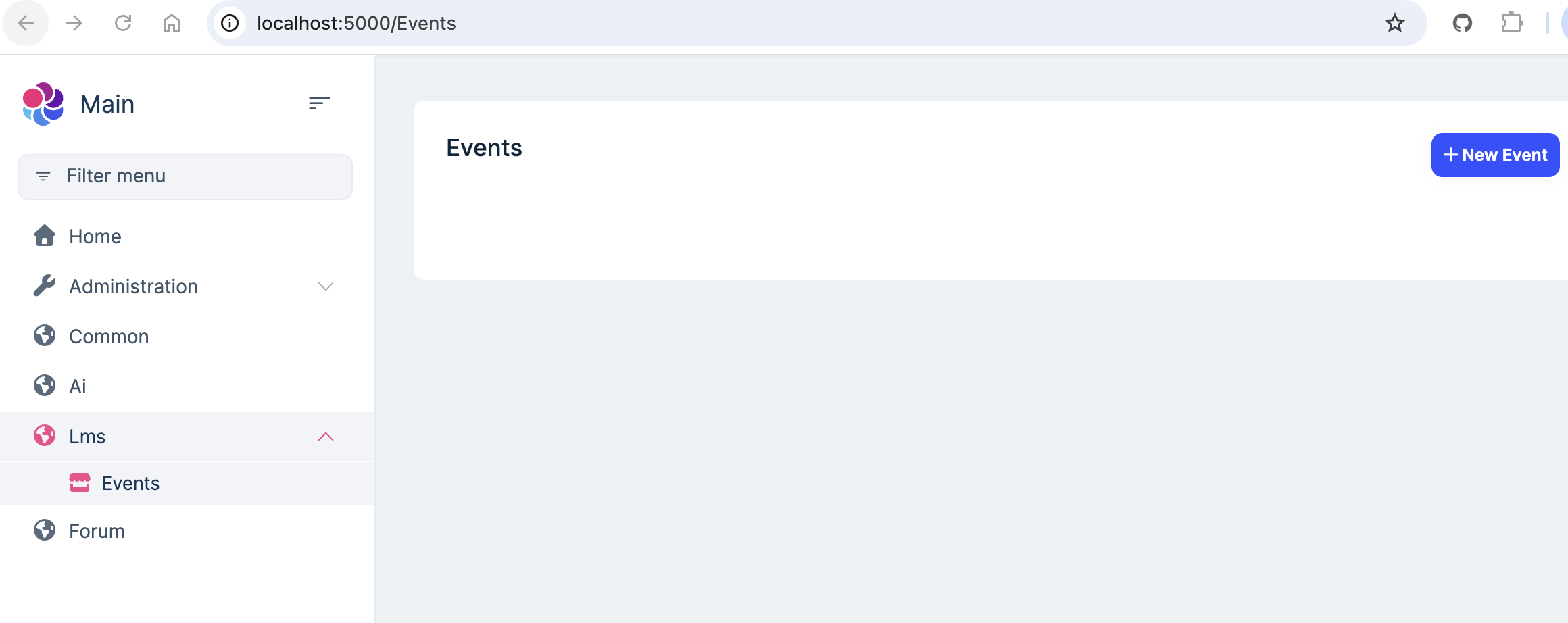
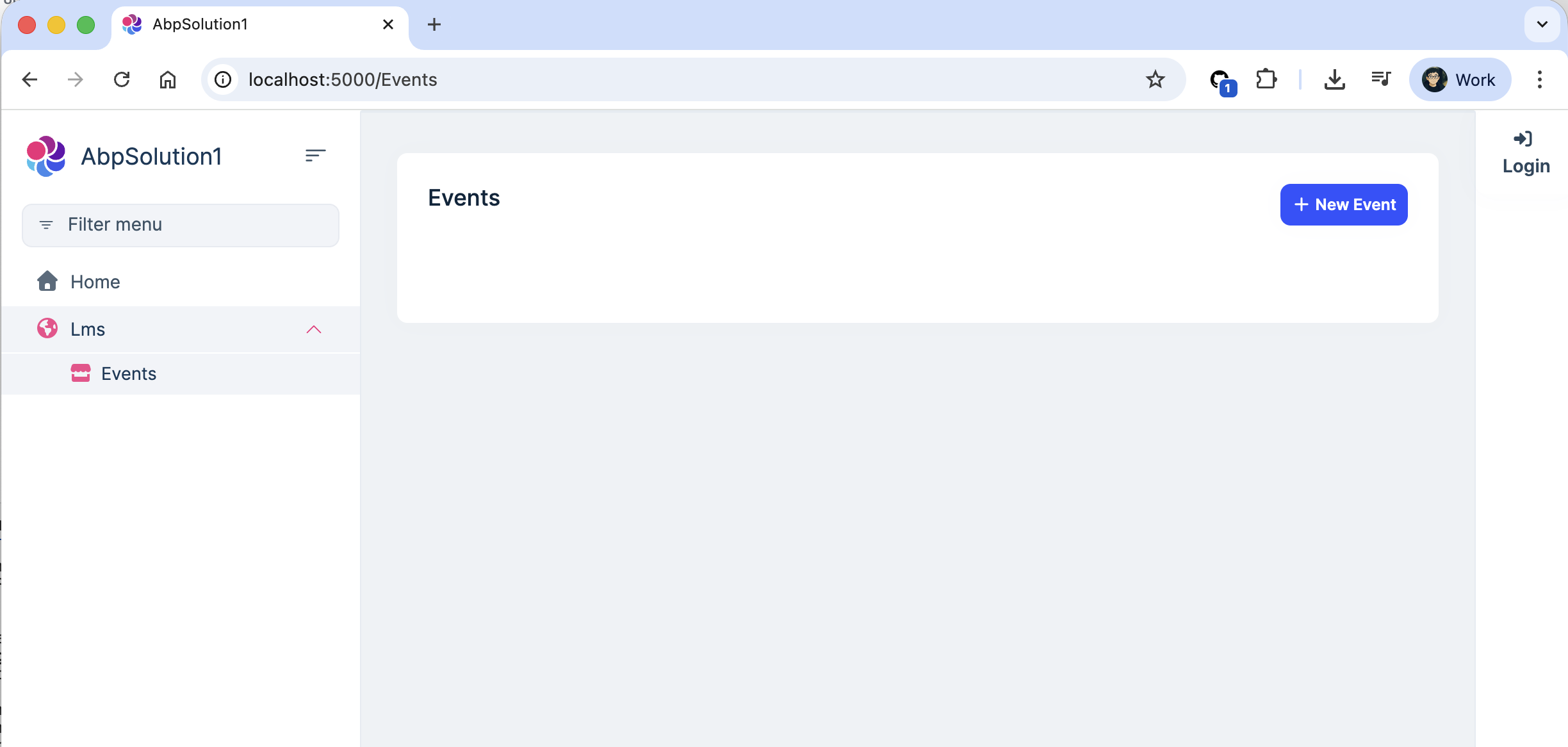
Can you confirm you have removed all cshtml files from `csproj's EmbeddedResource files? And rebuild it?
hi
This is not an AuthServer problem.
Can you change your Azure Front Door rule?
https://learn.microsoft.com/en-us/answers/questions/1273296/waf-exclusion-rules-alternatives

Thanks, I will check this case.
hi
Can Blazor server log in successfully via the auth server website?
If not what is the error screenshot?
Thanks.




