hi
You can try adding middleware to return this file dynamically based on the current app environment.
app.UseRouting();
app.Use(async (context, next) =>
{
    if (context.Request.Path.Equals("/robots.txt", StringComparison.OrdinalIgnoreCase))
    {
        context.Response.ContentType = "text/plain; charset=utf-8";
        if (env.IsDevelopment() || env.IsStaging())
        {
            await context.Response.WriteAsync("""
User-agent: *
Disallow: /
""");
        }
        else
        {
            context.Response.StatusCode = StatusCodes.Status404NotFound;
        }
        return;
    }

    await next();
});

app.MapAbpStaticAssets();
Thanks
hi
Some of the packages don't have a patch version.
eg: jquery-form
Can you share the details of your security report?
liming.ma@volosoft.com
Thanks.
hi
We will check and upgrade all possible npm packages.
You can use resolutions in your packages.json to force updates.
You can remove the yarn.lock. Then run the abp install-libs command again.
{
  "version": "0.1.0",
  "name": "my-app",
  "private": true,
  "dependencies": {
    "@volo/abp.aspnetcore.mvc.ui.theme.lepton": "~10.1.0-rc.1",
    "@abp/tui-editor": "~10.1.0-rc.1",
    "tui-code-snippet": "1.5.2",
    "@volo/account": "~10.1.0-rc.1",
    "@abp/cms-kit": "~10.1.0-rc.1",
    "slugify": "1.4.6",
    "@abp/jstree": "~10.1.0-rc.1"
  },
  "resolutions": {
    "jquery-form": "4.3.0"
  }
}
hi
Volo.Abp.NotificationManagement is not offcial abp module.
I have no idea what its features are.
Thanks.
hi
You can add your code to a new project, and share the project when you reproduce the problem.
I will download and check it.
Thanks.
hi
Can you reproduce your problem in a new template project or a minimal project?
Thanks.
hi
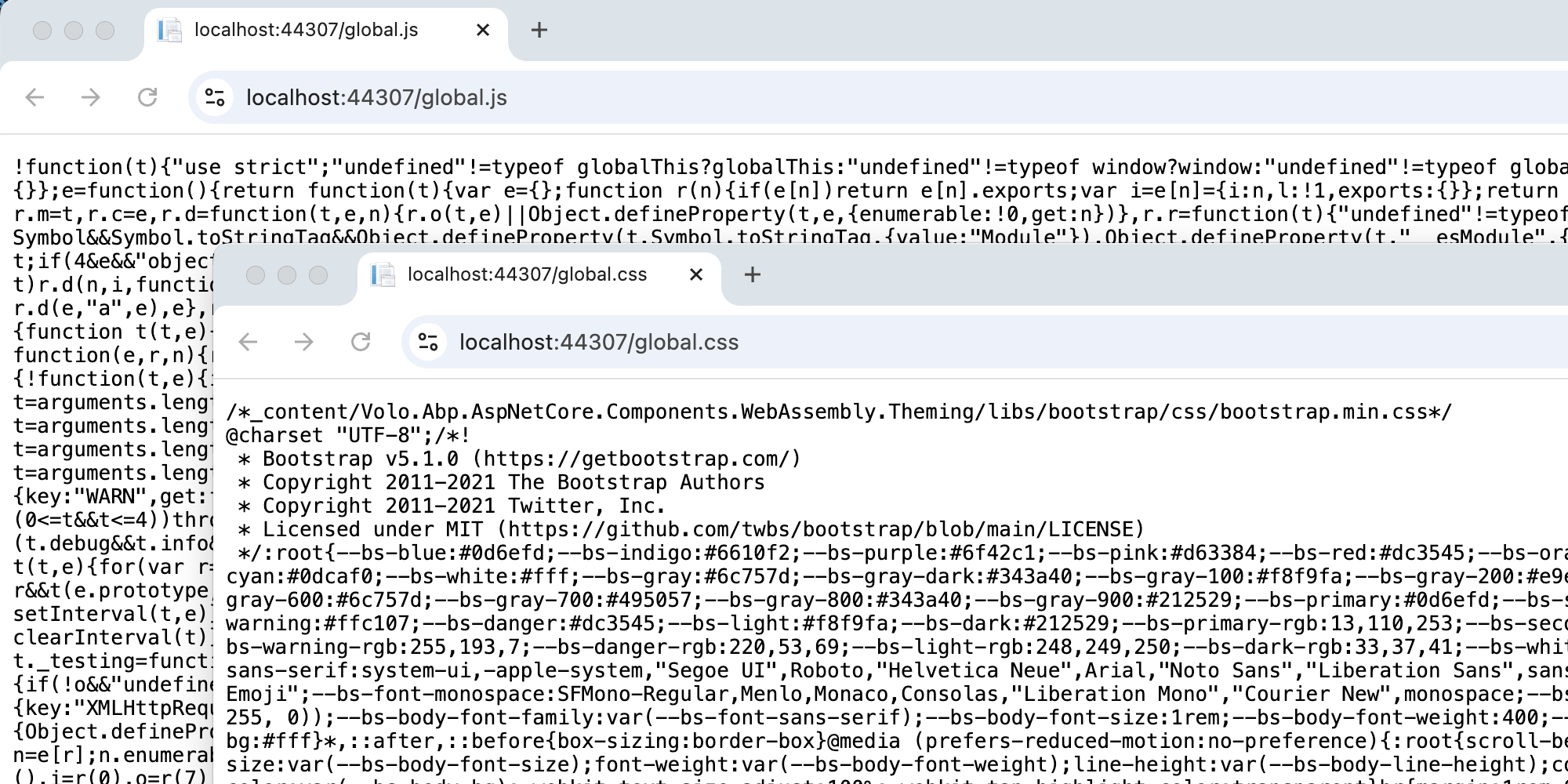
Please check whether global.js ** and ** css work.
hi
You can replace the CmsKitPublicMenuContributor and check the permissions of your menus.
eg menu.RequireAuthenticated()
https://github.com/abpframework/abp/blob/dev/modules/cms-kit/src/Volo.CmsKit.Public.Web/Menus/CmsKitPublicMenuContributor.cs#L27-L44
Thanks.
hi
We added a requiredPermissionName to the menu after 9.1
https://github.com/abpframework/abp/pull/21733
Thanks.
hi
Can you share your module code?
You can try adding your favicon.ico favicon.svg files as embedded resources.
 <ItemGroup>
    <EmbeddedResource Include="wwwroot\**\*.ico" />
    <EmbeddedResource Include="wwwroot\**\*.svg" />
    <Content Remove="wwwroot\**\*.ico" />
    <Content Remove="wwwroot\**\*.svg" />
  </ItemGroup>
Thanks









