hi
Make sure you have installed the Studio. Don't uninstall it. and try to use AbpDevTools
> dotnet tool update -g AbpDevTools

> abpdev abp-studio switch 1.4.2
hi
Try to replace your packages as follows:
<ItemGroup>
    <PackageReference Include="AspNetCore.HealthChecks.UI" Version="9.0.0" />
    <PackageReference Include="AspNetCore.HealthChecks.UI.Client" Version="9.0.0" />
    <PackageReference Include="AspNetCore.HealthChecks.UI.InMemory.Storage" Version="9.0.0" />
    <PackageReference Include="Microsoft.EntityFrameworkCore.InMemory" Version="10.0.0" />

    <PackageReference Include="KubernetesClient" Version="18.0.5"/>
    <PackageReference Include="IdentityModel" Version="7.0.0" />
</ItemGroup>
hi
The RemoteServiceErrorInfo will be shown for the front end.
abp will also write the error logs when RemoteServiceErrorInfo happens.
You can check [Err] logs in the logs.txt file
Thanks.
hi
Can you add your custom code to a new project and share it?
liming.ma@volosoft.com
Thanks.
hi
I got a 'The license key is missing error
dotnet ef migrations add Initial Build started... Build succeeded. Unable to create a 'DbContext' of type 'updateDbContext'. The exception 'The license key is missing or not set up correctly. See the Licensing article in the product documentation for details.' was thrown while attempting to create an instance. For the different patterns supported at design time, see https://go.microsoft.com/fwlink/?linkid=851728
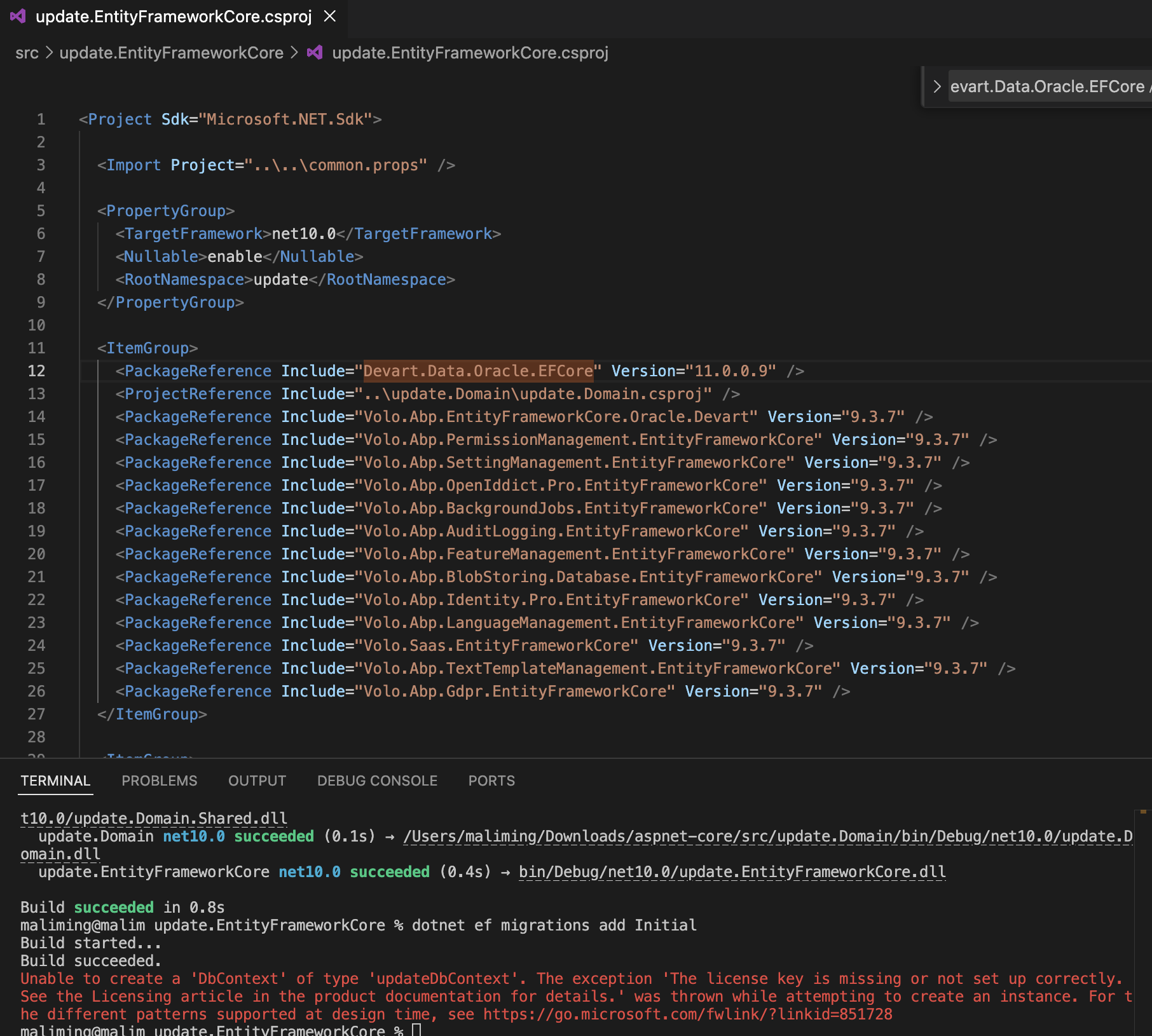
Thanks. I will check it.
hi
Can you share your test project? liming.ma@volosoft.com
Thanks.









