hi
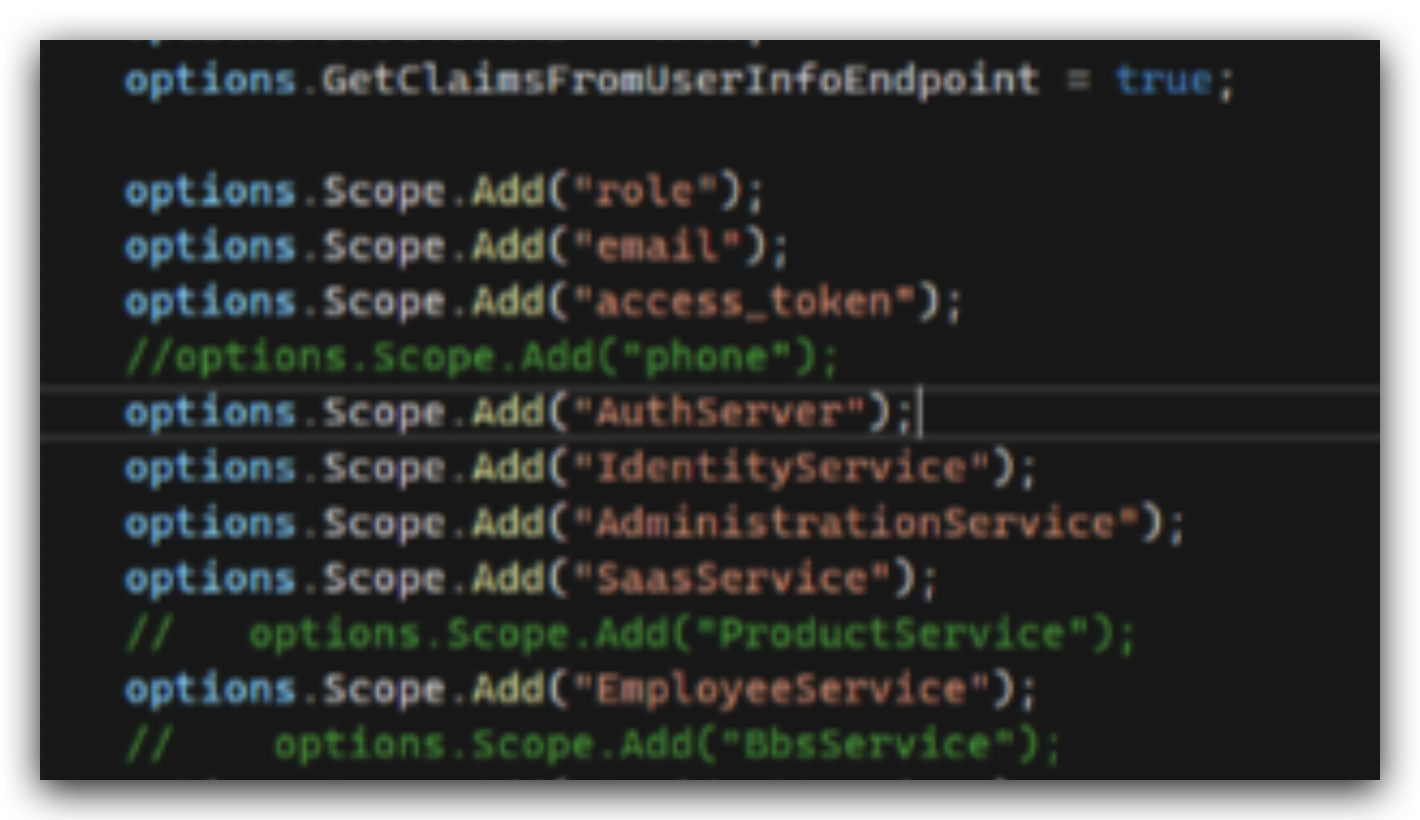
Angular needs to read the claims from the access token, so we disabled it.
but you can enable it by setting DisableAccessTokenEncryption to false.
public override void PreConfigureServices(ServiceConfigurationContext context)
{
    PreConfigure<OpenIddictServerBuilder>(builder =>
    {
        builder.Configure(openIddictServerOptions =>
        {
            openIddictServerOptions.DisableAccessTokenEncryption = false;
        });
    }
}
hi
The first one is that after logging in, the CurrentUser data is filled correctly but the phone is Null !
Please check the value of AbpClaimTypes.PhoneNumber and AbpClaimTypes.PhoneNumberVerified.
And check the Claim[] GetAllClaims of ICurrentUser
the result is "unsupported grant_type",
Please share the HTTP request and response info and logs.
Thanks.
hi
How can I reproduce this in a new template project? Please share the steps, Thanks
hi
Try to add @abp/zxcvbn to your package.json and then re-run abp install-libs.
hi
It might be azure's configuration, I don't know about that.
hi
What was the problem or error you got?
hi
Steps to reproduce the issue: Create new Module (Angular) using ABP suite Add Table that has a OrganizationUnit as a Foreign Key Add Migrations and try to run Angular to access the table via API call
Can you share this project to liming.ma@volosoft.com ?
Thanks.
hi
Can you try X509KeyStorageFlags?
return new X509Certificate2(file, passPhrase, X509KeyStorageFlags.MachineKeySet);
https://www.davidyardy.com/blog/windowscryptographicexception-the-system-cannot-find-the-file-specified
hi
You can try to add AccountService here