hi
Is it this?
https://github.com/abpframework/abp/issues/4977
Can you try with a new template project?
hi
Manage the host or tenant features.
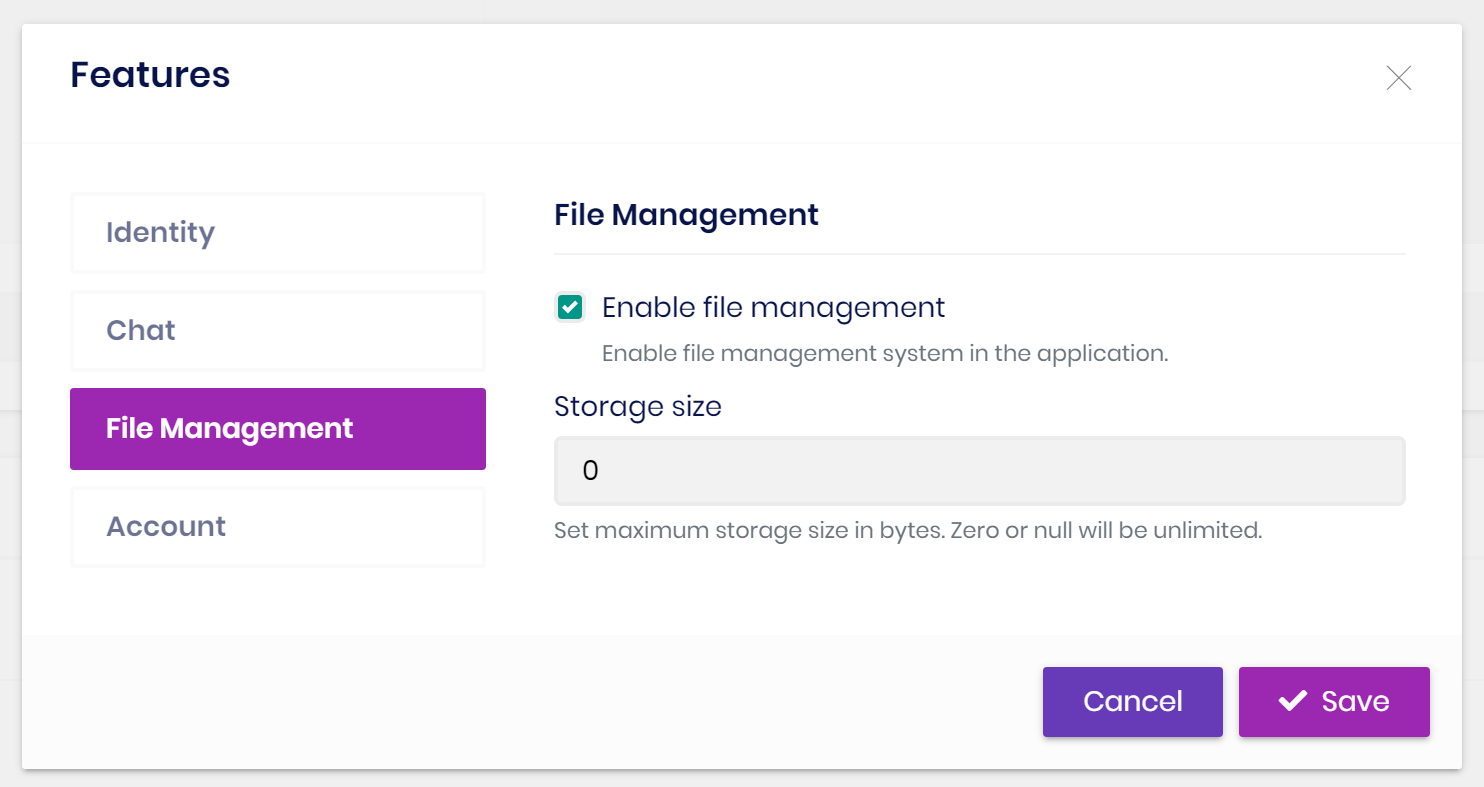
You need this configuration.
{
  "IdentityClients": {
    "Default": {
      "GrantType": "password",
      "ClientId": "MyProjectName_App",
      "ClientSecret": "1q2w3e*",
      "UserName": "admin",
      "UserPassword": "1q2w3E*",
      "Authority": "https://localhost:44301",
      "Scope": "MyProjectName"
    }
  }
}
no problem.
It is fixed now.
https://support.abp.io/QA/Questions/2609/Why-commercial-easycrm-sample-doesn%27t-follow-the-domain-driven-design-best-practices
I will check this issue.
hi
You can create a new project to see the HTML structure and CSS. Or try changing the current style.
Still under evaluation.
We will review the EasyCRM in the near future.









