Check your app logs.
You just need to remove the NullEmailSender. Global search NullEmailSender in your solution.
Can you try to remove this?
#if DEBUG
            context.Services.Replace(ServiceDescriptor.Singleton<IEmailSender, NullEmailSender>());
#endif
Another way is
options.ClaimActions.MapJsonKey(ClaimTypes.NameIdentifier, "sub");
hi
Try this
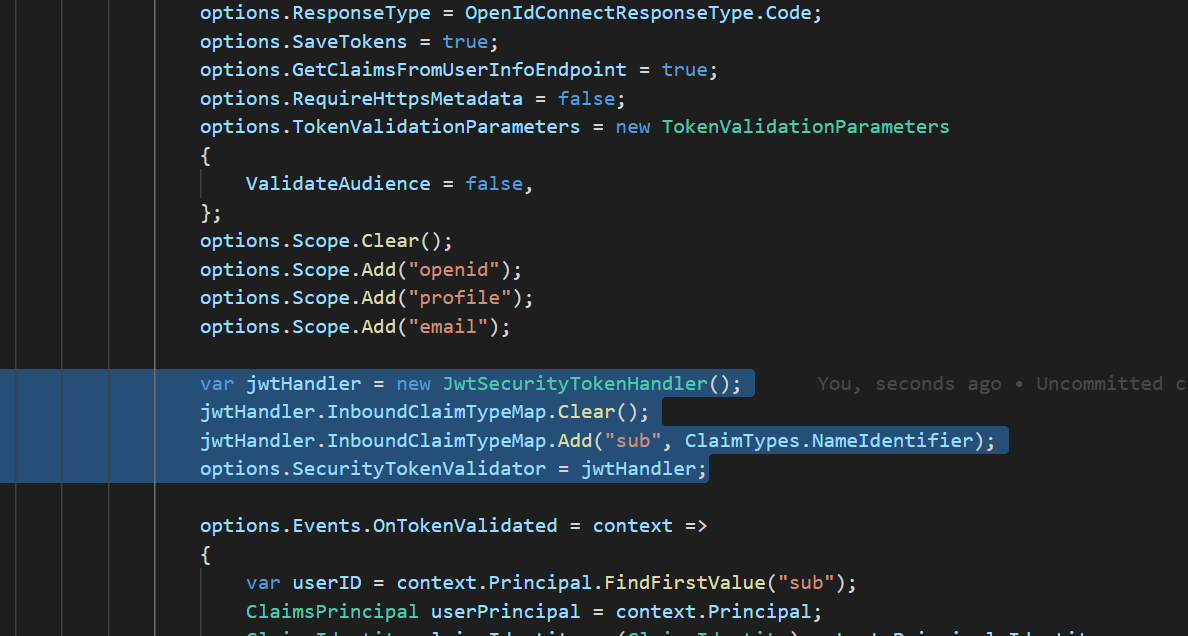
var jwtHandler = new JwtSecurityTokenHandler();
jwtHandler.InboundClaimTypeMap.Clear();
jwtHandler.InboundClaimTypeMap.Add("sub", ClaimTypes.NameIdentifier);
options.SecurityTokenValidator = jwtHandler;

I'm checking your project, wait a moment.
hi
Please remove these code and try to configure the claims in the options delegate.
https://leastprivilege.com/2017/11/15/missing-claims-in-the-asp-net-core-2-openid-connect-handler/ https://docs.microsoft.com/en-us/aspnet/core/security/authentication/claims?view=aspnetcore-6.0#mapping-claims-using-openid-connect-authentication
JwtSecurityTokenHandler.DefaultInboundClaimTypeMap.Clear(); JwtSecurityTokenHandler.DefaultInboundClaimTypeMap.Add("sub", ClaimTypes.NameIdentifier);
You can use this to test the configure of email.
https://github.com/abpframework/abp-samples/tree/master/EmailSendDemo
Can you try to clear the browser cookies?









