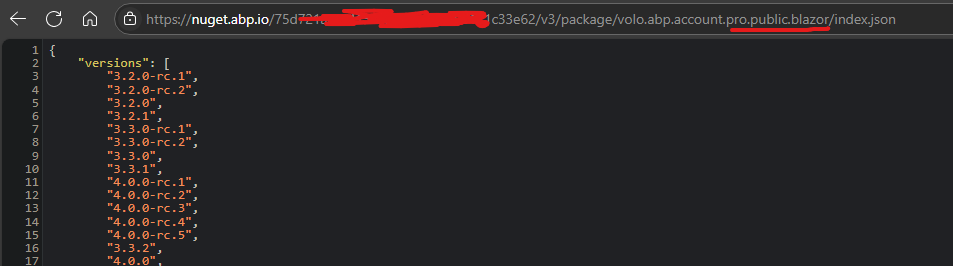
Manually downloading Microsoft.ClearScript.V8.Native.win-arm64 nuget package and extracting ClearScriptV8.win-arm64.dll to the ..\volo.abp.suite\10.0.0\tools\net10.0\any\runtimes\win-arm64\native folder fixed the issue.
While this workaround works, still keeping this issue open so that an ABP developer can fix this in future releases.
Fixed, Thanks a lot!
I had a wrong configuration for the RemoteService BaseUrl. It was pointing to the API project. The issue was fixed after updating it to the WebApp website's URL.
Hi @maliming! sent you an email with url and credentials.Thanks
I have checked all of this, and everything seems to be configured correctly, but still not working. You can give url of the application to the support team if needed.
Ok, thanks for the clarification. Am I right to think that startup templates don't change on patch releases (like in my case, between 9.1.1 and 9.1.3), so I can just update ABP packages and keep other files as is?
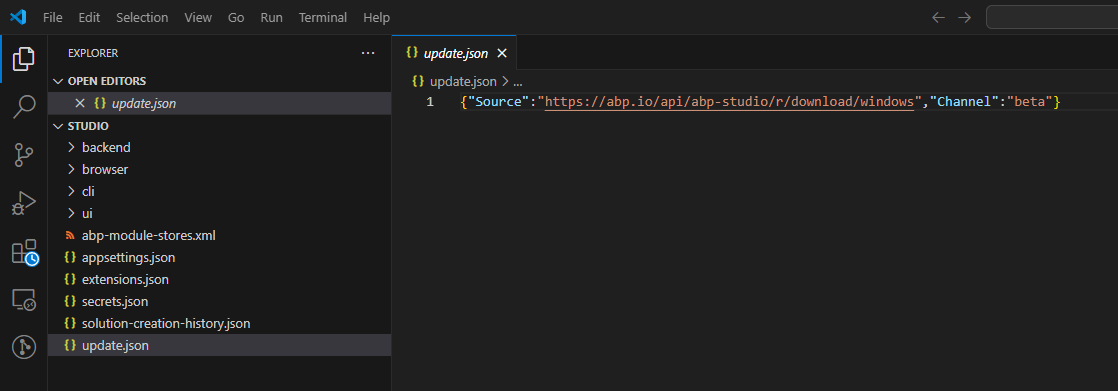
Yes it was windows, updated to windows-arm, will let you know if it fixed the problem after updating.
Hi,
The problem was fixed, you can try again.
Should I do anything other than dotnet restore, cause just restoring didn't work.
I still get the same error that the package was not found:
Unable to find package Volo.Abp.Account.Pro.Public.MauiBlazor. No packages exist with this id in source(s): C:\Program Files\dotnet\library-packs, Microsoft Visual Studio Offline Packages, nuget.abp.io, nuget.org
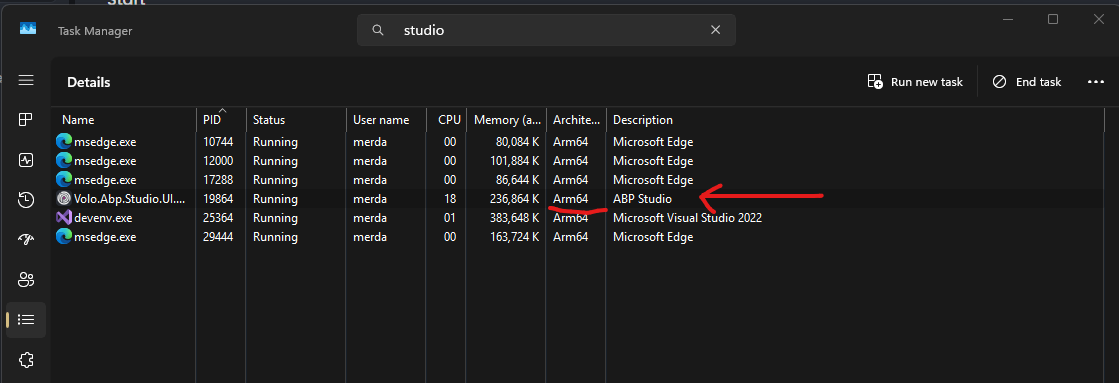
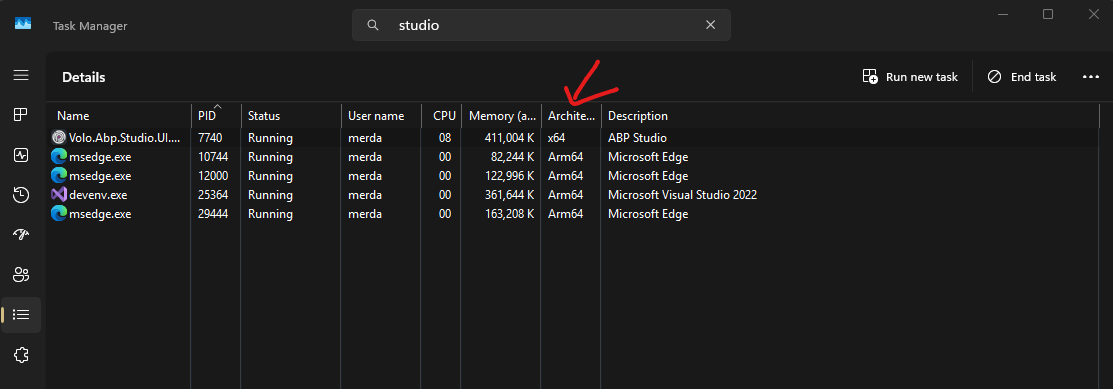
Automated update on Windows on Arm, brakes ABP Studio, so I have to uninstall it, and manually download and install the latest ARM version.
Automated update downloads and installs a wrong architecture (x64), which results in:
 Which is also reported here
Hi, I am trying to create a new blazor maui hybrid project with abpstudio v9 and get error at the bundle step. After many hours of digging this is what I concluded, it is an issue with the Volo.Abp.Account.Pro.Public.MauiBlazor package. Please see log from dotnet restore:
Unable to find package Volo.Abp.Account.Pro.Public.MauiBlazor. No packages exist with this id in source(s): nuget.abp.io, nuget.org. PackageSourceMapping is enabled, the following source(s) were not considered: C:\Program Files\dotnet\library-packs, Microsoft Visual Studio Offline Packages.All other abpio packages seem to restore fine. This is preventing me from using the hybrid project type
Using abpstudio 0.9.15, Windows 11
Not sure if anyone else faces this issue?
Hi, I have the same problem, and this seems to be nuget issue
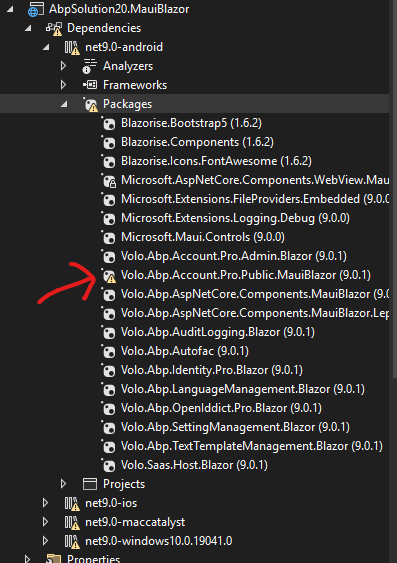
here are the results of browsing nuget directly: