Sure, here you go:
https://drive.google.com/file/d/1l1bohNn4z8NCVQVn-HbSQPET_CLUE_wT/view?usp=sharing
This isn't happening due to a refresh, it happens after a few seconds, after the page had loaded. I can recreate it using a refresh, then wait a few seconds and Authenticating... then I lose my Custom Components ( MainHeaderBranding ) and 3rd party control binding.
If this was just the application restarting then I would expect it to then be in an initial state, custom components fine, databound controls etc.
Hi, yes this seems to be working now, I was able to Auth and the redirect worked and took me to the Register UI on ABP, which is what I would expect:
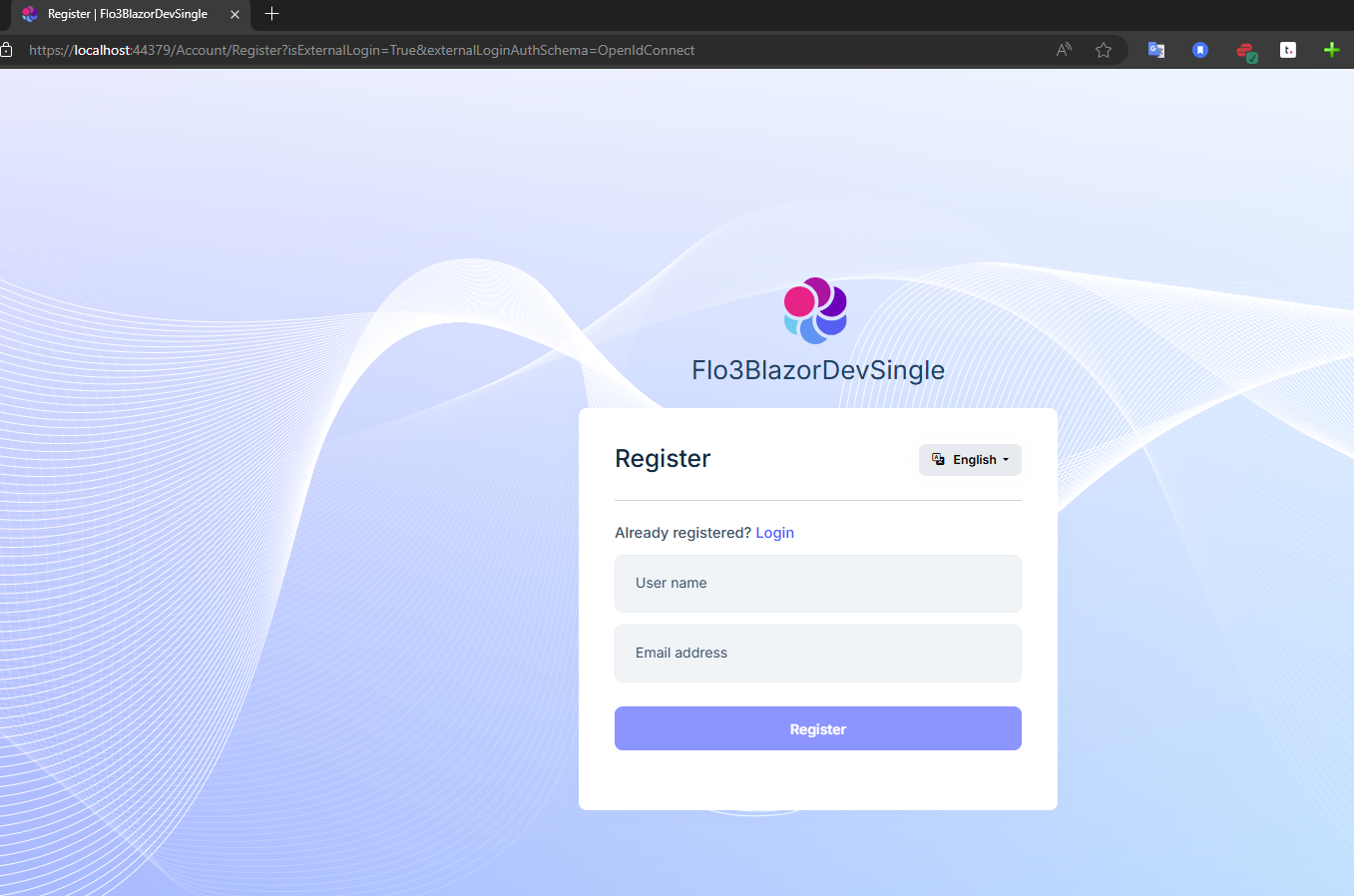
Can you summarize the fix / changes so I understand what I was doing wrong?
Thanks!
Hi, yes you can use this user:
abpsupport@gmail.com Notu801201
Or just create an account, everything including the AD Tenant is just for testing / debugging purposes and will be deleted once the problem is resolve.
Thanks,
Karim
Just FYI, my end goal here is to completely bypass the ABP Login / Register UI and just use Entra. I have been looking at this support ticket that you were also involved with that seems to have a lot of the problems already solved :
https://support.abp.io/QA/Questions/5928/How-to-assign-roles-to-Azure-AD-B2C-users
So I think if we can get through this initial configuration I will follow the steps in the above ticket to get to where I want to go.
Understanding that this could be a bit of a tricky implementation, maybe I can write up a Community Article once I get through this. I think many commercial users will want to auth with Entra solely, it is a very appealing use case.
Karim
Hi,
I have this in a barebones single tiered brand new 8.2 project. We also have a React client that is using the same configuration and it is working OK there, so just our ABP config is wrong.
The repo is private, at https://github.com/Flo3Digital/Flo3BlazorDevSingle/ , I have granted you write access. Could you take a look there and see if there is anything you can see that is misconfigured?
Thanks,
Karimi
I think the callback path is OK, you can see here:
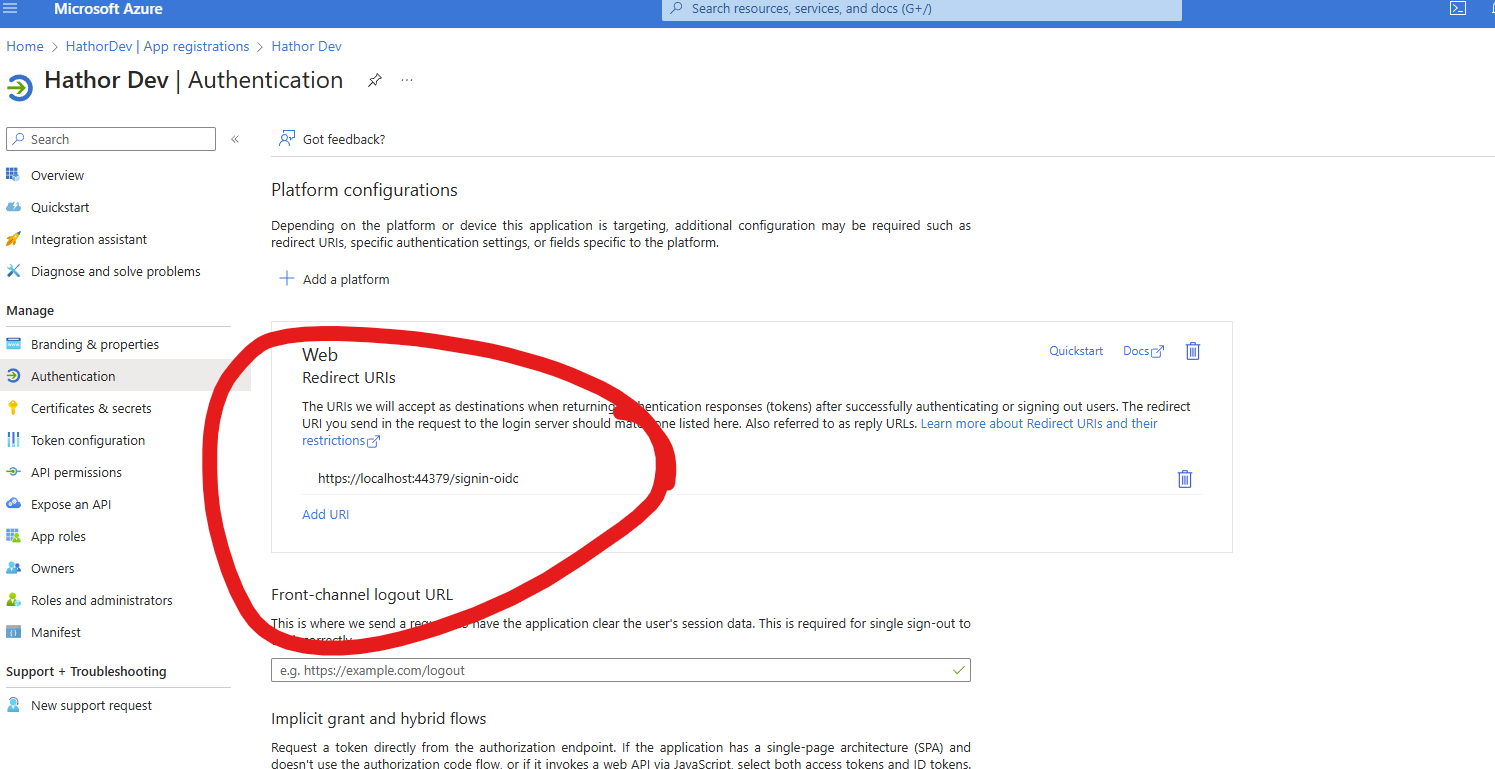
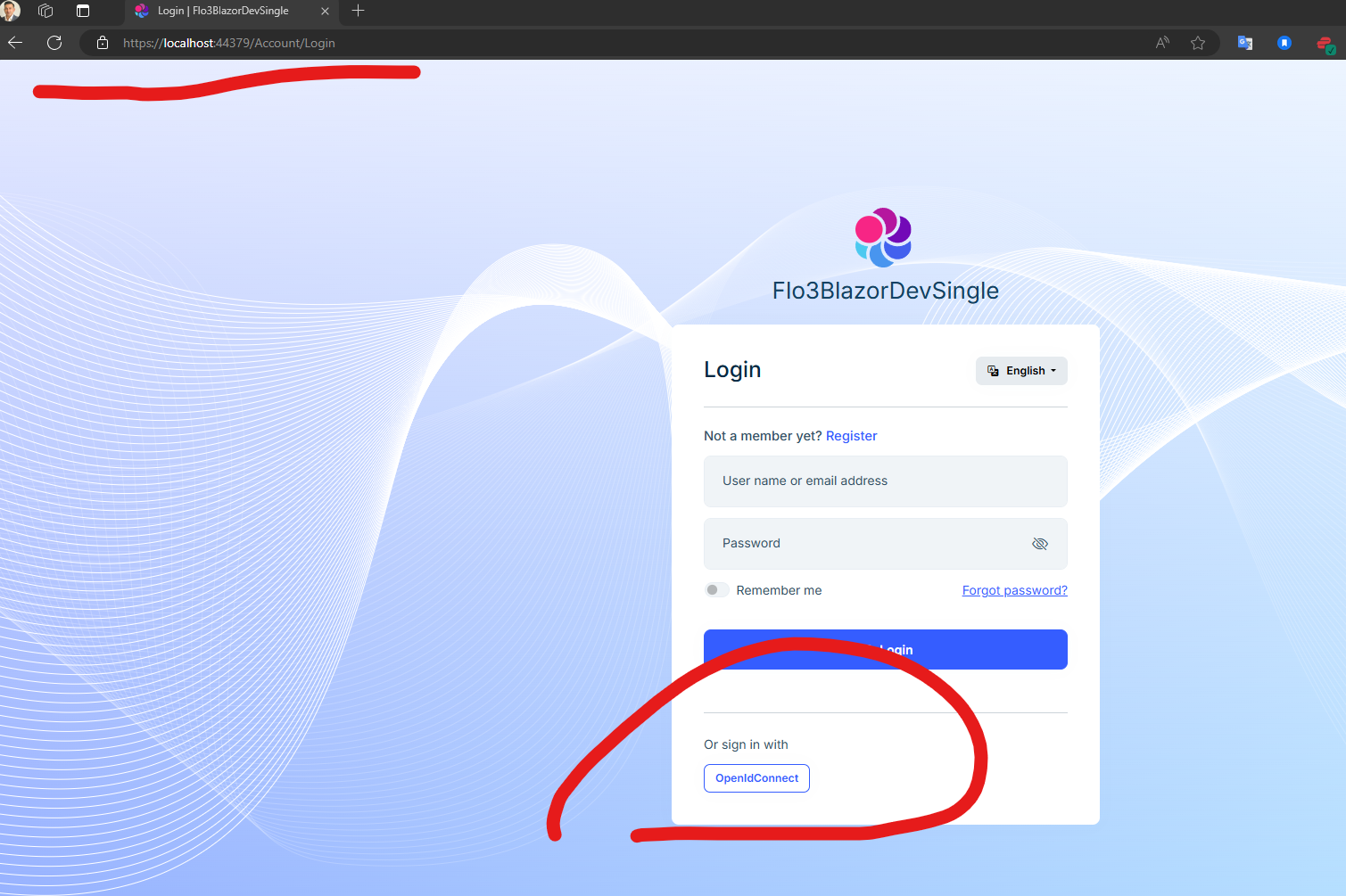
I previously added a personal Microsoft account configuration that worked with this redirect URL, everything worked as expected, I could register a new user and / or login with an existing account:
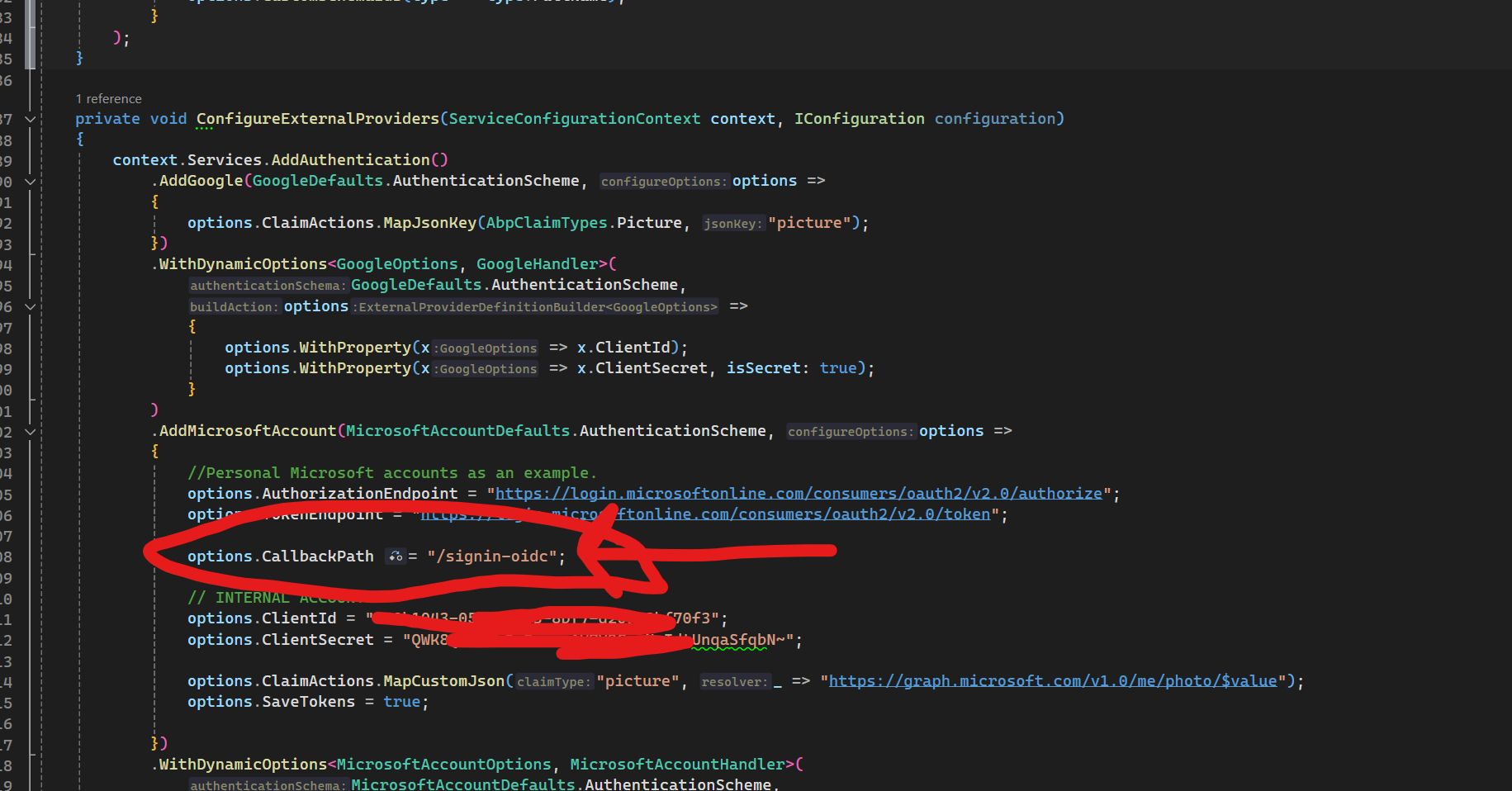
So I don't think it is the Callback path in this case, but maybe something else in the config that is causing ABP to throw this error. I know how OpenId config can be tricky, hopefully we can figure out what is the root cause here.
Thanks,
Karim
Hi, ok that worked , I can now log in as normal with the admin account. However still getting the OAUTH error on the redirect. Can you take a look at the config settings I provided and let me know if there is anything I am doing wrong that would lead to this error :
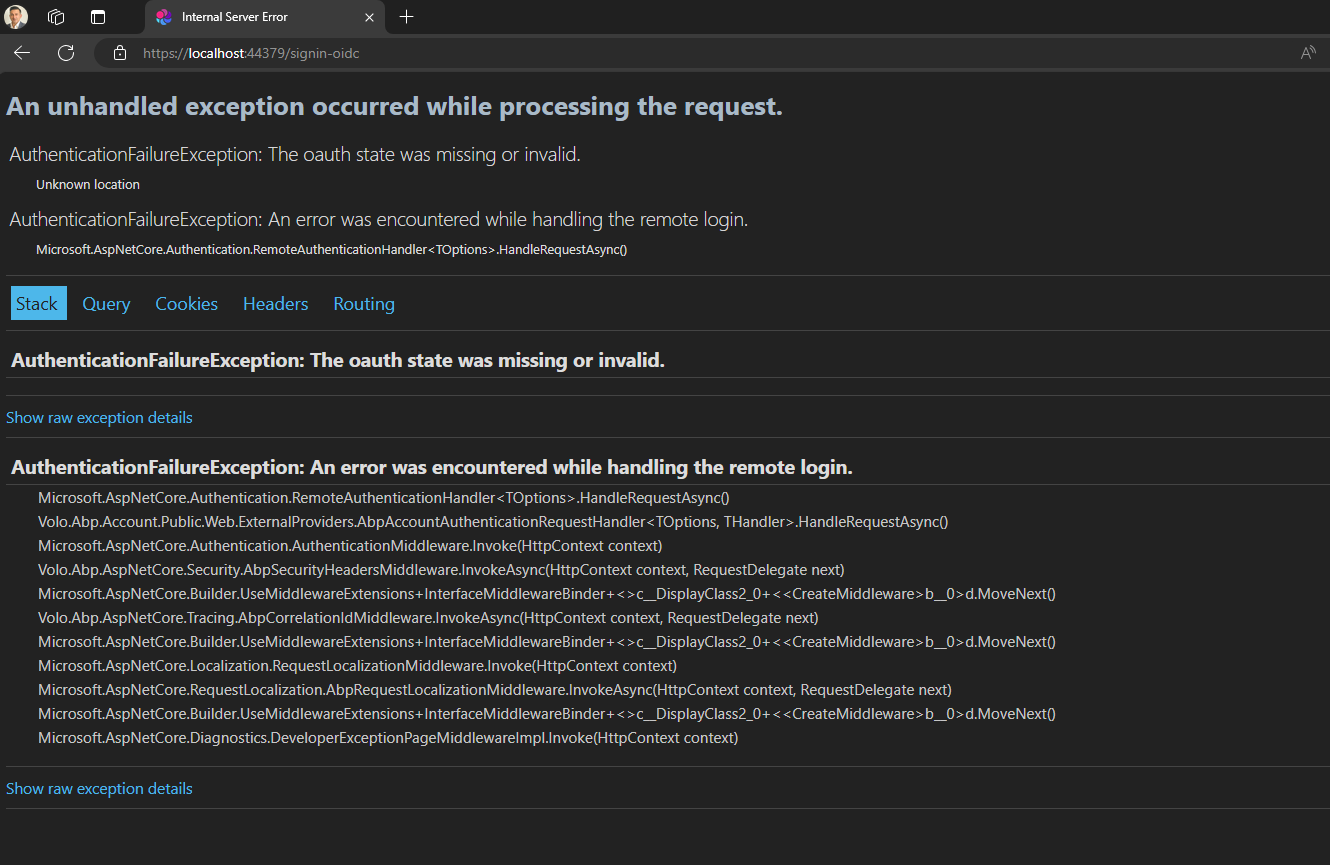
Thanks,
Karim
OK, I was able to find the files in the .suite folder in my old project, copied them over and everything works fine now. Thanks.
I need the metadata and options that I chose when creating the entities in ABP Suite. I don't want to go backwards and try and create from a db, that will definitely cause problems in a project this size.
There must be a location where this metadata is stored, how else do you load it into ABP Suite? Where can I find this data, so that I can continue working just as I left off.
Thanks,
Karim









