Migrated ABP Framework- 8.2.3 t0 ABP Framework- 10.5.0 and .NET 8 to NET Framework to .NET 10.
After upgrading our project's .NET version and ABP packages (and separately migrating AutoMapper → Mapperly, which we've ruled out as the cause), we observed that entities which are not explicitly updated in the current unit of work are still getting their audit columns (LastModificationTime, LastModifierId) stamped and persisted on SaveChanges().
_financialCounselingRepository.InsertAsync(financialCounseling, autoSave: true) — inserting a new FinancialCounseling (a FullAuditedEntity<long>).Patient entity (also FullAuditedEntity<long>) via a repository read (tried both tracked and AsNoTracking() — issue persists once the entity re-enters the change tracker through navigation fixup).UpdateAsync on Patient, nor modify any of its business properties.SaveChanges(), we instrumented ChangeTracker.Entries() right before EF Core's save call and observed:
Patient → EntityState.Modified, with only LastModificationTime reported as an IsModified property.FinancialCounseling → EntityState.Modified, with only LastModificationTime,LastModifierId reported as IsModified.Encounter, TransactionLocking_TR) correctly show a full, expected set of business properties as modified — confirming those are legitimate changes.Patient and FinancialCounseling rows get a LastModificationTime/LastModifierId update in the database even though no business column changed and no explicit update call was made against them.Entities that are EntityState.Modified purely because EF Core's DetectChanges()/navigation fixup flagged them (with zero non-audit, non-concurrency-stamp properties actually dirty) should not be audit-stamped by ABP's IAuditPropertySetter. Today, AuditPropertySetter (called from AbpDbContext's SaveChanges pipeline / HandlePropertiesBeforeSave) appears to stamp any entry with EntityState.Modified implementing IHasModificationTime, without checking whether any actual business property is dirty.
AuditPropertySetter.SetModificationAuditProperties intentionally stamp any Modified entry regardless of which properties changed?LastModificationTime, LastModifierId, ConcurrencyStamp)?DetectChanges()/relationship-fixup more aggressive about marking loaded-but-unmodified entities as Modified (e.g. due to shadow FK re-evaluation, concurrency token comparison, or navigation collection fixup)? We did not see this behavior prior to the .NET/ABP upgrade with the same code paths.IAuditPropertySetter the correct/supported extension point to override this (e.g., replacing the DI registration with a custom implementation that checks for non-audit dirty properties before stamping), or is there a more idiomatic ABP configuration option (e.g. under AbpAuditingOptions) we're missing?Ignore() all audit-related members (Id, CreationTime, CreatorId, LastModificationTime, LastModifierId) on create/update DTO→entity mappings — ruled out as cause.AsNoTracking() to the relevant repository read methods — did not resolve the issue (entity still ends up Modified in the tracker by the time SaveChanges runs, likely via navigation fixup from a related tracked aggregate).AppDbContext.HandlePropertiesBeforeSave() override that detects entries where all IsModified properties are in {"LastModificationTime", "LastModifierId", "ConcurrencyStamp"} and resets entry.State = EntityState.Unchanged before calling UpdateConcurrencyStamp(entry). This resolves the symptom but feels like it's masking a framework-level behavior we don't fully understand.Patient : FullAuditedEntity<long>, FinancialCounseling : FullAuditedEntity<long> (has ICollection<FCEncounterRelation> FCEncounters navigation).FCEncounterRelation (also FullAuditedEntity<long>) does not exhibit this false-positive — its modification-time column stays untouched in the same save batch, which is somewhat inconsistent with the parent aggregates being falsely flagged.Modified-state entity in the same SaveChanges batch regardless of relation to the actually-changed root entity, and whether there's a supported switch to opt out per-property rather than per-entity.I am currently using ABP Framework v10.5.0 with the following setup:
UI Type: React Database System: EF Core (SQL Server) Auth Server Separated: Yes .NET Version: .NET 10
Finding 1: SAST – Unchecked Input For Loop Condition
Component: Chart.js (chart.umd.js)
Description: Checkmarx identified an Unchecked Input For Loop Condition vulnerability in the Chart.js library.
Method Lambda at line 13 of /src/src/eFC.Web/wwwroot/libs/chart.js/chart.umd.js obtains user input from data. The range of this value is not validated, and is eventually used in a loop condition in et at line 7 of /src/src/eFC.Web/wwwroot/libs/chart.js/chart.umd.js, allowing attackers to provide a very high number of iterations.
Please advise: The remediation approach and target version (if upgrading Chart.js), or An alternative mitigation/compensating control if the library cannot be upgraded immediately. If this is assessed as a false positive or non-exploitable finding, please provide supporting justification.
Finding 2: SCA – CWE-843 Type Confusion
Package: uppy@5.2.4 (T) Category: CWE-843 | Access of Resource Using Incompatible Type ("Type Confusion")
Description: An SCA vulnerability has been identified in the third-party package uppy@5.2.4 (T).
CVE Details:
Published: 15 Apr 2026
Checkmarx Research Notes:
Our info regarding the package versions affected by this vulnerability differs from the one shown in NVD. This is based on research done by our AppSec Research team.
Please advise: Whether the package is actively used by the application. The planned upgrade path to a fixed version, if available. Any alternative mitigation/workaround if an upgrade cannot be performed at this time. If the package is not utilized or the finding is not applicable, please provide justification for review and closure.
Please provide your proposed remediation or alternative solution for both findings so that the security team can assess the next course of action and closure requirements.
I am currently using ABP Framework v8.2.3 with the following setup:
UI Type: React Database System: EF Core (SQL Server) Auth Server Separated: Yes .NET Version: .NET 8
I have identified a vulnerability in one of the transitive dependencies used by ABP: Scriban@5.9.0 (Transitive) Scriban versions prior to 7.0.2 are affected by a CWE-770 | Allocation of Resources Without Limits or Throttling CVE Details Published: May 19, 2026 ArrayFunctions.InsertAt in Scriban allocates index - list.Count null entries in a tight C# for loop with no bound on index. The function is exposed to template authors as array.insert_at, and the fill loop ignores every existing safety control: LoopLimit, LimitToString, ObjectRecursionLimit, and RecursiveLimit. A single template such as {{ [1] | array.insert_at 200000000 'x' | array.size }} causes OutOfMemoryException in well under a second on a host with 1 GB of memory, even when LoopLimit is set to 10 and LimitToString is set to 100. Because OutOfMemoryException is generally not caught by the template renderer or by typical host applications, the vulnerability terminates the host process, not just the template.
I understand that this issue is fixed in Scriban 7.0.2, but upgrading to that version would require .NET 9, which I am not able to migrate to at this time. I would like to stay on ABP 8.2.3 and .NET 8.
My question is: Is there a recommended mitigation or usage pattern within ABP to safely address this Scriban issue without upgrading the framework or runtime?
Thank you.
ABP Framework version: v8.2.3
UI Type: React
Database System: EF Core (SQL Server)
Tiered (for MVC) or Auth Server Separated (for Angular): yes
I am currently using ABP Framework 8.2.3 and have identified the following vulnerability in my project dependencies:
uppy@3.27.3 (Transitive) An issue pertaining to CWE-843: Access of Resource Using Incompatible Type was discovered in transload it uppy.
My question is: Is there a recommended way to mitigate or fix these vulnerabilities without upgrading the ABP Framework version? For example:
Can this transitive dependency be safely overridden? Are there configuration-based mitigations?
I am currently using ABP Framework v8.2.3 with the following setup:
UI Type: React Database System: EF Core (SQL Server) Auth Server Separated: Yes .NET Version: .NET 8
I have identified a vulnerability in one of the transitive dependencies used by ABP: Scriban@5.9.0 (Transitive) Scriban versions prior to 7.0.0 are affected by a CWE‑693 Protection Mechanism Failure, where TemplateContext caches type member accessors by Type only. If a TemplateContext instance is reused and the MemberFilter or MemberRenamer is tightened for later renders, Scriban may continue to expose members that should now be restricted. I understand that this issue is fixed in Scriban 7.0.0+, but upgrading to that version would require .NET 9, which I am not able to migrate to at this time. I would like to stay on ABP 8.2.3 and .NET 8.
My question is: Is there a recommended mitigation or usage pattern within ABP to safely address this Scriban issue without upgrading the framework or runtime?
Thank you.
ABP Framework version: v8.2.3
UI Type: React
Database System: EF Core (SQL Server)
Tiered (for MVC) or Auth Server Separated (for Angular): yes
I am currently using ABP Framework 8.2.3 and have identified the following vulnerabilities in my project dependencies:
select2@4.0.13 (Transitive) Select2 versions prior to 4.0.8 are vulnerable to Cross-Site Scripting (XSS). This occurs in scenarios where rich select lists use AJAX-based remote data loading along with HTML templates to render list items, allowing potentially unsafe HTML to be injected and executed. AutoMapper@13.0.1 (Transitive) AutoMapper is vulnerable to a Denial-of-Service (DoS) attack. In versions prior to 15.1.1 (and 16.x prior to 16.1.1), mapping deeply nested object graphs can lead to unbounded recursive calls, potentially causing a StackOverflowException and terminating the application.
At the moment, I am unable to upgrade the ABP Framework version because I want to remain on .NET 8 and avoid moving to .NET 9.
My question is: Is there a recommended way to mitigate or fix these vulnerabilities without upgrading the ABP Framework version? For example:
Can these transitive dependencies be safely overridden? Are there configuration-based mitigations (e.g., limiting mapping depth in AutoMapper)? Any best practices to address such issues in ABP without a full framework upgrade?
ABP Framework version: v8.2.3
UI Type: React
Database System: EF Core (SQL Server)
Tiered (for MVC) or Auth Server Separated (for Angular): yes
How to get the current retry count of any background job, my requirement is if all retry count is finished (which is 10 in my case), I need to add that job in a table and give flexibility to the user to re-run it (if required).
ABP Framework version: v8.2.3
UI Type: React
Database System: EF Core (SQL Server)
Tiered (for MVC) or Auth Server Separated (for Angular): yes
We have recently increased permission for admin user but after adding the permission user started getting error "HTTP Error 400. The size of the request header is too long".
I am getting below error message in my logs; it started coming when I upgraded the ABP version and added ABPSession table. How to fix it ?
[ERR] SessionId is null. It's not possible to revoke the session during sign out.
also, there is one more error, it is also coming after upgrade
2026-01-28 14:25:41.276 +08:00 [ERR] ---------- RemoteServiceErrorInfo ---------- { "code": null, "message": "The data you have submitted has already changed by another user/client. Please discard the changes you've done and try from the beginning.", "details": null, "data": null, "validationErrors": null }
ABP Framework version: v8.2
UI Type: React
Database System: EF Core (SQL Server)
Tiered (for MVC) or Auth Server Separated (for Angular): yes
We have recently increased permission for admin user but after adding the permission user started getting error "HTTP Error 400. The size of the request header is too long".
I have raised 1 ticket https://abp.io/support/questions/10056/HTTP-Error-400-The-size-of-the-request-header-is-too-long-after-adding-the-admin-permissions#new-answer, we found the root cause is that cookie size is too big and it is due to claims, we noticed in our application ABP add all the roles present in ABPRoles table when we get contex.ClaimPrincipal.Identifies.FirstOrDefault() in claims, we want to reduce that, can we add roles in claim based of userrole not all role to every user? if yes how?
ABP Framework version: v8.3.4
UI Type: React
Database System: EF Core (SQL Server)
Tiered (for MVC) or Auth Server Separated (for Angular): yes
As per ticket https://abp.io/support/questions/10045/security-vulnerability-for-the-VoloAbpCli-834#new-answer I got the confirmation that I can upgrade with abp to 9.xa for .net 8.
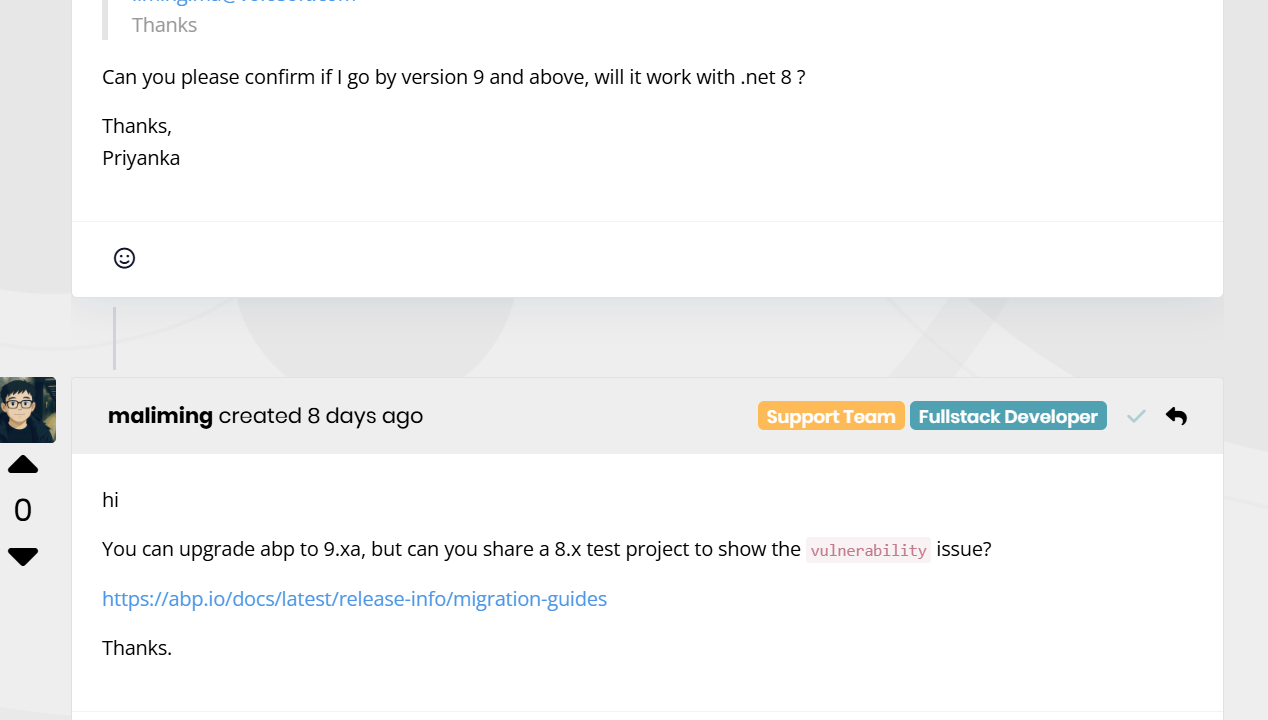
but when I'm trying to upgrade, I'm getting the below error:

Please confirm if I can go by v9 with .net 8.
Thanks,









