Hi Abp Team,
I have an issue with AutoMapperProfile. I am using AutoMapper after update to version 10.0.1 i am getting an issue with it. It tells me to use Mapperly. In application layer it works but in Blazor it asks to use mapperly.
How can I resolve this issue?
Hi Abp Team,
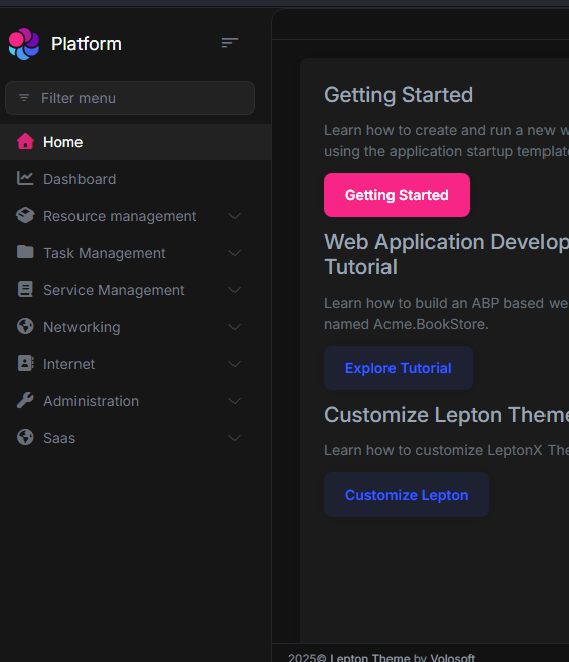
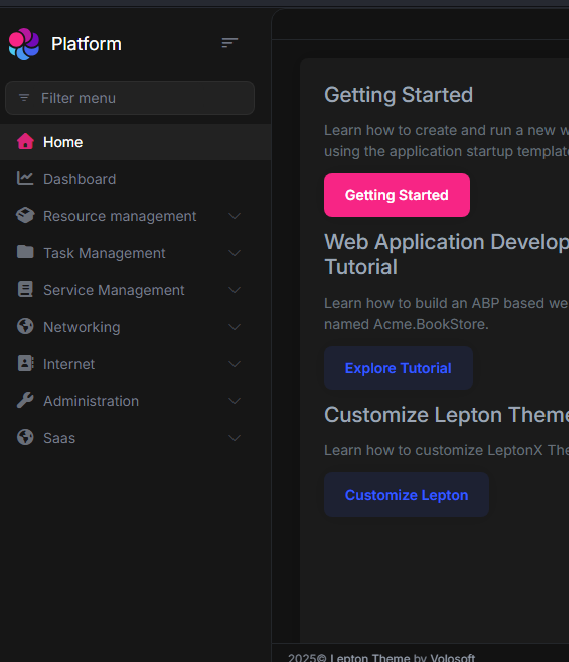
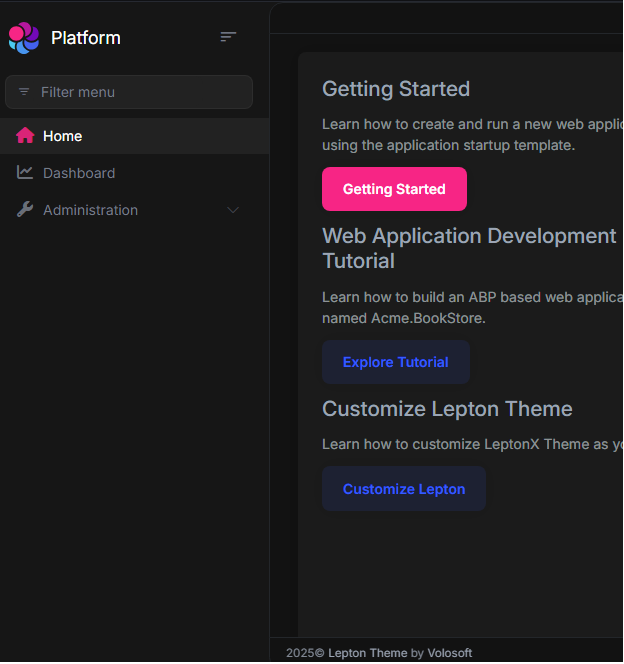
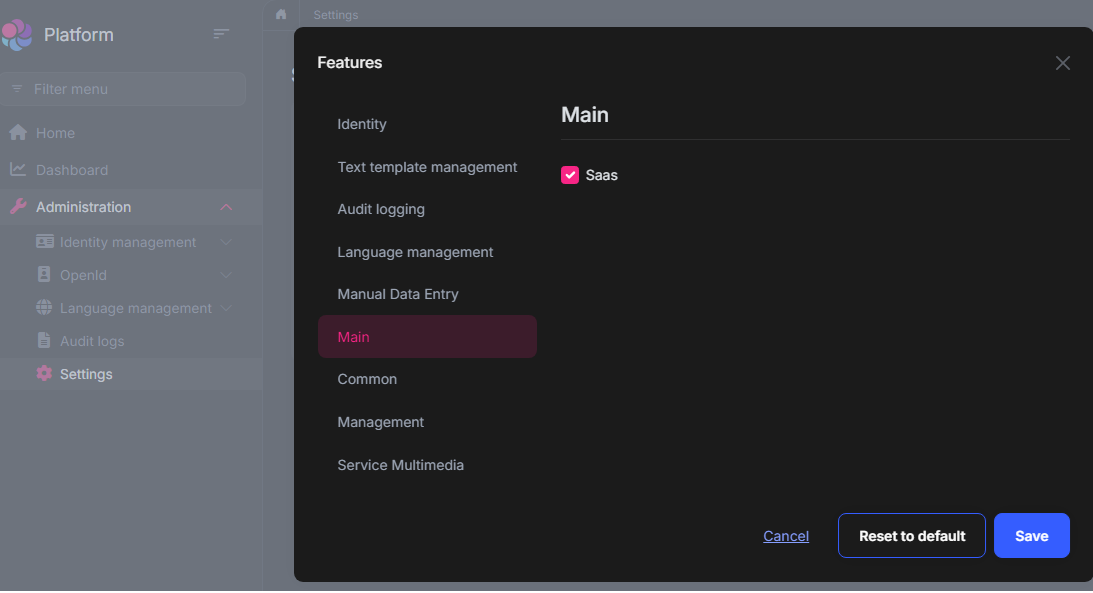
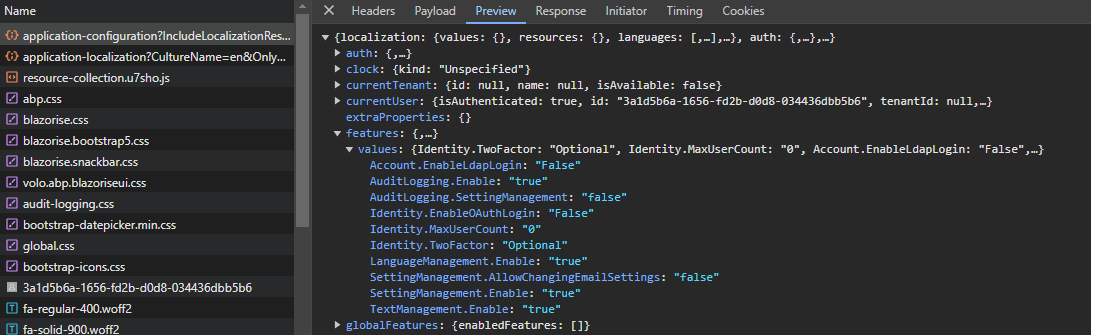
I am having an issue with the Features in moduled Blazor Web Application. I have a nuget package wich contains FeatureDefenitionProvider for Groups where defenition provider is located in Domain layer and class for const name in Domay.Shared layer, i am using this groups in my modules to control them by features, by default they are true. When i start programm at first every component that is using RequersFeature() are visible, but then disapears on complete program load. As I understand server can see and detect them thas why it visible but when blazor client loads it make them disapear and in abp/application-configuration/feature:values there is no my custom features. My groups are in database with default values and in UI Settings:FeaturesManagement: groups and children are also visible and working. For example i will show featuresdefenition provider for Saas: Domain
using Payhas.Billing.Platform.Localization;
using Payhas.Common.Features; // this is the nuget package
using Volo.Abp.Features;
using Volo.Abp.Localization;

namespace Payhas.Billing.Platform.Features;

public class SaasFeaturesDefinitionProvider : FeatureDefinitionProvider
{
    public override void Define(IFeatureDefinitionContext context)
    {
        var mainModuleGroup = context.GetGroupOrNull(ModulesFeatures.Main);

        mainModuleGroup?.AddFeature(SaasFeatures.Saas,
           defaultValue: "true",
           L(SaasFeatures.Saas));
    }

    private static LocalizableString L(string name)
    {
        return LocalizableString.Create<PlatformResource>("Features:" + name);
    }
}
DomainShared:
using Payhas.Common.Features;
using Volo.Abp.Reflection;

namespace Payhas.Billing.Platform.Features;

public class SaasFeatures
{
    public const string Saas = ModulesFeatures.Main + ".Saas";

    public static string[] GetAll()
    {
        return ReflectionHelper.GetPublicConstantsRecursively(typeof(SaasFeatures));
    }
}
Blazor.Client: Navigation MenuContributor
//Saas
 var saas = context.Menu.GetMenuItem(SaasHostMenus.GroupName);
 saas.RequireFeatures(SaasFeatures.Saas);
<br>
Hi Abp Team,
I am having trouble configuring the URL for the Blazor UI for Docker container after publishing. The situation is that after publishing, the container only works with the AppSelfUrl that was used while creating the project image. So, I tried the solution suggested in placing UseStaticFiles() before AbpMapStaticAssets(), but it did not solve the issue. I also tried adding BlazorEnableCompression to Blazor.Client.csproj to disable compression, but it also did not help. I used methods like UseStaticFilesForPatterns("appsettings*.json") and UseStaticFiles() with and without AbpMapStaticAssets().
What I want is to be able to change the configuration of the Blazor project after publishing. The project consists of multiple modules.
Hi Abp Team,
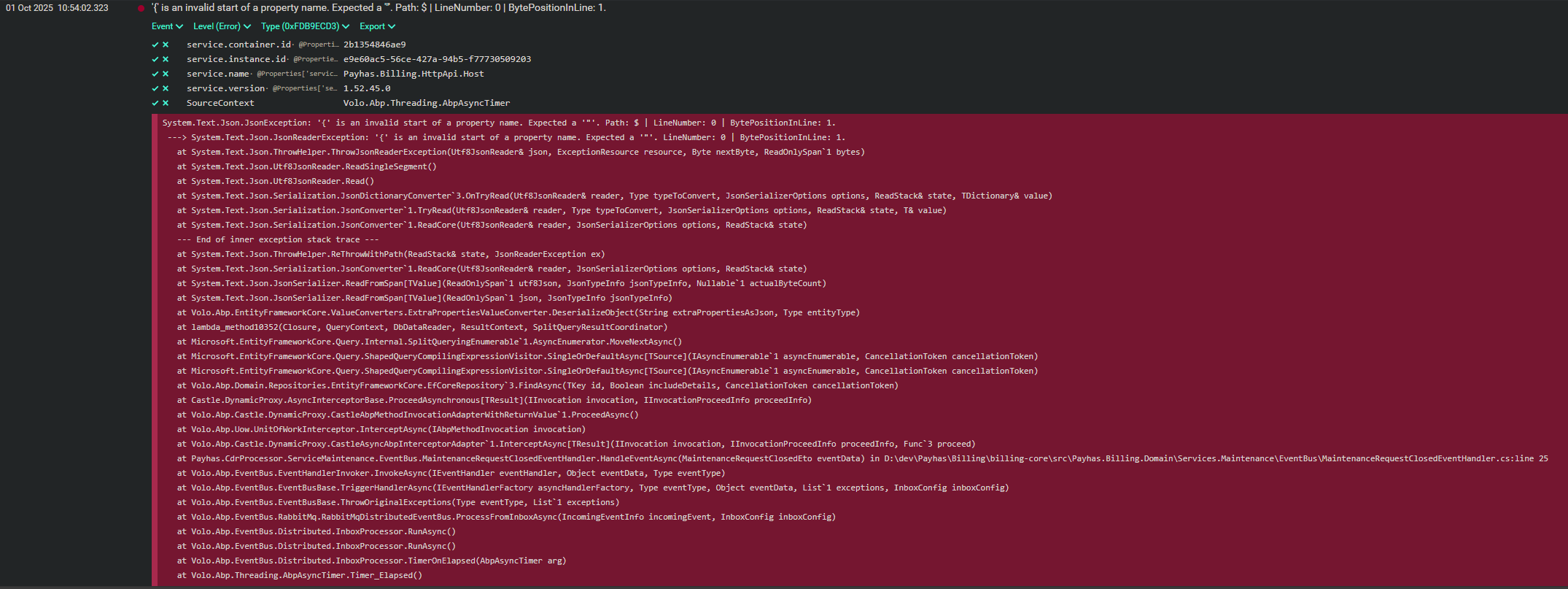
I am getting a JsonException when Project A publishes events to Project B. We are using RabbitMQ for event exchange. In the local environment, which is Windows, it works, but when published to Ubuntu, JsonExceptions are thrown.
Below is the JsonException that was thrown:
↓
<b>How can i solve this issue?</b>









