Hello again,
Could you clarify that the problem you have been facing is similar to this?
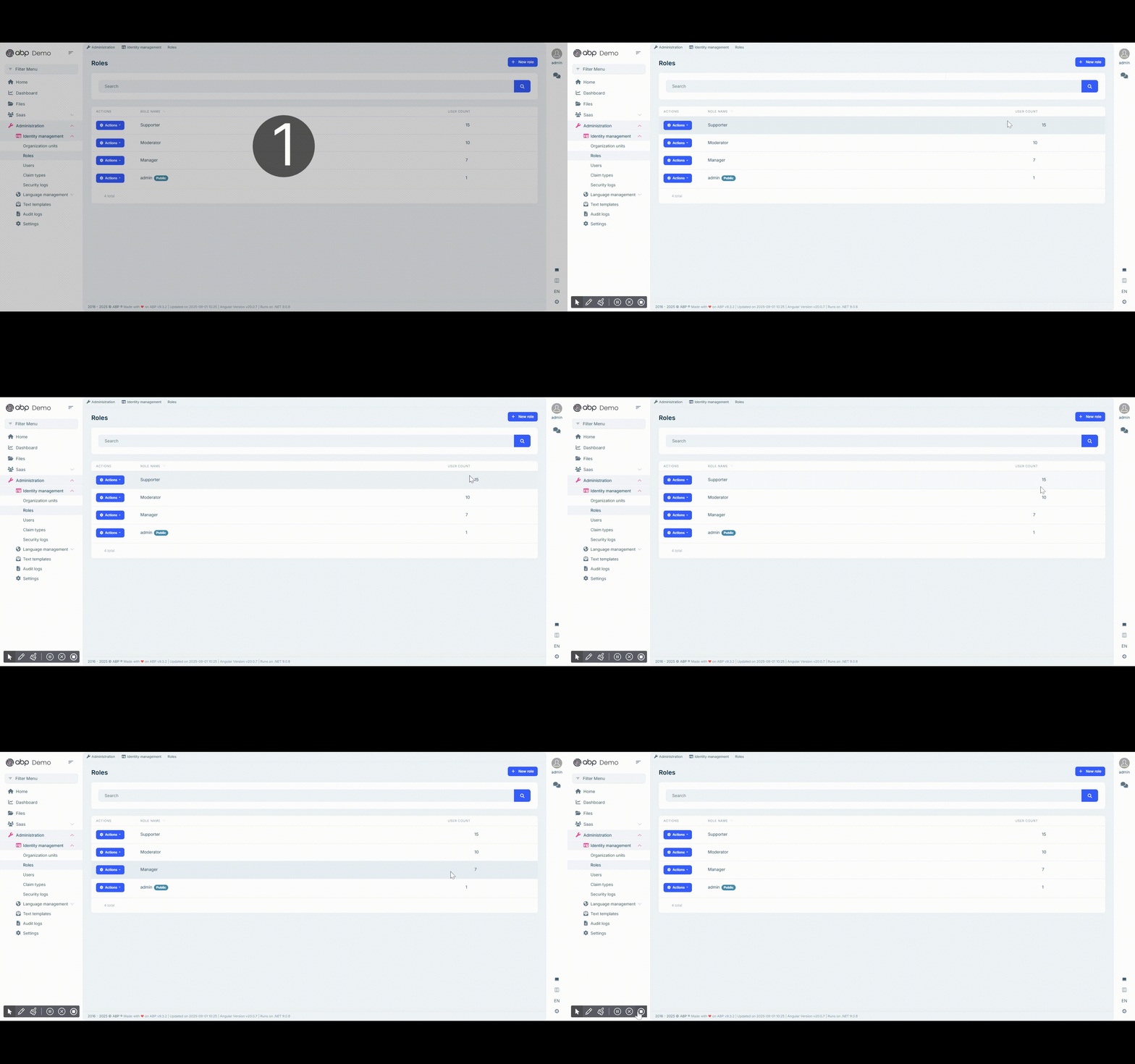
If this is the case, we have also detected the same issue and will be fixing within the next patch release. You can follow the status here https://github.com/abpframework/abp/releases
Hello,
You can follow these steps to replace the related bundles
First, create your custom CSS files
src/assets/my-bundle.css
src/assets/my-bundle.rtl.css
You can copy the content from the abp-bundle.css, abp.bundle.rt.css. You can also give a direct reference inside as @import url('abp-bundle.css'); and @import url('abp-bundle.rtl.css');
Then, ensure the files are served from the site root. Add this to angular.json → build.options.assets
  {
    "glob": "my-bundle*.css",
    "input": "src/assets",
    "output": "."
  }
Lastly, you need to tell the theme to use your bundle instead. In your app config (where you call provideThemeLeptonX):
   import { provideThemeLeptonX, withThemeLeptonXOptions } from '@volosoft/abp.ng.theme.lepton-x';
    // ...
    provideThemeLeptonX(
      withThemeLeptonXOptions({
        styleFactory: (styles) => {
          return [
            ...styles.filter(s => s.bundleName !== 'abp-bundle'),
            { bundleName: 'my-bundle' }, // loads /my-bundle.css (and .rtl.css)
          ];
        },
      }),
    );
You can let us know if you need further assistance. Thank you for your cooperation.
Hello,
I cannot produce the same problem on my end. Could you please specify the browser version you use? If you think that this does not relate to your problem, you could send a minimal reproducible example to this e-mail address sumeyye.kurtulus@volosoft.com so that I could assist you further.
Thank you for your cooperation.
You can follow this documentation in order to manage the custom layout structure https://abp.io/docs/latest/framework/ui/angular/component-replacement#how-to-replace-a-layout
Could you try again after removing one of these providers
// You can keep this
    provideThemeLeptonX(),
    provideSideMenuLayout(),

    // You can remove those
    importProvidersFrom(ThemeLeptonXModule.forRoot()),
    importProvidersFrom(SideMenuLayoutModule.forRoot()),
Hello again,
I am glad that your problems are almost resolved. Could you clarify that you do not duplicate the theme providers in your app.config.ts?
//...
providers: [
  provideThemeLeptonX(),
  provideSideMenuLayout(),
  //You need to remove these if you have them
  //importProvidersFrom([
    //ThemeLeptonxModule.forRoot(),
    //SideMenuLayoutModule.forRoot()
  //])
]
//...
Hello again, thank you for providing extra details.
I have tried with the old cli as you have also did and encountered the problems you mentioned. We will be fixing them for the next cli release. Hence, we recommend you to use the new studio cli https://abp.io/docs/latest/studio since it provides more stable features compared to the old one.
If you want to solve the problems manually you will need to make these configurations, or I can send you a sample as well.
// app.config.ts
// ...

import { provideThemeLeptonX } from '@volosoft/abp.ng.theme.lepton-x';
import { provideSideMenuLayout } from '@volosoft/abp.ng.theme.lepton-x/layouts';

providers: [
	// remove this part
	// importProvidersFrom([
	//	ThemeLeptonxModule.forRoot(),
	//	SideMenuLayoutModule.forRoot()
	//])

	// use this intead
	  provideThemeLeptonX(),
    provideSideMenuLayout(),

]
// tsconfig.json
// ...
 "paths": {
      "@angular/*": ["node_modules/@angular/*"],
      "@abp/*": ["node_modules/@abp/*"],
      "@volo/*": ["node_modules/@volo/*"],
      "@volosoft/*": ["node_modules/@volosoft/*"],
      "@swimlane/*": ["node_modules/@swimlane/*"],
      "@ngx-validate/core": ["node_modules/@ngx-validate/core"],
      "@ng-bootstrap/ng-bootstrap": ["node_modules/@ng-bootstrap/ng-bootstrap"]
 },
On the contrary, if you still prefer using the application builder instead, you can remove the relative paths in tsconfig.json as a temporary workaround until we fix the problems.
You will also need to replace registerLocale with registerLocaleForEsBuild function here in this case.
// app.config.ts
provideAbpCore(
      withOptions({
        environment,
        registerLocaleFn: registerLocaleForEsBuild(),
      })
),
Thank you for your clarification.
The reason you see a difference between MVC and Angular is due to the authorization flow being used:
/Account/ConfirmUser page (server-side redirect)./api/account/send-email-confirmation-token and show a confirmation screen)./Account/ConfirmUser out of the box.In short:
Here’s a reference explaining the difference between Code Flow and Password Flow in OAuth 2.0:
Sure, that would be the best if you could provide a minimal example through my e-mail address: sumeyye.kurtulus@volosoft.com.
Hello,
In ABP, two-factor authentication (2FA) is an optional security feature that must be enabled per user. When enabled, after the username and password are verified, the backend does not immediately log the user in. Instead, it responds with a "RequiresTwoFactor" error along with the userId and twoFactorToken. The frontend must then guide the user through the “send security code” and “verify security code” steps to complete login. You can refer to this document: https://abp.io/docs/latest/modules/identity/two-factor-authentication
Normally, 2FA depends on the user having a confirmed email address or phone number, because the second factor is delivered through those channels (or via an authenticator app tied to a confirmed identity).
Could you please clarify:
Thank you for your cooperation.









