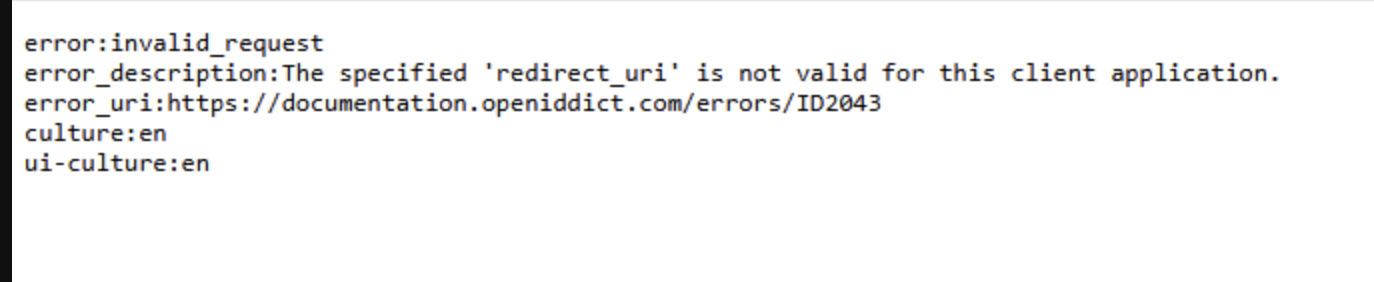
[maliming] said: hi
The logs don't show the infinite login problem.
Can you share an online website? I will test it online
liming.ma@volosoft.com
Thanks.
Hi The infinite Problem is only when we run the project locally
when deployed we don't have this issue
the logs are from the deployed version
here is the online website you can use Public Deployed URL (For Testing) https://dentpalqaaumtech.org/
Username / Password: ABP default credentials
thanks
Hi
The Logs are Sent to the liming.ma@volosoft.com
Please confirm
Thank You
[maliming] said: hi
You can also share full logs.txt of your authserver project to liming.ma@volosoft.com
Thanks.
Hi We will provide you the Logs give us some time as our sever is experiencing downtime now
Thanks
[maliming] said: hi
How can I use your Angular to test the api website?
I can
mkcert apiqadentpalaumtech.org "*.apiqadentpalaumtech.org"and use it in local api website.but how about Angular?
Can you share the full steps to reproduce your problem?
Thanks.
Here are Steps to Reproduce
1. Super Admin Login
Run the project locally (API + Angular).
Open the application in Super Admin context.
Enter valid Super Admin credentials.
Observed Behavior
Login goes into an infinite redirect loop back to the login page.
When incorrect credentials are entered, proper error messages are shown.
This indicates authentication is working, but post-login redirection fails.
2. Tenant Login
Observed Behavior
1. Super Admin Login
Observed Behavior
2. Tenant Login
Observed Behavior
Thanks
Hi use the Sourcecode branch
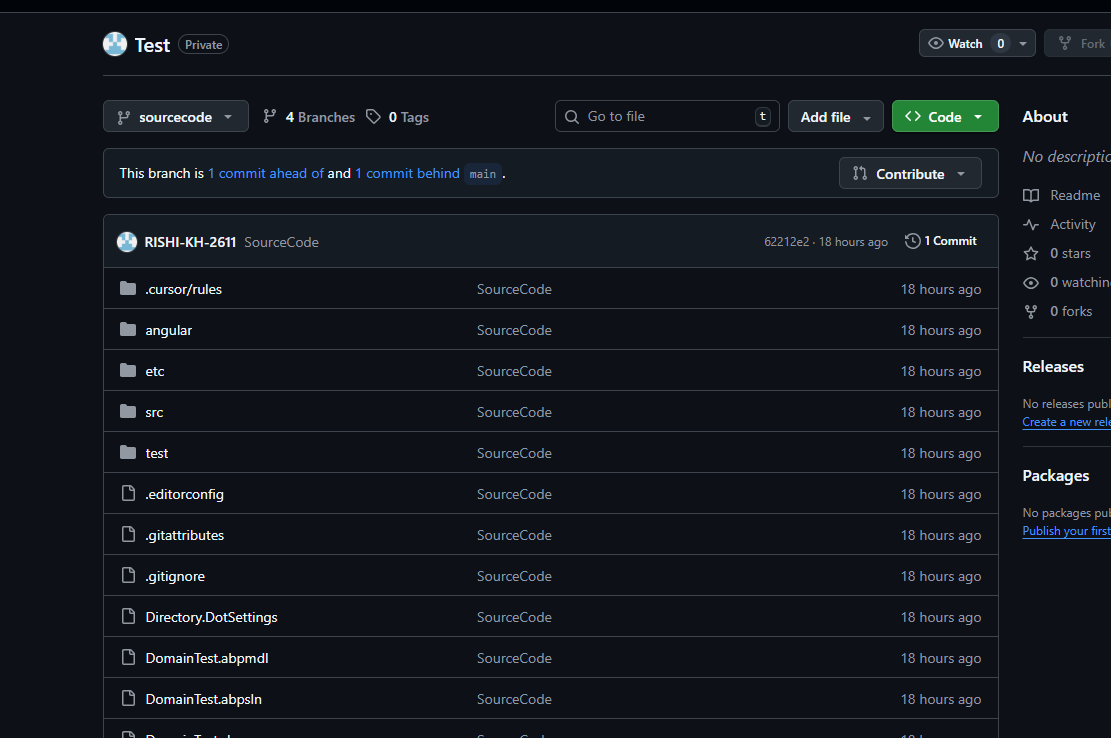
Hi Made the Repo Private and invite sent as a contributor
[maliming] said: hi
Issue 1: Host (Super Admin) Login Issue
Please check the debug logs see what happened?
https://abp.io/support/questions/8622/How-to-enable-Debug-logs-for-troubleshoot-problems
Can you also share an online URL and test user and password?
liming.ma@volosoft.com
Thanks.
we will update you with this details give us some time
[maliming] said: hi
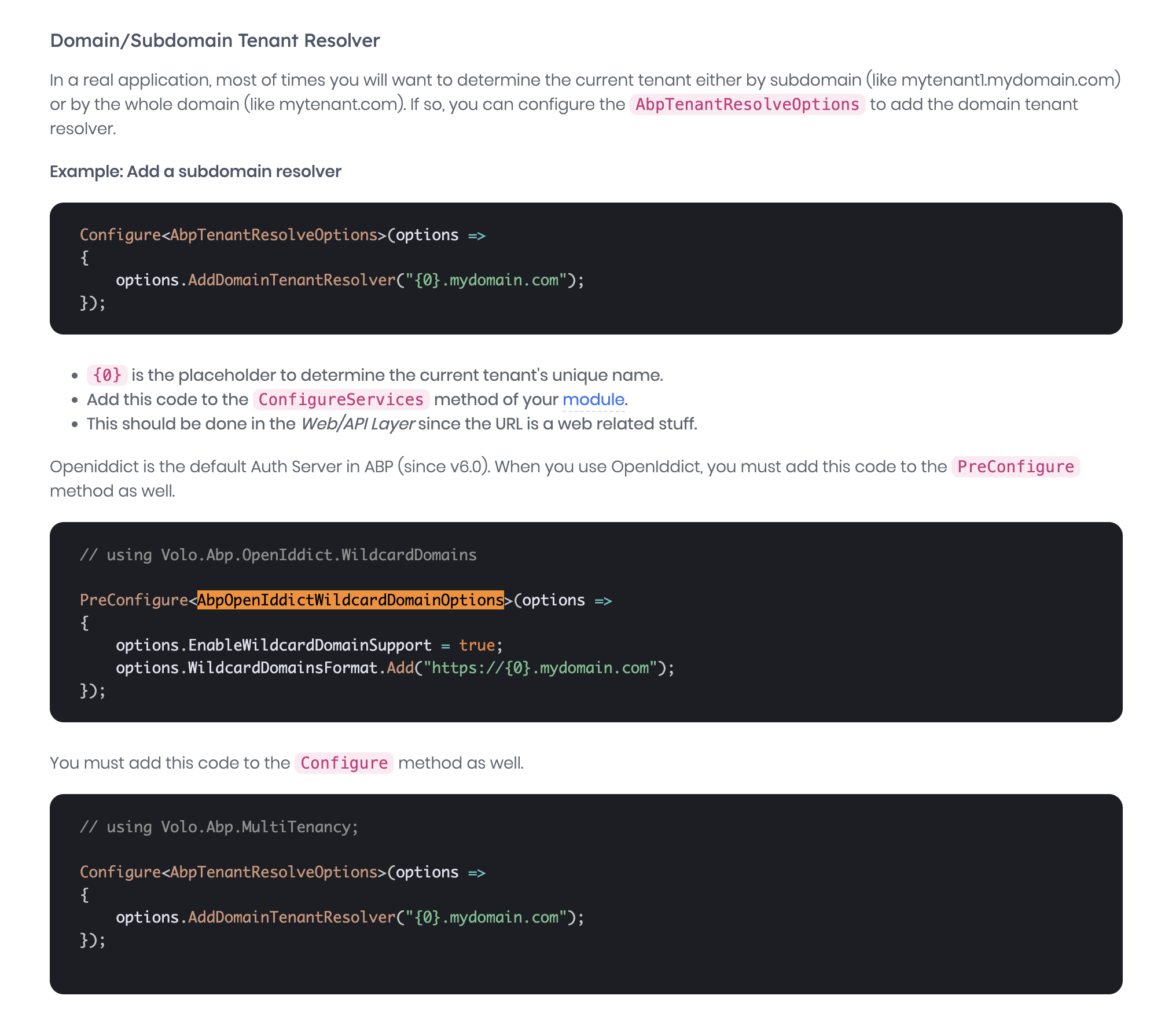
You can configure OpenIddict to support wildcard domain names.
https://abp.io/docs/latest/framework/architecture/multi-tenancy#domainsubdomain-tenant-resolver
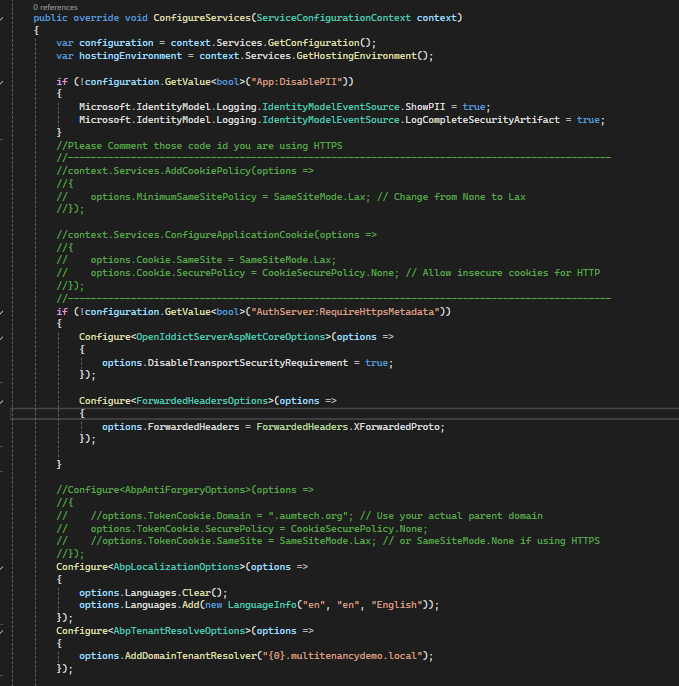
we have already added that but still the issue persistent
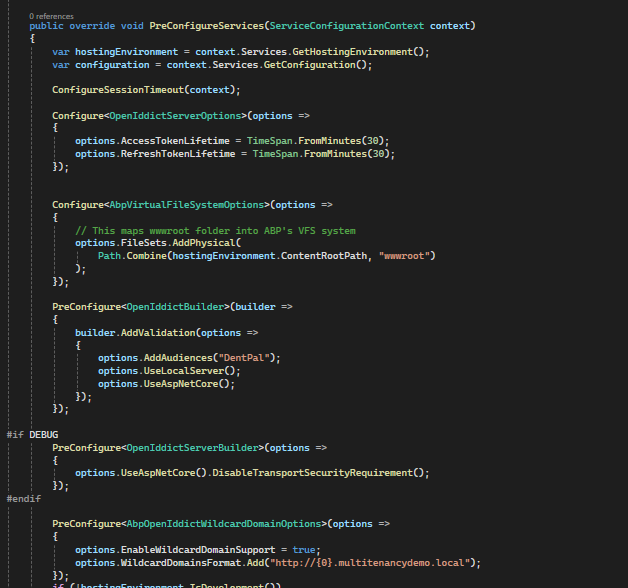
Hi,
Thank you for the information.
We’ve collected the debug logs for issue #9502 – "Cypress POST Requests Returning 400 Bad Request – Works Fine in Browser" and have sent them directly via email to liming.ma@volosoft.com.
Please confirm once received. Let us know if any additional details are needed.
Thanks
Hi,
Thank you for the response.
We’ve enabled debug logging as per the instructions provided in this guide.
Could you please let us know the preferred way to share the debug log files with you for the 400 error issue we’re encountering?
Looking forward to your guidance.
Best regards, Rishikesh Tuniki