Activities of "ageiter"

I have now solved this a little differently, as I do not need the manual registration and prefer to create the user automatically. Therefore I have now copied the OnGetExternalLoginCallbackAsync method and adapted it accordingly (see below).

loginInfo.Principal.AddClaim(AbpClaimTypes.SurName, loginInfo.Principal.FindFirstValue(ClaimTypes.Surname) ?? string.Empty);

        public override async Task<IActionResult> OnGetExternalLoginCallbackAsync(string returnUrl = "", string returnUrlHash = "", string remoteError = null)
        {
            if (remoteError != null)
            {
                Logger.LogWarning($"External login callback error: {remoteError}");
                return RedirectToPage("./Login");
            }

            await IdentityOptions.SetAsync();

            var loginInfo = await SignInManager.GetExternalLoginInfoAsync();
            if (loginInfo == null)
            {
                Logger.LogWarning("External login info is not available");
                return RedirectToPage("./Login");
            }

            var result = await SignInManager.ExternalLoginSignInAsync(
                loginInfo.LoginProvider,
                loginInfo.ProviderKey,
                isPersistent: false,
                bypassTwoFactor: true
            );

            if (!result.Succeeded)
            {
                await IdentitySecurityLogManager.SaveAsync(new IdentitySecurityLogContext()
                {
                    Identity = IdentitySecurityLogIdentityConsts.IdentityExternal,
                    Action = "Login" + result
                });
            }

            if (result.IsLockedOut)
            {
                Logger.LogWarning($"External login callback error: user is locked out!");
                throw new UserFriendlyException("Cannot proceed because user is locked out!");
            }

            if (result.IsNotAllowed)
            {
                Logger.LogWarning($"External login callback error: user is not allowed!");
                throw new UserFriendlyException("Cannot proceed because user is not allowed!");
            }

            if (result.Succeeded)
            {
                return RedirectSafely(returnUrl, returnUrlHash);
            }

            //TODO: Handle other cases for result!

            var email = loginInfo.Principal.FindFirstValue(ClaimTypes.Email);
            if (string.IsNullOrWhiteSpace(email))
            {
                return RedirectToPage("./Register", new {
                    IsExternalLogin = true,
                    ExternalLoginAuthSchema = loginInfo.LoginProvider,
                    ReturnUrl = returnUrl
                });
            }

            var user = await UserManager.FindByEmailAsync(email);
            if (user == null)
            {
                // Get additional infos from AzureAD Claims and set them to AbpClaims
                loginInfo.Principal.AddClaim(AbpClaimTypes.Email, loginInfo.Principal.FindFirstValue(ClaimTypes.Email) ?? string.Empty);
                loginInfo.Principal.AddClaim(AbpClaimTypes.UserName, loginInfo.Principal.FindFirstValue(ClaimTypes.Email) ?? string.Empty);
                loginInfo.Principal.AddClaim(AbpClaimTypes.Name, loginInfo.Principal.FindFirstValue(ClaimTypes.GivenName) ?? string.Empty);
                loginInfo.Principal.AddClaim(AbpClaimTypes.SurName, loginInfo.Principal.FindFirstValue(ClaimTypes.Surname) ?? string.Empty);

                user = await CreateExternalUserAsync(loginInfo);
            }
            else
            {
                if (await UserManager.FindByLoginAsync(loginInfo.LoginProvider, loginInfo.ProviderKey) == null)
                {
                    CheckIdentityErrors(await UserManager.AddLoginAsync(user, loginInfo));
                }
            }

            await SignInManager.SignInAsync(user, false);

            await IdentitySecurityLogManager.SaveAsync(new IdentitySecurityLogContext()
            {
                Identity = IdentitySecurityLogIdentityConsts.IdentityExternal,
                Action = result.ToIdentitySecurityLogAction(),
                UserName = user.Name
            });

            return RedirectSafely(returnUrl, returnUrlHash);
        }

How do I get the profile picture now? I think the only way is through the Microsoft Graph, right? Can you tell me how to create the GraphServiceClient? I don't know what I need to pass there as parameters and have available in this method.

I see that I can retrieve the claims here.

        public override async Task<IActionResult> OnGetExternalLoginCallbackAsync(string returnUrl = "", string returnUrlHash = "", string remoteError = null)
        {
            var loginInfo = await SignInManager.GetExternalLoginInfoAsync();
            var claims = loginInfo.Principal.Claims;

            return await base.OnGetExternalLoginCallbackAsync(returnUrl, returnUrlHash, remoteError);
        }

But then comes the page for registration, in which only the mail address is added to the new user. How can I add this additional information there? So that at the end the new user is completed with data from the claims?

Thank you for the explanation. This is how it worked. What was missing was the @inherits... in Razor file.

The documentation contains the sentence "Don't forget to remove repeated attributes from the razor page!". I must have deleted one line too much...

@enisn: I use the TopMenu layout. Therefore the namespace should be correct.

I would have to test if the error still occurs with the new version... but I currently do not come to it, please leave the ticket still open.

According to the support rule, after 10 days have gone since the last answer from the support team, an email is being sent to the question owner regarding the question's inactivity. In this step, the support team is awaiting a response from the owner to keep the question active. The question is automatically closed if the owner still doesn't respond after 5 days. Within the period the question is still active, the owner can reopen the question and continue the conversation throughout this time frame. After waiting in this manner for 7 days, the question is automatically locked by the Service Bot, if there is still no response. The question owner receives an email notification for each of these phases. Despite these warnings and steps, the question can be reopened if the owner emails info@abp.io. This procedure is carried out to make support questions more active and monitorable.

I have also had difficulties with this handling. I have reported bugs several times that ended up in an internal issue. It was said that the issue would be fixed, but there is no way for me to track when that bug was fixed. The question is then already closed and I can't follow up (unless I actively save the question from being closed).

What I would like to see: Either we get insight into these internal issues and can see the current status or you get feedback in the original question when the issue has been resolved (even if the question has already been closed automatically).

After this change, I guess no stylesheets are loaded at all. In any case, it does not work like this.

What is the purpose of the script "leptonx-blazor-compatibility.js" that you say I can just remove it?

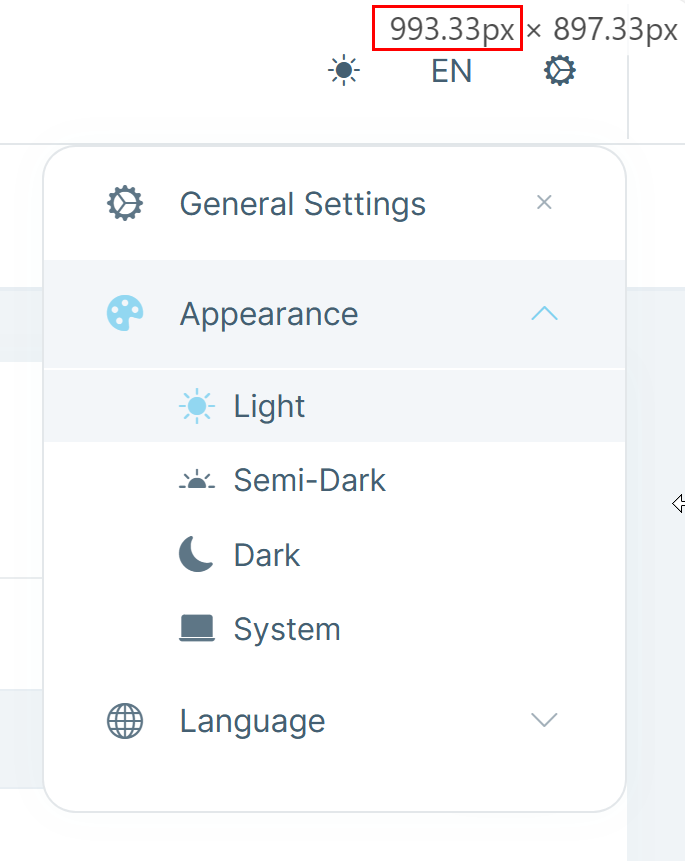
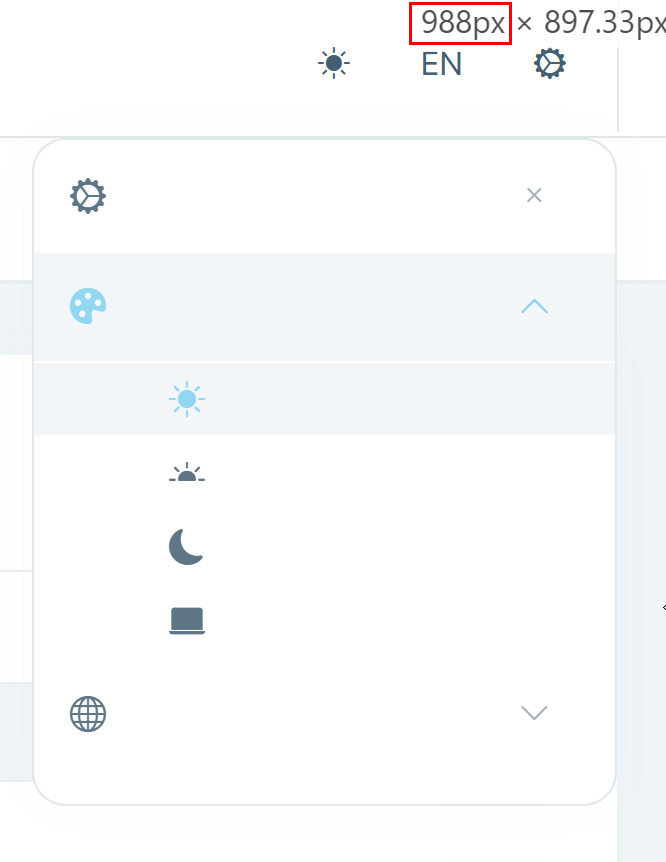
Do you intend to fix the display bug (see my screencast)? This will probably affect everyone and not just me.... Because then I wait for your update and use my workaround until then.

Ah yes, that would have been obvious....

Unfortunately I now get the following exception:

2023-04-13 10:08:33.897 +02:00 [WRN] Microsoft.AspNetCore.Components.Server.Circuits.RemoteRenderer Unhandled exception rendering component: Could not find 'initLeptonX' ('initLeptonX' was undefined). Error: Could not find 'initLeptonX' ('initLeptonX' was undefined). at https://localhost:44317/__bundles/Blazor.LeptonXTheme.Global.D63281ABB59122B4DC5FC5D8F15EC43B.js?_v=638169700990341618:1:497 at Array.forEach (<anonymous>) at s.findFunction (https://localhost:44317/__bundles/Blazor.LeptonXTheme.Global.D63281ABB59122B4DC5FC5D8F15EC43B.js?_v=638169700990341618:1:465) at E (https://localhost:44317/__bundles/Blazor.LeptonXTheme.Global.D63281ABB59122B4DC5FC5D8F15EC43B.js?_v=638169700990341618:1:2611) at https://localhost:44317/__bundles/Blazor.LeptonXTheme.Global.D63281ABB59122B4DC5FC5D8F15EC43B.js?_v=638169700990341618:1:3499 at new Promise (<anonymous>) at Ft.beginInvokeJSFromDotNet (https://localhost:44317/__bundles/Blazor.LeptonXTheme.Global.D63281ABB59122B4DC5FC5D8F15EC43B.js?_v=638169700990341618:1:3480) at Ft._invokeClientMethod (https://localhost:44317/__bundles/Blazor.LeptonXTheme.Global.D63281ABB59122B4DC5FC5D8F15EC43B.js?_v=638169700990341618:1:75072) at Ft._processIncomingData (https://localhost:44317/__bundles/Blazor.LeptonXTheme.Global.D63281ABB59122B4DC5FC5D8F15EC43B.js?_v=638169700990341618:1:72696) at Ft.connection.onreceive (https://localhost:44317/__bundles/Blazor.LeptonXTheme.Global.D63281ABB59122B4DC5FC5D8F15EC43B.js?_v=638169700990341618:1:67009) Microsoft.JSInterop.JSException: Could not find 'initLeptonX' ('initLeptonX' was undefined). Error: Could not find 'initLeptonX' ('initLeptonX' was undefined). at https://localhost:44317/__bundles/Blazor.LeptonXTheme.Global.D63281ABB59122B4DC5FC5D8F15EC43B.js?_v=638169700990341618:1:497 at Array.forEach (<anonymous>) at s.findFunction (https://localhost:44317/__bundles/Blazor.LeptonXTheme.Global.D63281ABB59122B4DC5FC5D8F15EC43B.js?_v=638169700990341618:1:465) at E (https://localhost:44317/__bundles/Blazor.LeptonXTheme.Global.D63281ABB59122B4DC5FC5D8F15EC43B.js?_v=638169700990341618:1:2611) at https://localhost:44317/__bundles/Blazor.LeptonXTheme.Global.D63281ABB59122B4DC5FC5D8F15EC43B.js?_v=638169700990341618:1:3499 at new Promise (<anonymous>) at Ft.beginInvokeJSFromDotNet (https://localhost:44317/__bundles/Blazor.LeptonXTheme.Global.D63281ABB59122B4DC5FC5D8F15EC43B.js?_v=638169700990341618:1:3480) at Ft._invokeClientMethod (https://localhost:44317/__bundles/Blazor.LeptonXTheme.Global.D63281ABB59122B4DC5FC5D8F15EC43B.js?_v=638169700990341618:1:75072) at Ft._processIncomingData (https://localhost:44317/__bundles/Blazor.LeptonXTheme.Global.D63281ABB59122B4DC5FC5D8F15EC43B.js?_v=638169700990341618:1:72696) at Ft.connection.onreceive (https://localhost:44317/__bundles/Blazor.LeptonXTheme.Global.D63281ABB59122B4DC5FC5D8F15EC43B.js?_v=638169700990341618:1:67009) at Microsoft.JSInterop.JSRuntime.InvokeAsync[TValue](Int64 targetInstanceId, String identifier, Object[] args) at Microsoft.JSInterop.JSRuntimeExtensions.InvokeVoidAsync(IJSRuntime jsRuntime, String identifier, Object[] args) at Volo.Abp.AspNetCore.Components.Web.LeptonXTheme.Components.ApplicationLayout.TopMenuLayout.OnAfterRenderAsync(Boolean firstRender) at Microsoft.AspNetCore.Components.RenderTree.Renderer.GetErrorHandledTask(Task taskToHandle, ComponentState owningComponentState) 2023-04-13 10:08:33.937 +02:00 [ERR] Microsoft.AspNetCore.Components.Server.Circuits.CircuitHost Unhandled exception in circuit 'viiVU4iIdSd_soBzZ5NvQVcJ8W1AJG8w_L-4LhJ0Jqk'. Microsoft.JSInterop.JSException: Could not find 'initLeptonX' ('initLeptonX' was undefined). Error: Could not find 'initLeptonX' ('initLeptonX' was undefined). at https://localhost:44317/__bundles/Blazor.LeptonXTheme.Global.D63281ABB59122B4DC5FC5D8F15EC43B.js?_v=638169700990341618:1:497 at Array.forEach (<anonymous>) at s.findFunction (https://localhost:44317/__bundles/Blazor.LeptonXTheme.Global.D63281ABB59122B4DC5FC5D8F15EC43B.js?_v=638169700990341618:1:465) at E (https://localhost:44317/__bundles/Blazor.LeptonXTheme.Global.D63281ABB59122B4DC5FC5D8F15EC43B.js?_v=638169700990341618:1:2611) at https://localhost:44317/__bundles/Blazor.LeptonXTheme.Global.D63281ABB59122B4DC5FC5D8F15EC43B.js?_v=638169700990341618:1:3499 at new Promise (<anonymous>) at Ft.beginInvokeJSFromDotNet (https://localhost:44317/__bundles/Blazor.LeptonXTheme.Global.D63281ABB59122B4DC5FC5D8F15EC43B.js?_v=638169700990341618:1:3480) at Ft._invokeClientMethod (https://localhost:44317/__bundles/Blazor.LeptonXTheme.Global.D63281ABB59122B4DC5FC5D8F15EC43B.js?_v=638169700990341618:1:75072) at Ft._processIncomingData (https://localhost:44317/__bundles/Blazor.LeptonXTheme.Global.D63281ABB59122B4DC5FC5D8F15EC43B.js?_v=638169700990341618:1:72696) at Ft.connection.onreceive (https://localhost:44317/__bundles/Blazor.LeptonXTheme.Global.D63281ABB59122B4DC5FC5D8F15EC43B.js?_v=638169700990341618:1:67009) at Microsoft.JSInterop.JSRuntime.InvokeAsync[TValue](Int64 targetInstanceId, String identifier, Object[] args) at Microsoft.JSInterop.JSRuntimeExtensions.InvokeVoidAsync(IJSRuntime jsRuntime, String identifier, Object[] args) at Volo.Abp.AspNetCore.Components.Web.LeptonXTheme.Components.ApplicationLayout.TopMenuLayout.OnAfterRenderAsync(Boolean firstRender) at Microsoft.AspNetCore.Components.RenderTree.Renderer.GetErrorHandledTask(Task taskToHandle, ComponentState owningComponentState)

Sorry for the late feedback, I didn't get a notification about your reply.

Unfortunately your solution does not work. Because when I look in BundleContributor, this script is not existing at all. There it hase only CSS scripts...

That works, thank you @liangshiwei!

On Azure, certificates can be uploaded and exposed to Azure App Service applications using the special WEBSITE_LOAD_CERTIFICATES flag. For more information, visit Use a TLS/SSL certificate in your code in Azure App Service.

Unfortunately, this is not possible if the AppService is running in the App Service plan "Free". And "Load User Profile" is not applicable in this mode either. That's why I wanted to read the certificates when they are simply in wwwroot.

Is there any other way to run the ABP app on Azure in App Service plan "Free"? I don't want to spend a lot of money for my test sites yet.

Showing 211 to 220 of 271 entries
Boost Your Development
ABP Live Training
Packages
See Trainings
Mastering ABP Framework Book
The Official Guide
Mastering
ABP Framework
Learn More
Mastering ABP Framework Book
Made with ❤️ on ABP v10.1.0-preview. Updated on December 12, 2025, 10:36
1
ABP Assistant
🔐 You need to be logged in to use the chatbot. Please log in first.