@developer1 thanks for your feedback. yoru reported issue has been already fixed in 4.1.1.
there are 3 database providers (EF Core, MongoDB, Dapper) * 3 Front-Ends (Angular, MVC, Blazor) * Tier/Seperated IDS4 structures. Maybe you are working on one project type, but there these different projects ( cartesian of these options ) it's hard to test all the variants.
On the other hand, the team is setting up a UI testing devops line now with Playwright We are very close to finish this testing environment. We'll be testing different variants of ABP after each preview. So I hope these issues will be less or zero. Thank you for your understanding.
if you get "You are not granted permission to ....." then means your token has been expired. Try to login again.
run this to update
dotnet tool update -g Volo.Abp.Cli && abp suite update
also you need to update your packages to 4.1.0
@trendline do you still get license error?
If this tool is alternate what process i should follow to create ui?
In this document, you can follow how to create CRUD pages step by step. https://docs.abp.io/en/commercial/latest/tutorials/book-store/part-1?UI=MVC&DB=EF
I see that you can successfully browse https://api.github.com/repos/abpframework/abp/releases . So do you still get the following error right now?
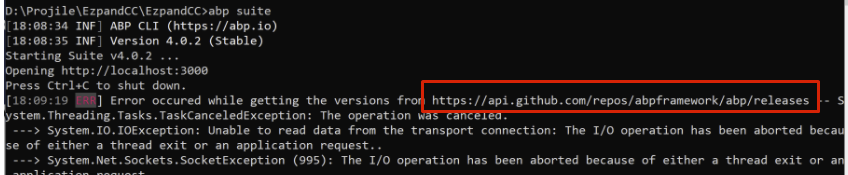
Regarding point 1: 1- Open ABP suite from my project folder 2- Go to ABP suite module 3- Download Code 4- Wola you got error in ABP suite console
Can you write the error log and attach your error screenshot.
can you pls show a screenshot that you can succesfully and navigate to https://api.github.com/repos/abpframework/abp/releases also can you try again to create the entity via Suite.
PS: Suite is not a blocker. It's a complementary tool that helps you to generate a CRUD page. You can always create entity manually.
Sorry for the inconvenience. Suite is a complementary tool that helps you to create a CRUD page. But it will never block you. You can continue to manually create your entity. On the other way we are working on the reported issues.
I couldn't reproduce your problem. Added SaS module and no compile errors.
can you check you can go to the highlighted URL in your browser? sometimes network problems prevent reaching GitHub.
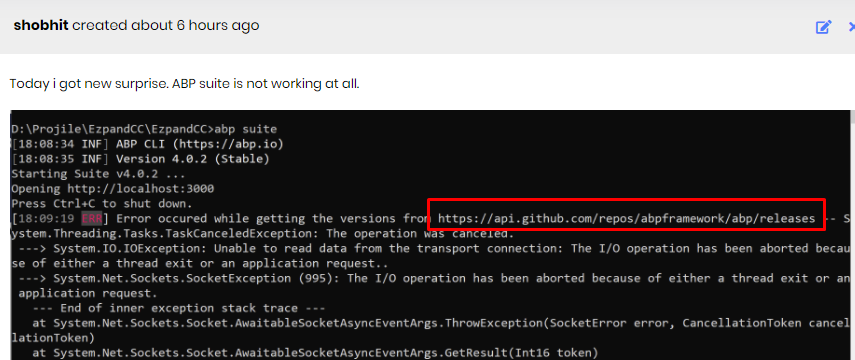
- In existing project ABP "nuget package replace by code" is not working and throwing various errors in ABP console
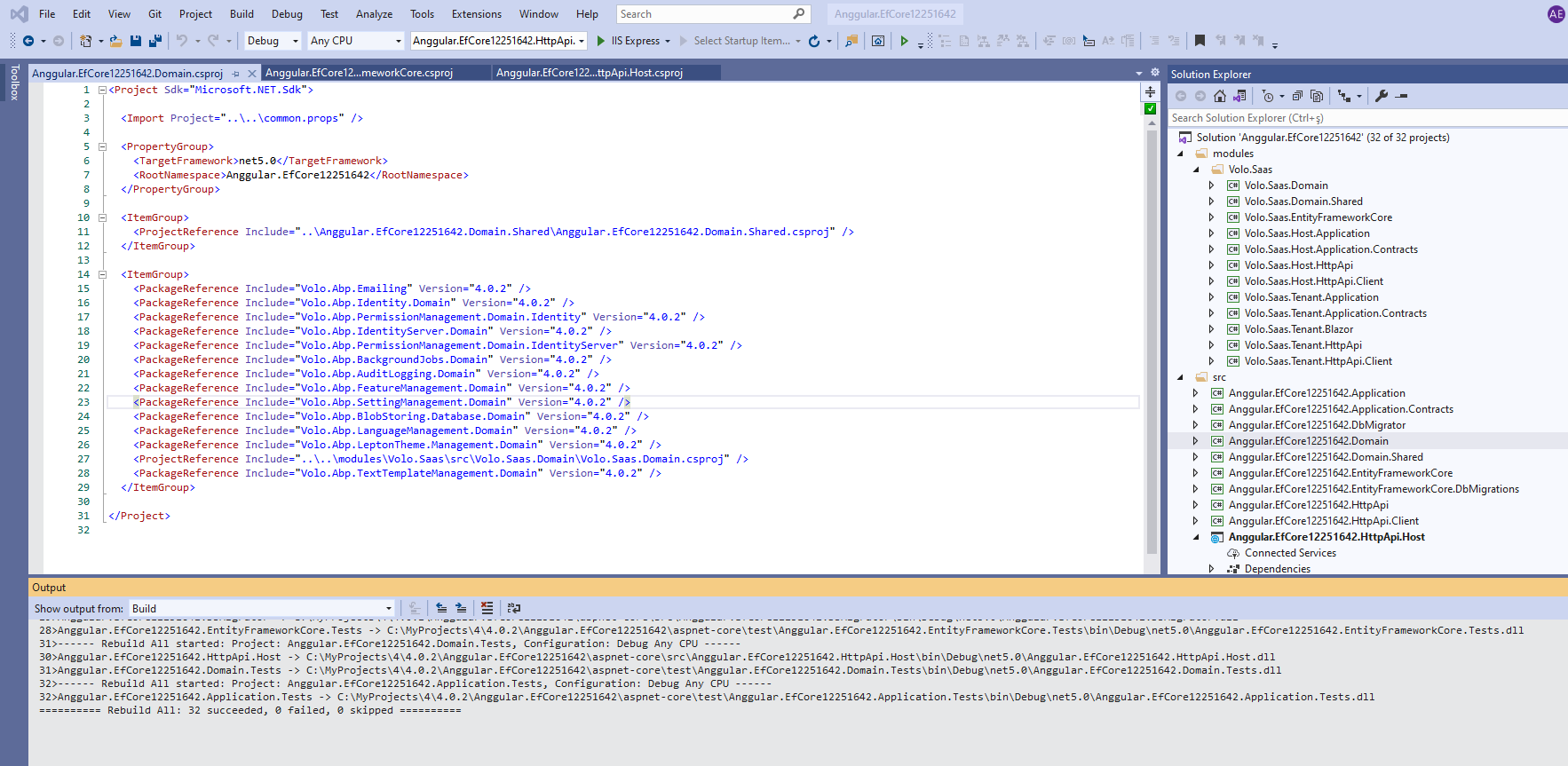
Can you write which module you are trying to add by source-code? Also ensure that your ABP CLI and ABP Suite versions must be the same with your project version. Suite and CLI must be v4.0.2 in your case.
- Cannot create new entity as mulitple namepsaces changed in C# which is breaking the whole project
This shouldn't be problem if you are using the same Suite version. See How can I install a specific version of ABP Suite?
- Cannot add new/change UI as proxy generation command is creating new proxy folder structure which is different than previous version. It is causing whole UI to break.
If you change the backend's project structure, the proxy folder structure also changes.
Folder paths are being created according to namespaces.
Updating the links to those proxies in the UI will fix it
You can try all proxy imports directly from the proxy folder
import {SomeDto} from '@proxy'
If you revise tsconfig you can achieve this.
Create a new project to see the new tsconfig.json file.









