Hi,
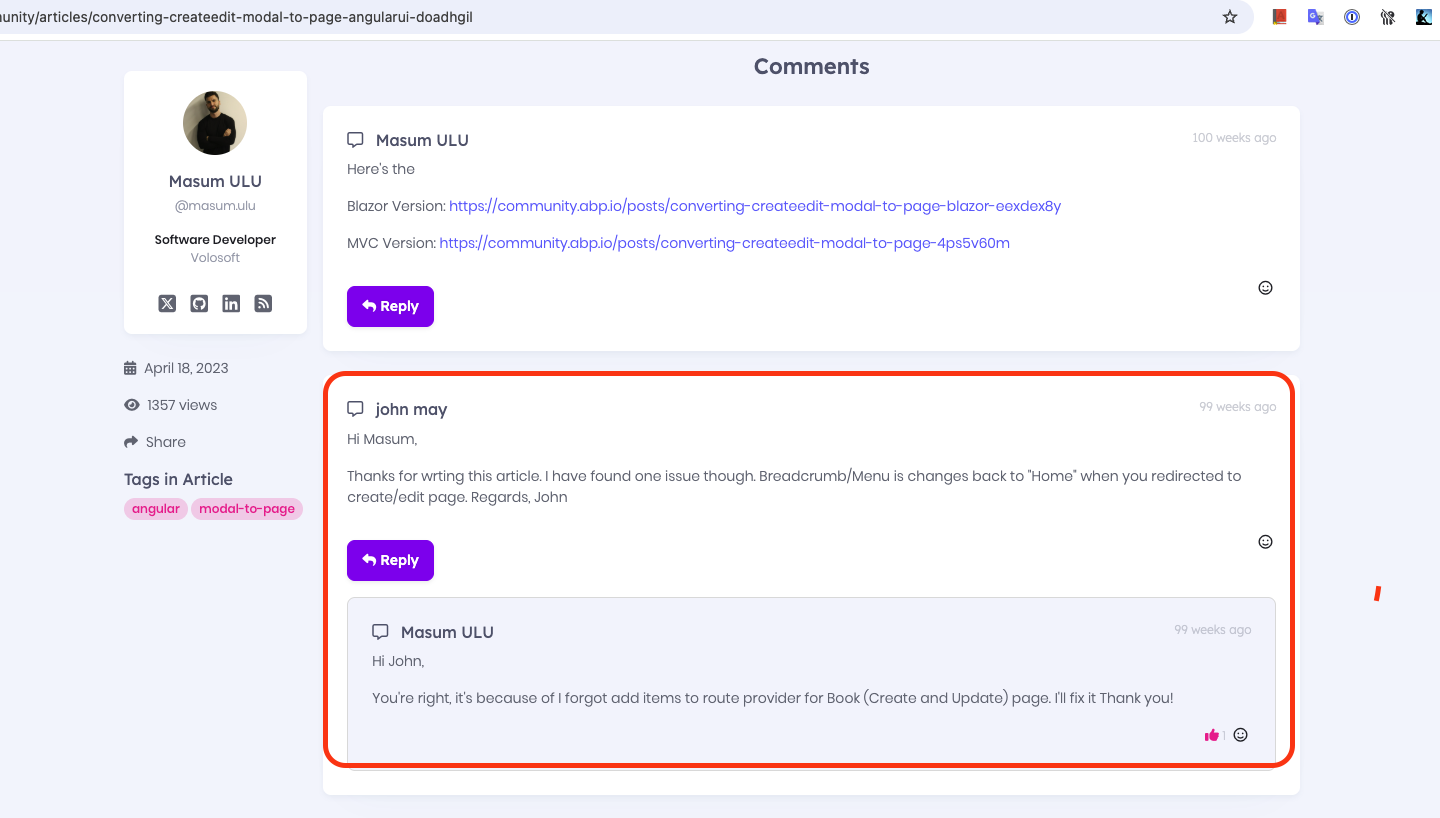
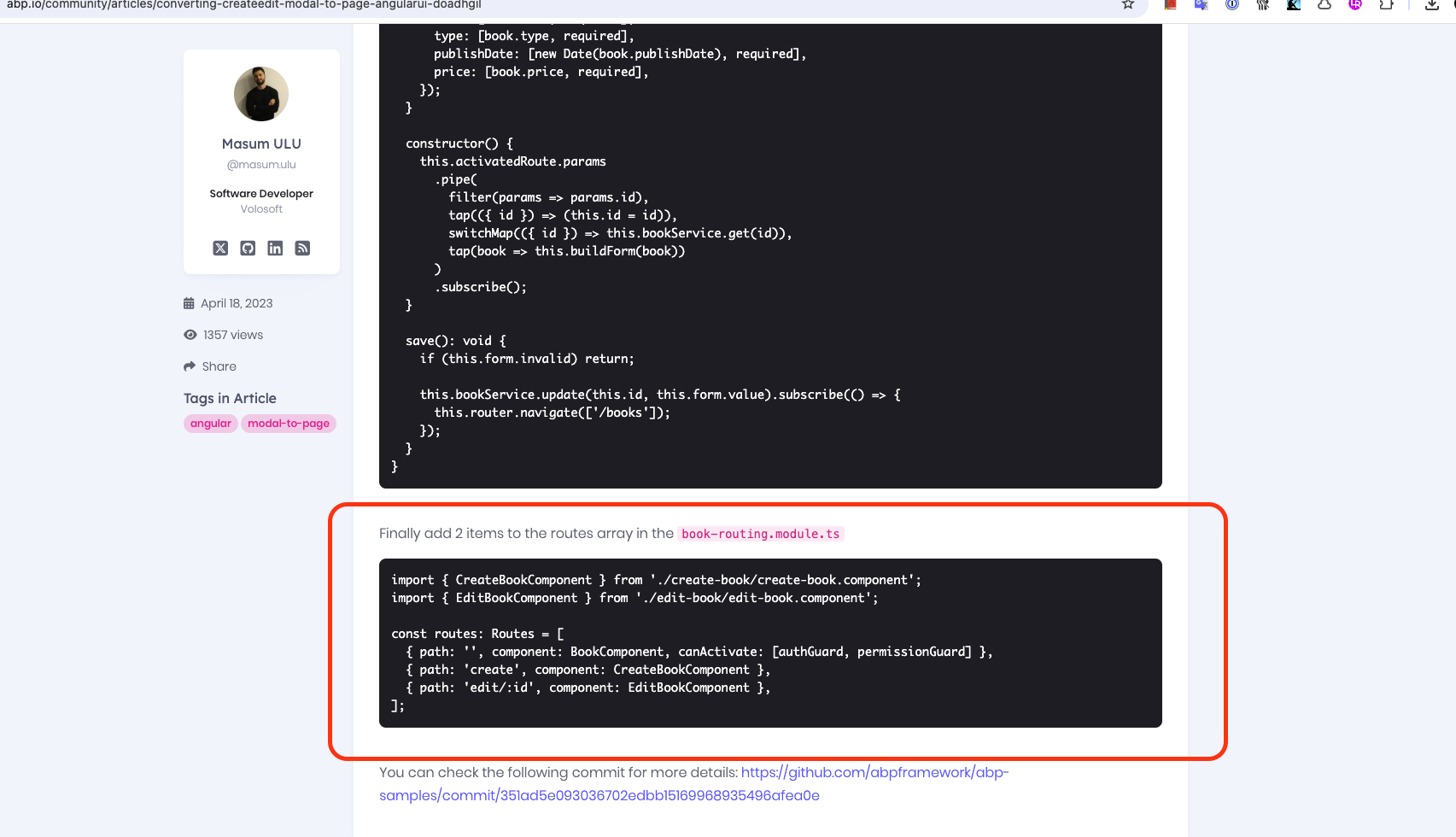
The GIF in the article may not be visible because it is old, but at the end of the article there is a block of code like the one below and it seems to have been done. This feature may not be visible in the GIF because it was added later in the article.
Hi,
Looks interesting, please share your solution via email (to support@abp.io with ticket number) if possible, so we can resolve your issue faster.
Sorry for the late reply. I will try to check your solution later today.
Alright, but simply posting a link doesn’t really justify deducting a credit from my ticket budget—especially since we ended up finding a different solution.
I’m processing a refund for your ticket. Normally, even if we only shared a helpful link, it would still count as a support interaction and reduce your ticket balance. Since we aim to assist with every request, and many questions tend to be similar, we try to respond efficiently — even if the solution is already available elsewhere. We appreciate your understanding.
Closing the issue. Feel free to create a new issue if you have further questions.
Hi,
CreatorId and DeletorId are auto-filled using ICurrentUser during HTTP requests. However, in distributed event handling, events are processed asynchronously in another microservice without the original HTTP context, so ICurrentUser data isn’t available, leaving these fields null. I suggest adding CreatorId and DeletorId to the ETO object when publishing the event and then setting them in the event handler as follows:
       test.CreatorId = eventData.Entity.CreatorId;
       test.DeleterId = eventData.Entity.DeleterId;
Records are deleted after they are published to the event bus. However, if you want to test this, you can test it by setting send to false as below:
This is expected behavior. We disable IsSendingEnabled to show that data is actually written to the Outbox table. Because when the event is published, the record is deleted from the Outbox table and you cannot see it when this process happens very quickly.
Hi,
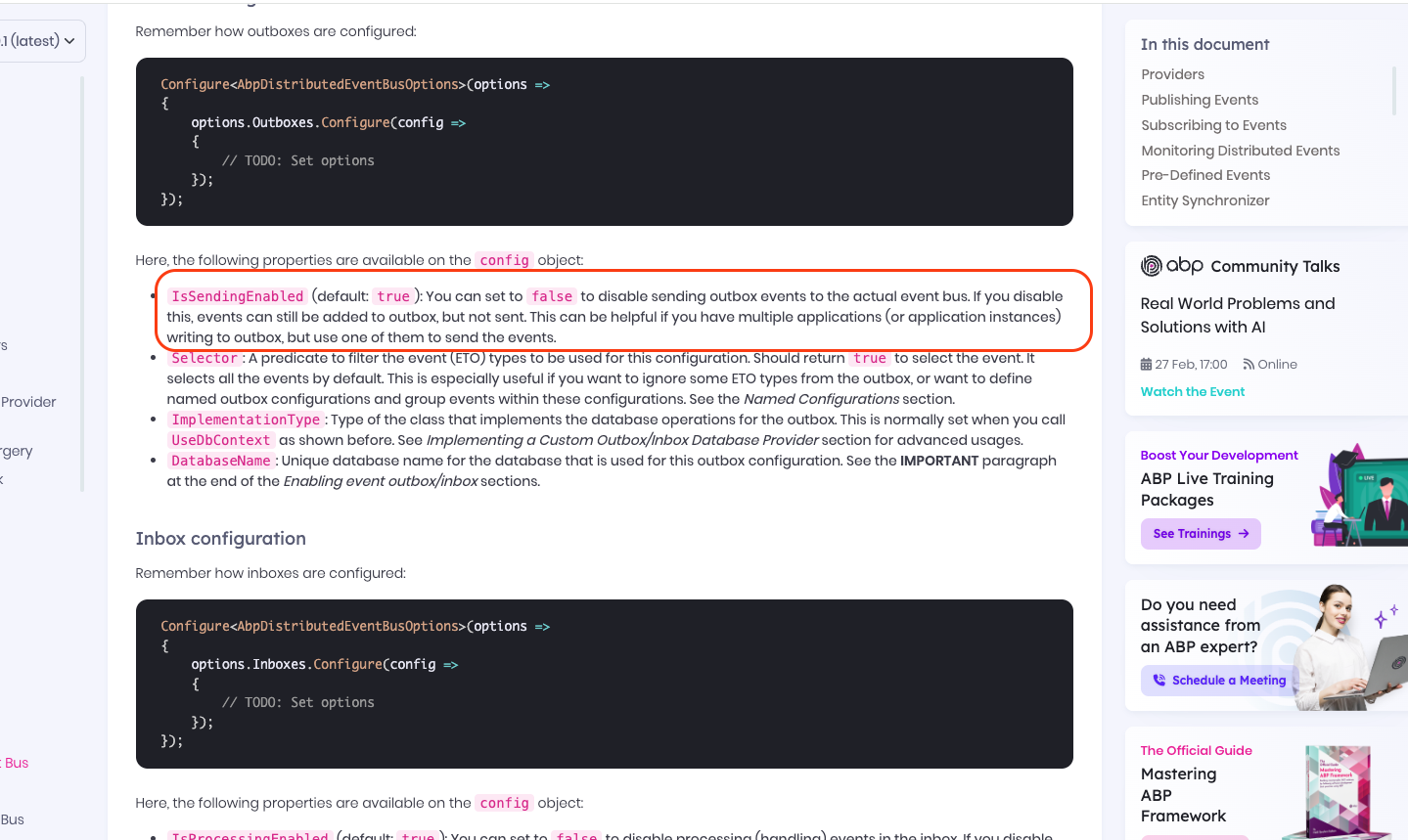
Records are deleted after they are published to the event bus. However, if you want to test this, you can test it by setting send to false as below:
Configure<AbpDistributedEventBusOptions>(options =>
{
    options.Outboxes.Configure(config =>
    {
        // IsSendingEnabled (default: true): You can set to false to disable sending outbox events to the actual event bus. If you disable this, events can still be added to outbox, but not sent. This can be helpful if you have multiple applications (or application instances) writing to outbox, but use one of them to send the events.
        config.IsSendingEnabled = false
    });
});
reference: https://abp.io/docs/latest/framework/infrastructure/event-bus/distributed#outbox-configuration
Hi,
I have tested the problem you mentioned both with and without description but I didn't have any problem. Here are the screenshots from my test:
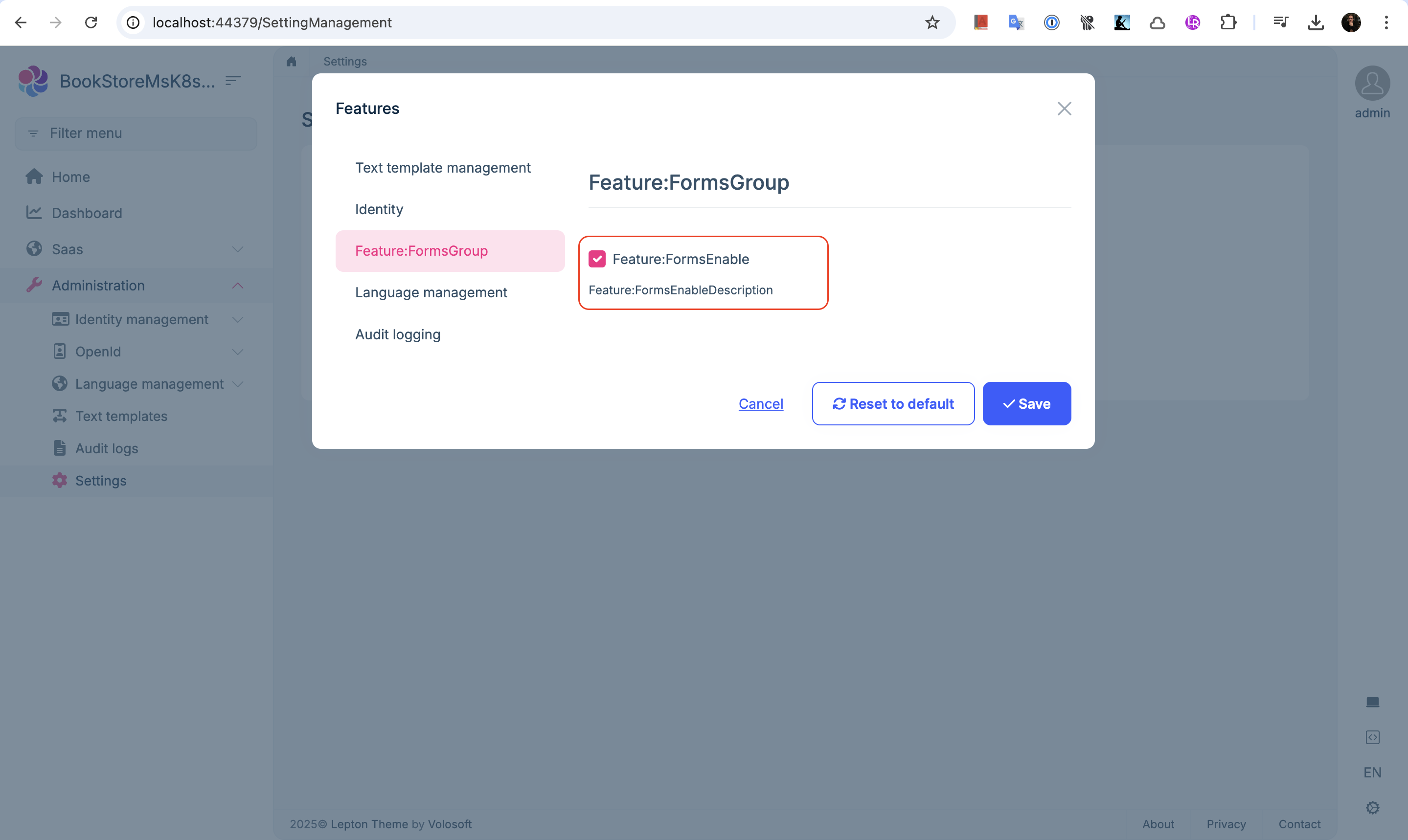
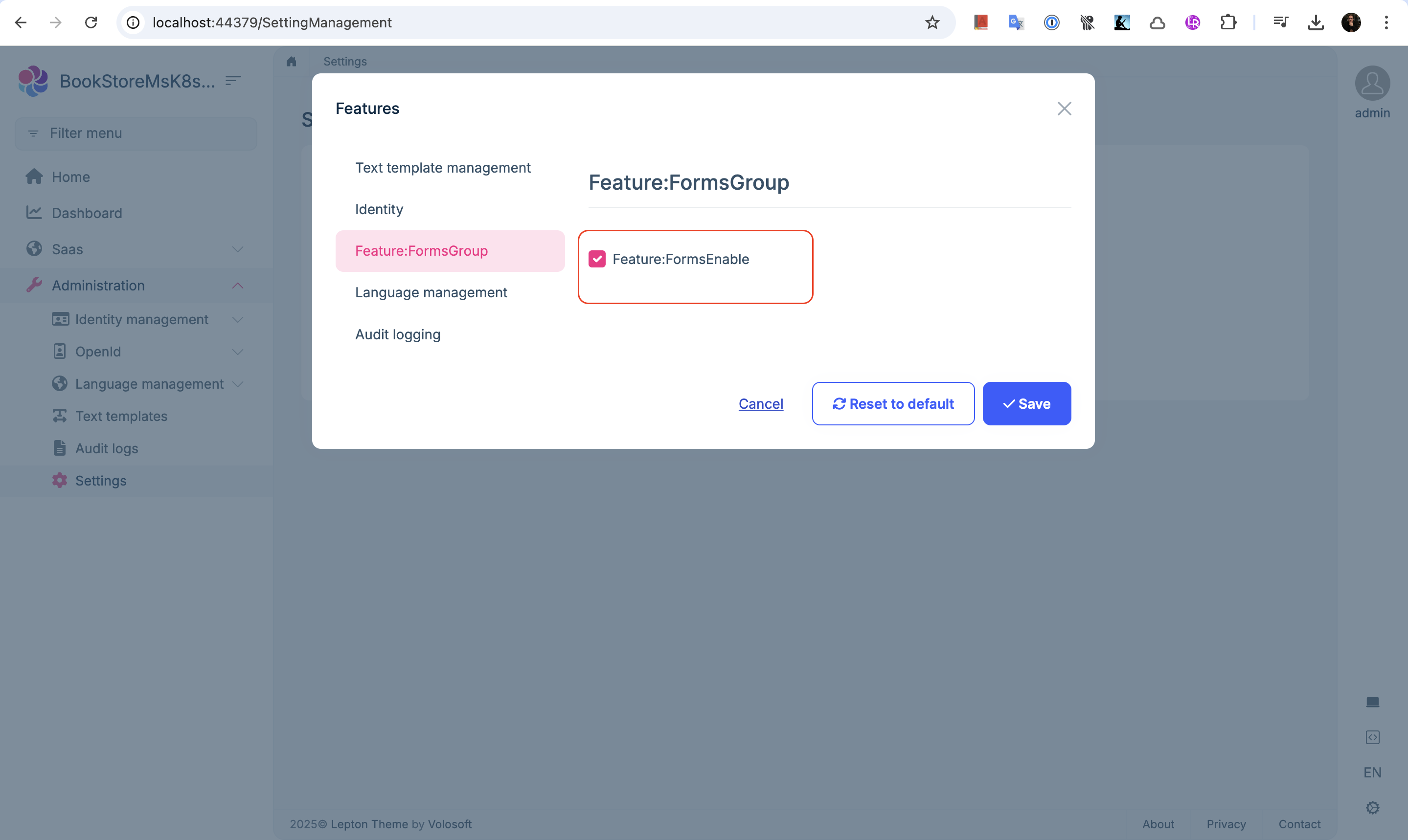
How can I reproduce your problem?
Hi,
I understand, my advice would be to create a 9.1 project from scratch and compare the differences with your own project.
Also, if you have not looked at it, I recommend you to look at the related migration guides while doing the upgrade process. See: https://abp.io/docs/latest/release-info/migration-guides
Hi,
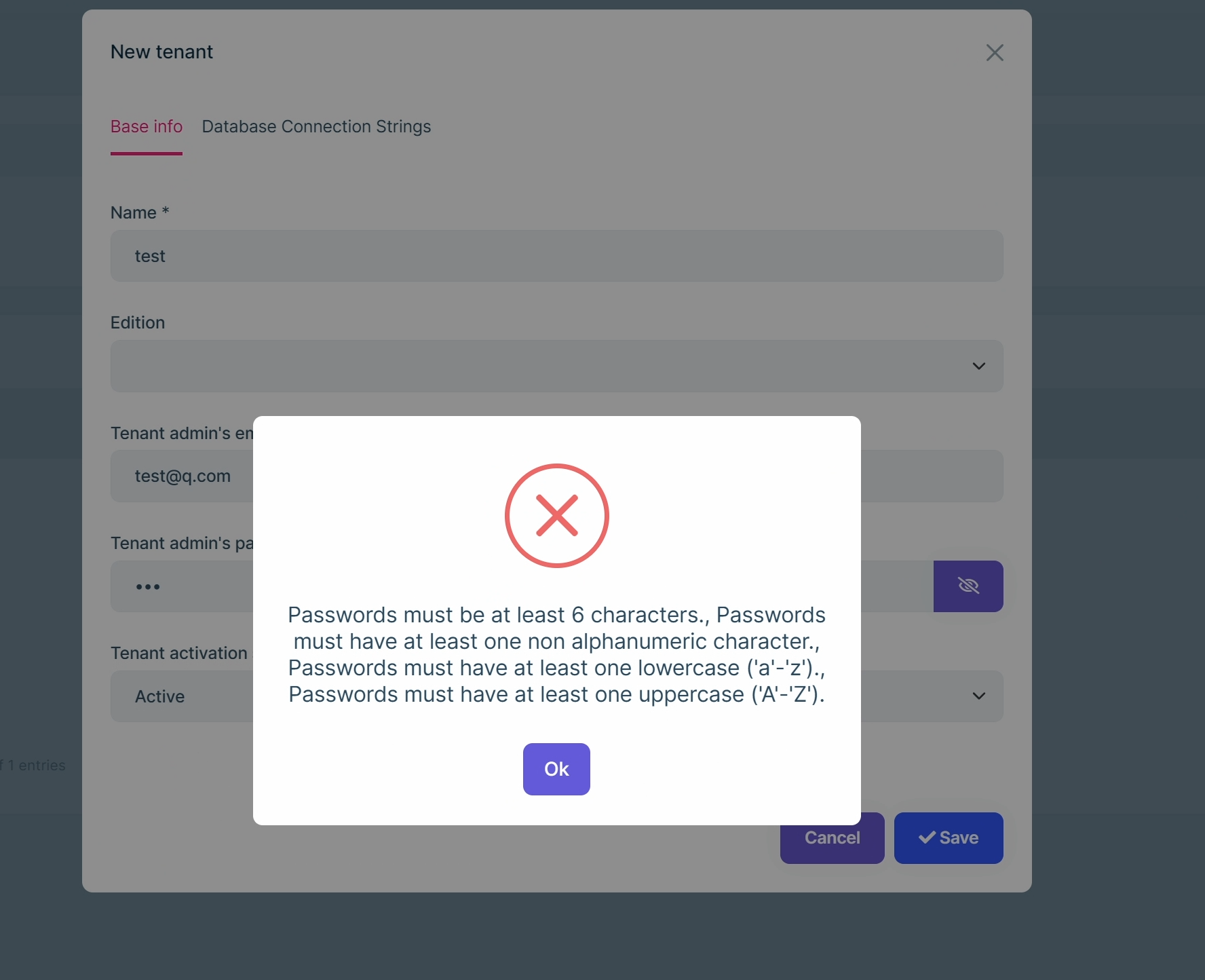
This is a known issue because SAAS and Identity are two separate modules, the password cannot be verified in the module.
But you can custom it in your project:
[Dependency(ReplaceServices = true)]
[ExposeServices(typeof(ITenantAppService))]
public class MyTenantAppService : TenantAppService
{
    protected IOptions<IdentityOptions> IdentityOptions { get; }
    private IdentityUserManager _userManager;

    public MyTenantAppService(
        ITenantRepository tenantRepository,
        IEditionRepository editionRepository,
        ITenantManager tenantManager,
        IDataSeeder dataSeeder,
        IDistributedEventBus distributedEventBus,
        IOptions<AbpDbConnectionOptions> dbConnectionOptions,
        IConnectionStringChecker connectionStringChecker,
        IOptions<IdentityOptions> identityOptions, IdentityUserManager userManager) : base(tenantRepository, editionRepository, tenantManager, dataSeeder, distributedEventBus, dbConnectionOptions, connectionStringChecker)
    {
        IdentityOptions = identityOptions;
        _userManager = userManager;
    }

    public async override Task<SaasTenantDto> CreateAsync(SaasTenantCreateDto input)
    {
        if (!input.AdminPassword.IsNullOrWhiteSpace())
        {
            await ValidPasswordAsync(input.AdminPassword);
        }

        return await base.CreateAsync(input);
    }

    public async override Task SetPasswordAsync(Guid id, SaasTenantSetPasswordDto input)
    {
        await ValidPasswordAsync(input.Password);
        await base.SetPasswordAsync(id, input);
    }

    private async Task ValidPasswordAsync(string password)
    {
        var errors = new List<IdentityError>();
        var isValid = true;
        await IdentityOptions.SetAsync();

        foreach (var passwordValidator in _userManager.PasswordValidators)
        {
            var result = await passwordValidator.ValidateAsync(_userManager, null, password);
            if (!result.Succeeded)
            {
                if (result.Errors.Any())
                {
                    errors.AddRange(result.Errors);
                }

                isValid = false;
            }
        }

        if (!isValid)
        {
            IdentityResult.Failed(errors.ToArray()).CheckErrors();
        }
    }
}