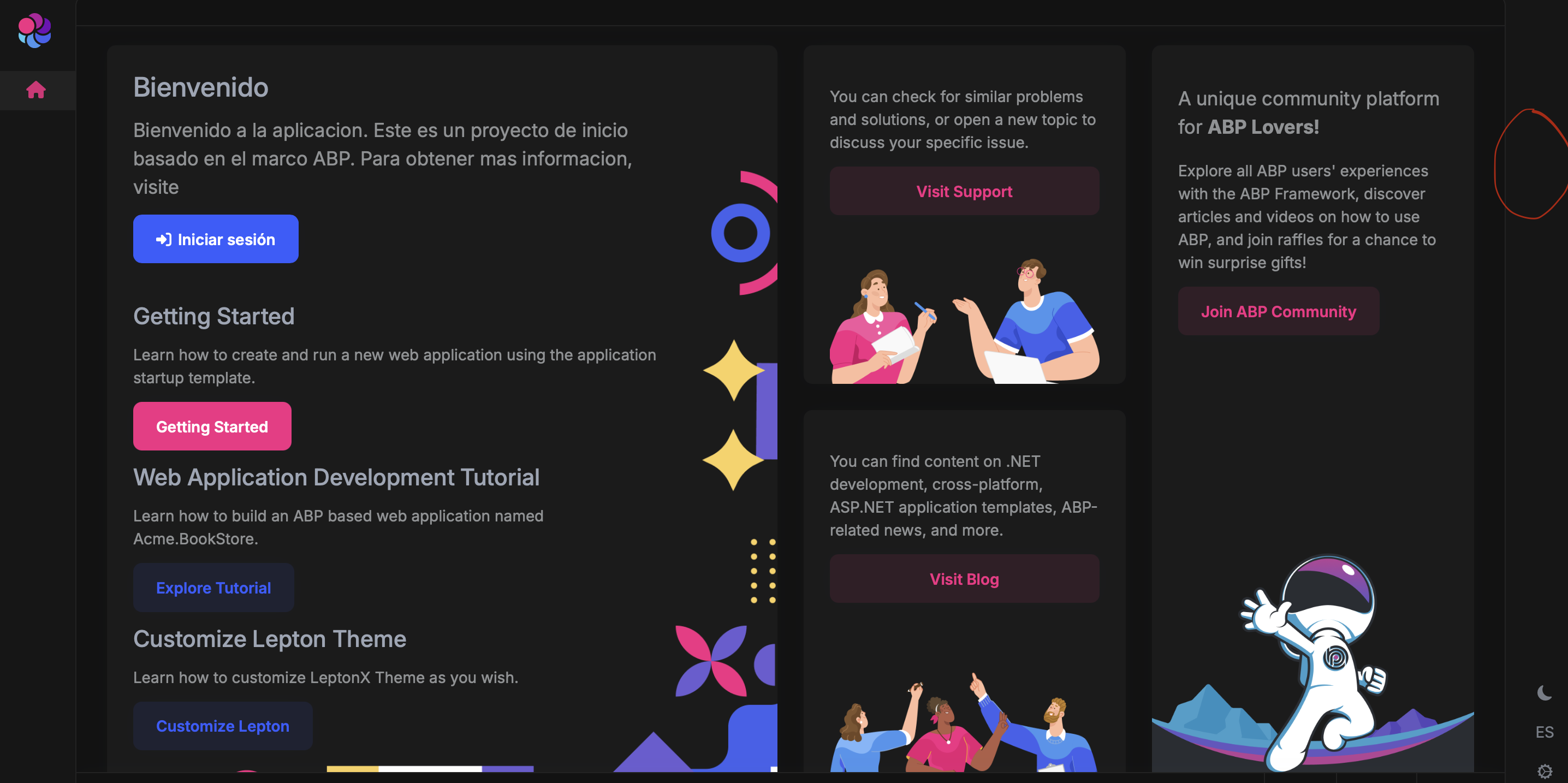
Yesterday, I sent the reproduction case, on the email you attached to the message, and I re-sent it today.
Hello ABP Support Team,
We are experiencing an issue in our ABP Blazor application after copying the default LeptonX layout to create a custom layout.
We created a custom layout (MDI Layout) by copying the original LeptonX side menu layout source code line by line. Initially, the content is identical to the original layout — no structural changes were introduced.
After:
The application runs correctly, authentication works properly, and the user is successfully logged in.
However:
The user icon / user dropdown menu (top-right corner) is no longer displayed after authentication.
There are:
The only difference is that the layout is now our copied version instead of the original theme layout.
We would like clarification on:
We would appreciate guidance on the correct way to extend or replace the layout without losing the user menu component.
Thank you very much for your support.
Hi ABP Team,
I’m currently working on a branch where we are integrating DevExpress components into our ABP-based Blazor application.
We’ve encountered an issue related to the admin/user menu in the top bar. After logging in successfully, the admin/user icon (which normally appears in the header and allows actions like Logout) is not being displayed.
In other branches (without the DevExpress integration), the user menu appears correctly after authentication.
So I’d like to understand:
We suspect that something in the layout structure may have been overridden or removed when integrating DevExpress UI components.
Any guidance on how the login/profile/logout UI is internally wired in ABP would be very helpful.
Thank you in advance.