@maliming Thanks. "Login with this tenant" was displayed.
In Settings > Feature management, child feature is displayed on the same level as parent feature
Is it the bug?
In 8.3.2, there are 2 issues compared to 8.2.3
v8.2.3
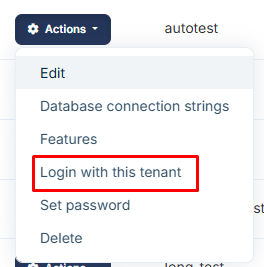
v8.3.2
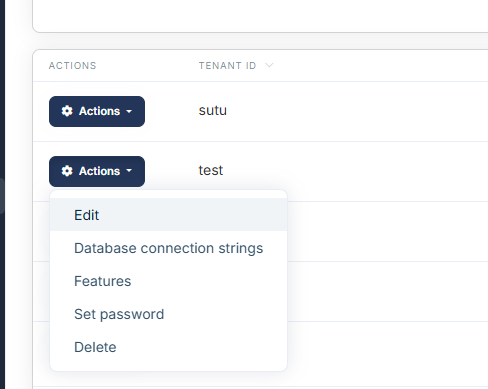
v8.2.3

v8.3.2
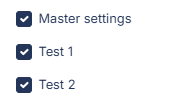
In 8.3.2, there are 2 issues compared to 8.2.3
v8.2.3
v8.3.2
v8.2.3
v8.3.2
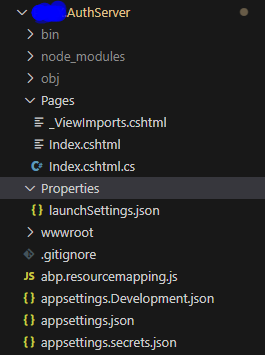
@maliming I use ABP's built-in login completely. AuthServer is a separate project. Where can I change to achieve my desired result?
hi
This is ASP NET Core behavior.
https://learn.microsoft.com/en-us/aspnet/core/security/anti-request-forgery?view=aspnetcore-8.0#multiple-browser-tabs-and-the-synchronizer-token-pattern
@maliming Is there any way to bypass this behavior on ABP?
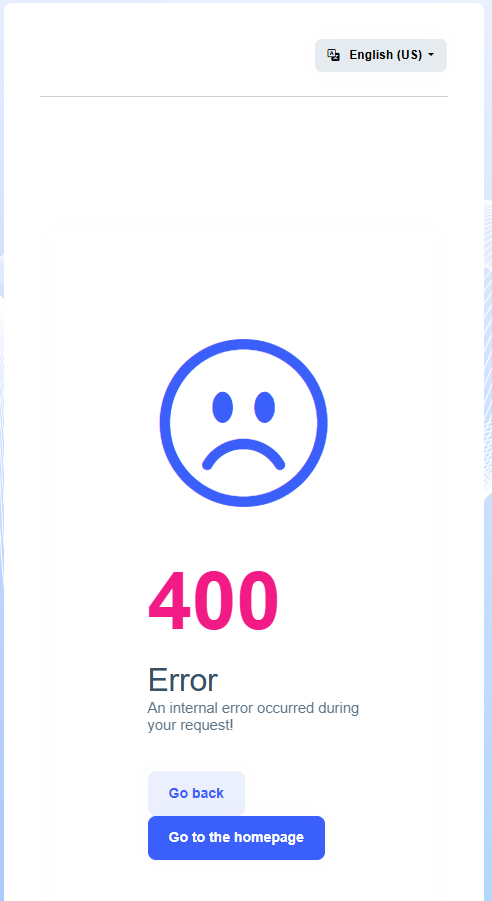
① You are logged in and have two tabs open in your browser. ② If you log out of tab 1, you will also be logged out of tab 2. ③ If you enter the correct user and password in tab 1 and log in, you will be able to log in. ④ If you enter the correct user and password in tab 2, you will get a 400 error.
I tried setting AutoValidate = false but it still doesn't solve this problem.
https://abp.io/docs/latest/framework/infrastructure/csrf-anti-forgery
I checked the error log but there was no error.
Hello ,
I have tried to reproduce your issue , it works fine at my end. you may check this Sample Application
Please provide me details steps to reproduce issue or screenshots , logs of error so that I can better assist you.
Thank you.
The reproduction sequence I described at the beginning, below is the error screen image
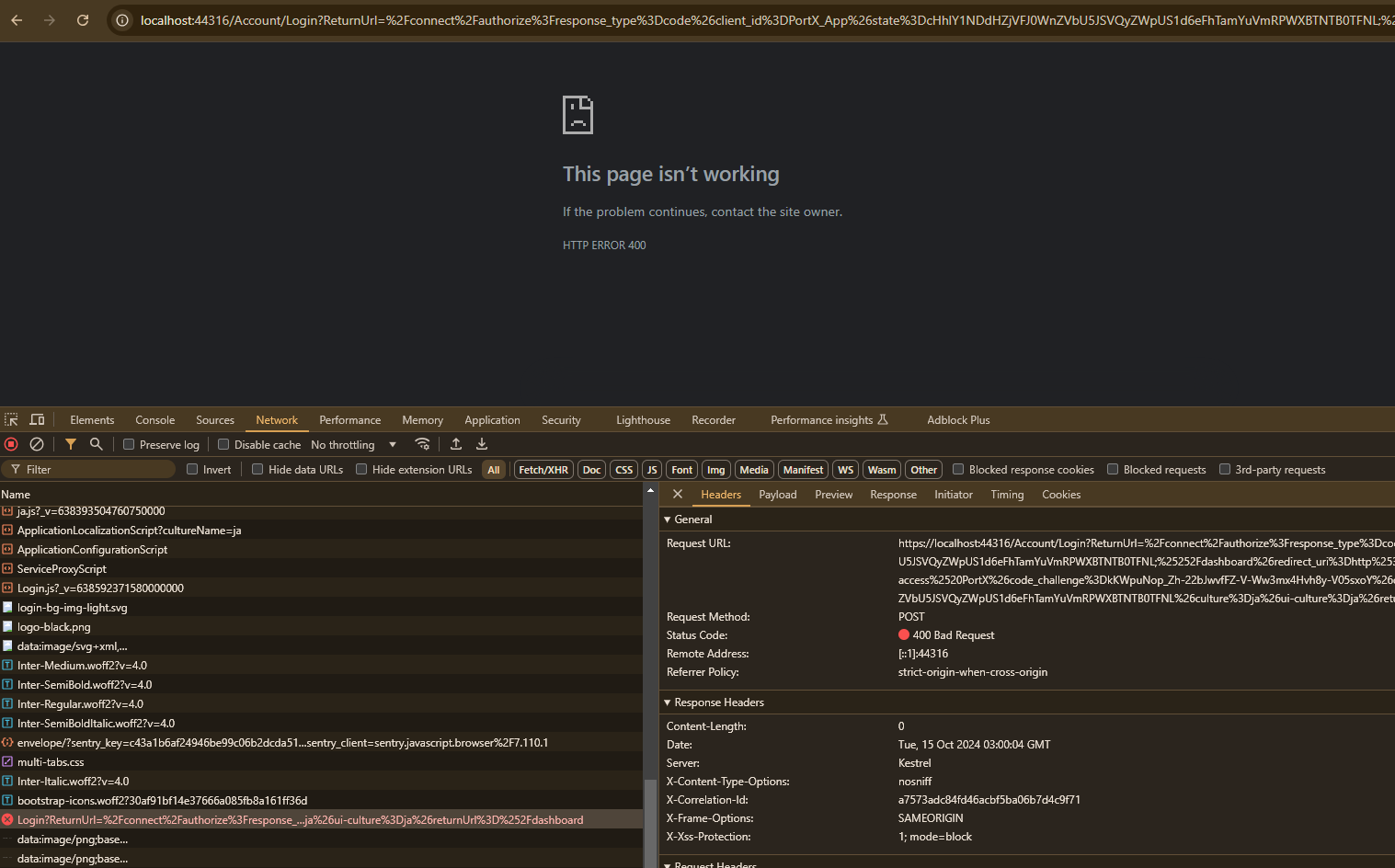
① You are logged in and have two tabs open in your browser. ② If you log out of tab 1, you will also be logged out of tab 2. ③ If you enter the correct user and password in tab 1 and log in, you will be able to log in. ④ If you enter the correct user and password in tab 2, you will get a 400 error.
I tried setting AutoValidate = false but it still doesn't solve this problem.
https://abp.io/docs/latest/framework/infrastructure/csrf-anti-forgery
sorry zero-downtime deployments









