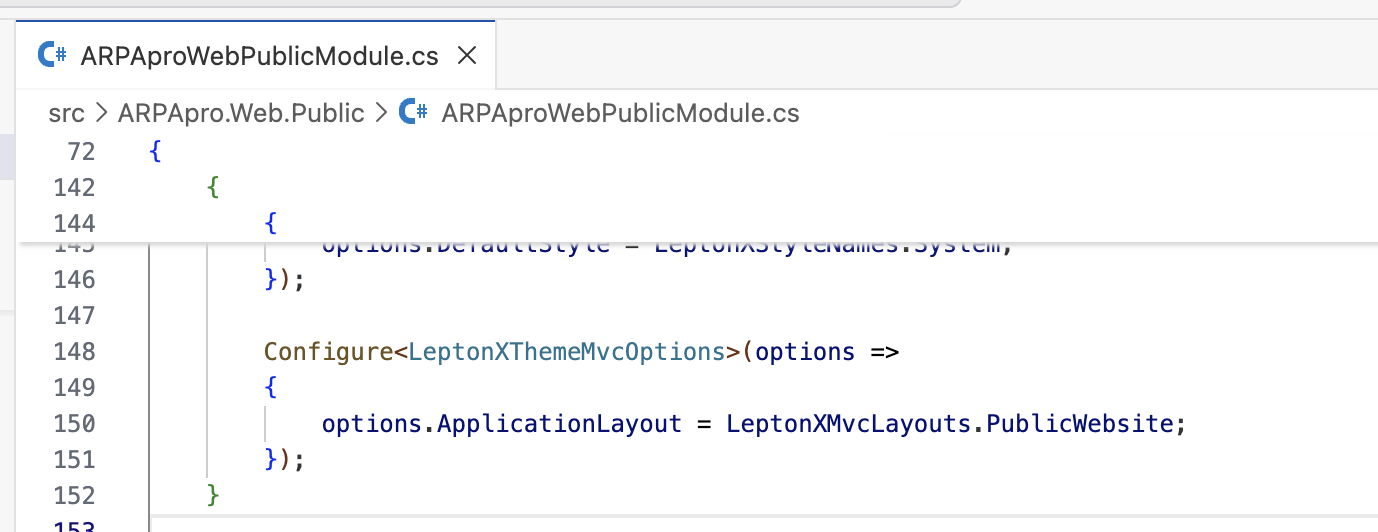
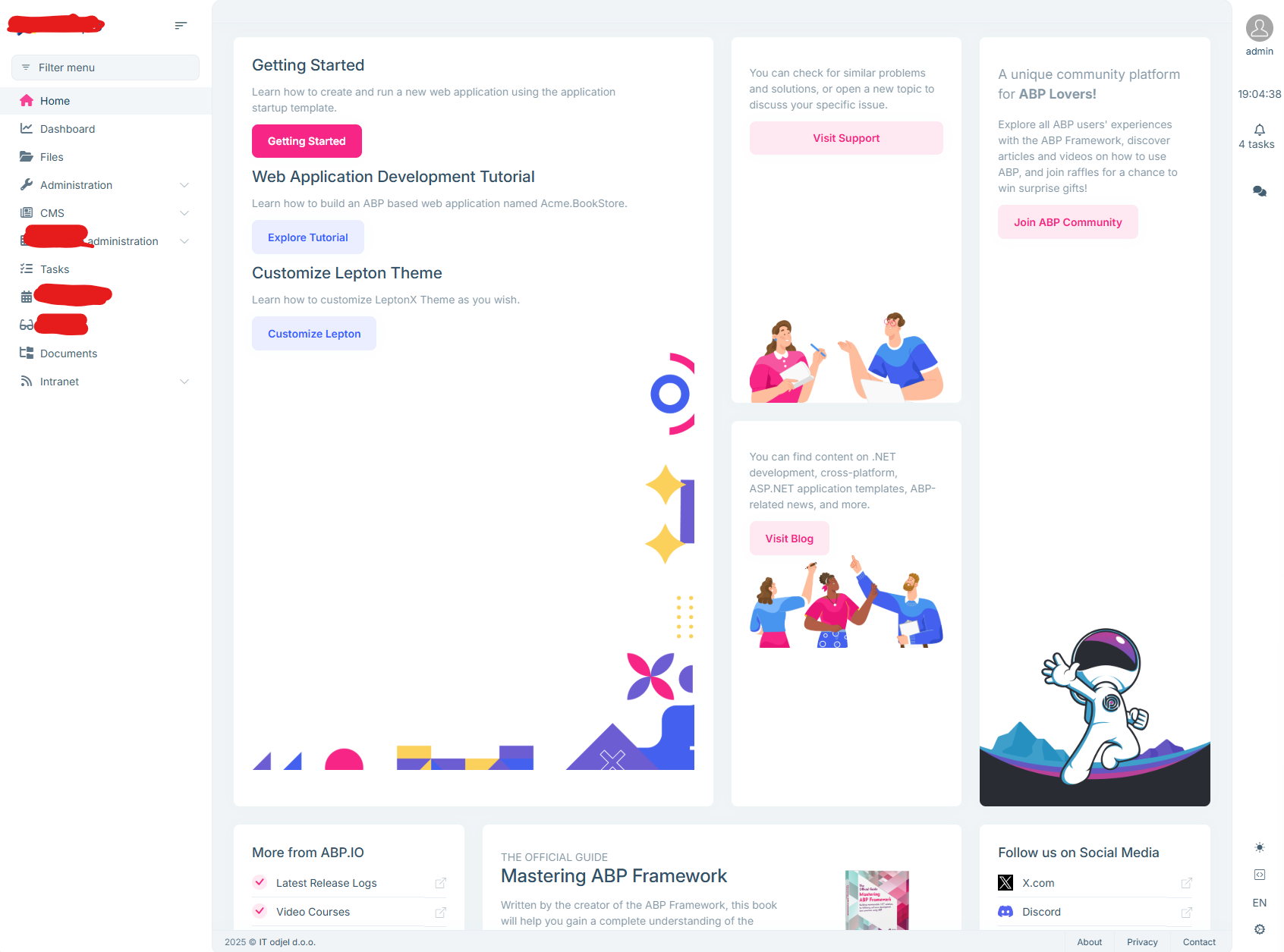
9 Answer(s)
-
0
- Solution
Cause: CMS Kit Blog pages ship their own Bootstrap container/row markup and some generic CSS. In LeptonX for Blazor, the application body already uses a flex/grid layout and spacing utilities. When the blog list and post components render inside the layout, duplicated container/row wrappers and a few global CSS classes from the Blog module can break the page width and push the sidebar/header out of alignment.
Fix 1 — Update LeptonX and CMS Kit to the latest compatible versions for ABP 9.3.x:
- Ensure all UI packages are aligned to your ABP version (9.3.6). Mismatched minor versions easily cause layout glitches.
- In all Blazor UI projects, align these packages:
- Volo.Abp.AspNetCore.Components.Web.LeptonXTheme
- Volo.CmsKit.Pro.Public.Web and Volo.CmsKit.Pro.Admin.Web (or the non-Pro equivalents if you use the open-source CMS Kit)
- After updating, clean and rebuild.
Fix 2 — Remove conflicting container wrappers in your CMS Kit page overrides:
- If you customized/overrode any Blog razor components (List or Detail) under your project (e.g., Pages/CmsKit/Blogs/* or Components/Blogs/*), remove extra Bootstrap container/row/col wrappers. LeptonX already handles the main container. Keep only the content block.
- Example (pseudo-diff):
<!-- Before -->
    <div class="container">
      <div class="row">
        <div class="col-12">
          @* Blog content *@
        </div>
      </div>
    </div>

    <!-- After -->
    @* Use LeptonX content area; no extra container *@
    @* Blog content *@
Fix 3 — Ensure you’re not importing Blog CSS globally:
- If you added custom blog CSS to wwwroot/styles.css or imported a third-party blog stylesheet globally, scope it to the blog components only, or remove global selectors that target html/body/.container/.row. Use a wrapper class (e.g., .blog-page) in the blog components and prefix selectors accordingly.
Fix 4 — Verify LeptonX app layout and content container:
- Make sure your MainLayout is using the default LeptonX layout and that your content is placed inside the provided content area. Avoid adding additional wrappers with fixed widths.
- If you replaced any LeptonX layout component (Header, Footer, ContentContainer), revert to the default or re-implement with the same structure to preserve the layout.
Fix 5 — Clear cached assets:
- Delete bin/obj, purge wwwroot (generated bundles), and restart the app. If you use static versioning, increment the bundle version so browsers fetch the new CSS.
- Sources
- No verified source available for this specific query.
This response was generated by AI. If it didn’t solve your problem, feel free to post a new answer — our support team will jump in to help you soon.
Markdown supported.Copy, paste, or drag & drop images and files (max 100 MB per file, 100 MB total per post) -
0
All packeges are 9.3.6 and LeptonX is 4.3.6. I made no changes to layout structure or blog module. It happens on both Blazor and Public web sites and it happens identically in 2 separate ABP solutions. When I hit F12 in browser, I see diferent structure in Blog and other public web pages: in Blazor: blog:
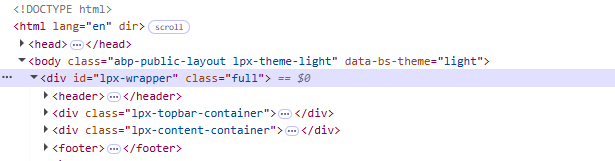 created public web page:
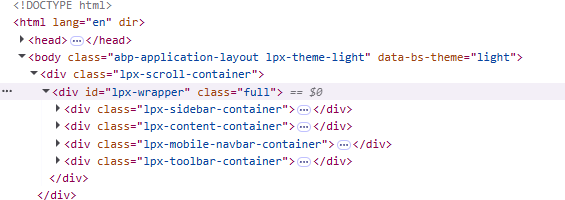
in public web: blog:
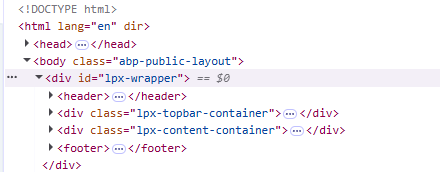 page:
page:
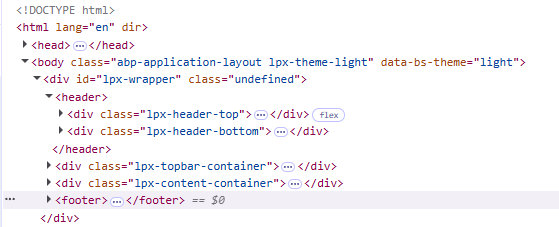
I tried deleting bin and obj folders, install libs again and rebuild, it didn't help.
Markdown supported.Copy, paste, or drag & drop images and files (max 100 MB per file, 100 MB total per post) -
0
-
1
The
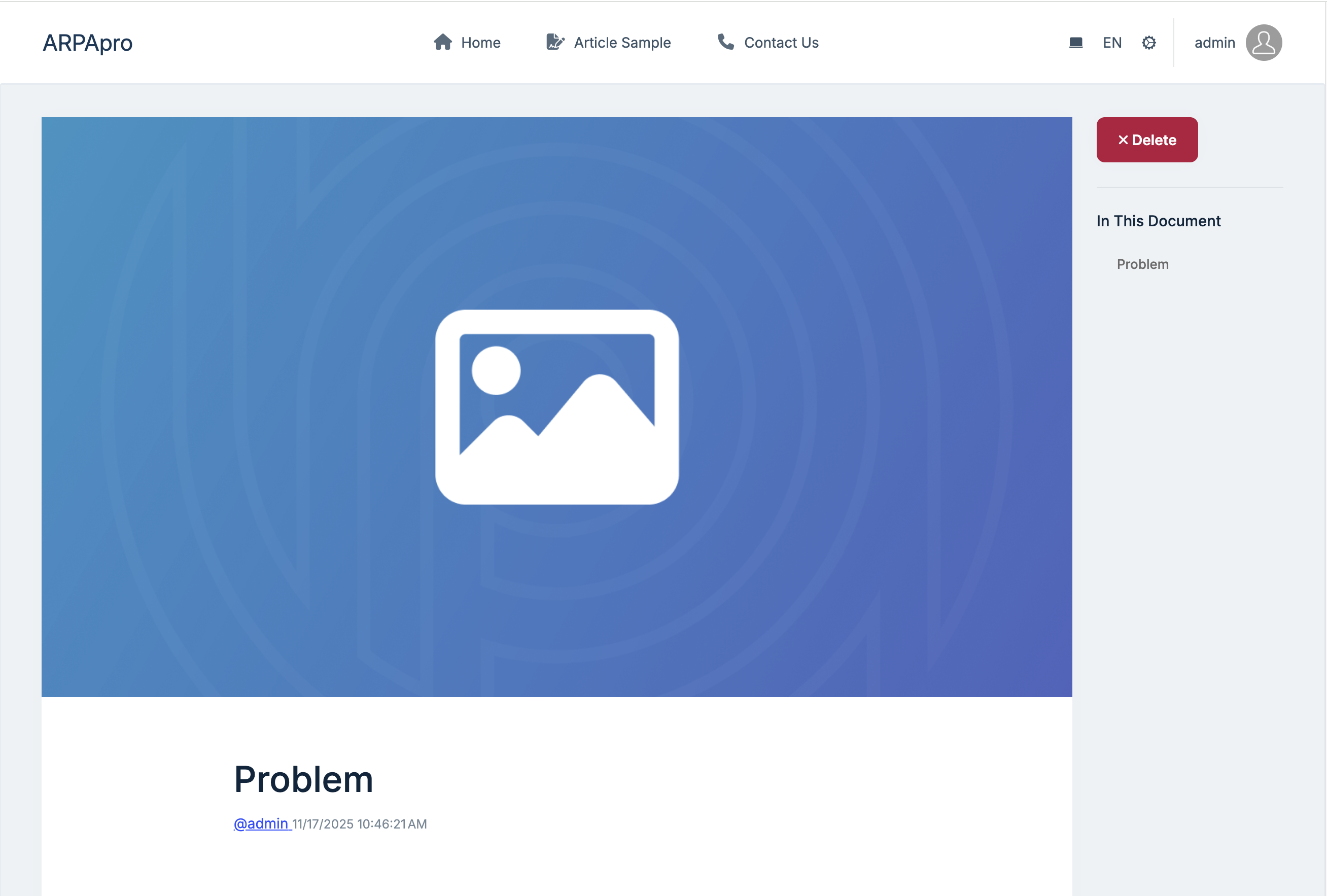
Volo.CmsKit.Pro.Public.Webshould not add toARPApro.Blazorproject.The
ARPApro.Blazoris a backend management website. The blog and post should show on the public website.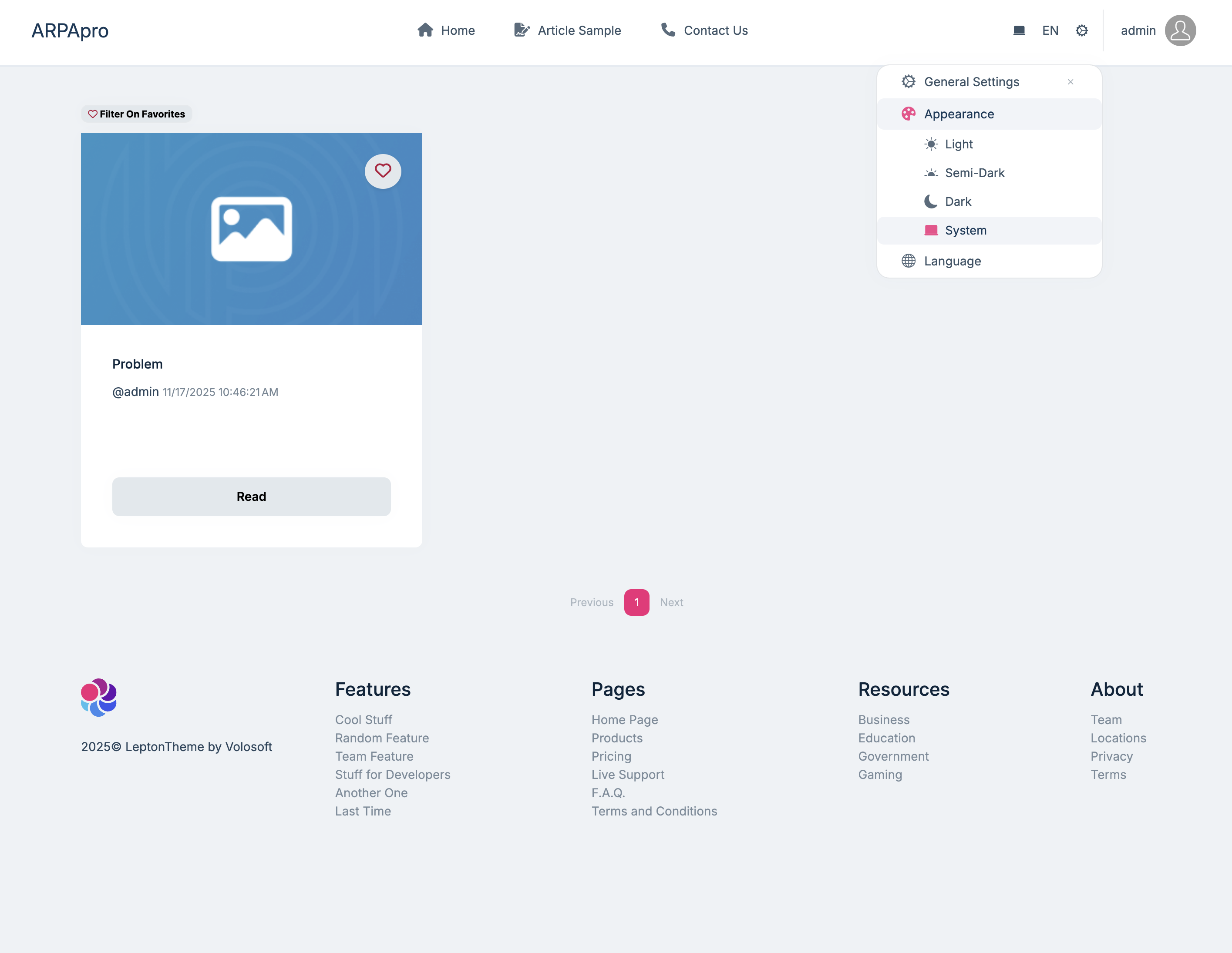
 Markdown supported.Copy, paste, or drag & drop images and files (max 100 MB per file, 100 MB total per post)